Last week I received the email notification, that NXP has released an update of the MCUXpresso IDE: the version 11.6.1. So I quickly checked it out:
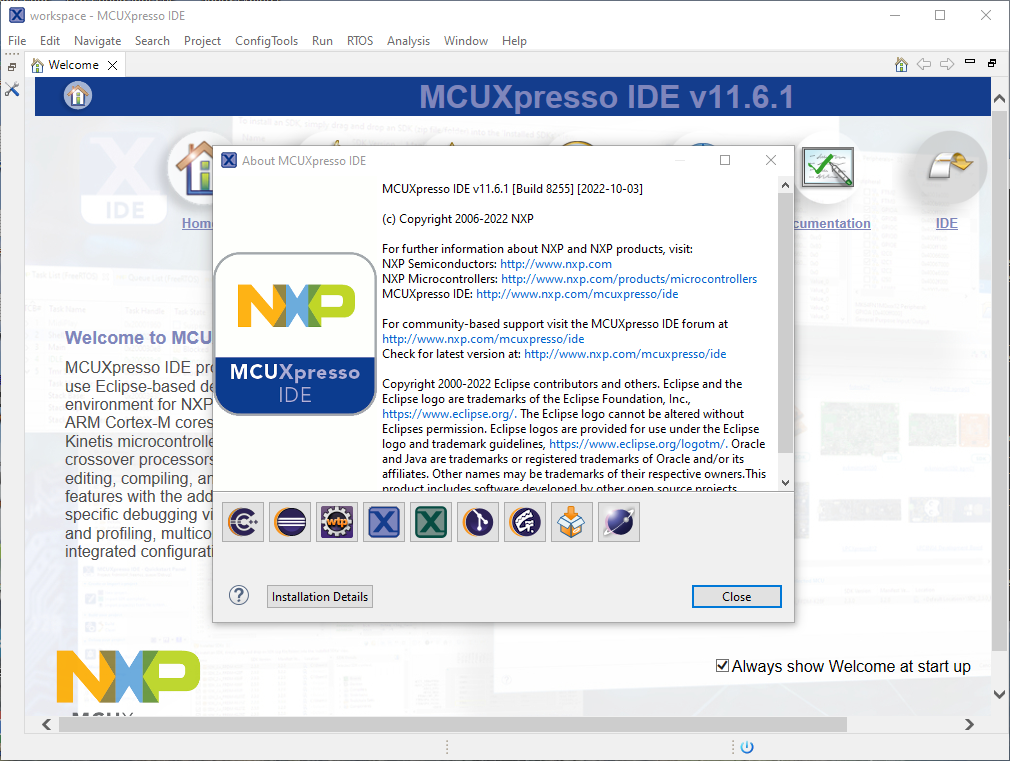

Last week I received the email notification, that NXP has released an update of the MCUXpresso IDE: the version 11.6.1. So I quickly checked it out:
With a steady release train, NXP has released last week a new and updated version of their flagship IDE: the version 11.6.0 of the MCUXpresso IDE.

And there are several new and cool features with that release, including a power & energy profiler and CMake support.
Continue readingIf you are in the electronics or microcontroller business: you very well know the problems with chip and silicon availability. What was supposed to last maybe for a few months starting with COVID-19 is still a problem in 2022: chips are not available or the price has skyrocket.

We at the Lucerne University are using NXP Kinetis micro controllers which seem to be affected by the silicon shortage somewhat more than any other devices? When looking that the usual sources, it was clear some are still available, but in a rather exotic WLCSP package. So the question is: can it be useful?
Continue readingModern MCUs like the NXP Kinetis have security features which prevent reverse engineering, but can ‘brick’ devices too. Depending on the settings, it prevents read-out from the FLASH or reprogramming the device. While some of the protection is (mostly) not by-passable by design, in many case the devices looks like ‘bricked’ but still can be recovered. In this article I’ll get you some ways for a (hopefully) successful recovery.

With the new MCUXpresso versions out, and because it has been a while I showed how to install Processor Expert into Eclipse, here is an update how to do this.

The silicon shortage is still going on. While the NXP Kinetis KE devices might not be my first choice, they still seem to be available, in at least in lower quantities. This has been recognized by others, as I’m getting more and more questions and requests for the KE and KV family. This is why I un-dusted my old FRDM-KE02Z to be used with the latest MCUXpresso SDK and IDE.

And in case you want to use that board or device with semihosting, I have you covered.
Continue readingI’m now in the middle of the university fall semester exam season with writing exams and grading student work, and the same time the new semester courses need to be prepared. With the global silicon and board shortage, this will be again a challenge to equip all the labs with the needed infrastructure. The good thing is that there is no shortage on software and tools side of the infrastructure: NXP released last week their new flagship Eclipse based IDE: the MCUXpresso IDE 11.5.0. Time to check it out for the upcoming lectures and classes….

Continue readingSpoiler Alert: It has a new view for FreeRTOS lovers, plus new features for energy/power measurements!
Split-flap displays are electromechanical display devices, which were common in airports or railway stations a few years ago.Unfortunately, most of them are gone and replaced by LED displays. Why not create a DIY version of it?

I’m pleased to announce a new release of the McuOnEclipse components, available on SourceForge. This release includes several bug fixes, support for more devices, and updated components like FreeRTOS, MinINI, Percepio Tracealyzer and SEGGER SystemView.

SourceForge
Many embedded systems application need to store some kind of data in a persistent way: calibration values, settings or log information. For a smaller amount of data, using an external memory or file system is an overkill. In many system I’m using minINI to store key-value pars in in a ‘ini-file’ way, but it requires the use of a file system of some kind. minINI is great and efficient, and makes getting and storing data really easy. But for simple cases, a single FLASH memory page or sector is just all what I need. Instead managing that page directly, why not using minINI without a file system?
 MCU on Eclipse