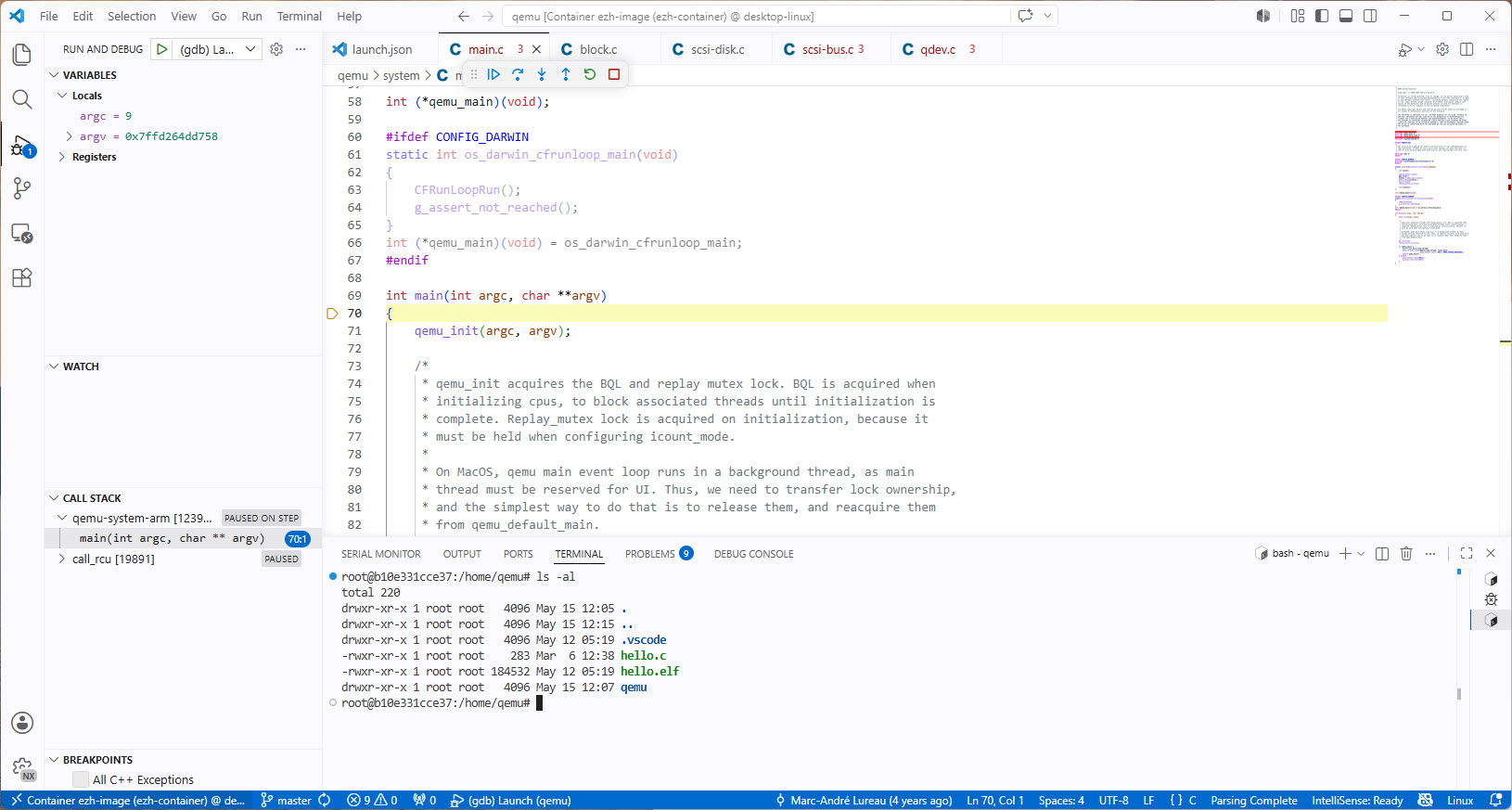
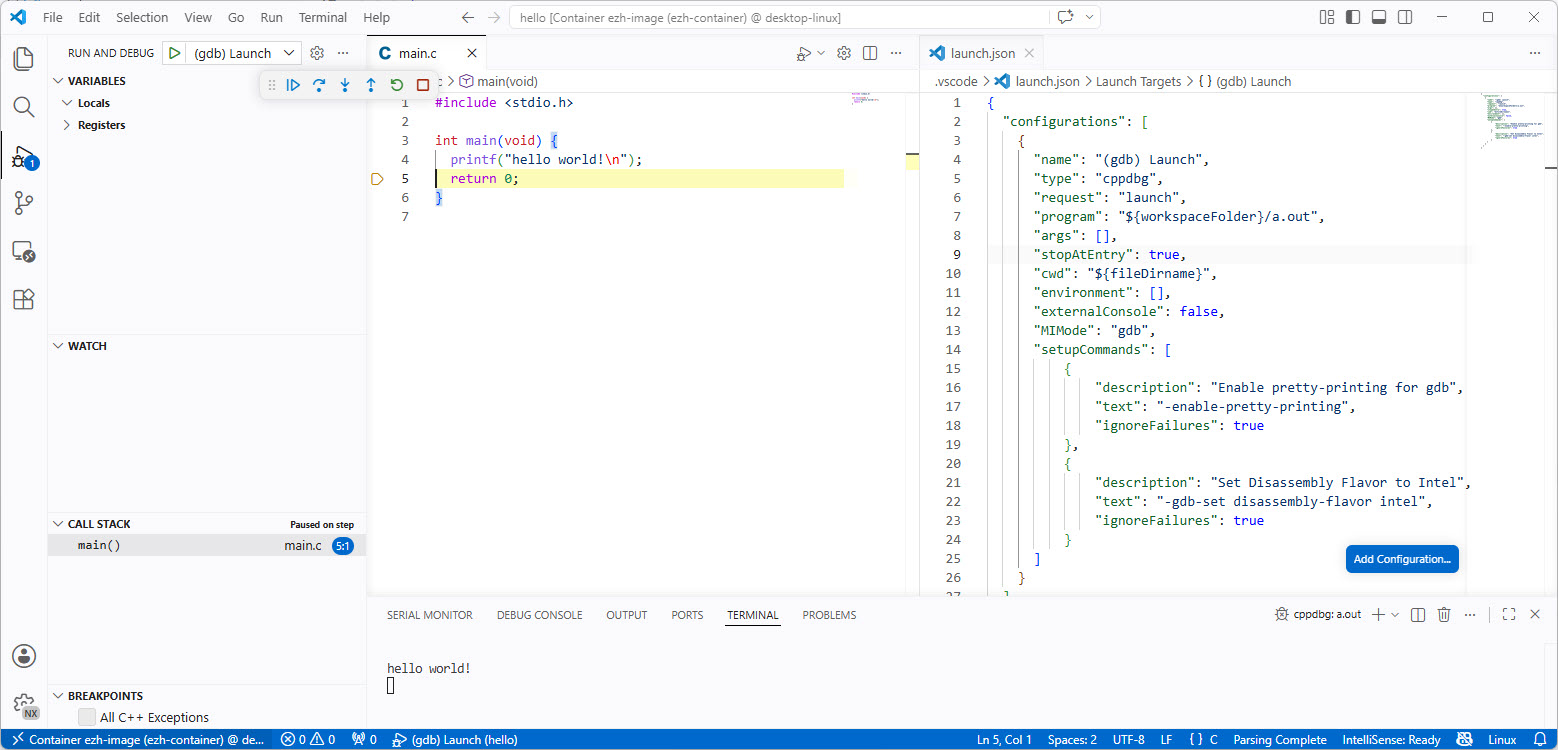
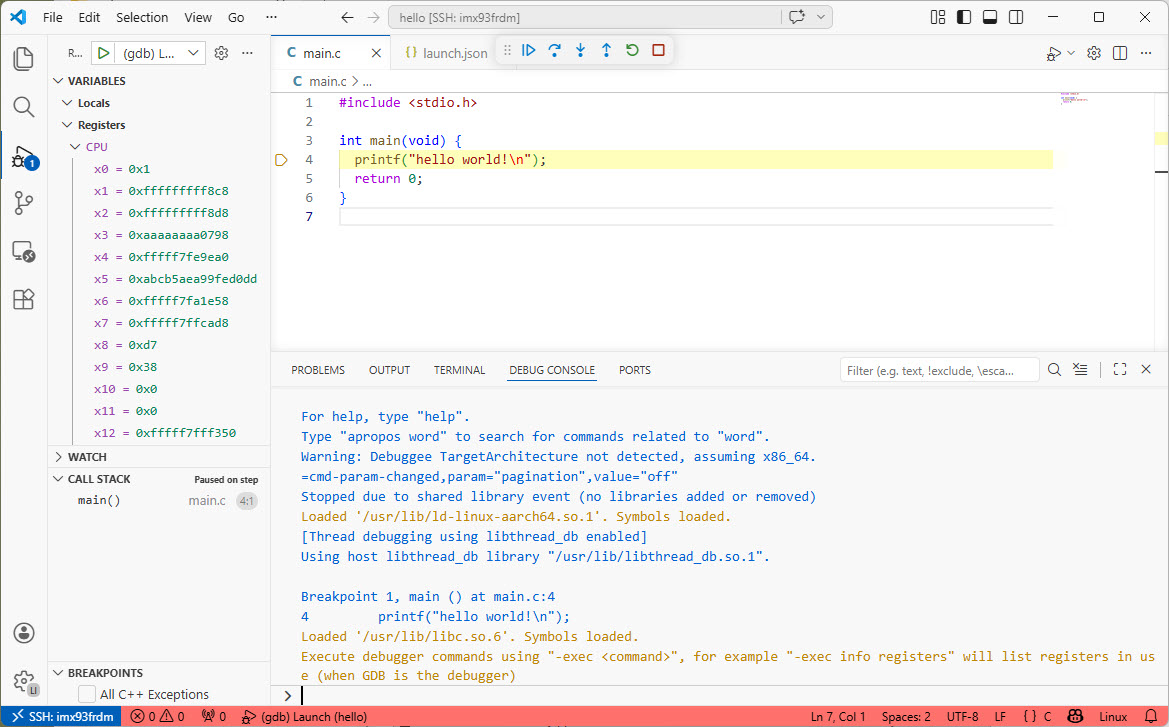
Recently I have been asked “How can I debug a Linux application with VS Code?”. I’m covering that topic in my ‘Embedded Application Development Course on Linux”.
Debugging Linux Application with VS Code over SSH
I realized, that I have never covered that topic in any of my blog articles. So here we go: I show how easy it is to use VS Code to debug a Linux application. You can use this for example with an Raspberry Pi. Or for example the NXP i.MX93 which I’m using in this article.
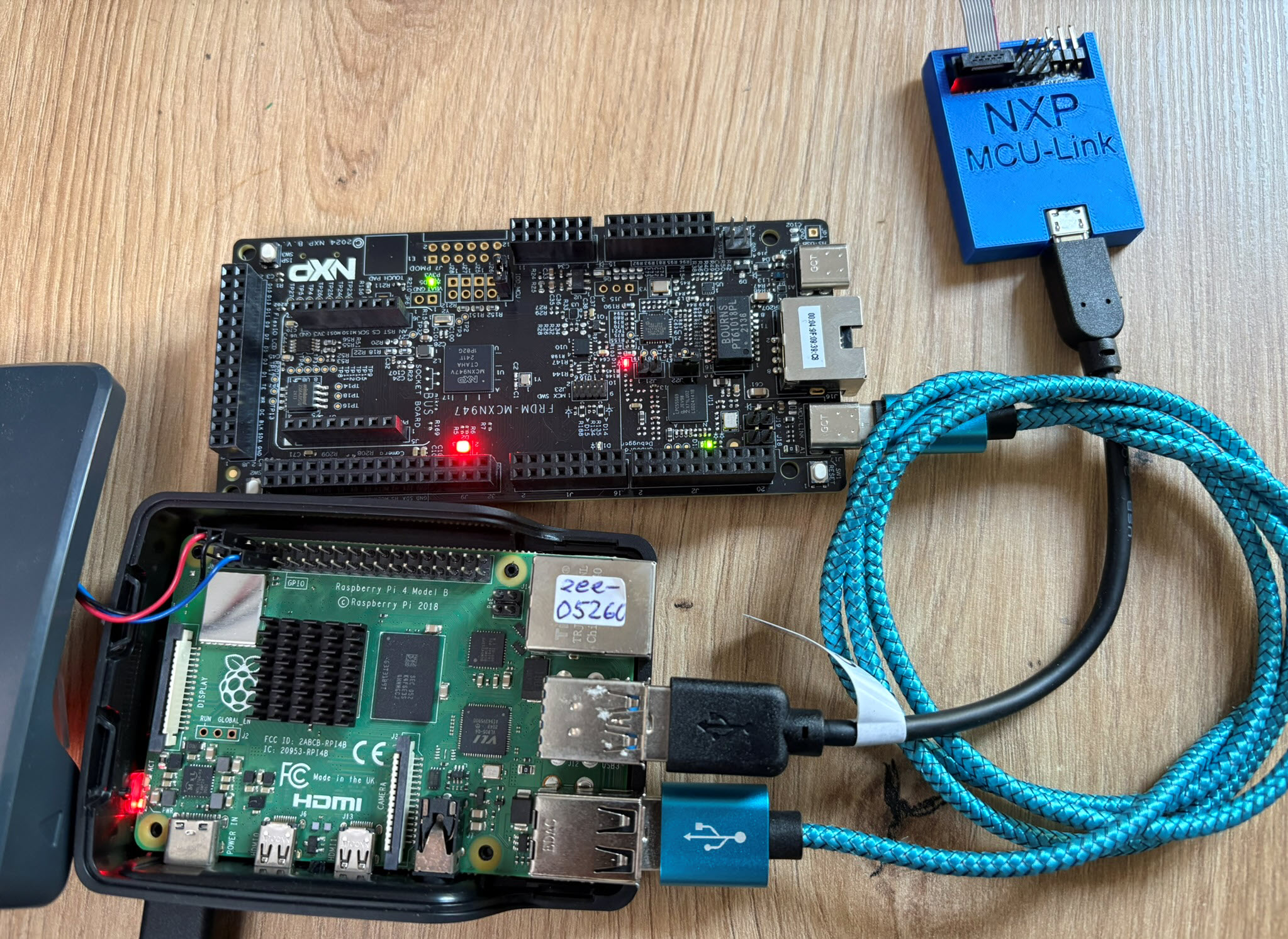
The latest release of the NXP LinkServer supports ARM 64bit (Debian) besides Windows, Linux and MacOS. With this, I can now develop on an NXP i.MX board. Plus, this enables an inexpensive way for automated on-target tests and CI/CD.
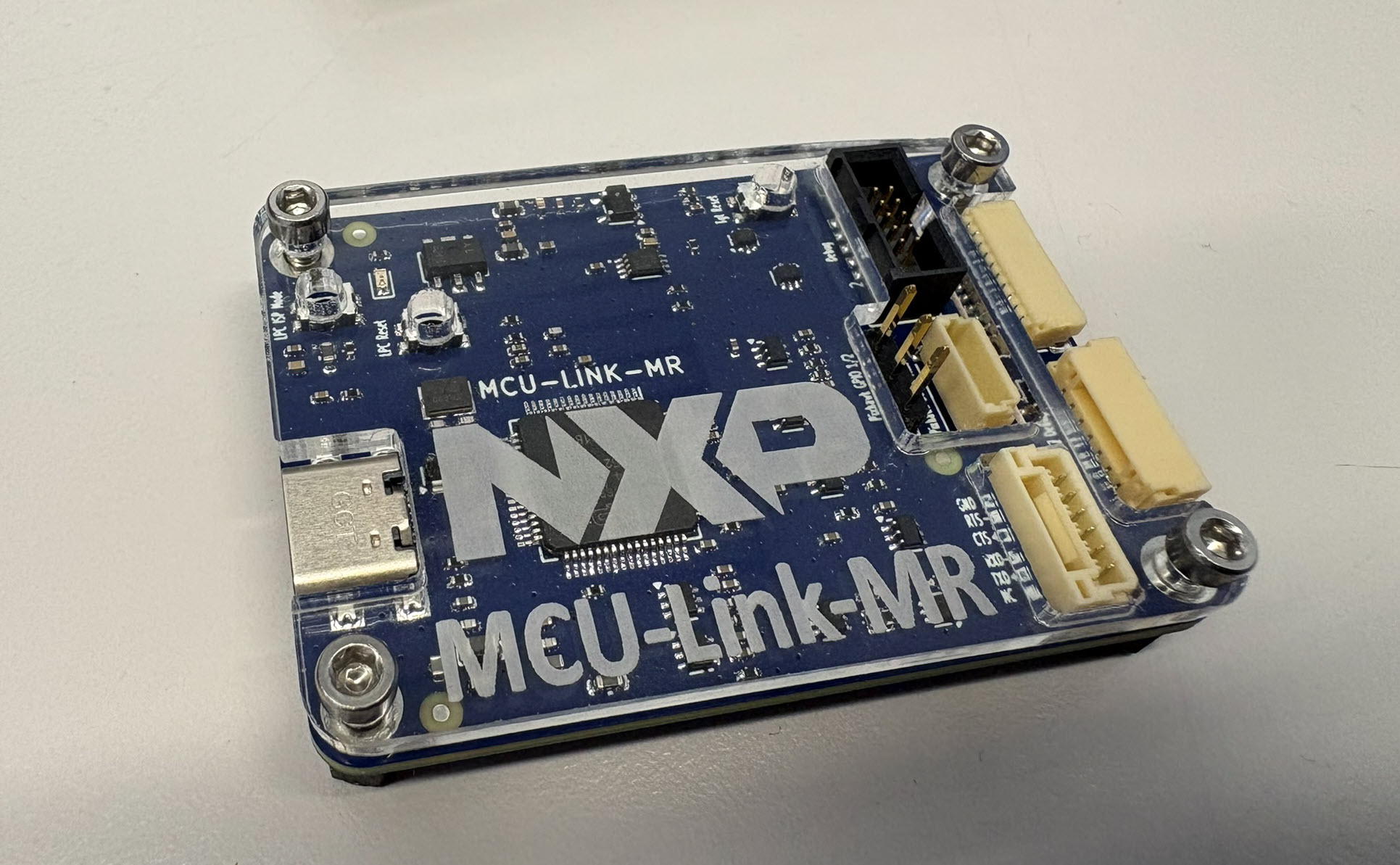
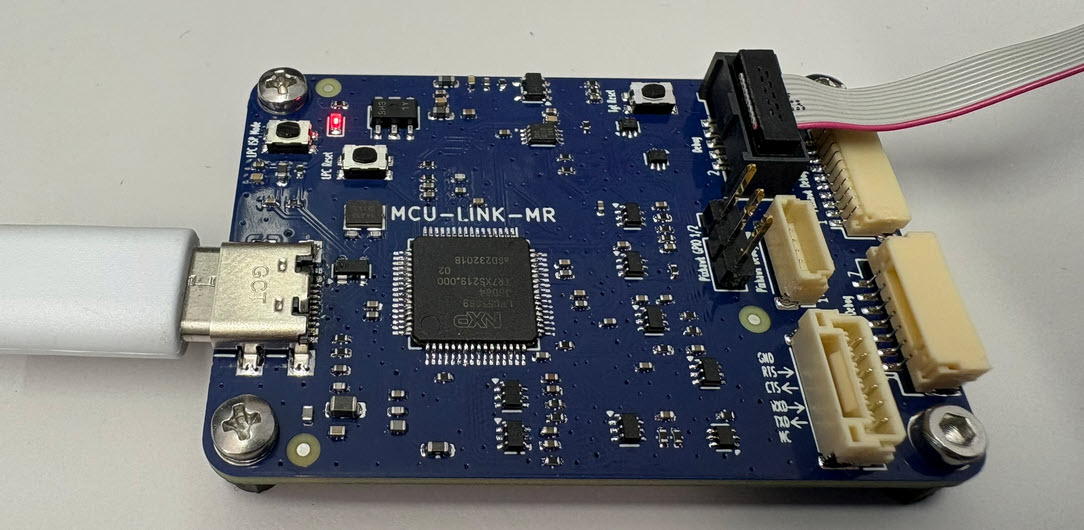
The MCU-Link-MR is a CMSIS-DAP debug probe for ARM Cortex-M devices with extra features for mobile robot and drone debugging. The project is open source and available on GitHub with KiCAD files and BOM.
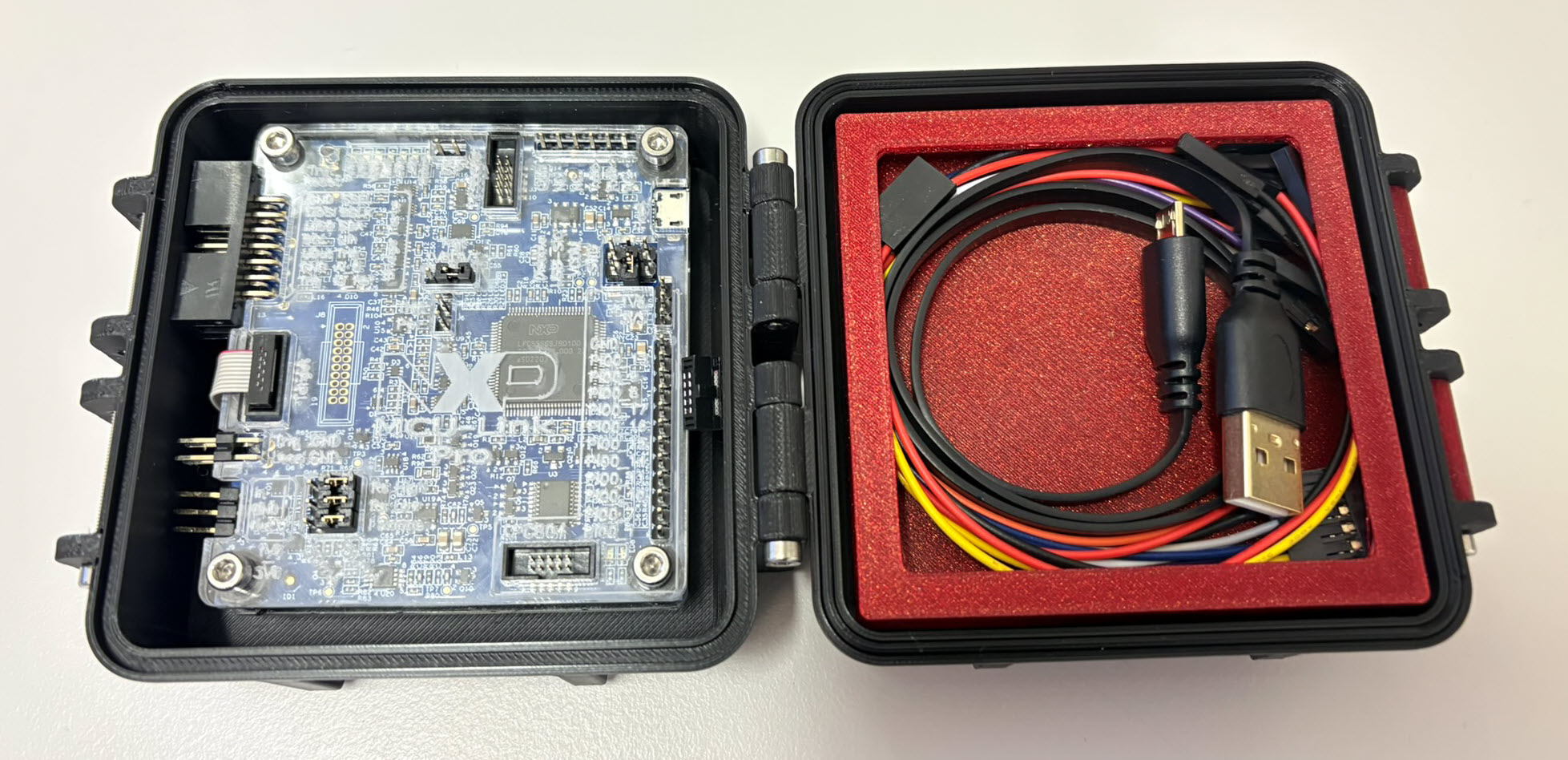
I’m using the NXP MCU-Link CMSIS-DAP debug probe in many of my projects. The debub probe from NXP does not come with an enclosure. I’m traveling to work by train, so I designed a new rugged box and enclosure. The box is small and I can keep all parts inside it.
Rugged boxes and enclosure for NXP MCU-Link debug probesContinue reading →
Sometimes, all what I have is a ELF/Dwarf binary, and I need to debug it. I don’t want to build it, only debug it. The NXP VS Code extension makes that possible. I simply import the binary and start debugging.
Docker or Development Container are great for isolation. And they work very well with things outside which are TCP/IP based. But most debug probes are USB only. Docker container don’t work well with USB. In Remote Debugging with DevContainer and VS Code, I showed how to use USB based debug probes. I demonstrated using them with an IP connection. In this article I show how Windows USB devices can be used from a container, with the help of usbipd.
Today’s projects and systems get more and more complex. Many systems include multiple MCUs, connected with a field bus or network, for example CAN. For example there can be up to 70 CAN nodes in modern cars. Such larger and connected systems are a challenge for debugging.
Traditional hardware debugging requires a hardware debug probe, connected with a dedicated SWD/JTAG debug cable to the target device. This needs dedicated pins on the target device plus physical access to the device itself. In many cases, this is not possible in the final product. The hardware debug probes, cables, pins and high speed signals are costly. And worse they can introduce new problems and are prone to interference.
If there is a field bus like CAN connecting all the MCUs, why not use it for hardware debugging? Hardware debugging meaning programming the FLASH memory, halt the MCU, inspect the memory and registers, and step through the code?
Cortex-M Hardware Debugging over CAN
Yes, we can! With the help of a rather unknown hardware feature on ARM Cortex-M devices. We can use the ARM DebugMonitor Interrupt to control and debug the target system. As we would use a JTAG/SWD connection. Instead, we use the CAN bus :-).
I’m shifting more and more of my CI/CD testing infrastructure using the LinkServer runner. One reason is the LinkServer runner can run the test on-target. It can also collect GNO gcov coverage information at the same time. LinkServer is a suite of software tools for launching and managing GDB servers for NXP debug probes.