Tutorial: Creating Self-Contained MCUXpresso SDK Projects

In Tutorial: Getting Started with MCUXpresso SDK – Repositories with VS Code and Tutorial: Getting Started with MCUXpresso SDK – west I showed how to get the MCUXpresso SDK. In this article it is about tweaking and streamlining the project.

The result is a clean, portable and self-contained MCUXpresso SDK project.

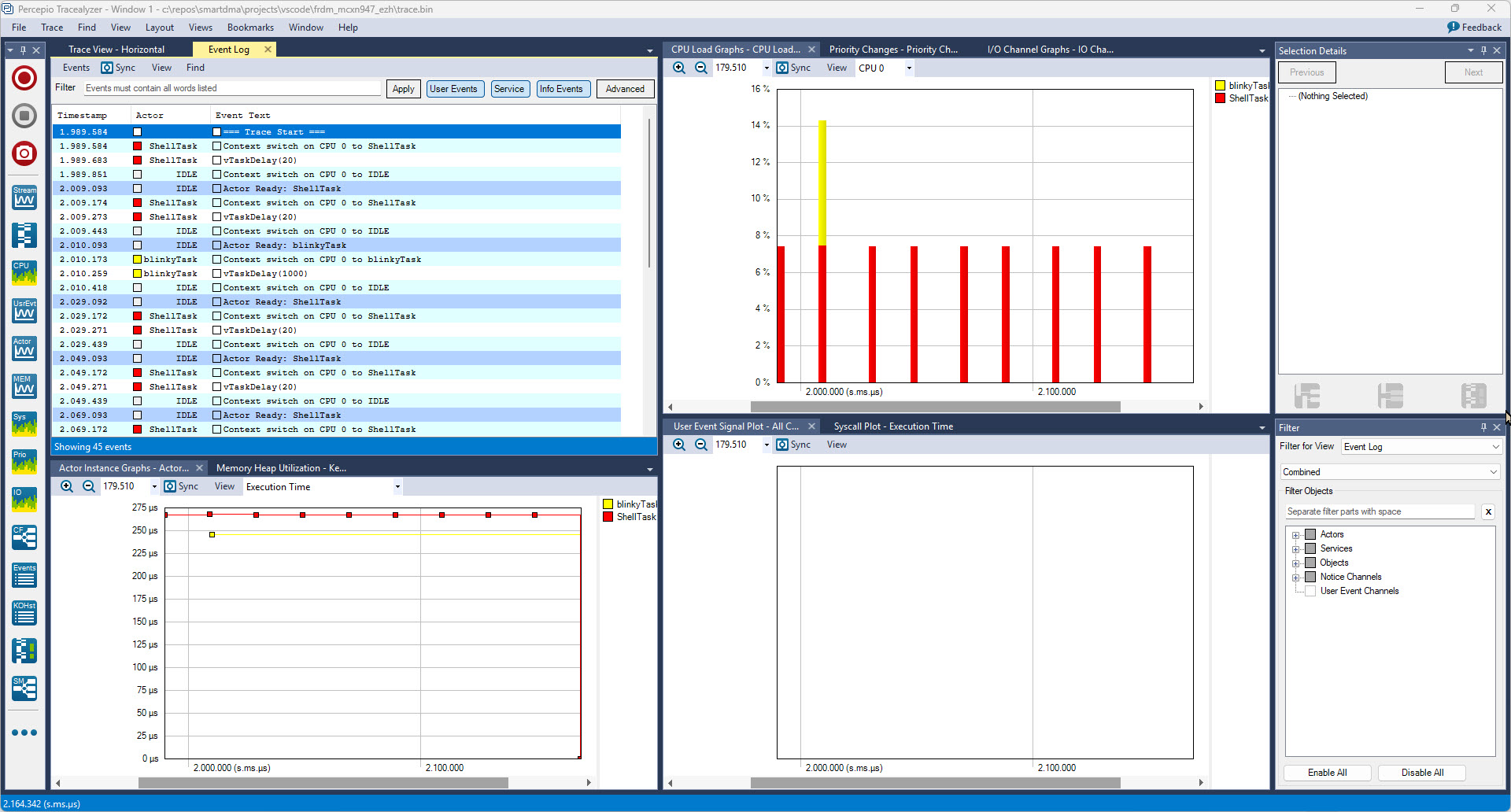
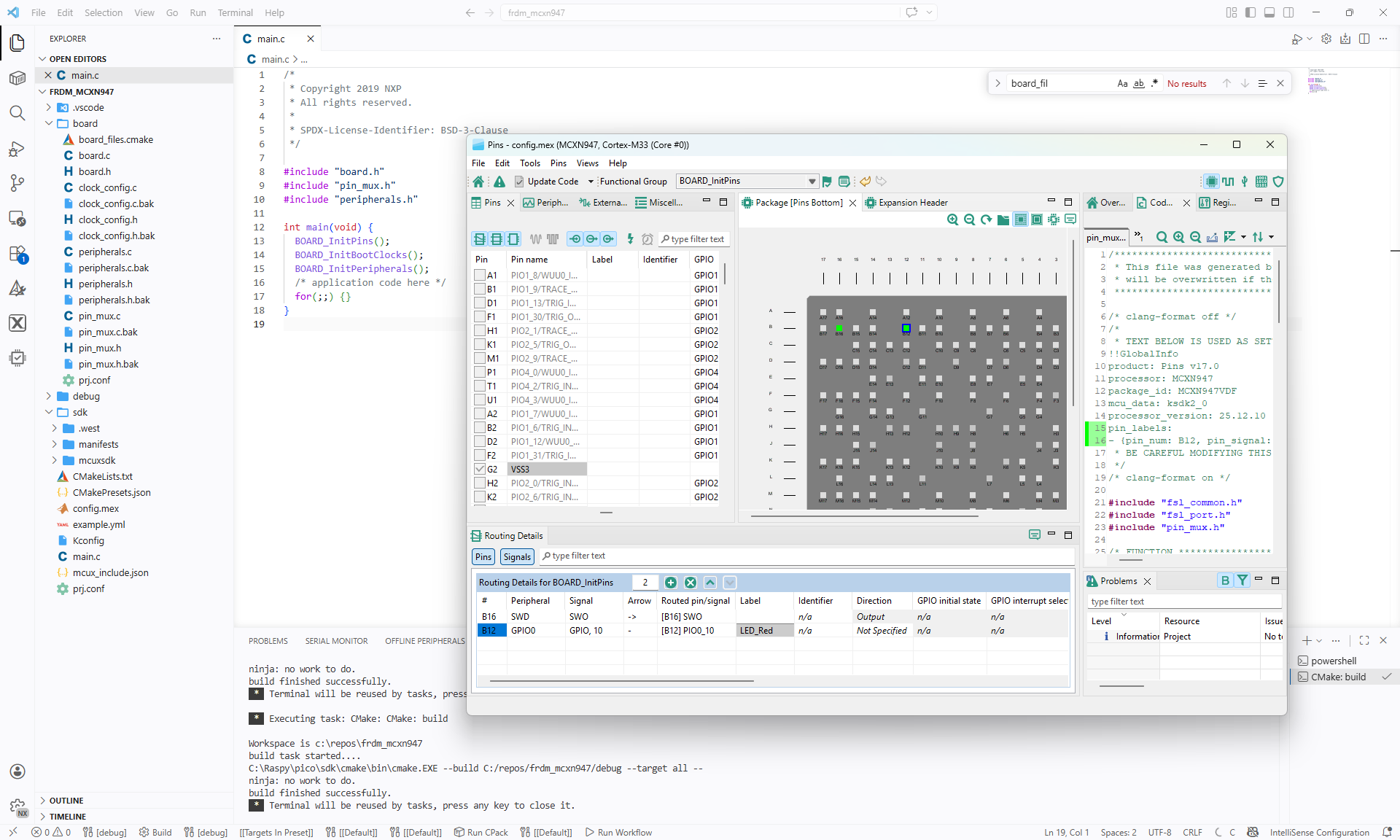
VS Code with streamlined NXP MCUXpresso project
Continue reading

Debugging Linux Apps with VS Code: A Step-by-Step Guide

Recently I have been asked “How can I debug a Linux application with VS Code?”. I’m covering that topic in my ‘Embedded Application Development Course on Linux”.

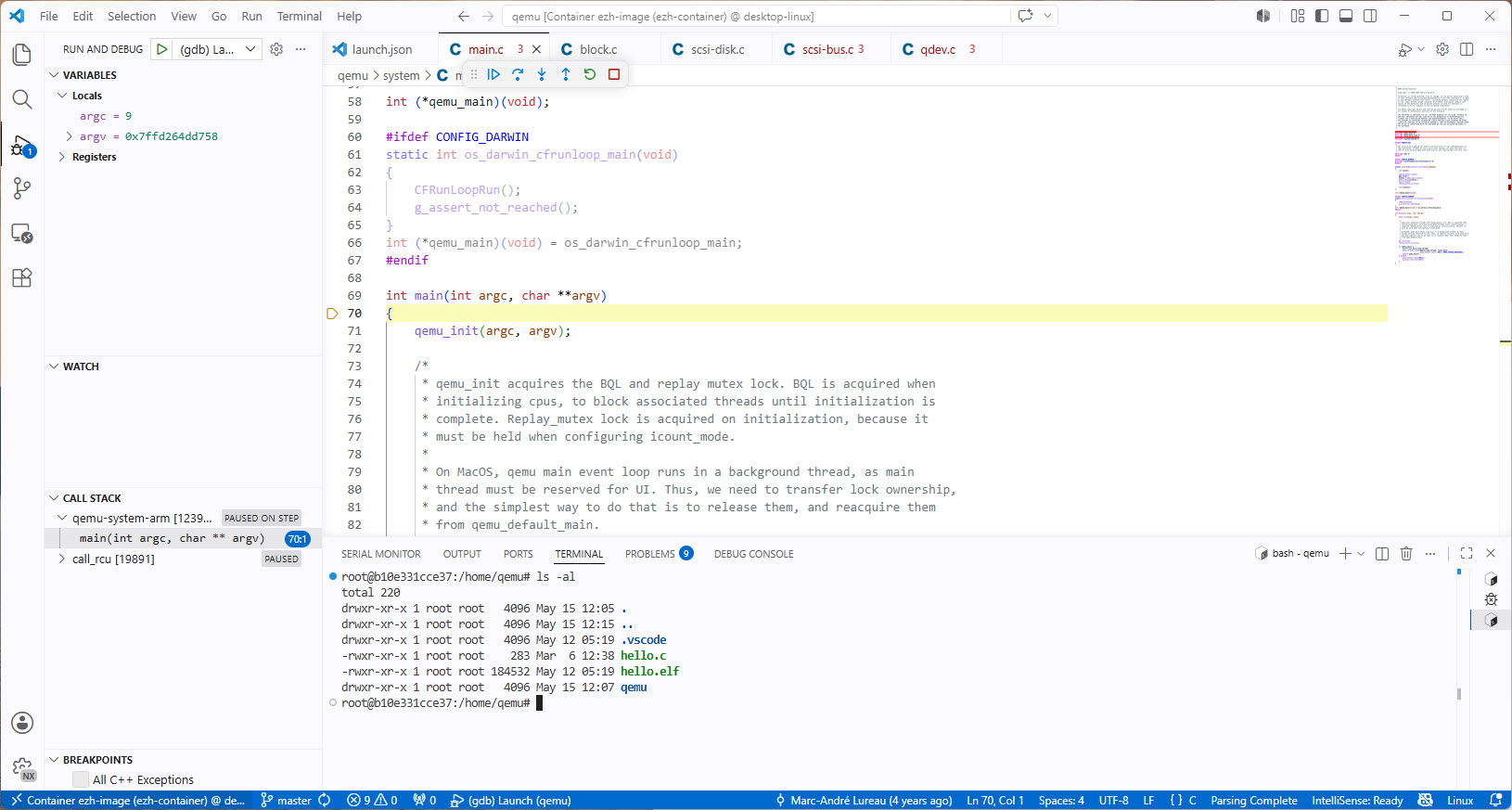
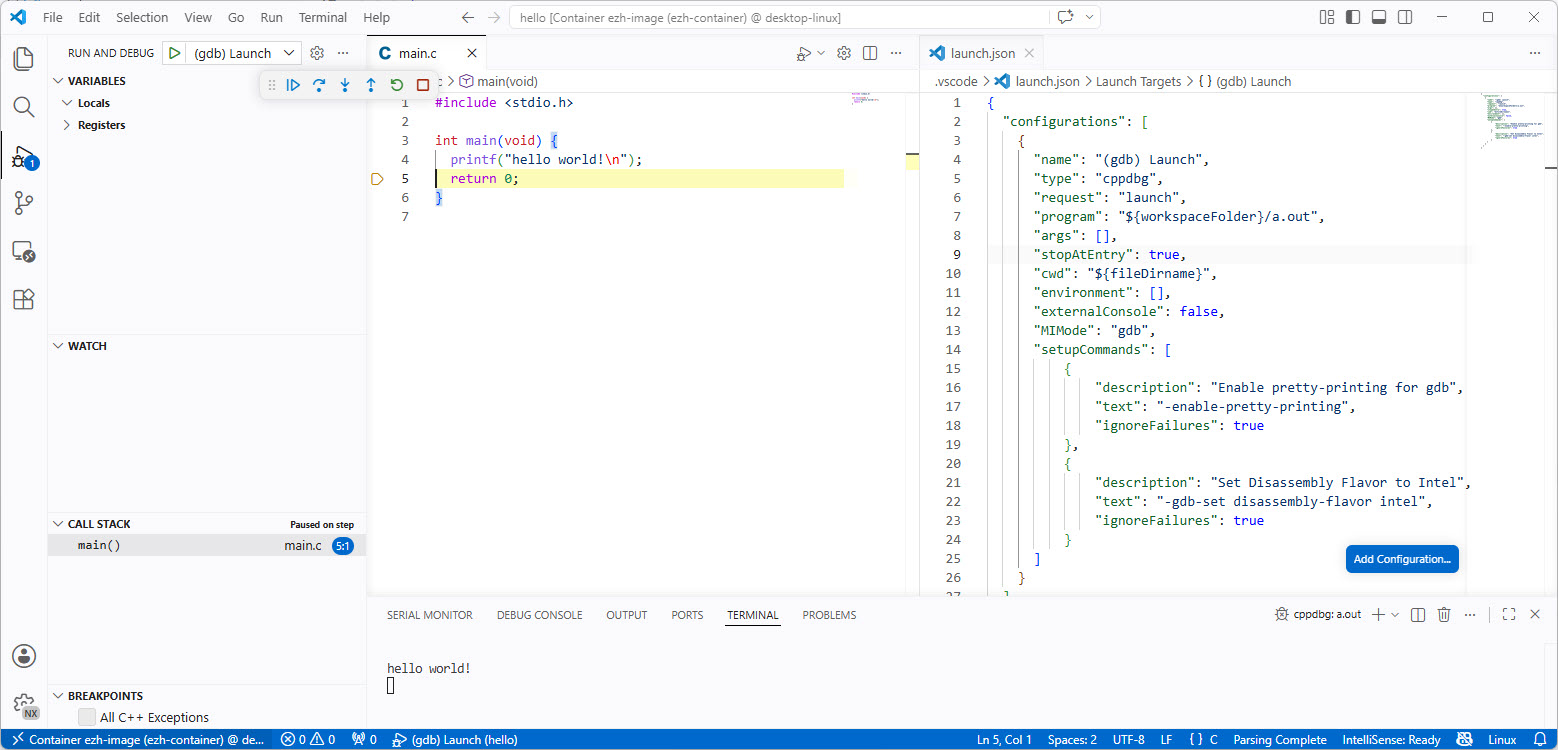
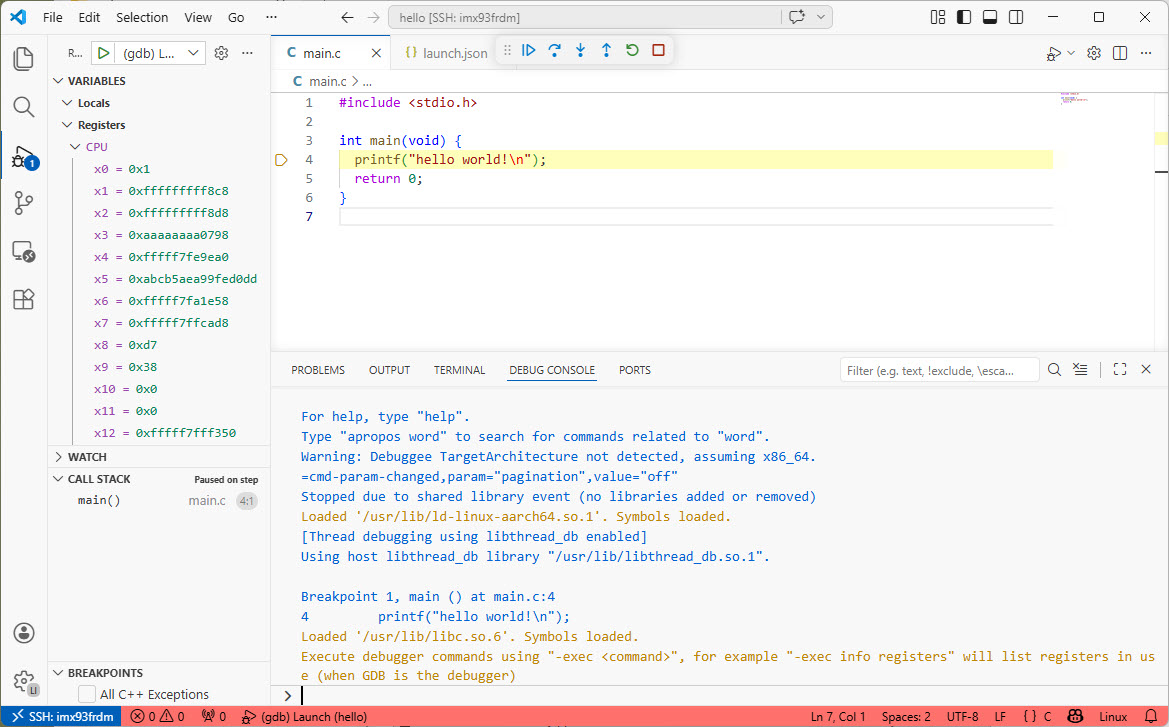
Debugging Linux Application with VS Code over SSH

I realized, that I have never covered that topic in any of my blog articles. So here we go: I show how easy it is to use VS Code to debug a Linux application. You can use this for example with an Raspberry Pi. Or for example the NXP i.MX93 which I’m using in this article.

Continue reading

Tutorial: Getting Started with MCUXpresso SDK – Repositories with VS Code

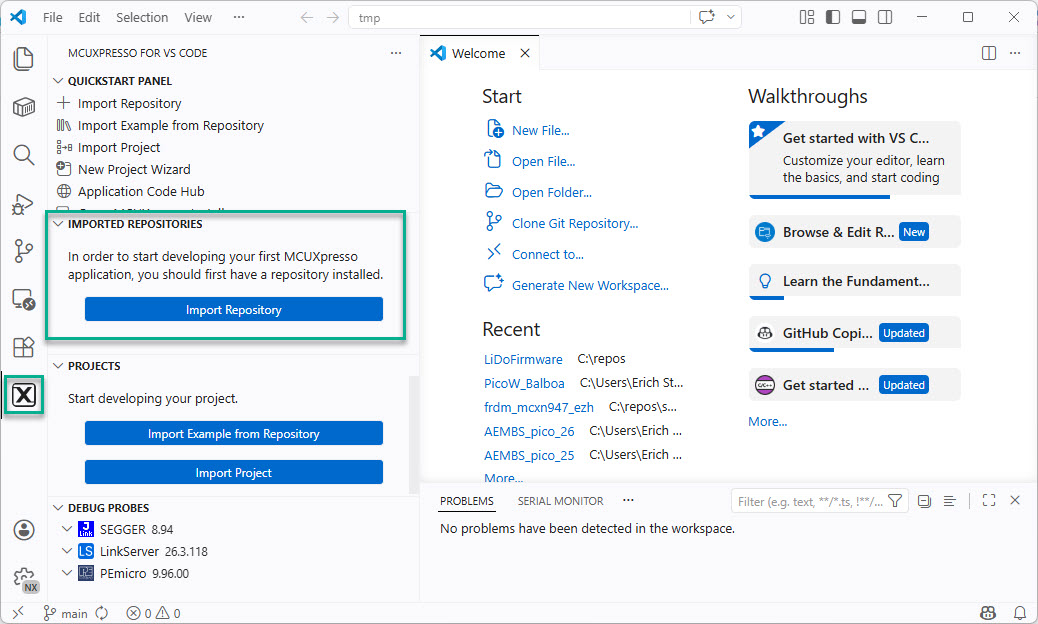
In “Tutorial: Getting Started with MCUXpresso SDK – west“, I demonstrated the ‘west’ tool’s usage. It helps in acquiring an SDK repository. Instead using the command line tool, I can use the NXP VS Code extension to do the same.

NXP VS Code Extension to import a repository
Continue reading

Tutorial: Getting Started with MCUXpresso SDK – west

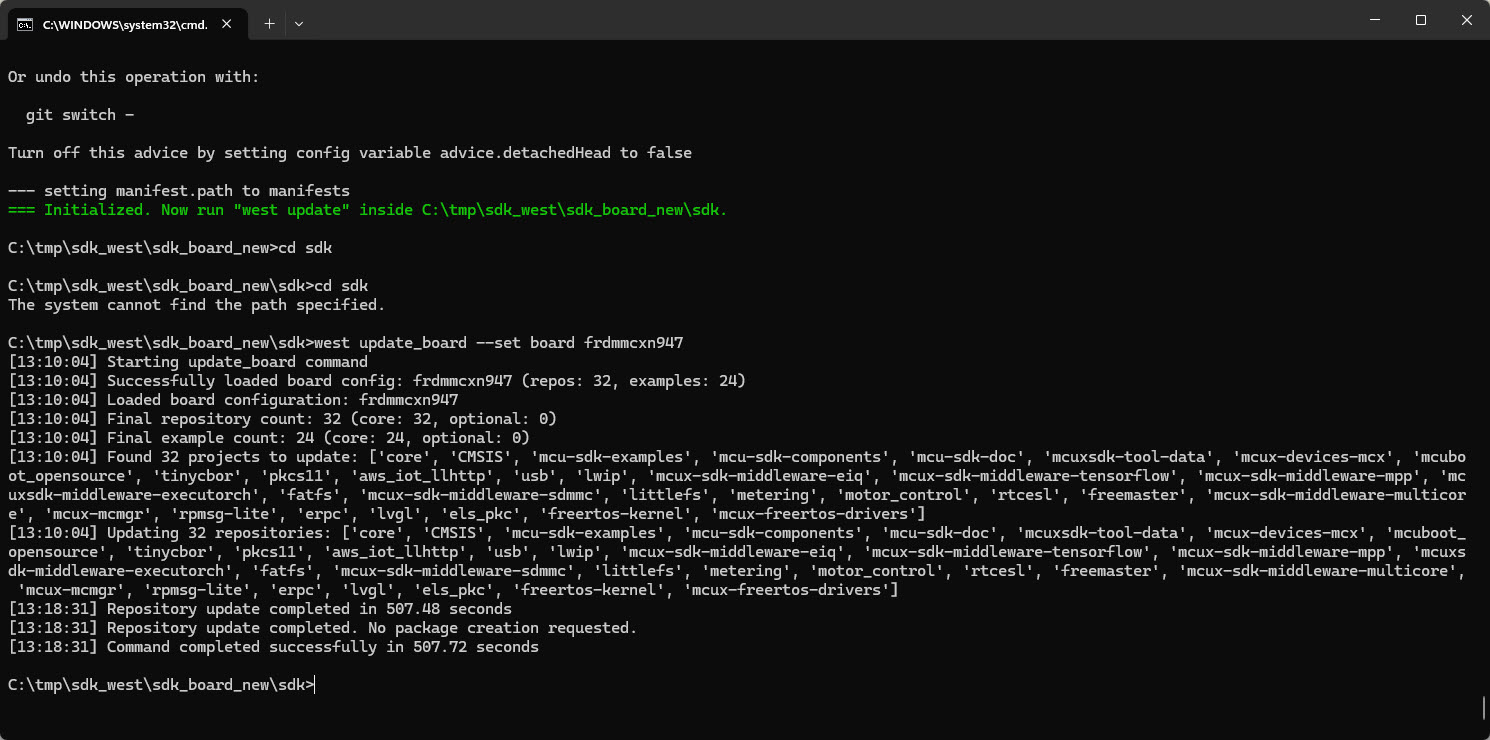
In my earlier tutorial I showed how to install the necessary SDK tools. In this article I’m going to install the SDK sources. For this I’m going to use west. This is a command-line ‘meta-repository’ tool.

west update_board
west update_board
Continue reading

Tutorial: Getting Started with MCUXpresso SDK – Tool Installation

The engineering and development landscape is constantly changing. This includes the embedded tooling and SDKs.

Back in the year 2017 I have used the version 2 (see Tutorial: Using Eclipse with NXP MCUXpresso SDK v2 and Processor Expert). Back then, it was Eclipse with make. Now we are in 2026 and things have changed to VS Code, cmake, ninja, python and west.

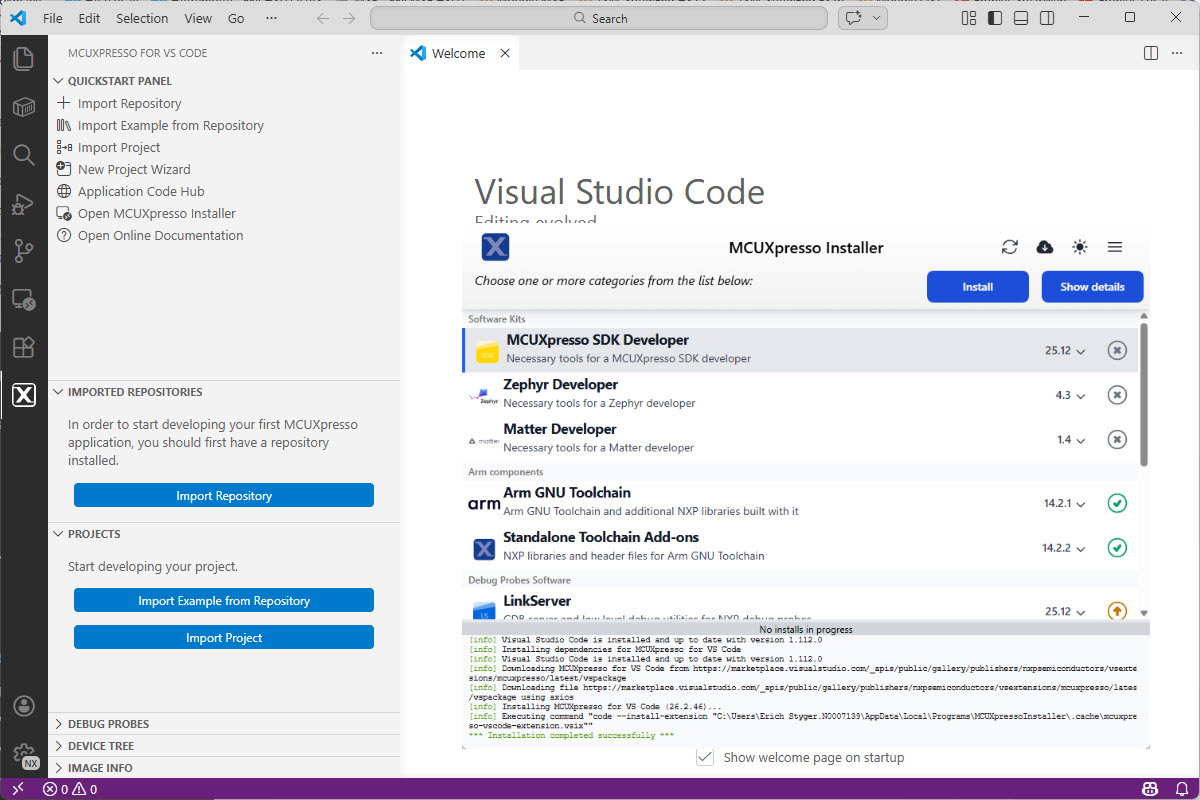
VS Code with MCUXpresso Installer

Luckily, although more and different tools are needed these days, the installation experience has improved significantly. It has shifted from installing multiple different tools to a streamlined installation process.

Continue reading

Debug ELF/Dwarf Binaries in VS Code without a Project or Build

Sometimes, all what I have is a ELF/Dwarf binary, and I need to debug it. I don’t want to build it, only debug it. The NXP VS Code extension makes that possible. I simply import the binary and start debugging.

Debugging Executable
Continue reading

Using Git Submodules in GitLab CI/CD Pipelines

Git Submodules allow me to keep a git repository as a sub-directory in another git repository. This let me clone another repository into my project and keep sources in and libraries/SDKs in sync.

This can be a challenge if using CI/CD runners. They have to clone the repositories in a recursive way. It gets more complex if the sub-modules are not public. Because the CI/CD runner does not have access rights to the non-public repositories.

GitLab CI/CD Pipeline with successful private submodule usage

In this article I explain how I’m using git sub-modules in my CI/CD GitLab pipeline, both for public and private repositories

Continue reading

Using Windows USB Devices and Debug Probes inside Docker Dev Container

Docker or Development Container are great for isolation. And they work very well with things outside which are TCP/IP based. But most debug probes are USB only. Docker container don’t work well with USB. In Remote Debugging with DevContainer and VS Code, I showed how to use USB based debug probes. I demonstrated using them with an IP connection. In this article I show how Windows USB devices can be used from a container, with the help of usbipd.

usb shared between windows and linux container
USB shared between windows and Linux container
Continue reading

Boost Windows 11 Dev Performance with Docker Volumes

I recently upgraded from Win10 to Win11. Windows 10 was not great for building performance compared to Linux. And I feel that with Windows 11 things got worse too.

Dev Container in VS Code uses docker-based environments. This enables me using a full-featured development environment, with isolated dependencies. This is especially very useful for development in the embedded systems space. There I have to use many different SDKs, toolchains and libraries. Using Dev Containers is super easy. But file I/O operations with building etc/is not that great.

The solution is to use a Docker Volume with VS Code and Dev Container:

Build Performance Comparison
Continue reading

Creating an new Embedded Rust Projects for NXP LPC55S69

In “Getting Started with Rust on NXP LPC55S69-EVK” I demonstrated how easy it is to run a ‘blinky’ with Rust. I used the Embassy framework.

rust on LPC55S69
rust on LPC55S69

In this article, I show how one can create a standalone Rust project for an embedded target.

Continue reading