Explore Freedom of Choice with Debug Extensions for NXP and Cortex-Debug

I’m using different MCUS from NXP with VS Code, and for this I’m mostly using the NXP MCUXpresso extension for VS Code.

At the same time, I’m using the cortex-debug extension for other ARM Cortex-M based MCUs, for example the Raspberry Pi Pico series.

Does it makes sense to use cortex-debug for NXP devices, and what would be the benefit? More precise: can I use the NXP MCU-Link (LinkServer based) debug probes with cortex-debug, to debug another NXP MCU?

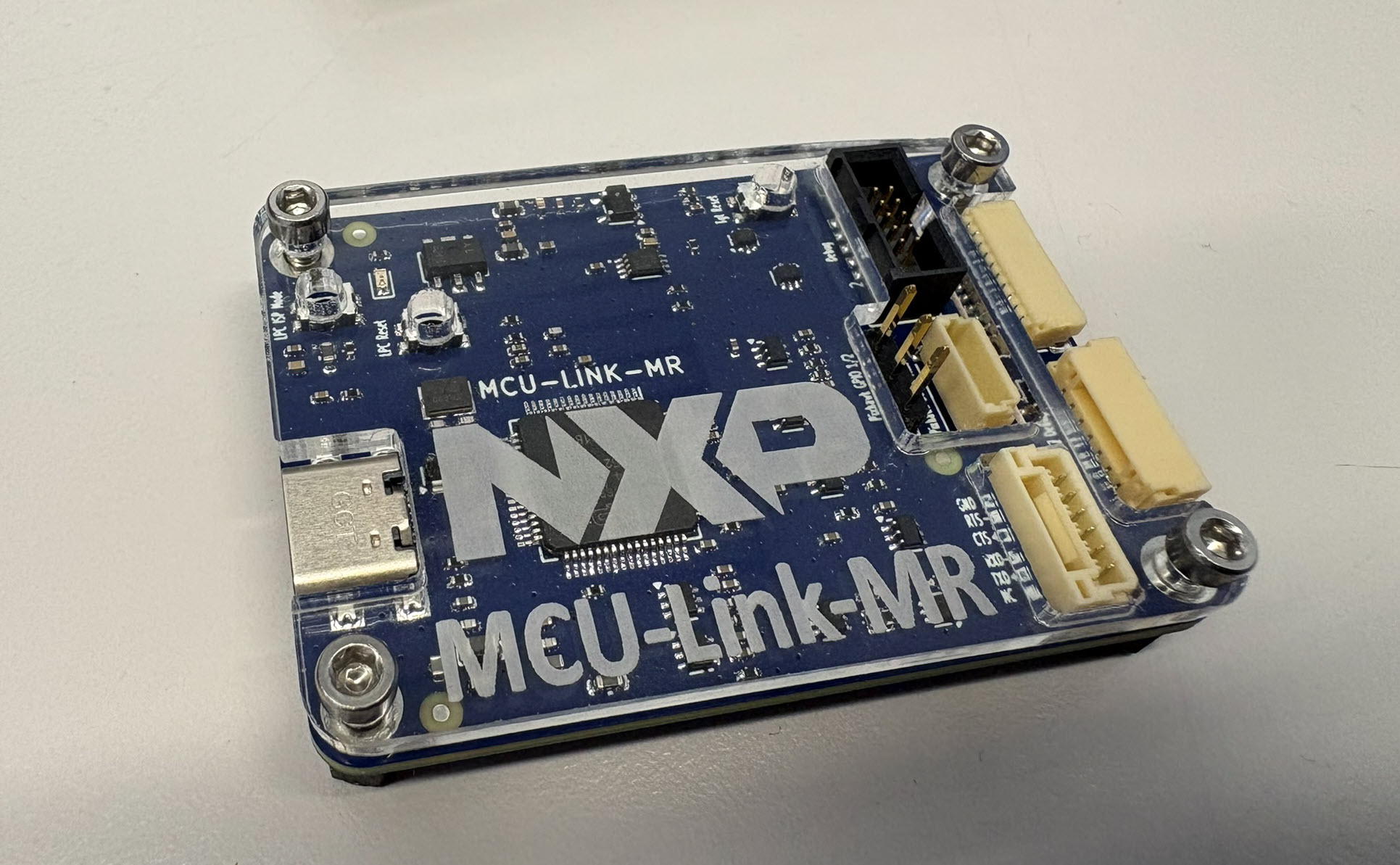
MCU-Link (right) debugging a MCU-Link Pro (LPC55S69, right) with cortex-debug
NXP MCU-Link (right) debugging a NXP MCU-Link Pro (LPC55S69, right)
Continue reading →

Using Tracealyzer for Embedded Systems Analysis

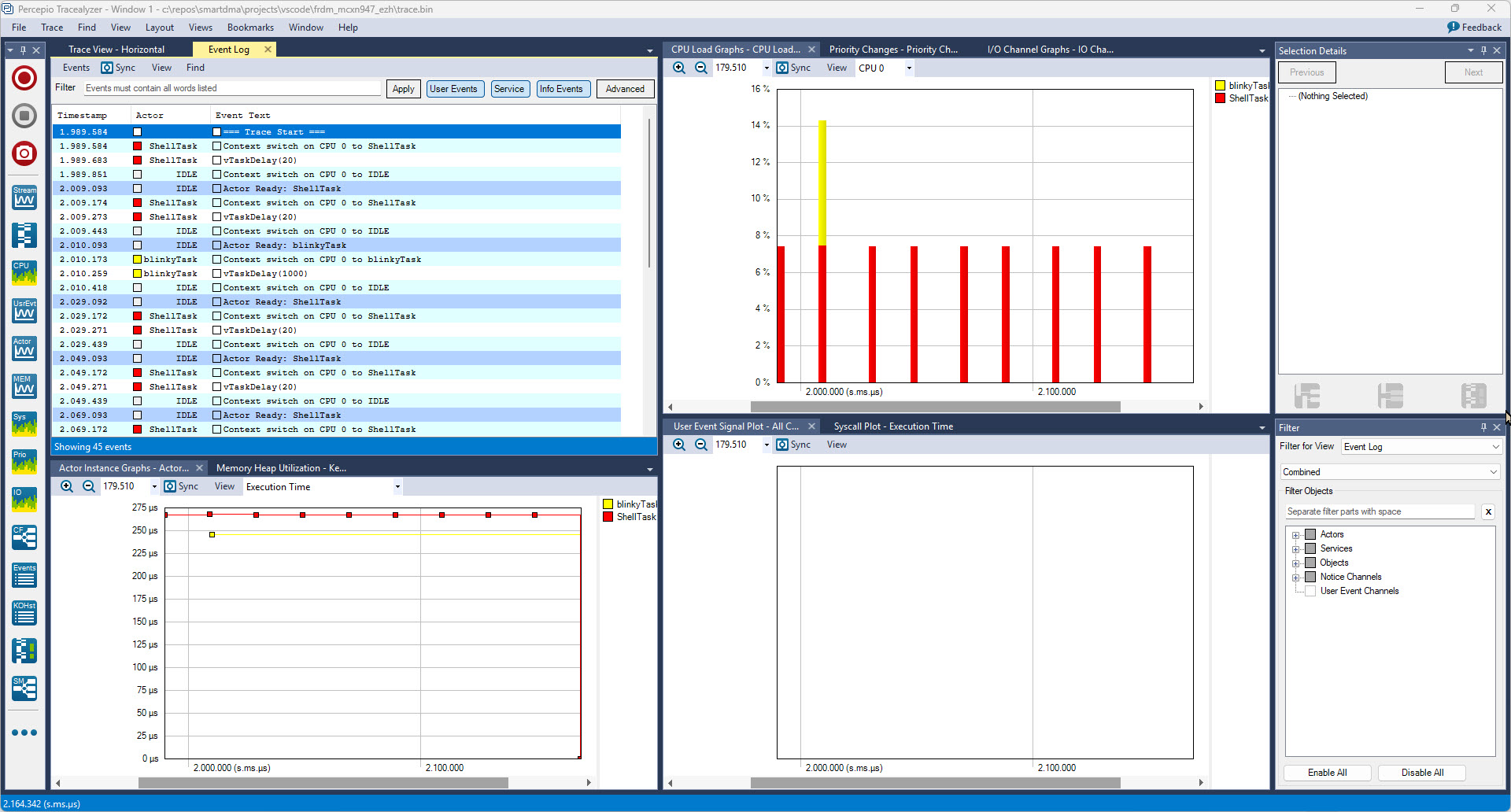
In my latest research project I’m using the NXP FRDM-MCXN947 board. As part of that project I have to collect and export application trace data for later analysis. In that project I’m using the the Tracealyzer product from Percepio.

Trace Data in Percepio Tracealyzer

In this article I describe different ways to export trace data from the embedded target: using generic GDB commands or with an trace exporter in VS Code.

Continue reading →

Building the MetaClockClock78: My Largest Clock Project Yet

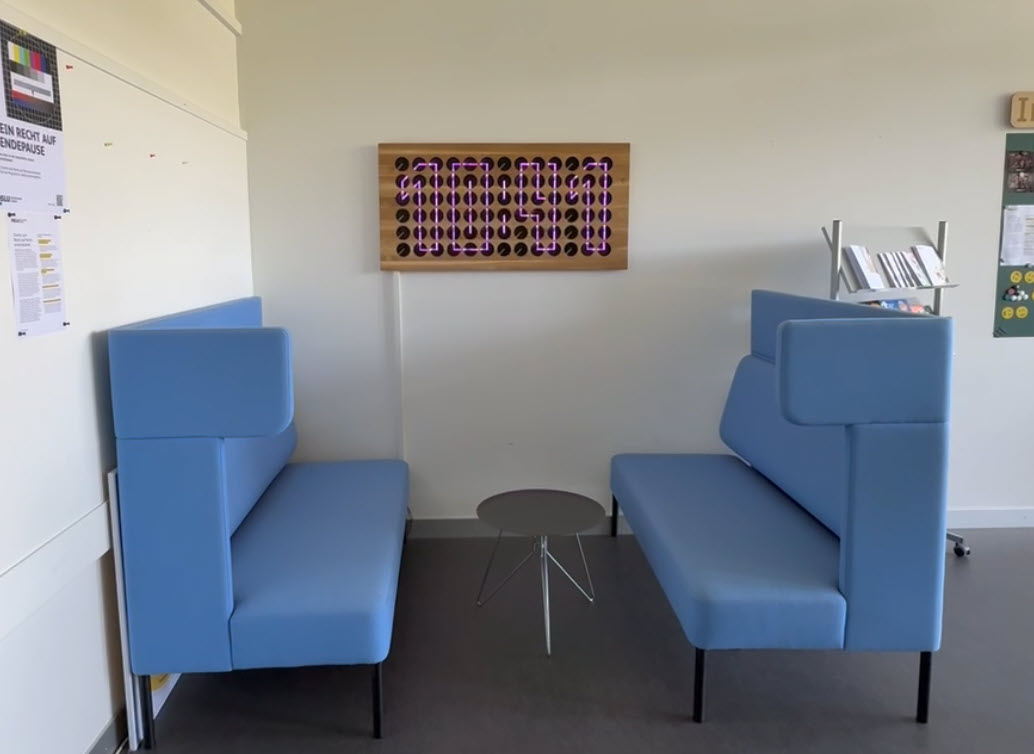
From my previous MetaClockClock project, I still had some hardware available. So I decided to build my largest build so far: to clocks with 78 clocks each.

MetaClockClock78
MetaClockClock78
Continue reading →

Tutorial: Creating Self-Contained MCUXpresso SDK Projects

In Tutorial: Getting Started with MCUXpresso SDK – Repositories with VS Code and Tutorial: Getting Started with MCUXpresso SDK – west I showed how to get the MCUXpresso SDK. In this article it is about tweaking and streamlining the project.

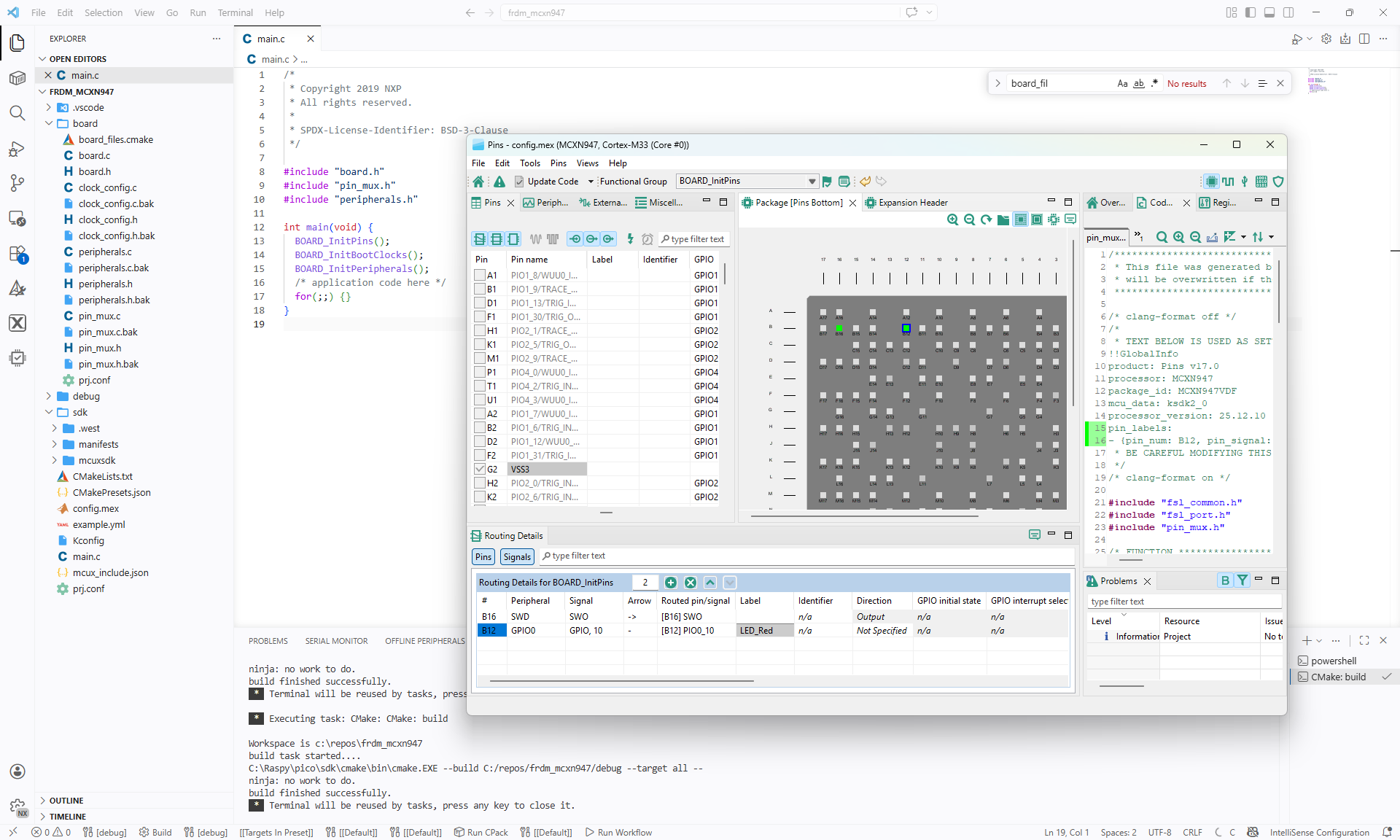
The result is a clean, portable and self-contained MCUXpresso SDK project.

VS Code with streamlined NXP MCUXpresso project
Continue reading →

Debugging Linux Apps with VS Code: A Step-by-Step Guide

Recently I have been asked “How can I debug a Linux application with VS Code?”. I’m covering that topic in my ‘Embedded Application Development Course on Linux”.

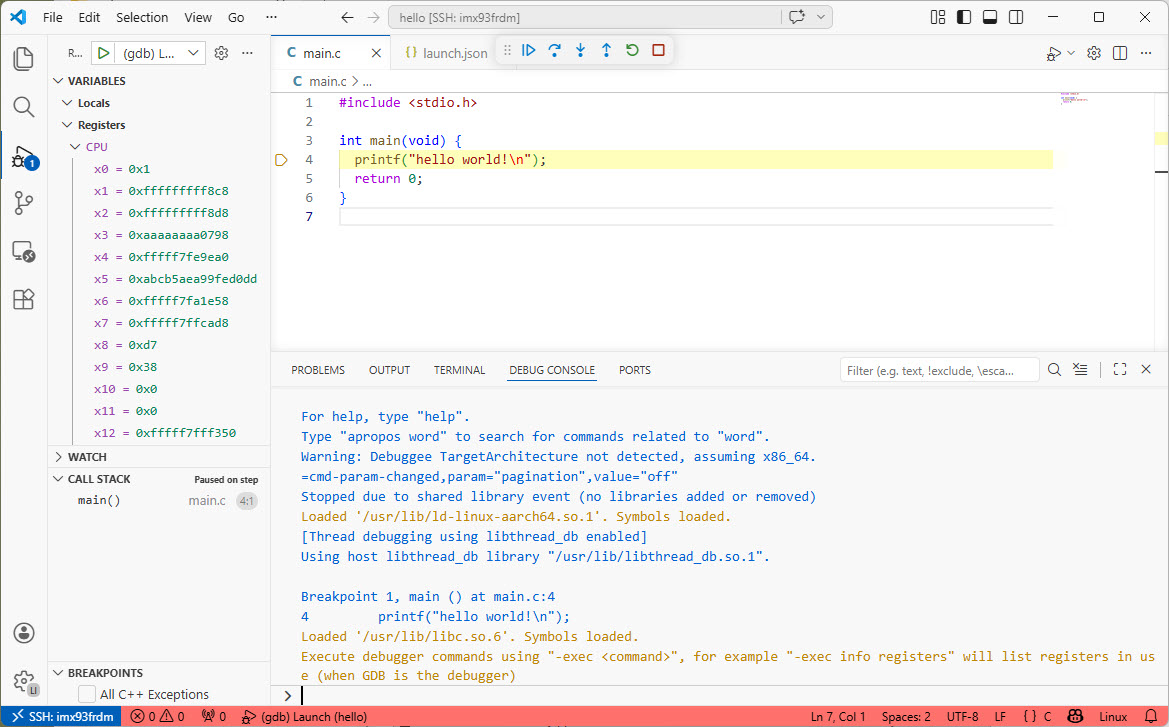
Debugging Linux Application with VS Code over SSH

I realized, that I have never covered that topic in any of my blog articles. So here we go: I show how easy it is to use VS Code to debug a Linux application. You can use this for example with an Raspberry Pi. Or for example the NXP i.MX93 which I’m using in this article.

Continue reading →

Tutorial: Getting Started with MCUXpresso SDK – Repositories with VS Code

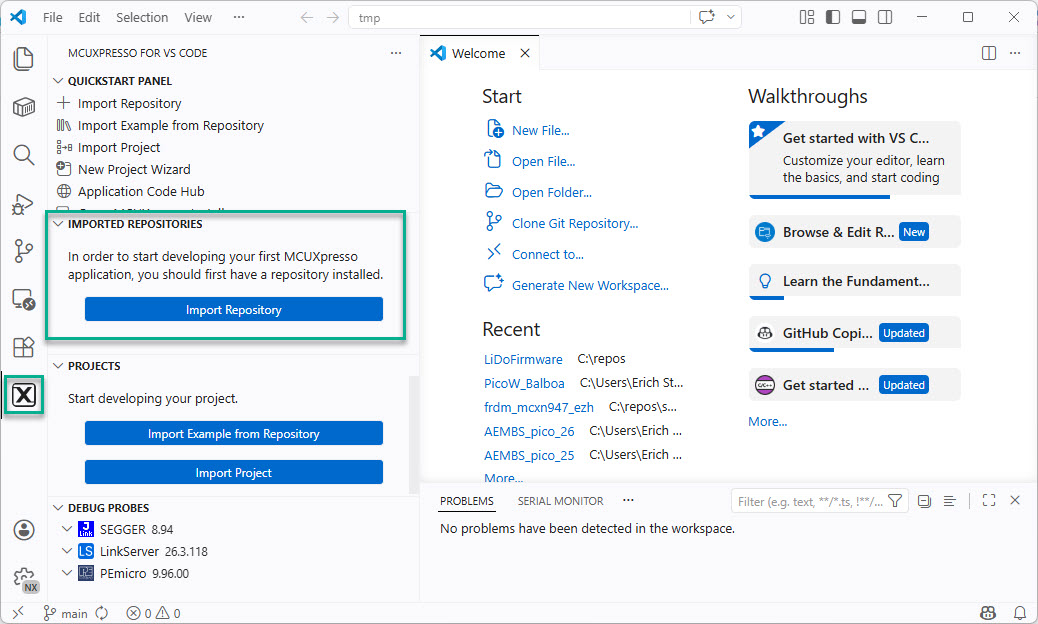
In “Tutorial: Getting Started with MCUXpresso SDK – west“, I demonstrated the ‘west’ tool’s usage. It helps in acquiring an SDK repository. Instead using the command line tool, I can use the NXP VS Code extension to do the same.

NXP VS Code Extension to import a repository
Continue reading →

Tutorial: Getting Started with MCUXpresso SDK – west

In my earlier tutorial I showed how to install the necessary SDK tools. In this article I’m going to install the SDK sources. For this I’m going to use west. This is a command-line ‘meta-repository’ tool.

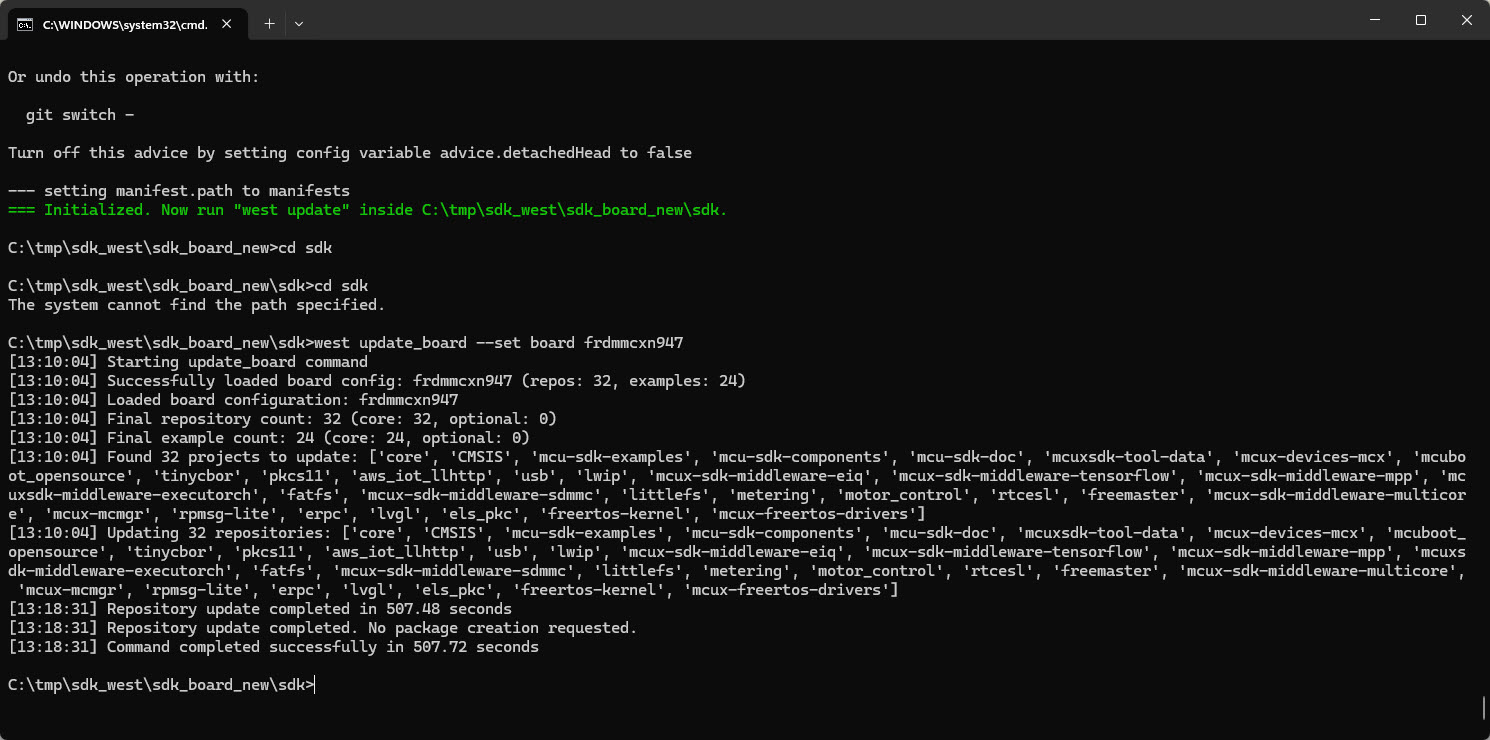
west update_board
west update_board
Continue reading →

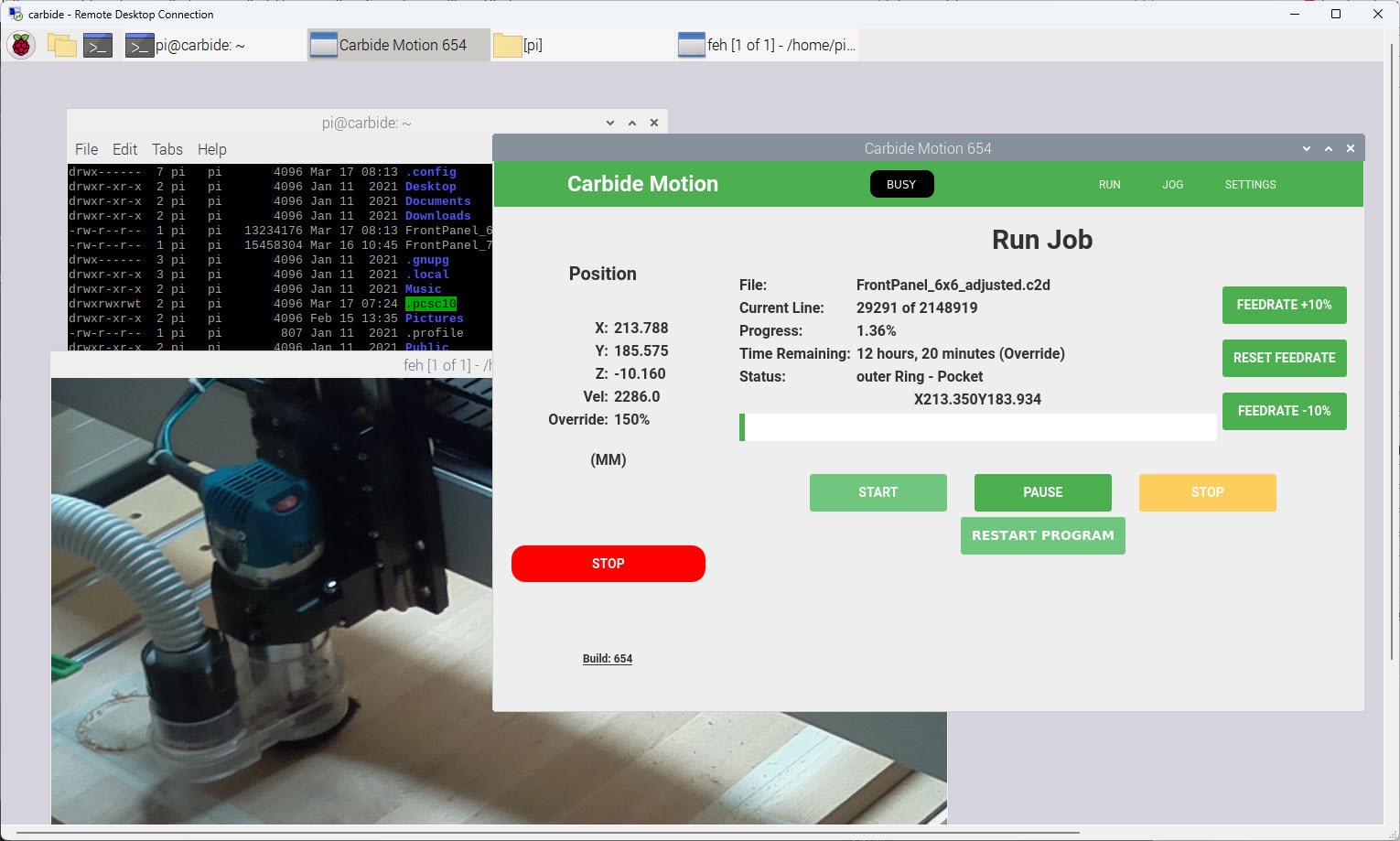
Upgrading CNC with Raspberry Pi and Dust Collection

I have to run multiple +10h CNC jobs. So, I decided to upgrade my Shapeoko 4 CNC machine. I equipped it with a Raspberry Pi and a new dust collection system.

CarbideMotion on RaspberryPi
Carbide Motion on Raspberry Pi
Continue reading →

NXP LinkServer Now Supports ARM 64-bit for Enhanced Development

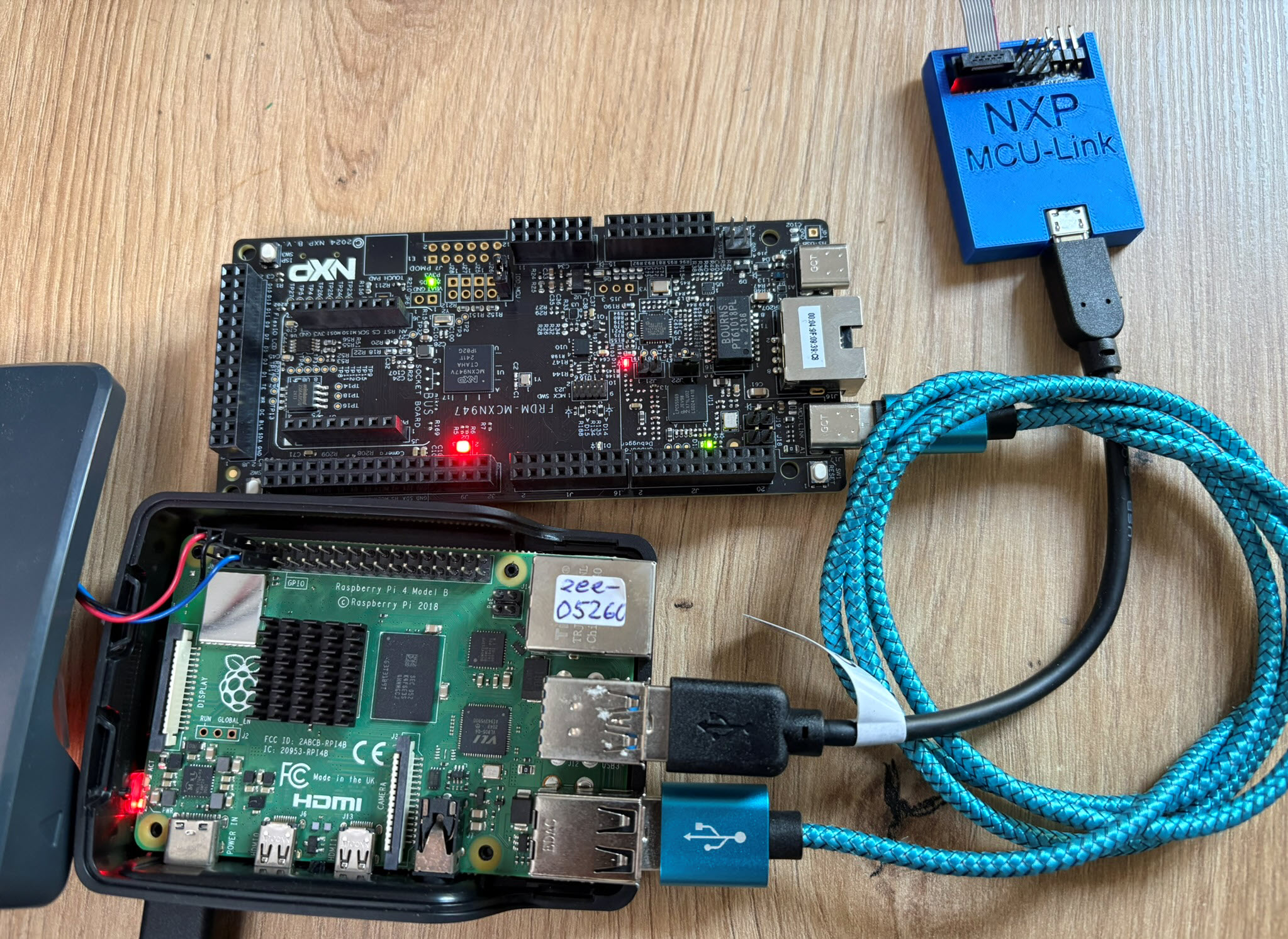
The latest release of the NXP LinkServer supports ARM 64bit (Debian) besides Windows, Linux and MacOS. With this, I can now develop on an NXP i.MX board. Plus, this enables an inexpensive way for automated on-target tests and CI/CD.

LinkServer running on Raspberry Pi
Continue reading →