Flashing and Restoring the Hexiwear Firmware

The Hexiwear device is a great and versatile device with two microcontrollers on it. Developing firmware on a Hexiwear means changing what was originally on it. And sometimes it happens that I’m not sure if the changes are for good. Or that I accidentally destroyed the firmware on the NXP Kinetis KW40 BLE microcontroller :-(. So I had to find a way to restore the original firmware, and this is what this post is about.
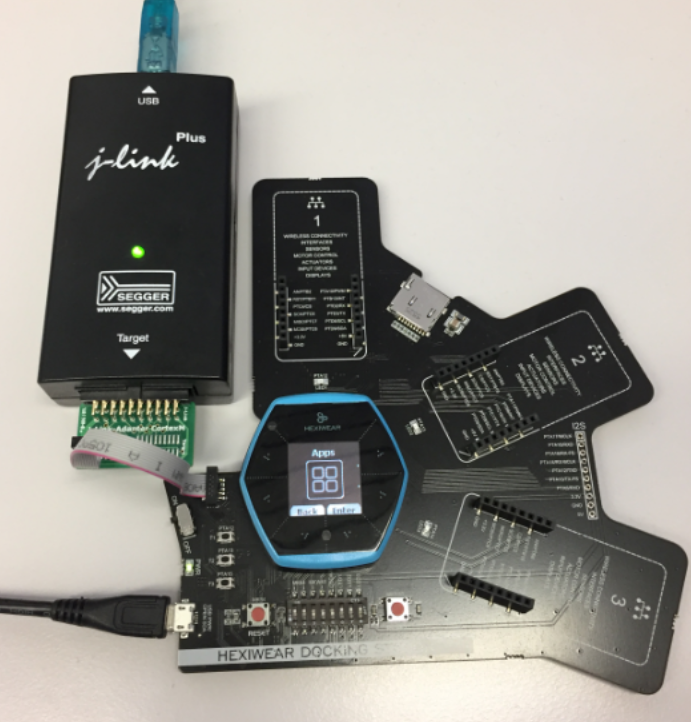
Restoring the Hexiwear Firmware with a Segger J-Link
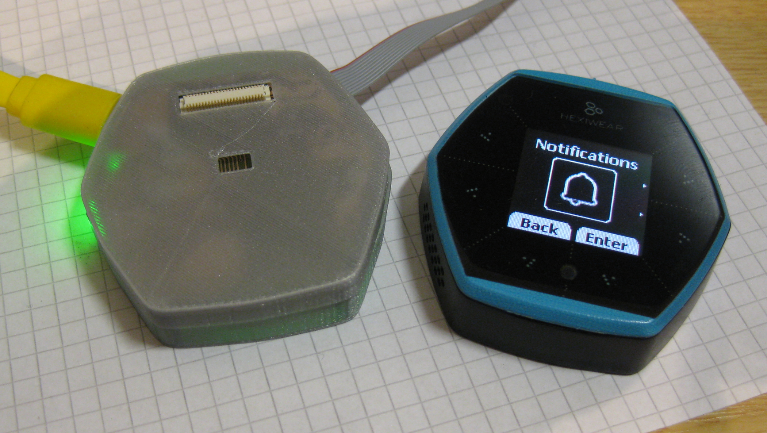
Restoring the Hexiwear Firmware with a Segger J-Link

Continue reading →

Prototype of tiny Hexiwear Docking Station

For a research project we are using Hexiwear to measure the effectiveness of teaching and learning. The Hexiwear is used as a networking sensor device in that project. For that project we needed a docking station with wireless capabilities:

Mini Docking Station for Hexiwear

Mini Docking Station for Hexiwear

Continue reading →

NXP MCUXpresso Software and Tools with Clocks Tool

About a year ago, on December 7th 2015, Freescale and NXP have announced the completion of their merger.  Now it is Qualcomm which wants to acquire NXP? It looks like these mergers are happening faster and faster. The reality is that merging products take more time than anticipated, and nearly one year later I can see the outcome of what comes out of the marriage between Freescale and NXP or between Kinetis and LPC: NXP has announced the MCUXpresso software and tools for Kinetis and LPC microcontroller:

Introducing MCUXpresso

Introducing MCUXpresso (Source: NXP video)

Continue reading →

Making-Of Sea Shell Sand Clock

The year is coming to an end, the Holiday season is approaching. In case you are looking for a nice present: I have completed my version of a sand clock: a clock writing the time into sand:

Sandclock

Sandclock

If you are interested to build your own version, I have documented the different steps with tips and tricks…

Continue reading →

MINTomat: World’s Most Complicated Bubble Gum Automata?

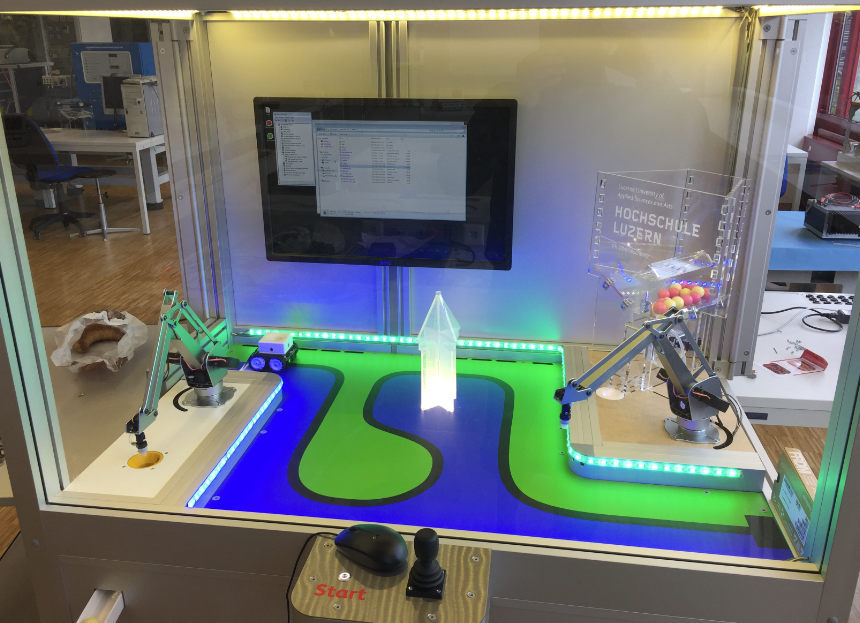
How to fascinate kids for technology? Show them that engineering is fun :-). At the Lucerne University of Applied Sciences and Arts we have created the ‘MINTomat’: a robotics system for STEM activities rewarding interaction with bubble gums:

MINTomat

MINTomat

Yes, pretty over engineered compared to a normal bubble gum automata, but that’s part of the fun :-).

Continue reading →

Tutorial: Getting ETM Instruction Trace with NXP Kinetis ARM Cortex-M4F

It seems to me that not many developers use hardware trace? ARM indicates that maybe only <5% of developers are using trace. Too bad! Why are all the ARM Cortex microcontroller vendors putting a powerful hardware (and complicated!) trace engine into their devices, if only few developers are using it? Seems like a waste of silicon and an unnecessary price adder? Well, hardware trace can be a life saver: Because only with hardware trace the most complicated bugs and problems can be solved. And maybe because only the best are using it ;-).

In this article I proudly present my research how to get instruction trace out of the ARM Cortex-M4 microcontroller on a NXP TWR-K64F120M board with a Segger J-Trace for ARM:

J-TRACE tracing NXP TWR-K64F Board

J-TRACE tracing NXP TWR-K64F Board

Continue reading →

McuOnEclipse Components: 30-Oct-2016 Release

A new McuOnEclipse components release was long overdue, so I’m pleased to announce that a new drop is available with the following major changes:

  • Segger SystemView library with kernel time reporting
  • GenericTimeDate supports different hardware RTC devices
  • Utility with little endian packet handling functions
  • Shell Standard I/O handlers for USB CDC, Segger RTT and Bluetooth
  • FreeRTOS and stack size reporting
  • printf() support in Shell component
  • Various small bug fixes and improvements
SourceForge

SourceForge

Continue reading →

Tutorial: Building FreeRTOS Applications for ARM Cortex-M4 on i.MX7 with Eclipse

Command line tools to build applications are great. But productivity goes up if I can use the standard Eclipse environment with GNU tools. This tutorial is about how to use standard and free GNU and Eclipse tools to build my FreeRTOS application for the ARM Cortex-M4 on i.MX7 🙂 :

Eclipse used to build FreeRTOS applications for M4 on i.MX7

Eclipse used to build FreeRTOS applications for M4 on i.MX7

Continue reading →

Tutorial: Updating Embedded Linux on Toradex i.MX7 Colibri Module using SD Card

My Toradex i.MX7Dual module comes with a preflashed Linux distribution (see “Tutorial: First Steps with NXP i.MX7 and Toradex Colibri Board“). As with any other things, Linux gets updated from time to time, and Toradex publishes new firmware. In this article I’m documenting how I can update Linux in the external FLASH on that module.

NXP i.MX7Dual Module

NXP i.MX7Dual Module

Continue reading →

Tutorial: Running FreeRTOS on NXP i.MX7Dual Cortex-M4F

In my previous article (see “Tutorial: First Steps with NXP i.MX7 and Toradex Colibri Board“) I have booted the i.MX7 on a Toradex CPU module. In this post I’m showing how to run a FreeRTOS application on that board.

UART-A and UART-B Connections

UART-A and UART-B Connections

Continue reading →