Building the NXP BLE Stack with Open Source GNU and Eclipse Tools

One of the biggest road blocks (beside of closed source) using the BLE (Bluetooth Low Energy) stack from NXP is that it requires expensive tools to compile and build the stack. The good news is that I have now the NXP BLE stack for the Mikroelektronika Hexiwear ported to Eclipse and GNU gcc build tools for ARM šŸ™‚

NXP BLE Stack in Eclipse

NXP BLE Stack in Eclipse

Continue reading →

Using Python, Gatttool and Bluetooth Low Energy with Hexiwear

Now I can use the data on the Hexiwear over BLE with the gatttool (see “Tutorial: Hexiwear Bluetooth Low Energy Packet Sniffing with Wireshark” and “Tutorial: BLE Pairing the Raspberry Pi 3 Model B with Hexiwear“). This article is taking things a step further and uses a Python script on Linux to access the sensor data on the BLE device:

Accessing Hexiwear Sensor Data with Python

Accessing Hexiwear Sensor Data with Python

Continue reading →

DIY IKEA Wireless Qi Charging for the Hexiwear

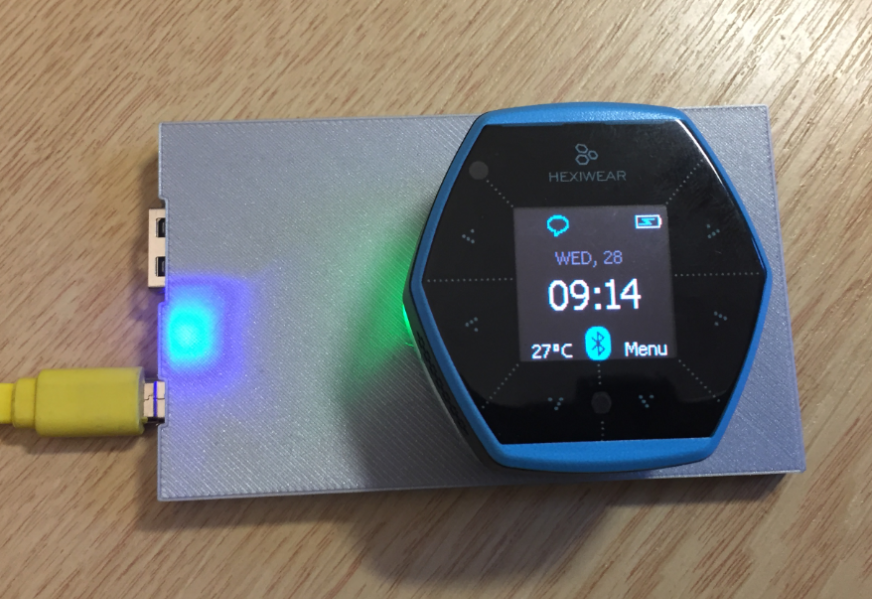
The Achilles Heel of the Mikroelektronika Hexiwear is its charging: the charging and USB connector are only designed for a limited number of plug-unplug cycles, and it does not have a wireless charging capability like the Apple iWatch. Until now! I have built a DIY wireless charging system for the Hexiwear šŸ™‚ :

Wireless Qi Charging the Hexiwear

Wireless Qi Charging the Hexiwear

Continue reading →

VNC Server on Raspberry Pi with Autostart

The Raspberry Pi is a versatile mini computer: as such I can use it with USB keyboard, mouse and HDMI LCD monitor. But having multiple keyboards and mouse on my desktop is not my thing: somehow I always grab the wrong one. So what I prefer is to run the Raspberry with VNC (Virtual Network Computing). That way I have the Linux GUI as a window on my normal desktop, and no messing up with keyboards and mouse šŸ™‚ :

Raspberry Pi on my Dekstop

Raspberry Pi on my Dekstop

Continue reading →

Tutorial: Hexiwear Bluetooth Low Energy Packet Sniffing with Wireshark

For a university reasearch project I try to pair the Raspberry Pi 3 with a Mikroelektronika Hexiwear using BLE (Bluetooth Low Energy). Most of things worked after a lot of trial and error, but at a certain point I was stuck trying to write to send data from the Raspy to the BLE device.The Hexiwear BLE protocol description is very thin, so I ended up using a BLE sniffer to reverse engineer the protocol with Wireshark.

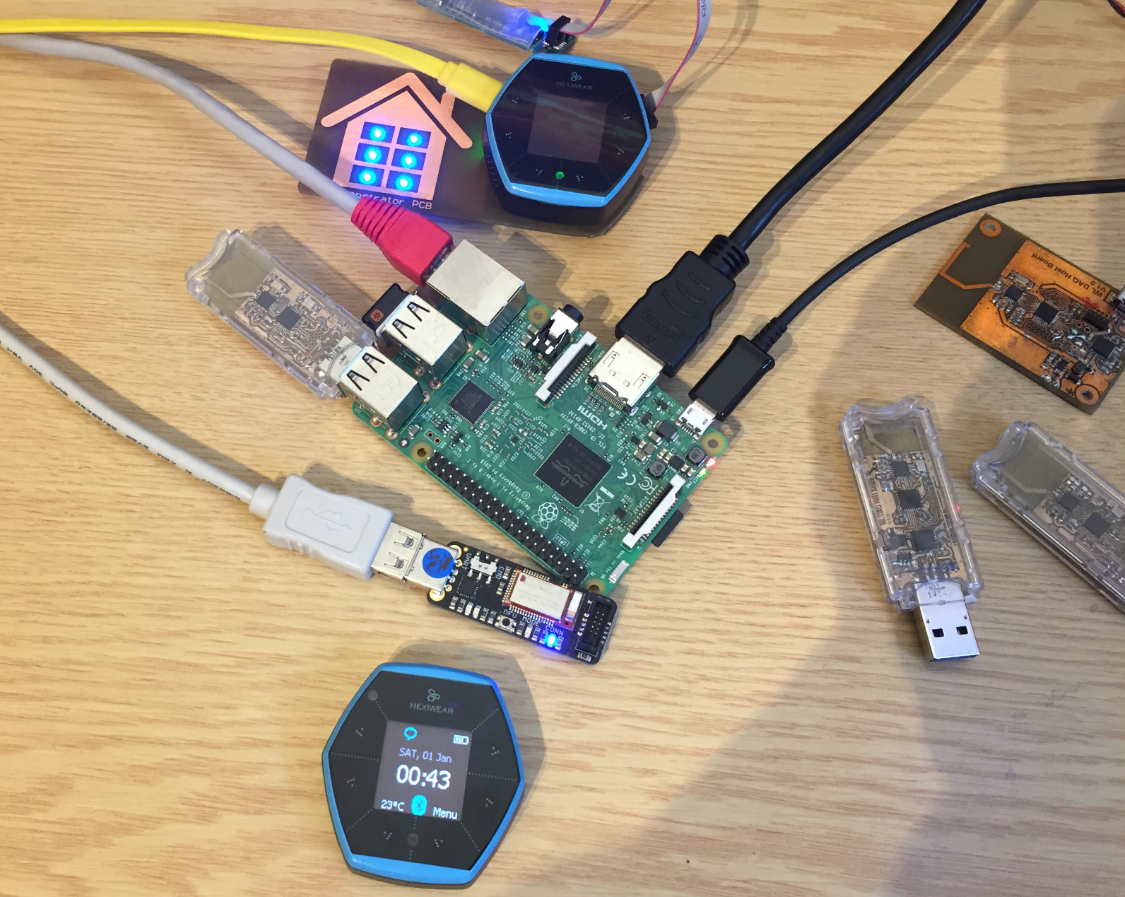
Sniffing BLE Packets between Raspy and Hexiwear

Hardware setup between Raspy and Hexiwear

Continue reading →

Disabling EzPort on NXP Kinetis to Solve Power-On Issues

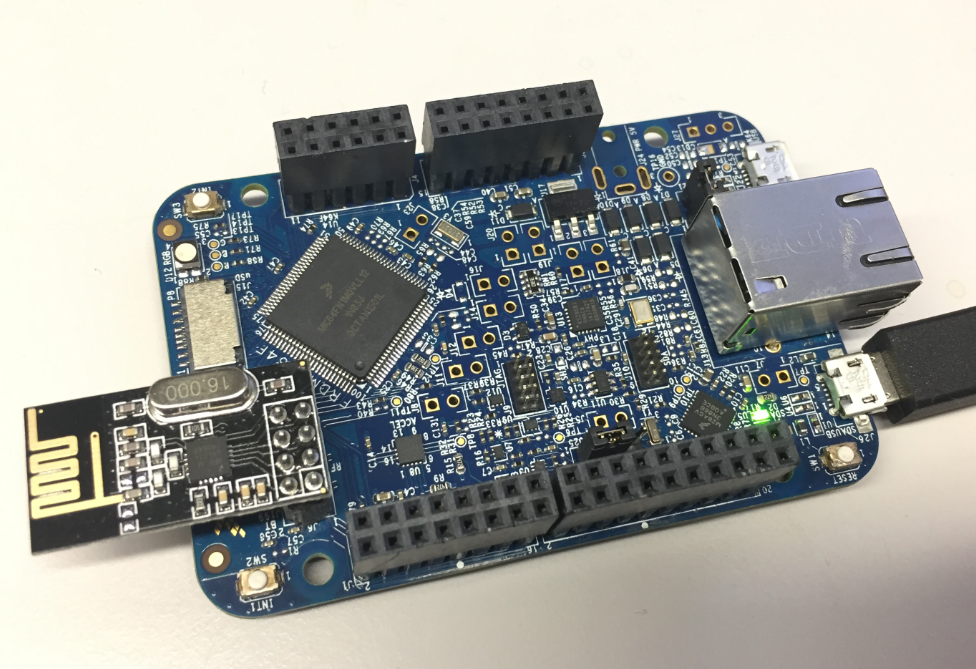
I’m using the NXP FRDM-K64F board in several projects: it is reasonably prices, has USB, Ethernet, micro SD card socket and connectors for Bluetooth classic and Nordic Semiconductor nRF24L01+ 2.4 GHz transceiver:

NXP FRDM-K64F Board

NXP FRDM-K64F Board

But one issue I have faced several times is that the board works fine while debugging and connected and powered by a host machine, but does not startup sometimes if powered by a battery or started without a debugger attached. I have found that the EzPort on the microcontroller is causing startup issues.

Continue reading →

Tutorial: BLE Pairing the Raspberry Pi 3 Model B with Hexiwear

The Hexiwear (see “Hexiwear: Teardown of the Hackable ā€˜Do-Anything’ Device“) is a small and portable sensor node with built-in BLE (Bluetooth Low Energy) transceiver. In a research project we try to use multiple Hexiwear in a classroom environment and to collect sensor data on a Raspberry Pi. The Raspberry Pi 3 Model B running Linux has an on-board BLE transceiver too, so why not binding them (wirelessly) together?

Raspberry Pi 3 connected with Hexiwear over BLE

Raspberry Pi 3 connected with Hexiwear over BLE

Well, things seemed easy at the beginning, and as always, there are many things to learn on a journey like this…

Continue reading →

Low Power LCD: Adafruit Breakout Board with Sharp Memory Display

Many projects benefit from a small display as a user interface. For very low power applications this is usually a no-go as the display needs too much energy. I have used e-paper displays from Kent: while these e-paper displays do not need any power to keep the image, changing the display content is not for free, plus is very slow (around 1 second needed to update the display). So I was looking for something low power and fast for a long time, until Christian (thanks!) pointed me to a display from Sharp: both very low power and fast:

Font Test with Sharp Memory Display

Font Test with Sharp Memory Display

Continue reading →

McuOnEclipse Components: 12-Dec-2016 Release

Time is passing by so fast, and the year end is approache fast! I’m pleased to announce that a new release of the McuOnEclipse components is available in SourceForge:

  • Percepio Trace V3.1 for FreeRTOS which includes both Segger RTT continuous streaming and snapshot tracing in a single API
  • Generation of sources and drivers so they can be used without Processor Expert using McuLibConfig, removal of dependency to NXP Kinetis SDK: components use a generic API approach to have them working with other SDKs.
  • New contributed ExceptionsHandler component
  • Callback Setter and Getter in USB CDC stack for simpler option handling
  • GenericTimeDate with flexible RTC support and added Unix Timestamp functions
  • LongKey events in Key component
  • FreeRTOS with optimized task selection on Cortex-M4/M7
  • Many smaller bug fixes and enhancements
SourceForge

SourceForge

Continue reading →