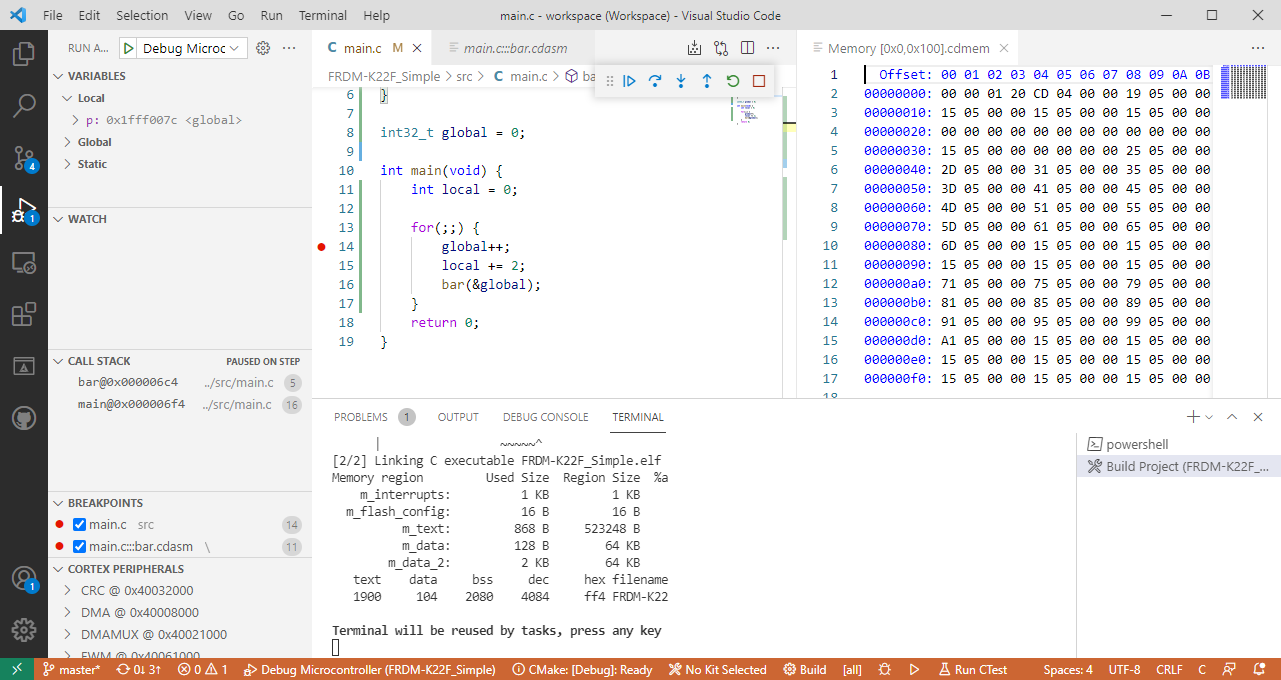
For me the Cortex-Debug Visual Studio extension by marus25 is the standard way to use VSC for embedded development. Another ‘standard’ piece I’m using in many of my projects is the SEGGER RTT.

For me the Cortex-Debug Visual Studio extension by marus25 is the standard way to use VSC for embedded development. Another ‘standard’ piece I’m using in many of my projects is the SEGGER RTT.

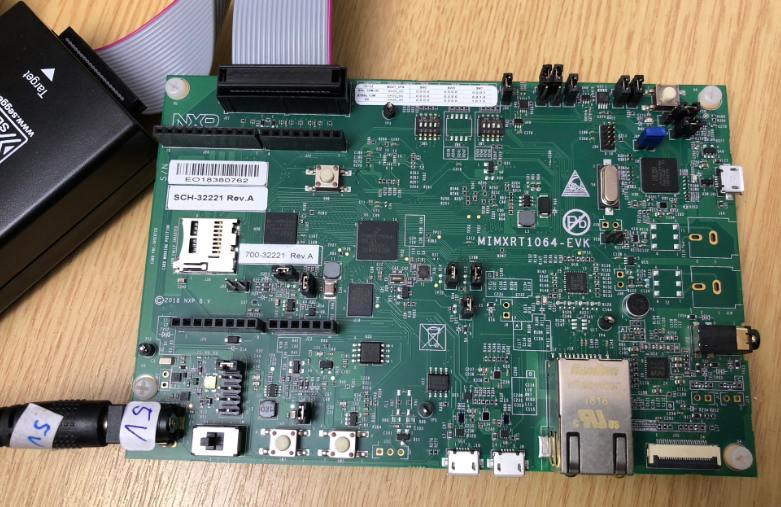
This tutorial shows how to use and collect coverage data using the GNU gcov tool. As board and hardaware I’m using the NXP i.MX RT1064 EVK:

While this tutorial uses this specific board, things are pretty generic and should be applicable for any other board or MCU.
Continue readingThis is a new article in my series about using Microsoft Visual Studio Code: After installation, project setup, building, debugging, setting up a kit, IntelliSense and FreeRTOS. This one is about setting up and using the xPack Extension to build cross-platform-multi-tool project with a project manager.

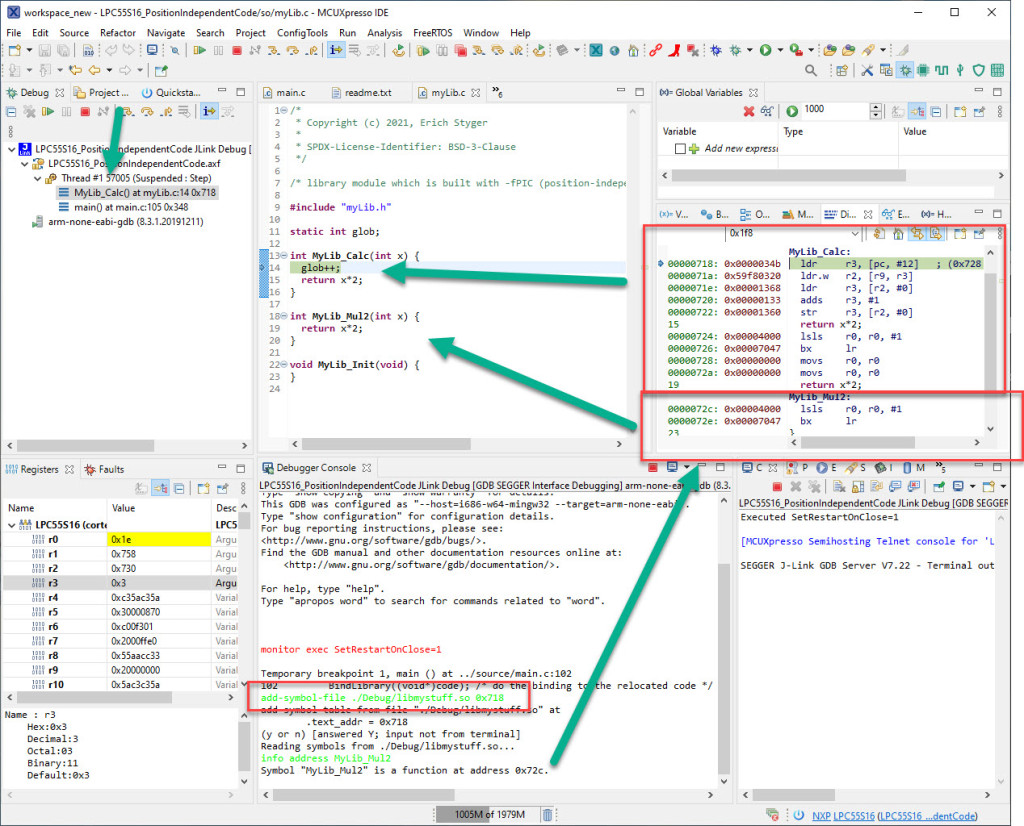
Welcome to ‘Alice in Wonderland‘! For a university research project using an ARM Cortex-M33 we are evaluating position-independent code as way to load applications or part of it with a bootloader. It sounds simple: just add -fPIC to the compiler settings and you are done.
Unfortunately, it is not that simple. That option opened up a ‘rabbit hole’ with lots of wonderful, powerful and strange things. Something you might not have been aware of what could be possible with the tools you have at hand today. Leading to the central question: how is position-independent code going to work with an embedded application on an ARM Cortex-M?

Let’s find out! Let’s start a journey through the wonderland…
Continue readingThis is a new article in my series about using Microsoft Visual Studio Code: After installation, project setup, building, debugging, setting up a kit and IntelliSense. This one is about setting up and using FreeRTOS:

The previous parts were about installation, project setup and building. This one is about debugging an ARM Cortex-M Microcontroller with Visual Studio Code:

In “Freelink LPC4322JET100 based Debug Circuit on NXP i.MX RT1064-EVK Board” I described how to change the factory firmware from OpenSDA to the LPC-Link2 one.

Now it is possible to use a Segger J-Link firmware too, or to switch back to the factory default one.
Continue readingOne of the most frustrating part developing embedded applications is if the debug connection fails somehow: with all the different factors like operating system, virtual machines, USB ports and hubs, debug probe and firmware a ‘connection failed’ is my nightmare. And this is probably the most frustrating parts for my students (and myself!)
I do have a growing list of tips & tricks in “Debugging Failure: Check List and Hints“, so check this list. What I just have added is an entry for
java.net.SocketException: Connection reset
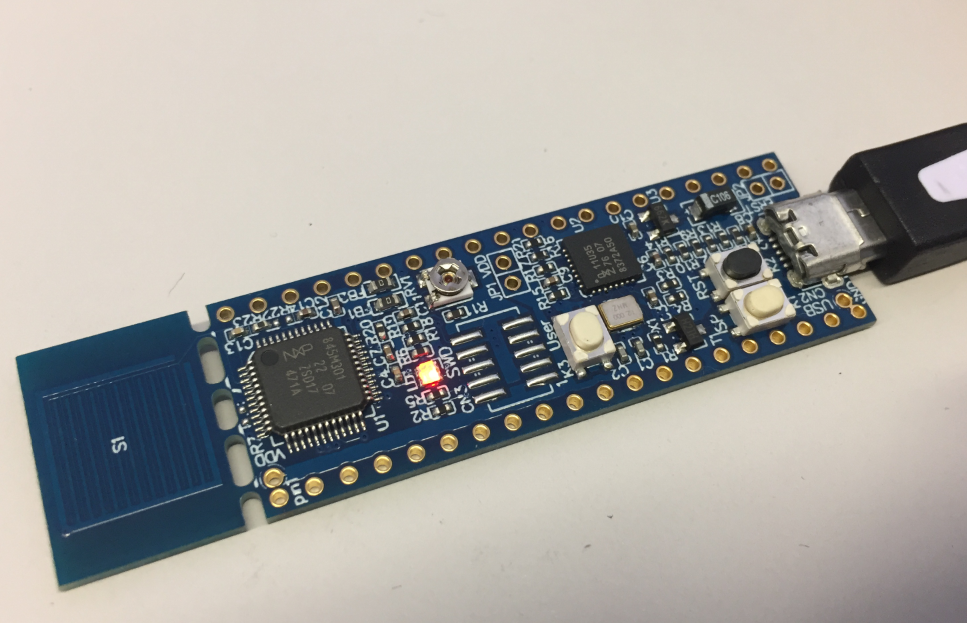
It occurred for a few students when they wanted to use the on-board CMSIS-DAP LinkServer debug connection on the NXP LPC845-BRK.
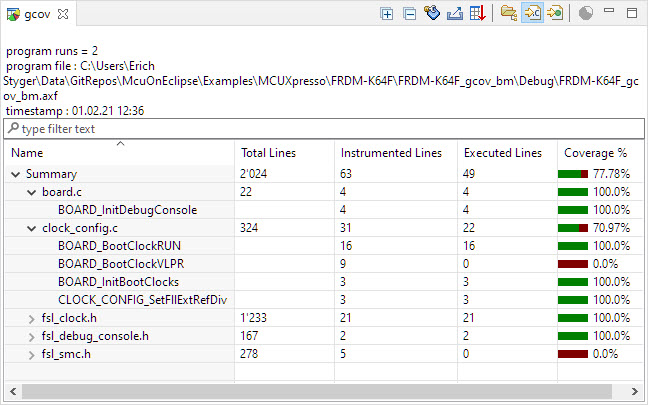
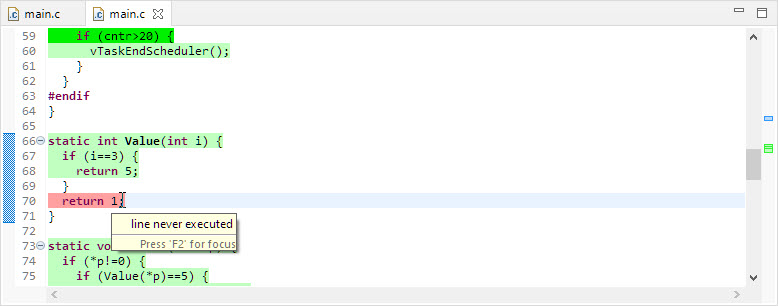
If you are developing Linux or desktop applications with GNU tools, you very likely are familiar with gcov: the GNU coverage tool. It collects data what parts of the code gets executed and represents that in different formats, great to check what is really used in the application code or what has been covered during multiple test runs.
GNU coverage is possible for resource constraint embedded systems too: it still needs some extra RAM and code space, but very well spent for gathering metrics and improves the firmware quality. As I wrote in “MCUXpresso IDE V11.3.0 for 2021” things are now easier to use, so here is a short tutorial how to use it.
It is always good to have a close look what ends up in a microcontroller FLASH memory. For example using EHEP Eclipse plugin to inspect the binary file:
Obviously it has path and source file information in it. Why is that? And is this really needed?
What about:
So let’s have a look what is the reason for this and how it could be avoided or at least reduced.