The Prösels Castle (Schloss Prösels, Castello di Presule) is a beautiful castle near the Schlern mountains in South Tyrol, Italy.
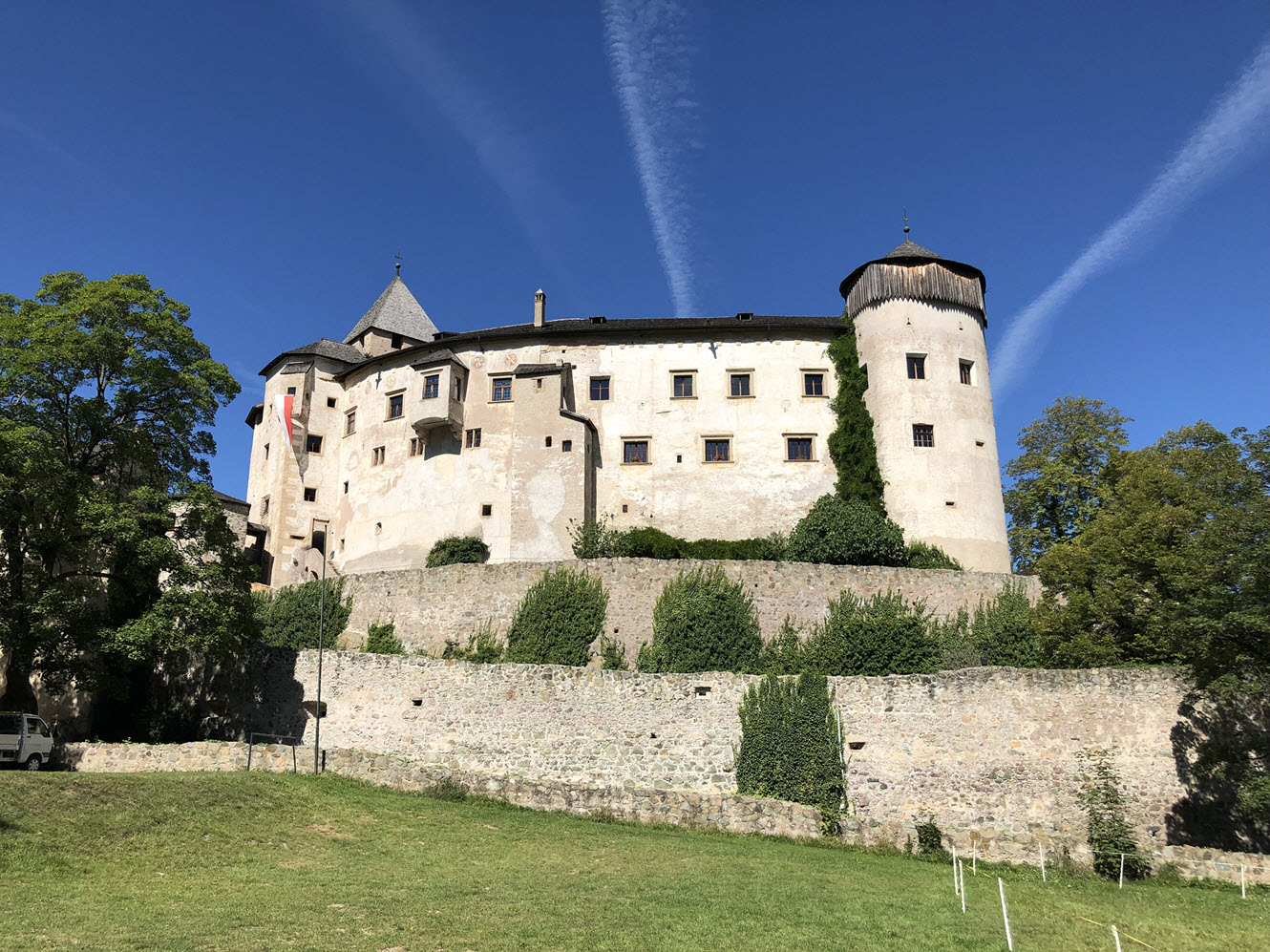
Schloss Prösels

The Prösels Castle (Schloss Prösels, Castello di Presule) is a beautiful castle near the Schlern mountains in South Tyrol, Italy.
Schloss Prösels
Well let’s face it, modern microcontrollers are complicated. The User Manual for the LPC55S69 has 1148 pages (Rev 1.3) and that does not include any of the electrical characteristics – see the Datasheet (129 pages) nor does it include the details around the core or instruction set (see ARM documentation) . So there is a lot of technical information to read, and don’t get me started on the pin multiplexing… Well actually, do get me started on the pin multiplexing because that is my focus this week.
This week I turned my attention to writing a very simple example project in MCUXpresso IDE to run on the ARM Cortex® M33 core inside the LPC55S69. As in previous weeks I am again using the LPC55S69-EVK from NXP. My plan is to use this board every week but I have learned recently a few details about a new ultra-low-cost board. It’s going to be AMAZING and I’ll share more details with you when I can.
Continue readingThe Völseggspitze (1834 m) is a mountain peak in the Dolomites, South Tyrol/Italy. It takes a day hike around it and that journey is worth taking many pictures.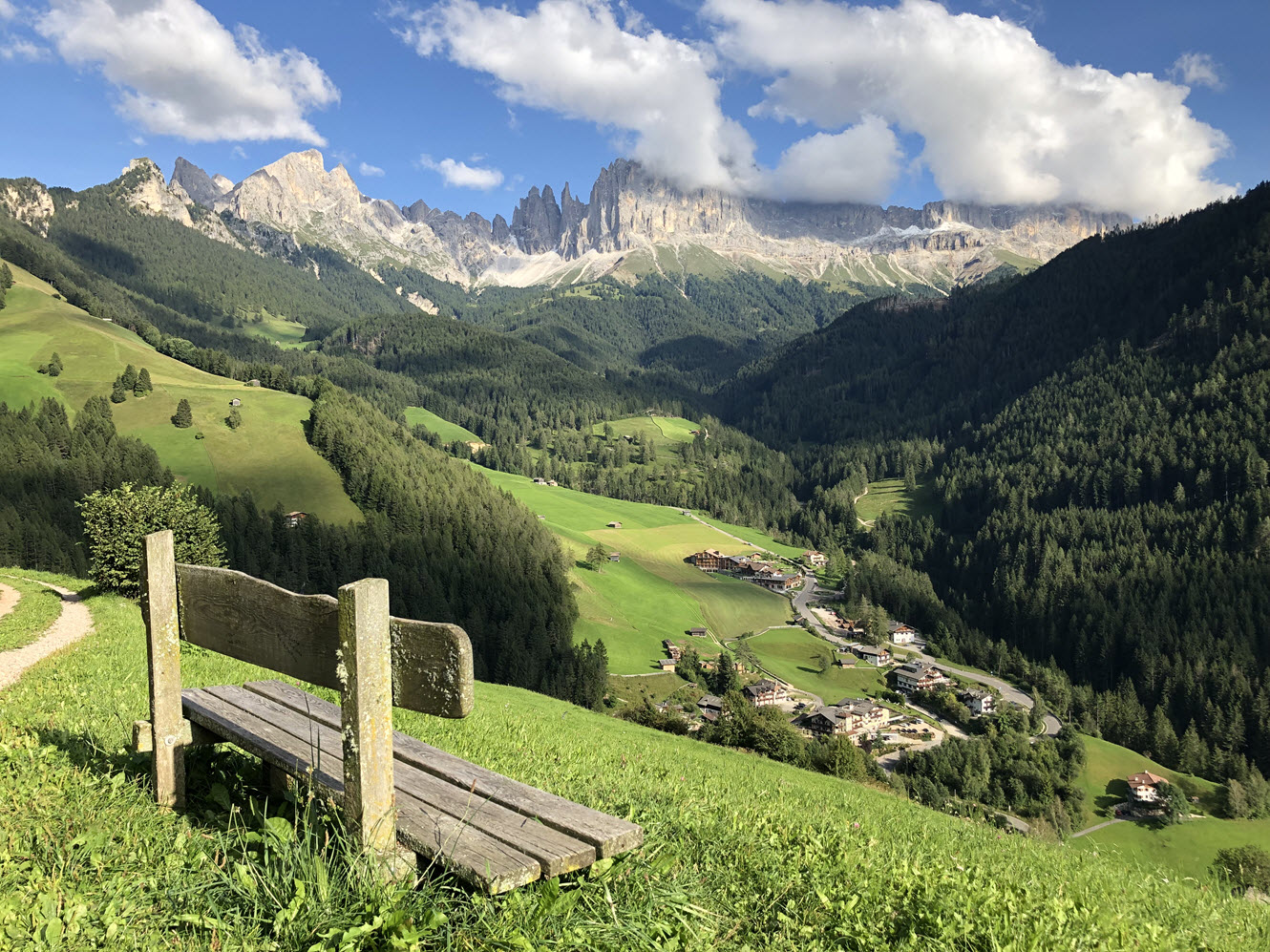
A cold front reached the Alps on the weekend, covering the high peaks with snow.

First Snow in the Dolomites
Most snow is now gone with the sky clearing up, but still making a good contrast to the green down below. Things will definitely change in a few weeks…
Happy Covering 🙂
This is the second of my 17-part video tutorial series investigating the ARM Cortex® M33 core with TrustZone® security extension. My preferred platform for this investigation is the LPC55S69 from NXP, and of course it is necessary to have a development board and IDE. So I’m using the LPC55S69-EVK with NXP’s MCUXpresso IDE and the MCUXpresso Software Development Kit (SDK).
This week the video is really low on theory, but high on practical, step-by-step information to get started with these tools. Maybe you are similar to me, and make the same mistake every time?? I get the self-assembly furniture home from the store, or open the box containing the new development board and just get started. At some point it doesn’t work properly and that’s the time I must read the supporting information.
Well, with this video I show you beginning-to-end in just over 10 minutes, and you won’t need to refer to any other material.
During the video I show you the following steps:
Continue readingNXP has released an update of the Eclipse based V11 IDE. This is right on time for the new semester starting mid of September where this IDE will be used in several labs.

MCUXpresso IDE V11.0.1
Hi, I’m Mark from embeddedpro® in the United Kingdom and Erich’s allowed me to be a guest blogger here on mcuoneclipse. At many industry events, trade shows and conferences I’ve seen and given presentations about TrustZone®, but have not found tutorials or practical information online.
So I’m creating a 17 part video tutorial series (it will be published weekly here) investigating the ARM Cortex® M33 core with the TrustZone® security extension. Each week from now until the end-of-year holidays I will let you know what I’ve found out with a blog here, and a video blog on youtube. My friends at NXP have given me a LPC55S69-EVK board as the basis for my experiments:

The Espressif ESP32 devices are getting everywhere: they are inexpensive, readily available and Espressif IDF environment and build system actually is pretty good and working well for me including Eclipse (see “Building and Flashing ESP32 Applications with Eclipse“). The default way to program an ESP32 is to a) enter UART bootloader by pressing some push buttons and b) flash the application with ESP-IDF using a USB cable.
That works fine if the ESP32 is directly connected to the host PC. But in my case it is is behind an NXP Kinetis K22FX512 ARM Cortex-M4F microcontroller and not directly accessible by the host PC. So I had to find a way how to allow boot loading the ESP32 through the ARM Cortex-M which is the topic of this article.

TTGO ESP32 MICRO-D4 Module
With great pleasure I can introduce a new guest blogger on McuOnEclipse: Mark Dunnett is going to publish a series of technical videos and tutorials with the LPC55S69 board over the course of the next weeks.

LPC55S69-EVK Box
This project is about building a stepper motor clock around the NXP LPC845-BRK board. The design is using a combination of 3D printed and laser cut parts and costs below $15.

Stepper Clock Acrylic Face White Hands

