I did not publish any BBQ posts for a while. But this time I tried something new: Brisket the sous vide way.
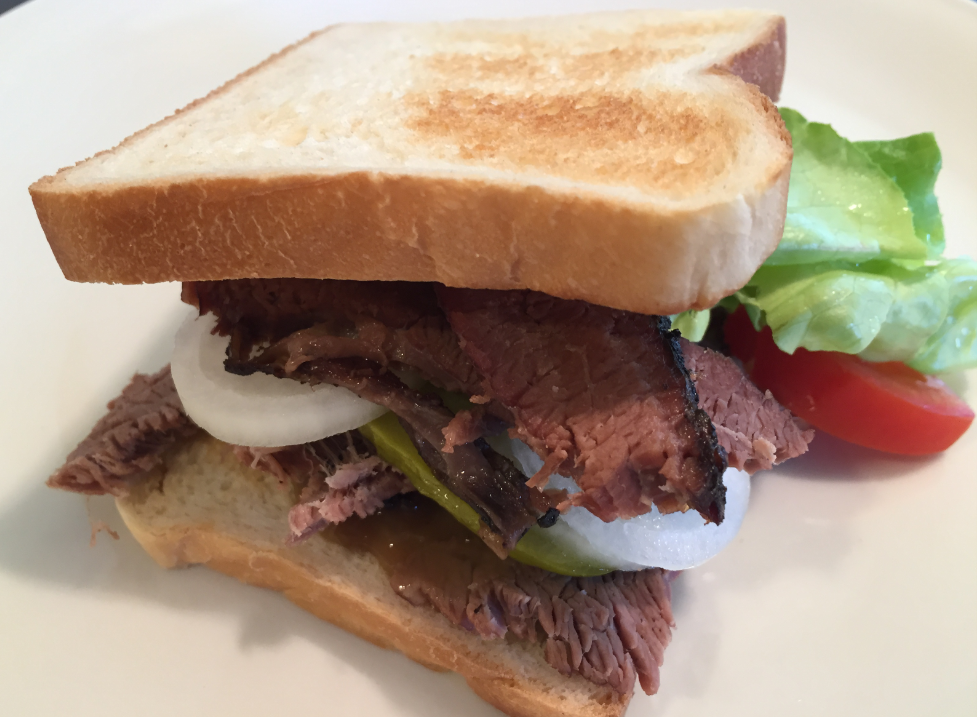
Brisket Sandwich

I did not publish any BBQ posts for a while. But this time I tried something new: Brisket the sous vide way.
Brisket Sandwich
I apologize: I have not been blogging much in the past weeks :-(. One reason is that I’m working on a DIY SMT/SMD Pick&Place machine which keeps me busy most of my spare time :-). I admit that this project is not finished yet, but now is the time I can give a sneak preview: a SMD/SMT pick and place machine:

Pick&Place Machine
I’m very happy with my 50W Laser Cutter (see “Getting Control over a 50 Watt CO2 Laser Cutter from China“). My main decision factors were (and still are): Software, software, tools and again software, and down in the list finally the hardware. Same thing for that laser cutter. After several upgrades (see “50W Laser Cutter Upgrades“), it was time replace the stock controller hardware with a new one including LCD display:

New Laser Cutter LCD Panel
Using IP (Ethernet) based debug probes is a very handy thing: I don’t have to be directly connected to the debug probe (e.g. with the USB cable). This article explains how to use an IP-based Segger or P&E probe with the Eclipse based MCUXpresso IDE.

LAN Based Debugging
Windows 8 and 10 have added a ‘feature’ to scan and index devices attached to the host machine. This means that bootloaders or MSD (Mass Storage Device) programming implementations on evaluation boards developed in the Windows 7 age might not be prepared for that. Up to the point that it can impact the bootloader as outlined in “Bricking and Recovering OpenSDA Boards in Windows 8 and 10“. So far one of the easiest way to get out that situation was to use a Windows 7 machine. But if you only have a Windows 10 machine available, this article describes the needed steps to update the bootloader with Windows 10 host machines.

OpenSDA LED
Winter is coming to an end, but there is still lots of snow up in the higher mountains. This weekend we spent in Melchsee-Frutt, a mountain resort village at 1920 m above sea level in the Swiss Alps, still covered by 3-4 meters of snow. Technically the Winter season closed this weekend, but it is still ‘Winter Wonderland’ up there. The lakes are covered by snow and ice, and it is beautiful to stroll around in this wonderland. Enjoy!
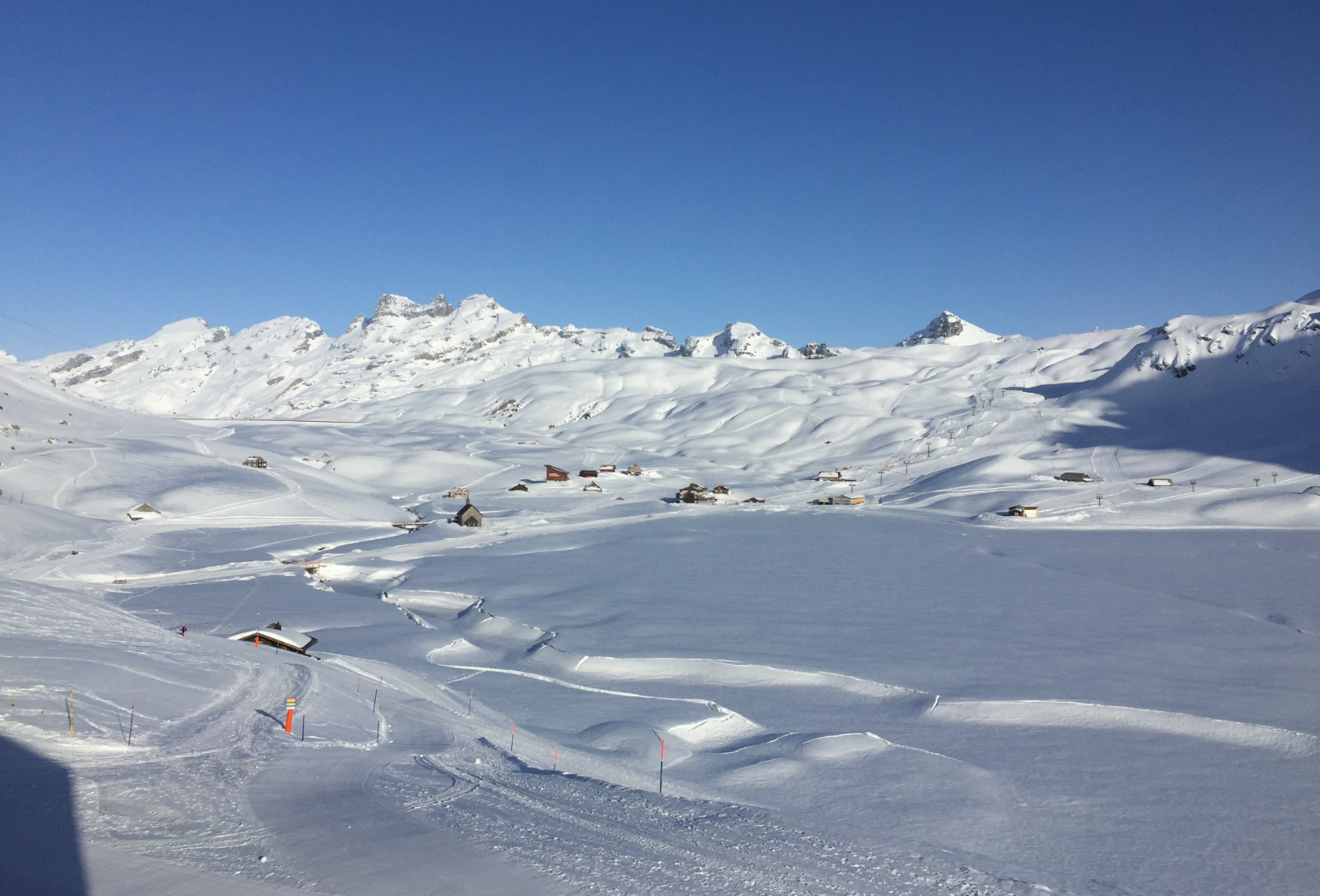
Melchsee-Frutt
The map file produced by the GNU linker includes lots of information, however it is very cryptic to read. In “Listing Code and Data Size for each Source File with GNU and Eclipse” I showed how the GNU size utility can be used to report the code and data size for each object file. The Eclipse based MCUXpresso IDE comes with another nice view which shows detailed information about code and data allocation:

Symbol Viewer in MCUXpresso IDE
It’s April Fool’s Day, but be assured this is not a joke ;-): I’m pleased to announce that a new release of the McuOnEclipse components is available in SourceForge. This release includes several smaller bug fixes and components have been upgraded for FreeRTOS V10.0.1.

SourceForge
After all the 3D printing and laser cutting for a Pick&Place project, my laser cutter had something else to do this Easter weekend:
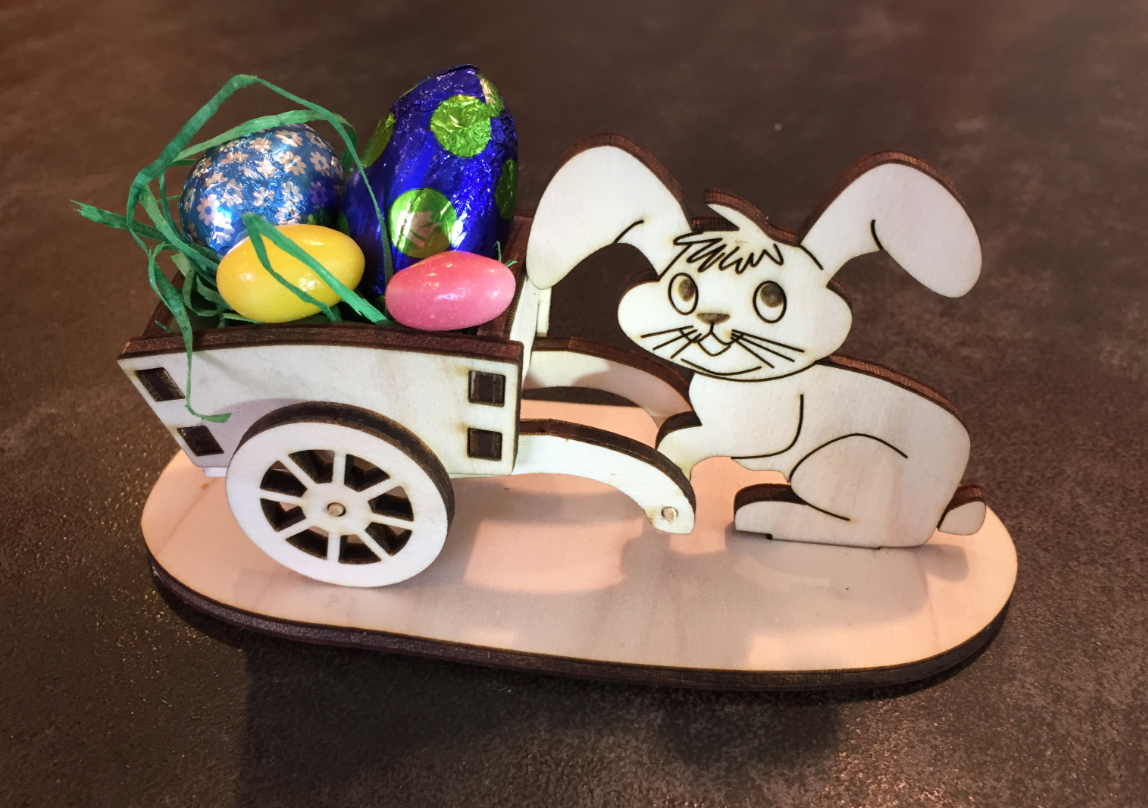
Happy Easter
If you follow me on Twitter, then you are aware that I’m working on a larger project building an SMT pick and place machine :-). The fun with this project is that it includes electronics, mechanics and all kind of 3D printing and laser cutting. That machine picks SMD components and places them on a PCB. One sub-project is to build a SMD cut tape holder:

SMD Tape Holder
 MCU on Eclipse