Managed linker scripts are great on one side: the simplify the otherwise complex GNU linker script handling. On the other side it requires knowledge how to tweak them in case ‘non-standard’ behavior is needed.

Managed linker scripts are great on one side: the simplify the otherwise complex GNU linker script handling. On the other side it requires knowledge how to tweak them in case ‘non-standard’ behavior is needed.
It is very valuable to have a date and time information in the binary. That way for example using a shell I can check the version of the firmware running on a device, or it can be printed on a console or UART as needed.

Firmware Date and Time
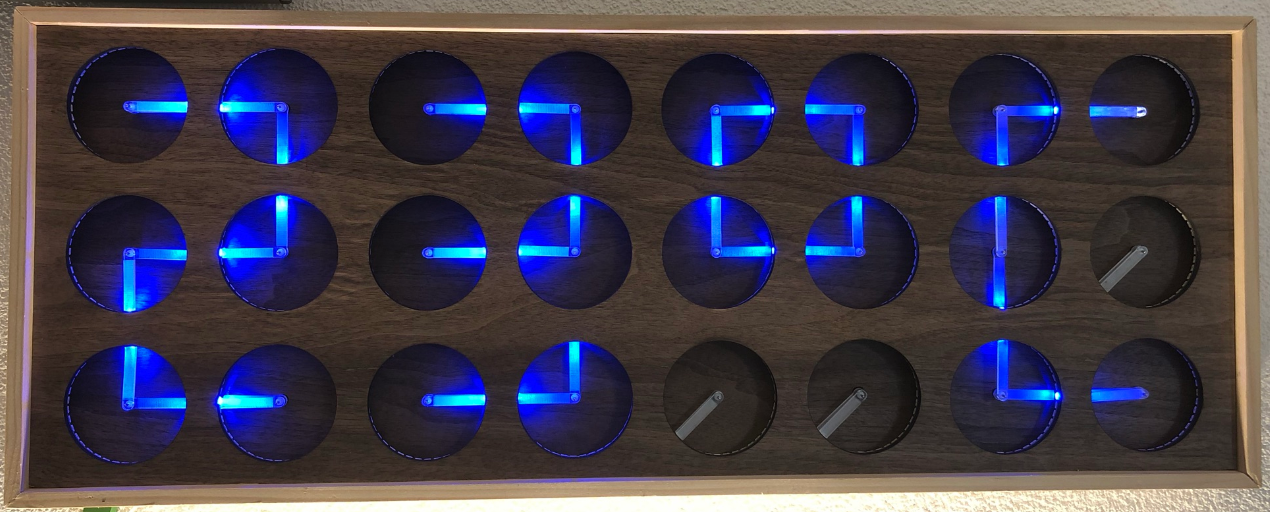
If you are not aware (yet?): it looks like the COVID pandemic caused a global silicon and microcontroller shortage with lead times >50 weeks in some cases. The microcontroller I have used for the MetaClockClock build (see “New MetaClockClock V3 finished with 60 Clocks” and “MetaClockClock V4 for the Year 2021“) is affected by this too, but I had luck and still enough microcontrollers to build a few more boards.
So I still have enough for building a new variant with it (not finished yet). While everyone else is waiting for the devices to arrive, here are more details and instructions for your own build.
One of the most frustrating part developing embedded applications is if the debug connection fails somehow: with all the different factors like operating system, virtual machines, USB ports and hubs, debug probe and firmware a ‘connection failed’ is my nightmare. And this is probably the most frustrating parts for my students (and myself!)
I do have a growing list of tips & tricks in “Debugging Failure: Check List and Hints“, so check this list. What I just have added is an entry for
java.net.SocketException: Connection reset
It occurred for a few students when they wanted to use the on-board CMSIS-DAP LinkServer debug connection on the NXP LPC845-BRK.
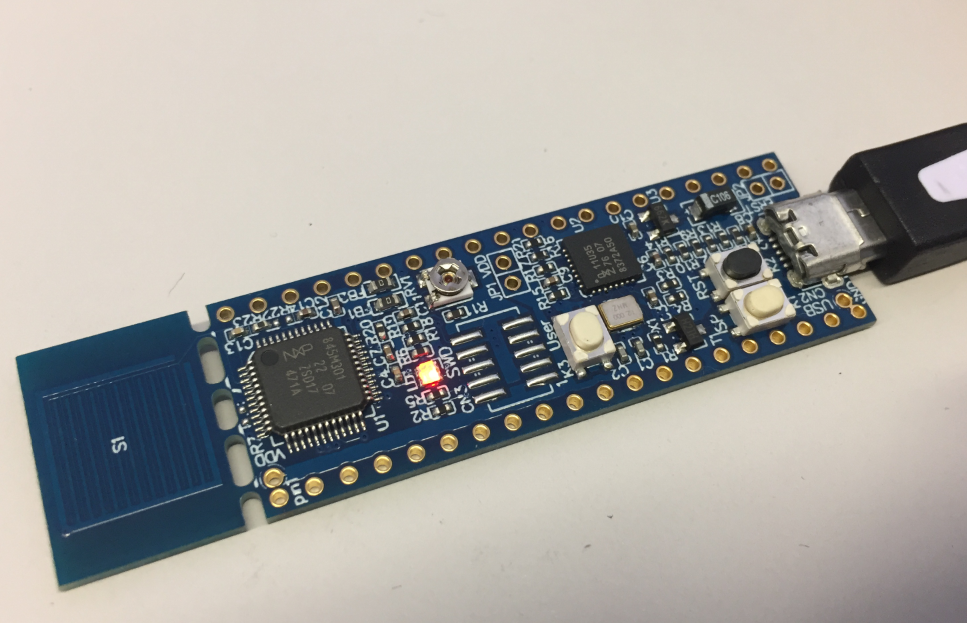
NXP LPC845-BRK Board
If you are developing Linux or desktop applications with GNU tools, you very likely are familiar with gcov: the GNU coverage tool. It collects data what parts of the code gets executed and represents that in different formats, great to check what is really used in the application code or what has been covered during multiple test runs.
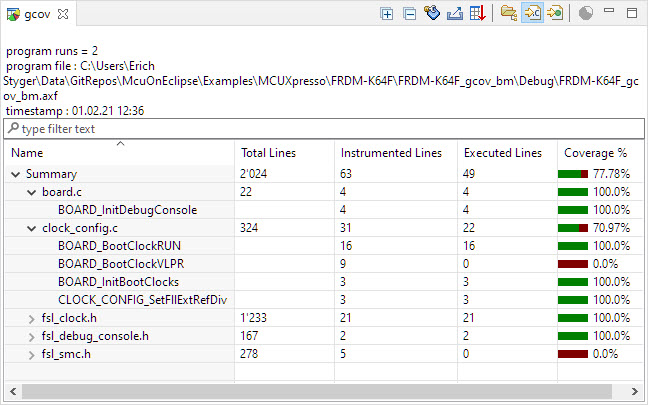
Coverage Information with gcov
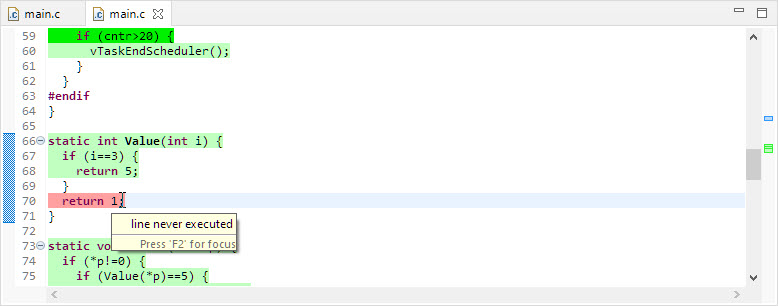
line never executed
GNU coverage is possible for resource constraint embedded systems too: it still needs some extra RAM and code space, but very well spent for gathering metrics and improves the firmware quality. As I wrote in “MCUXpresso IDE V11.3.0 for 2021” things are now easier to use, so here is a short tutorial how to use it.
There are many different aspects of Open Source projects: It is not only about the fact if the sources are available (‘open’). It is about the licensing terms (how permissible is it, what can I do with it), maintenance and continuous development (what has changed between releases), how and where is it delivered (Sourceforge, dedicated distribution, packaging) up to collaboration (how can I contribute or submit issues).
NXP has now published the MCUXpresso SDK on Github:
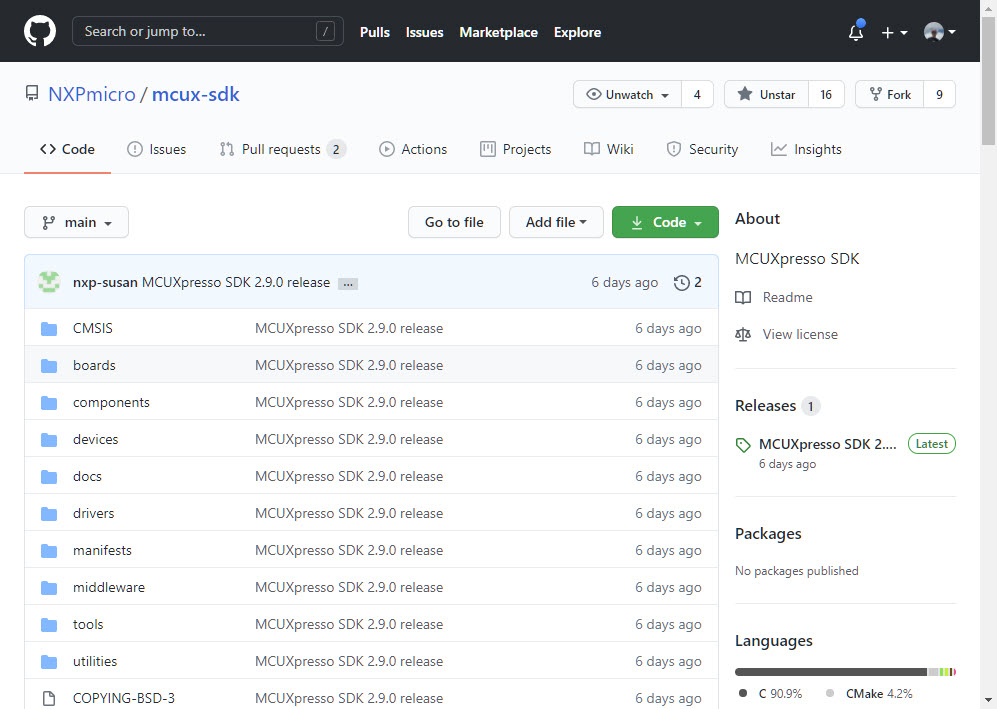
MCUXpresso SDK on GitHub
Something I was waiting for a long time.
I’m in the middle of the university exam season: means writing exams and do grading. The same time the new semester is approaching too and I need to prepare the new course material. For the classes using NXP parts I’m using the Eclipse based MCUXpresso IDE, and I just received the announcement that a new version V11.3.0 is available: time to check out what is new.
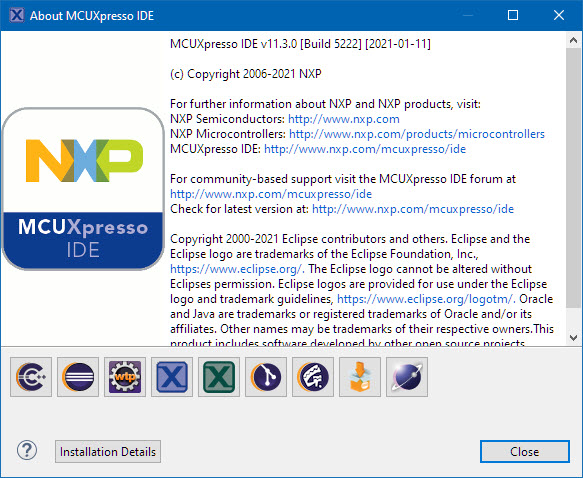
MCUXpresso IDE v11.3.0 (Build 5222)
The Eclipse CODAN (Code Analysis) plugin is part of CDT and is a powerful static analysis tool finding all kind of possible bugs and issues. Still to my surprise not many C/C++ developers take advantage of it maybe because they are not aware that it exists?
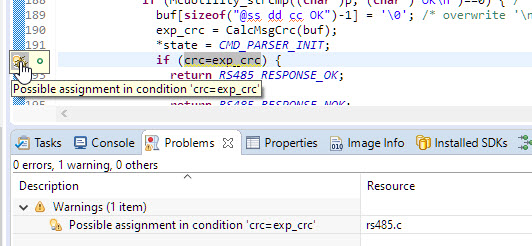
ups! Programming error detected by CODAN
In this article I show a few tips how to effectively use it, especially with the NXP MCUXpresso SDK.
The holiday break at the end of the year is always a good time to finish projects started during the year. This one is about my ‘MetaClockClock’ Version 3.

2020 with Red Hands on Blue
The MCU-Link is a $10 CMSIS-DAP capable debug probe which works out-of-the box with the MCUXpresso Eclipse based IDE. This is great for development, but how can I programming with the push of a button or a script? The answer is no: there is an easy way to use the debug probe outside Eclipse from a shell script, and you can use that MCU-Link probe to do the job. This is especially useful as with the example below where I have to program 60 boards this week-end :-).

Batch Programming Boards with MCU-Link

