
I had a few of PCBs left over from the V3 MetaClockClock, and originally I planned to finish a build with them by the end of 2020. But as always: things took a bit longer than expected, so I finally finished it today on the first day of the year 2021.
The build uses the same hardware as in the previous V3, but instead of an ‘artistic’ canvas background I decided for a more natural and wood design:

V4 with Walnut Veneer
It uses a walnut veneer on 3mm MDF and then laser-cut the holes and surrounded it with a pine wood frame.
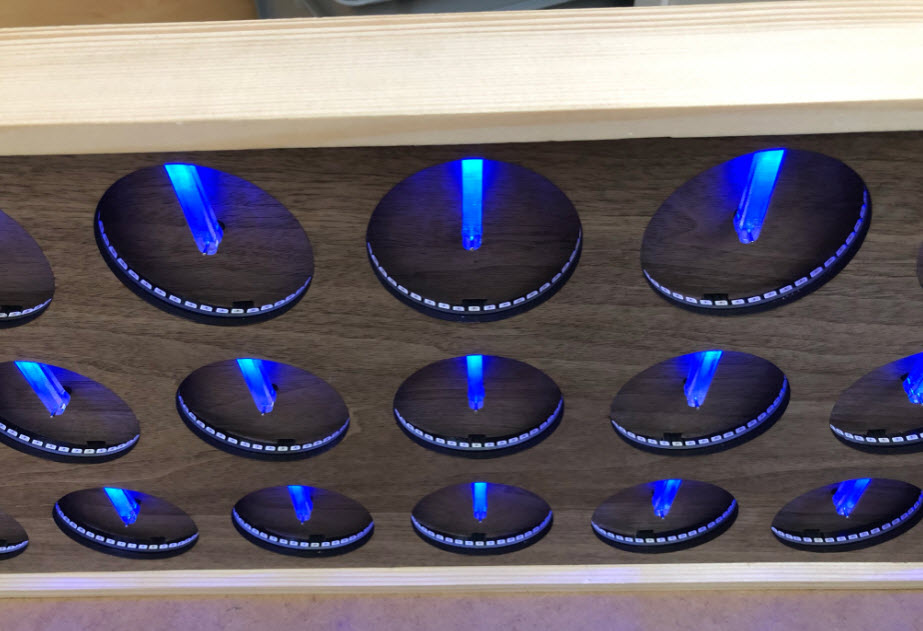
materials
It is smaller (71.5 x 28 x 5 cm) and includes a total of 24 dual shaft stepper motors with laser-cut PMMA hands (dual and extended version).

displaying digits
The PCBs with the RGB LEDs (WS2812B-SIDE) are put into 3D printed enclosures. The clocks snap into the enclosure, and the enclosure itself is attached with two screws to the front panel.
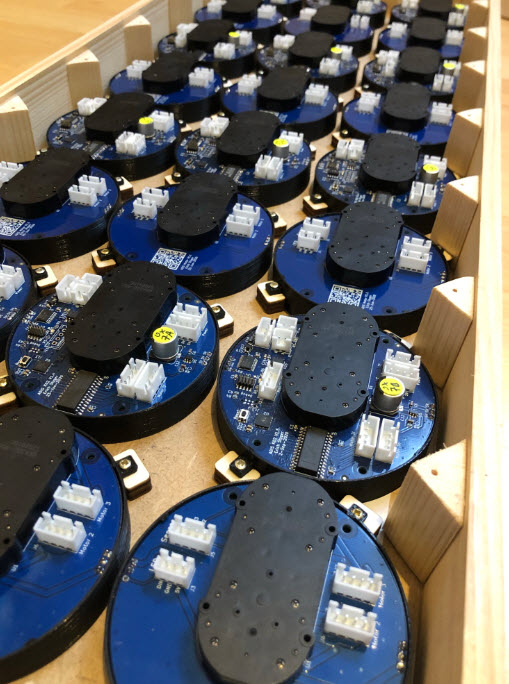
Boards in frame
Compared to the V3 it is much easier and faster to build and assemble. For the wiring I used pre-configured cables I ordered from Aliexpress.
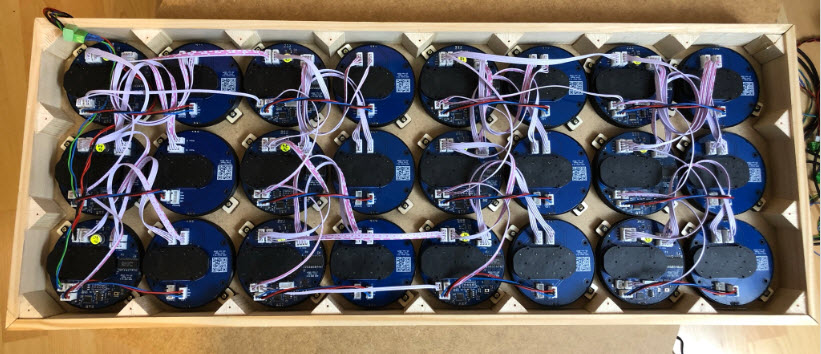
finished wiring
The back is closed and the whole thing can be hung on the wall, only requiring 5V and optionally the RS-485 interface.
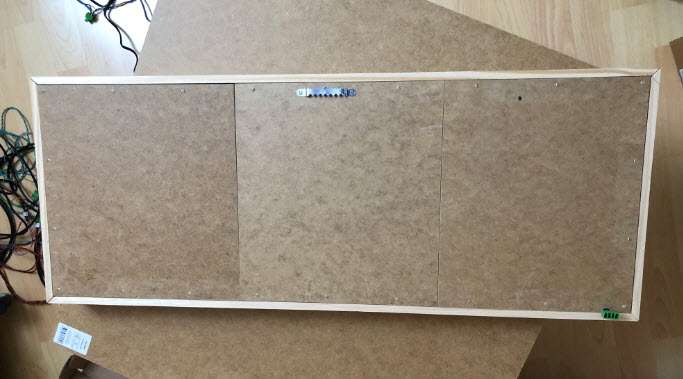
Back of MetaClockClock V4
Below how it looks:
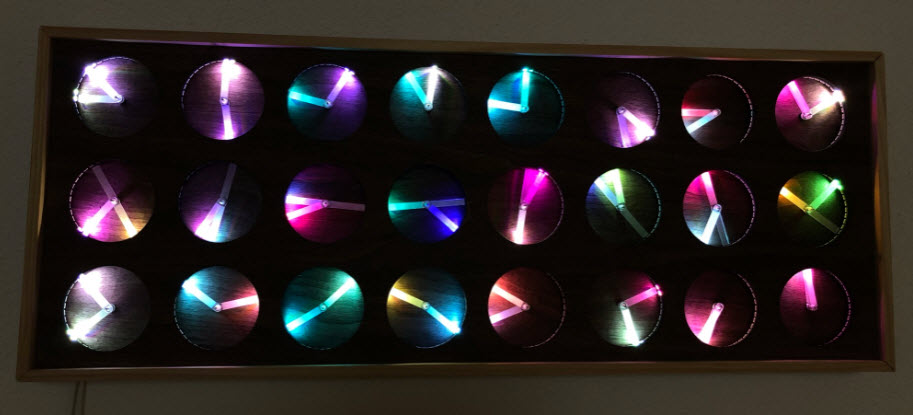
random colors
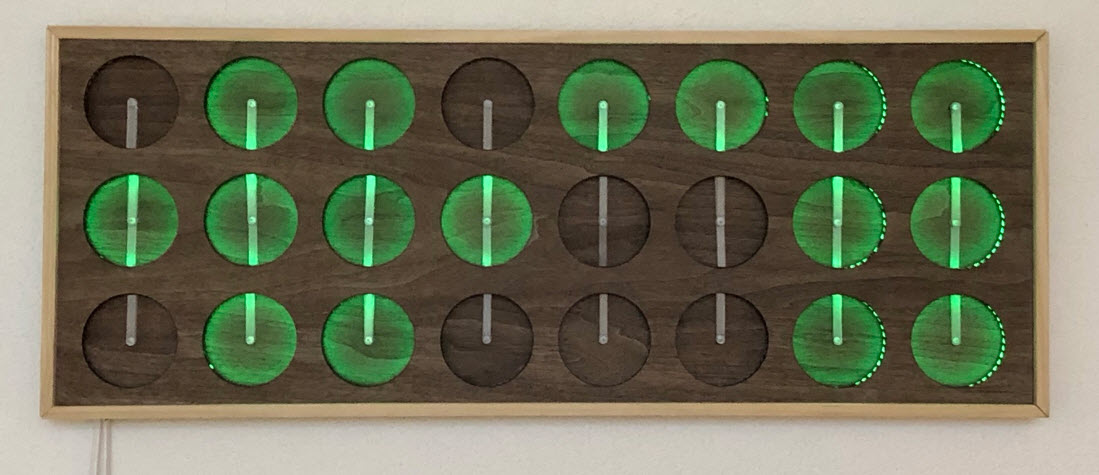
Conway’s Game of Life
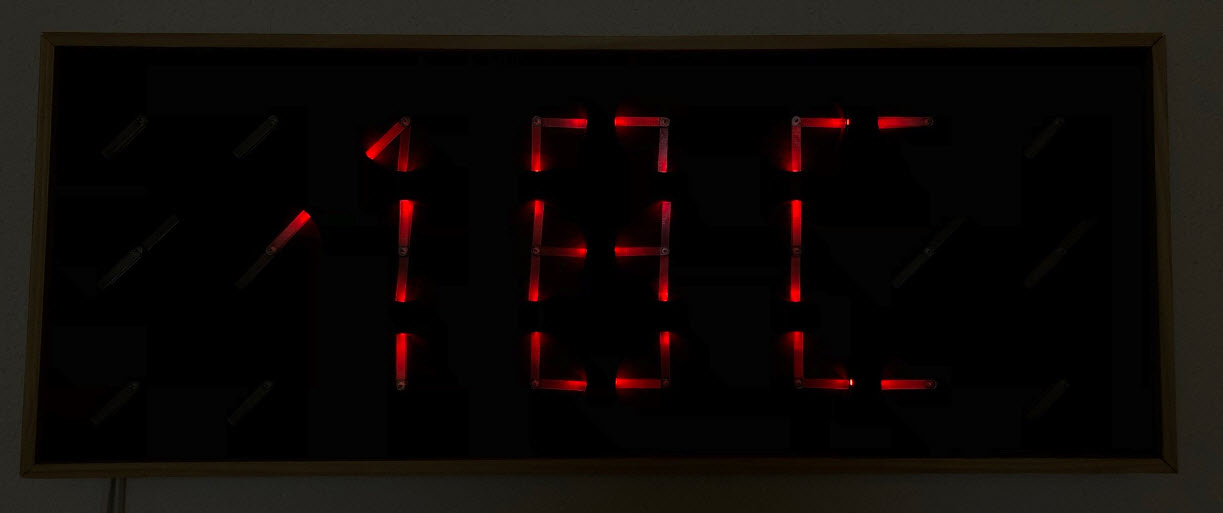
Temperature Display (Glow in the Dark)
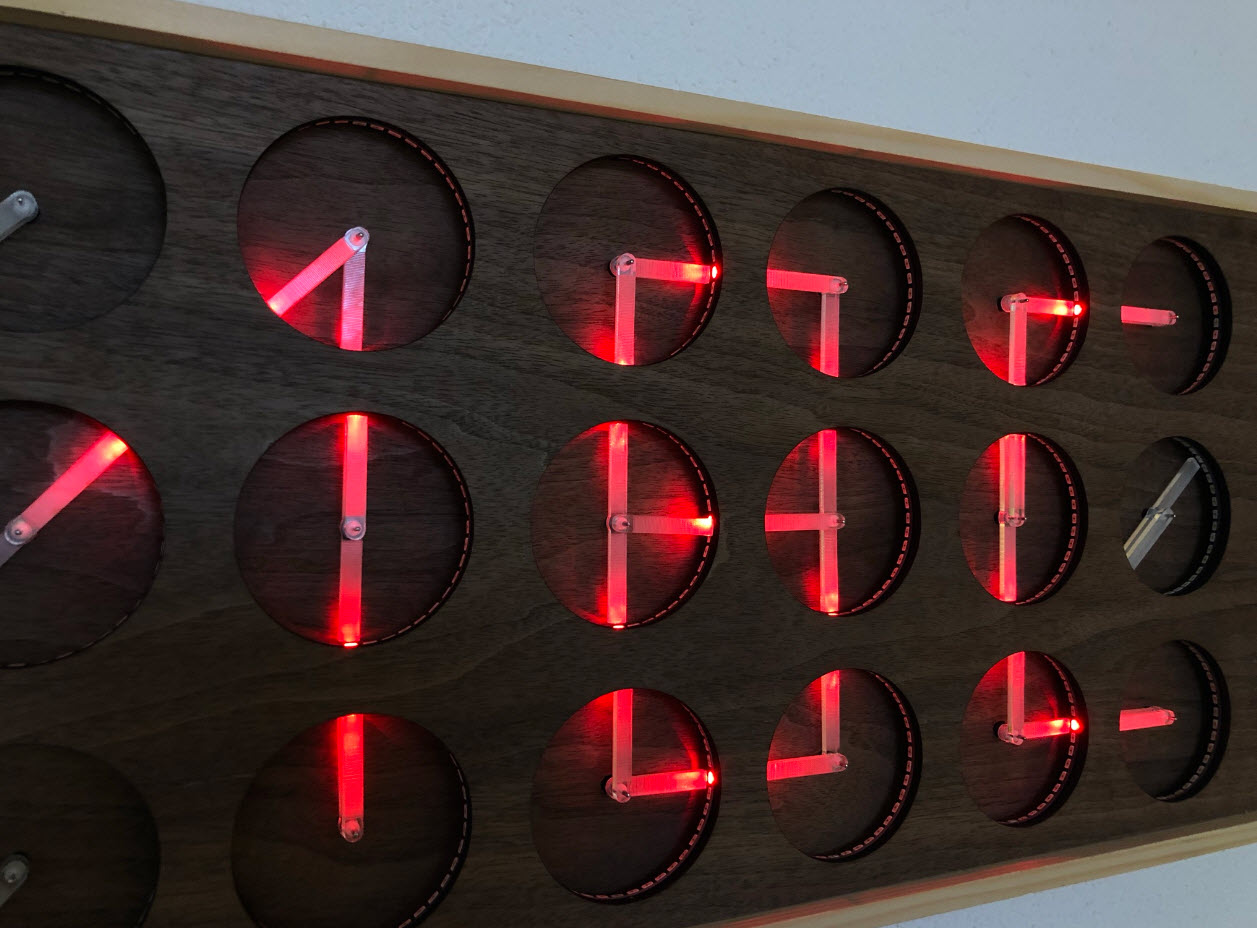
18C on display
Happy 2021 🙂


Hello Erich,
Happy New Year to you!
I really like the design but don’t have any tools/know-how on how to make it myself.
Is it possible to buy 1 from you?
Thank you,
Ewout
LikeLike
Hi Ewout,
This is not something you can buy from me. The point of all the maker things is that you get the idea and motivation, and with the motivation you will learn easily and fast, an with the learning you can build up your skills, know-how and tools and soon you will be able to build something similar yourself too. See for example https://www.instructables.com/circuits/clocks/projects/ and pick one you would like to start with. That might be an easier start for you if are not in electronics yet. Just start the journey.
Happy New Year!
LikeLike
Pingback: MetaClockClock Build Instructions | MCU on Eclipse
Hi Erich!
Really great build! I am currently investigating your project and code and making up a budget to have it a go.
For that reason, do you also have the ordering information for the PCB boards you made via PCB Way? For the tinyK22 you uploaded a screenshot on github with those details.
It would be great if you have similar data for the other boards as well to make sure I do not order boards that will never do the job 🙂
Thanks a lot!
LikeLike
Hi Philippe,
you can find the hardware information here: https://github.com/ErichStyger/MetaClockClock/wiki/Hardware
Erich
LikeLike
Hi again.
Apparently, due to supply chain problems, the bus tranceiver of the TinyK22 master is not available. Instead of the 595-SN74HCT245PW they propose to implement the 595-SN74HCT245PWR version.
As far as I understand, the 595-SN74HCT245PW is an octal bus tranceiver with tri-state out whereas the 595-SN74HCT245PWR is a tri-state bus tranceiver.
Will this affect the functioning of the device you think?
Thank you for your advice!
LikeLike
No, this does not affect the functionality, you can use that one as well.
LikeLike
Thanks.
Same problem for the MK02FN128VFM10 on the MCU board.
I guess the MK02FN64VFM10 is a valid alternative (limited flash is still OK?)
Do you know any (other) alternatives that will do the job and is 1 on 1 replacable?
LikeLike
yes, the FN64 is ok too. Acutally I have used it with my first test board, and that worked fine. I switched to the 128 kByte version because the price was not really much higher, and allowed to run the code with all the features and I did not had to enable aggressive code optimizations.
I’m actually amazed that you are able to get Kinetis devices on the market: Kinetis is pretty much dead because no parts available.
About 1on1 replacement: there is no such thing: it would require a redesign of the board. I would use the RP2040 if I would do it again by this time.
LikeLike
Now, after having ordered, I get the message both the MK02FN128VFM10 and MK02FN64VFM10 are obsolete indeed.
All other boards of the project should be OK for delivery.
Any advise on how to proceed with the MCU board? I think I am missing the correct files to be able to redesign this PCB? Any help on that would be usefull anyway (being a programmer, I do not have experience with PCB design 🙂 )
LikeLike
Well, they are not ‘obsolete’, just really hard to get, or very expensive (I had received quotes for up to $60 a single MCU).
With an other MCU, you would have to completely redesign the MCU board.
LikeLike