If a Cortex microcontroller is unresponsive to a debug connection for various reasons, then this trick might help to recover that device for you. All you need is a debug probe from PEMICRO and a utility.


If a Cortex microcontroller is unresponsive to a debug connection for various reasons, then this trick might help to recover that device for you. All you need is a debug probe from PEMICRO and a utility.
This is about one of my ‘long running projects’: I happily can report that the missing last piece has been installed after 16 months from the start of the project: the ‘3D-Printed-Supported-Driftwood-Bath-Tub-Shower-Gel-Holder’ 🙂 :

This is the ‘official finish’ of a complete bathroom renovation and remodeling. It has been a joint project with the help of friends, contractors, my family and my brother in law (who is an outstanding carpenter and cabinetmaker), plus the Ultimaker2 3D printer which contributed many ‘background and hidden’ features.

I invite you to a virtual time travel. I hope you enjoy it and get inspired….
Continue readingFor a research project we selected the NXP LPC55S16 but because it has due the silicon shortage it is not available probably for the next 52 weeks (yikes!) we can use the EVK Board.
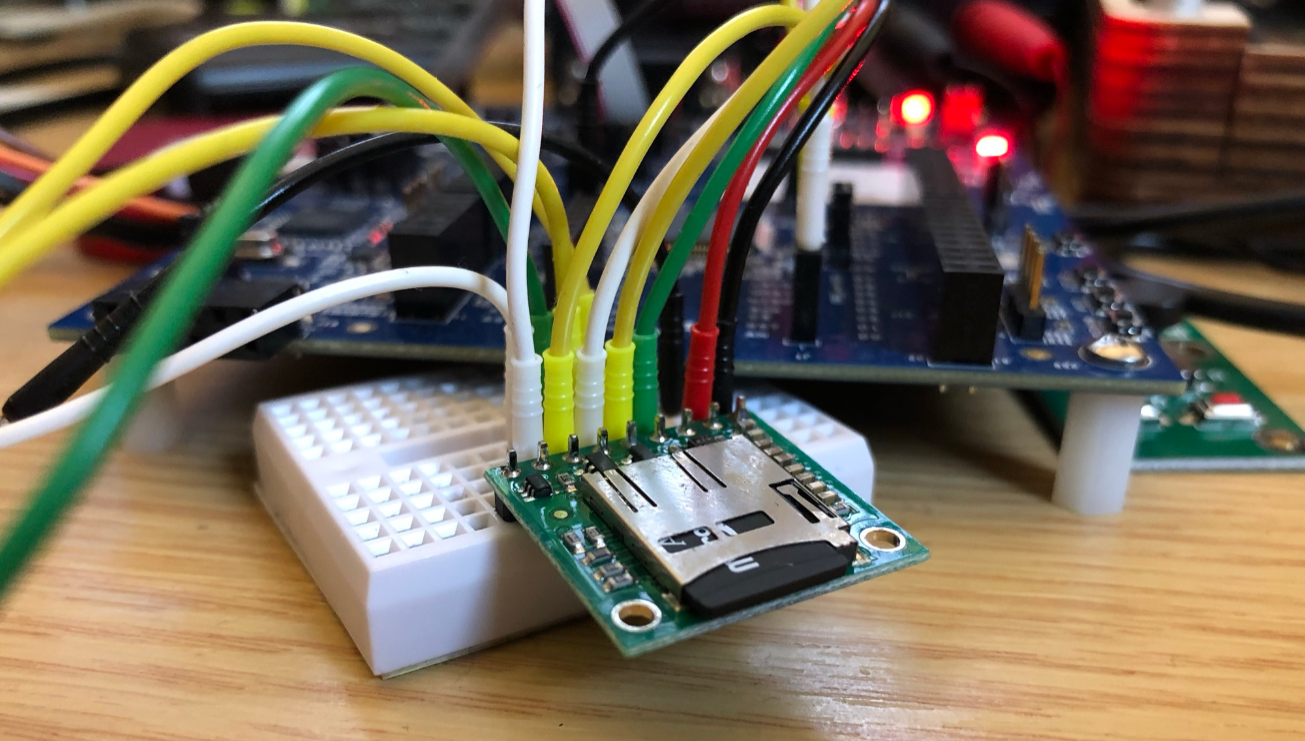
The FatFS file system from Elm Chan is the de-facto file system for many embedded systems. As such it comes integrated with silicon vendor SDKs like the NXP MCUXpresso SDK. The problem is that the SDK only has examples for things on the board, and because that board does not have a SD card socket, no example for using FatFS with an SDK card is provided :-(. So I had to create one, and you can get it from GitHub.
Continue readingThe previous parts were about installation, project setup and building. This one is about debugging an ARM Cortex-M Microcontroller with Visual Studio Code:
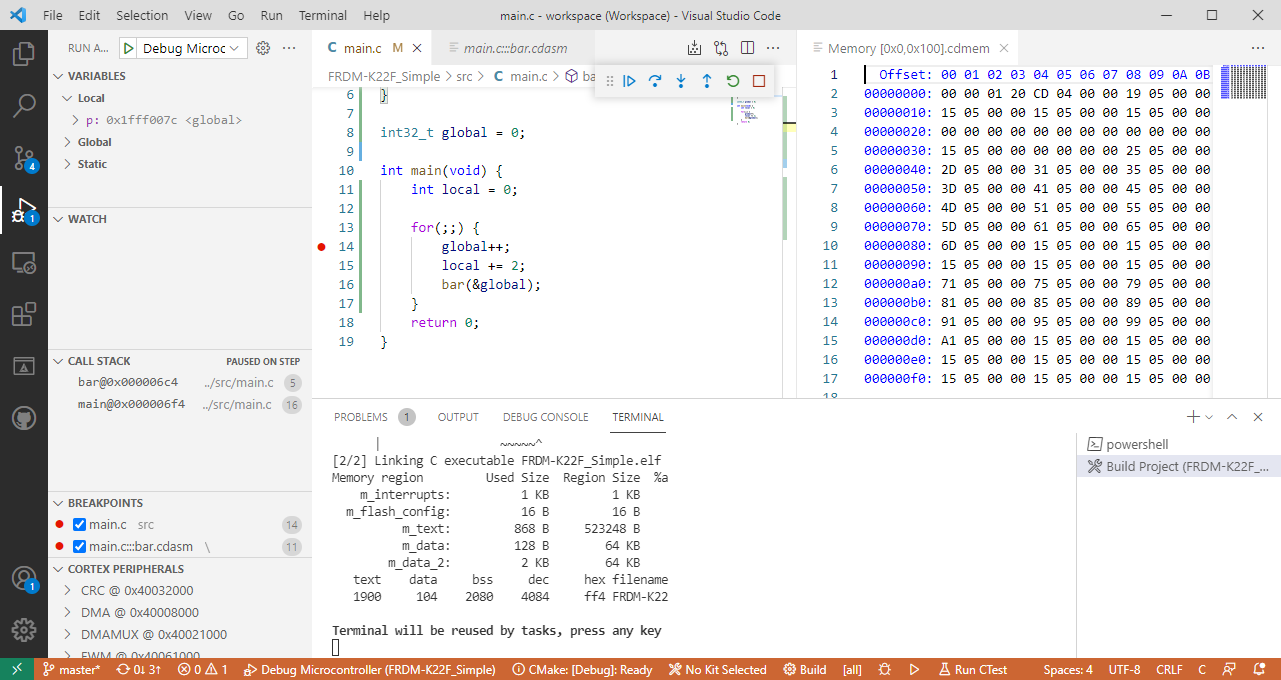
This is the second part of series or articles how to use the Microsoft Visual Studio Code for embedded development on ARM Cortex-M. In this part I’m going to show how to create and build a project using CMake running Make or Ninja as build system.

For a few months I’m learning and using Rust. I’m still learning, but I’m very impressed by the powerful and cool programming language, the vibrant ecosystem, the advanced concepts behind it and by the tools. With learning Rust I have been using the Visual Studio Code IDE and it works great for Rust. But I was wondering: could I use it for my ‘usual’ C/C++ development on ARM Cortex-M devices too? The answer is a clear ‘yes’, and this mini series of articles should get you up and running too.

In “Freelink LPC4322JET100 based Debug Circuit on NXP i.MX RT1064-EVK Board” I described how to change the factory firmware from OpenSDA to the LPC-Link2 one.

Now it is possible to use a Segger J-Link firmware too, or to switch back to the factory default one.
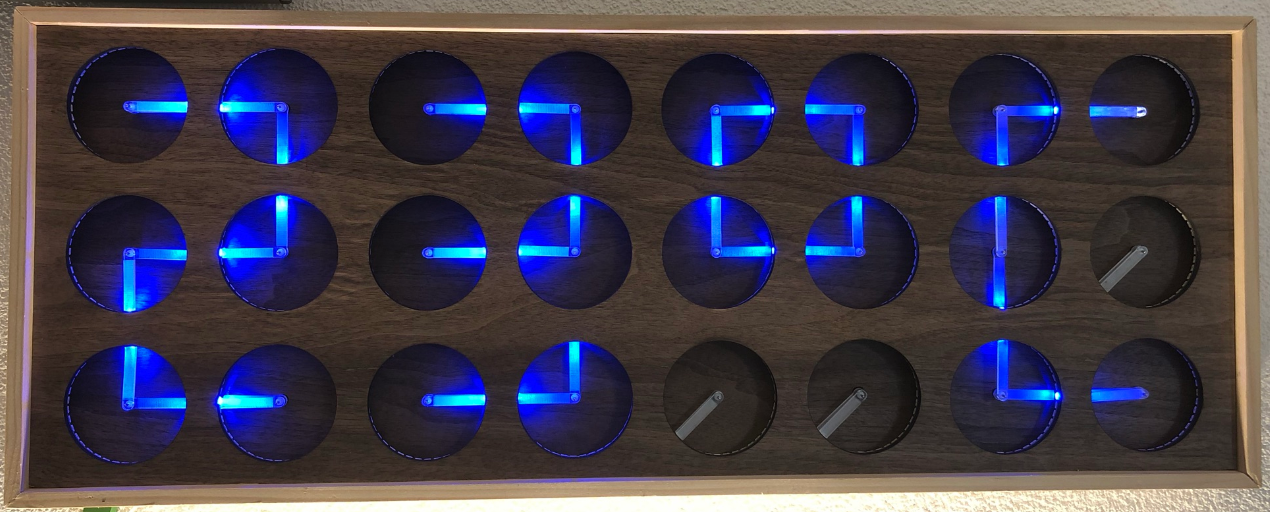
Continue readingIf you are not aware (yet?): it looks like the COVID pandemic caused a global silicon and microcontroller shortage with lead times >50 weeks in some cases. The microcontroller I have used for the MetaClockClock build (see “New MetaClockClock V3 finished with 60 Clocks” and “MetaClockClock V4 for the Year 2021“) is affected by this too, but I had luck and still enough microcontrollers to build a few more boards.
So I still have enough for building a new variant with it (not finished yet). While everyone else is waiting for the devices to arrive, here are more details and instructions for your own build.
One of the most frustrating part developing embedded applications is if the debug connection fails somehow: with all the different factors like operating system, virtual machines, USB ports and hubs, debug probe and firmware a ‘connection failed’ is my nightmare. And this is probably the most frustrating parts for my students (and myself!)
I do have a growing list of tips & tricks in “Debugging Failure: Check List and Hints“, so check this list. What I just have added is an entry for
java.net.SocketException: Connection reset
It occurred for a few students when they wanted to use the on-board CMSIS-DAP LinkServer debug connection on the NXP LPC845-BRK.
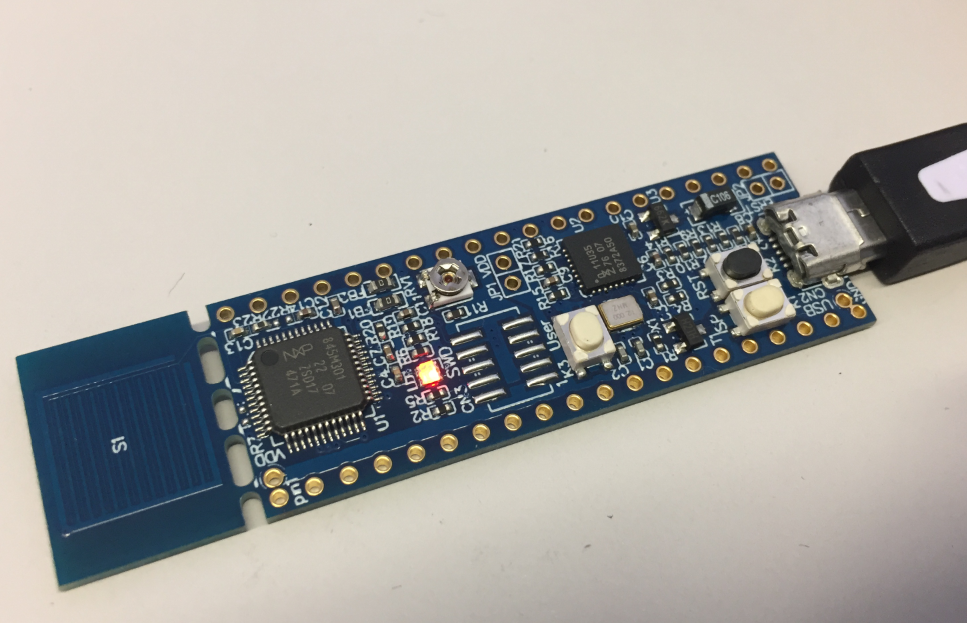
NXP LPC845-BRK Board
If you are developing Linux or desktop applications with GNU tools, you very likely are familiar with gcov: the GNU coverage tool. It collects data what parts of the code gets executed and represents that in different formats, great to check what is really used in the application code or what has been covered during multiple test runs.
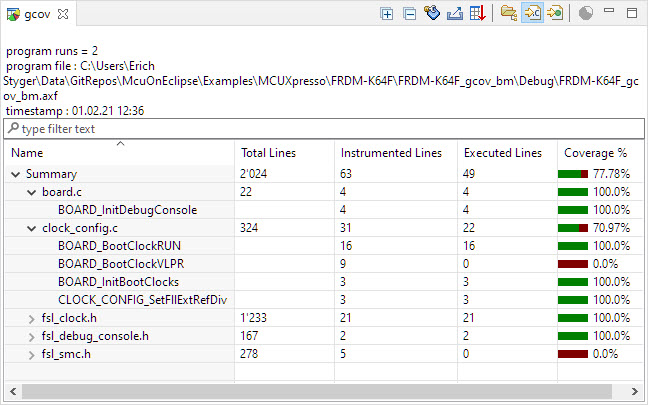
Coverage Information with gcov
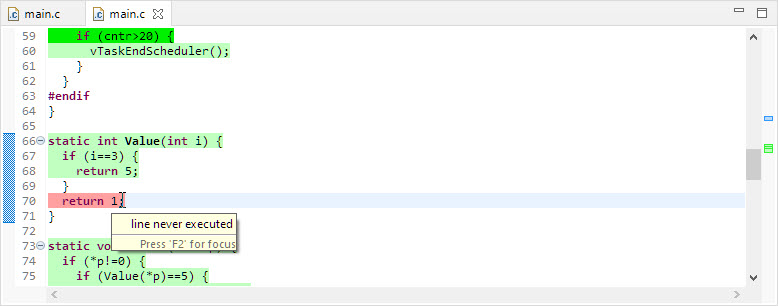
line never executed
GNU coverage is possible for resource constraint embedded systems too: it still needs some extra RAM and code space, but very well spent for gathering metrics and improves the firmware quality. As I wrote in “MCUXpresso IDE V11.3.0 for 2021” things are now easier to use, so here is a short tutorial how to use it.

