Adding a Delay to the ARM DAPLink Bootloader

The ARM mbed USB MSD bootloader which is used on many silicon vendor boards has a big problem: it is vulnerable to operating systems like Windows 10 which can brick your board (see “Bricking and Recovering OpenSDA Boards in Windows 8 and 10“). To recover the board, typically a JTAG/SWD programmer has to be used. I have described in articles (see links section) how to recover from that situation, including using an inofficial new bootloader which (mostly) solves the problem. The good news is that ARM (mbed) has released an official and fixed bootloader. The bad news is that this bootloader does not work on every board because of a timing issue: the bootloader mostly enters bootloader mode instated executing the application.

DAPLink in Bootloader Mode
DAPLink in Bootloader Mode

Continue reading →

EmbSysRegView 0.2.6 for NXP Kinetis Design Studio V3.2.0

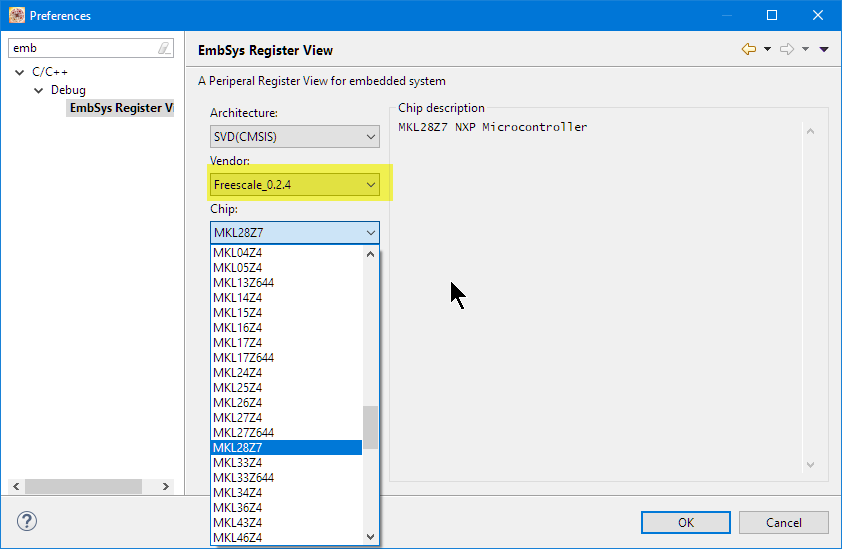
Kinetis Design Studio by default uses an older version of EmbSysRegView. This article explains how to upgrade to the latest and greatest version 0.2.6. And how it is possible to use the latest NXP update for the 0.2.4 version:

Installed Files in Eclipse

Installed Files in Eclipse

Continue reading →

Dealing with Eclipse and Very Small Icons on Ultra High Density Displays

More and more these very-very-high-resolution (UHD, Ultra-High-Density) notebook displays show up in my class rooms.These displays have 3100×1800 or even more pixels, making it great for watching high-resolution videos or for playing games (maybe?). But such a high-resolution makes many tools including Eclipse very hard to use, because the toolbar icons get so tiny that they are really hard to hit with a mouse cursor on Windows:

Eclipse Icons with UHD Display

Eclipse Icons with UHD Display

Continue reading →

Using Serial Terminal and COM Support in Eclipse Oxygen and Neon

Most of the time I’m using a dedicated terminal program like Termite or PuTTY to connect to a board using virtual or non-virtual COM port. Another way is to use the Eclipse built-in Terminal view: that way no extra program is needed to communicate with a real or virtual COM port to my target device:

Terminal Command Output

Terminal Command Output

Continue reading →

How to fix an Eclipse Workspace that does not open any more?

It can happen to everyone using Eclipse: launching Eclipse with workspace, and then it is stuck loading it. As a last resort, create a new workspace and go on? Possible, but painful, right? For some time I have a strange issue nagging me: from time to time, I’m not able to switch to a workspace which worked before. The IDE starts loading, but then is stuck:

Eclipse Oxygen Stuck Loading Workspace

Eclipse Oxygen Stuck Loading Workspace

Continue reading →

McuOnEclipse Components: 25-Sept-2017 Release

I’m pleased to announce that a new release of the McuOnEclipse components is available in SourceForge. In this release more ARM Cortex devices/vendors are supported with different SDKs, plus it comes with several FreeRTOS enhancements for debugging highly optimized code.

SourceForge

SourceForge

Continue reading →

Managing Project and Library Dependencies with Eclipse CDT

For several projects I’m using library projects: I build a library and then use that library in the other project. If I change something in a library, I want to run make both on the referenced libraries and rebuild my application if needed. If you don’t know how to do this, then read on… 🙂

Shared Library Projects

Shared Library Projects

(… actually it means workign around  known Eclipse CDT bug too….)

Continue reading →

Using the GNU Linker Script to know the FLASH and RAM Areas in the Application

Sometimes it is handy to know in the running application the start address, end address and the size of a linked section, e.g. to know the boundaries of RAM or FLASH areas. This means that from the application code I can get access to knowledge of the GNU linker:

Information about Linker Sections

Information about Linker Sections

Continue reading →

Recovering and Updating the NXP OpenSDA Bootloader with P&E Multilink and MCUXpresso IDE

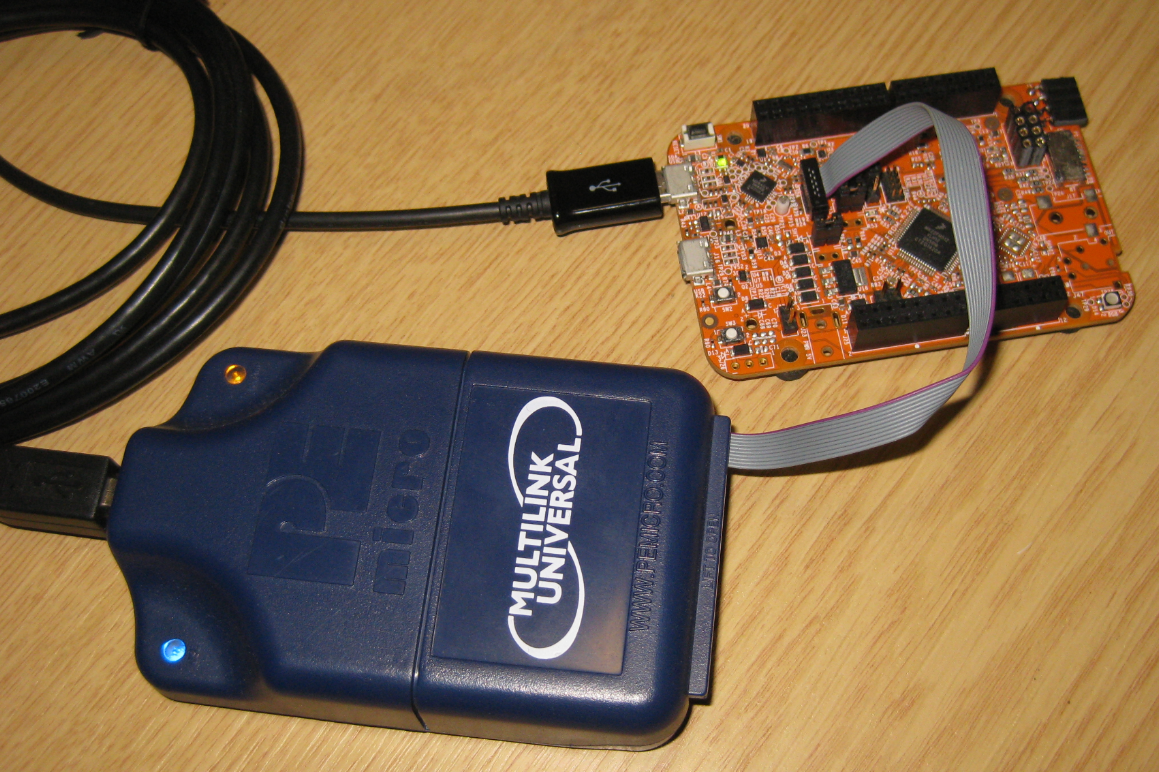
Many of the NXP OpenSDA boot loaders are vulnerable to Windows 8.x or Windows 10: write accesses of Windows can confuse the factory bootloader and make the debug firmware and bootloader useless. In this post I show how to recover the bootloader using MCUXpresso IDE and the P&E Universal Multilink.

Using P&E Multilink Universal to restore the OpenSDA Bootloader on NXP FRDM-K22F Board

Using P&E Multilink Universal to restore the OpenSDA Bootloader on NXP FRDM-K22F Board

Continue reading →