To switch between perspectives I can use the toolbar in Eclipse:
But there must be another or better way to do this?
To switch between perspectives I can use the toolbar in Eclipse:
But there must be another or better way to do this?
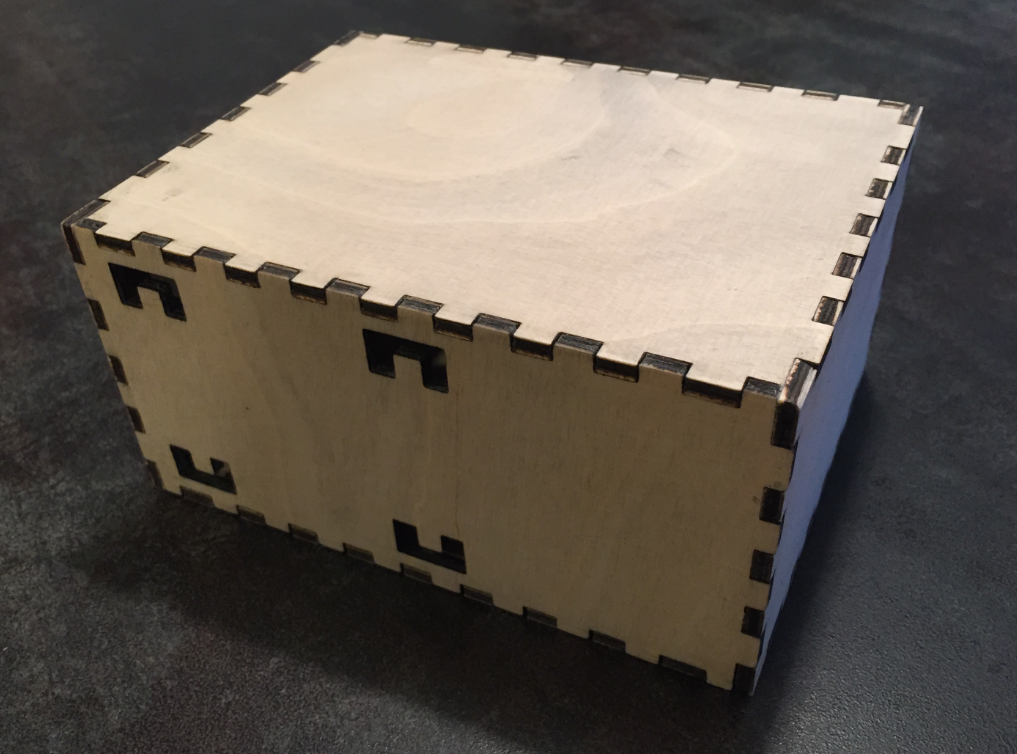
I love my laser cutter because it makes it easy to create nice wood boxes:
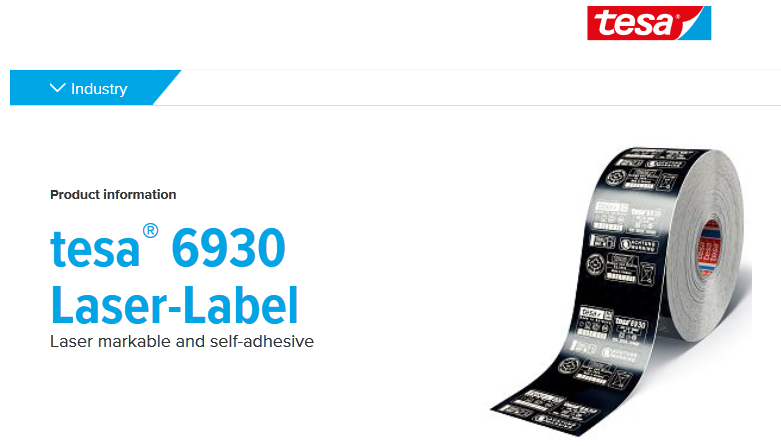
Laser cutter and engraver are the kind of cool thing after 3D printers which get more and more common. One interesting thing to use a laser engraver (or cutter) is to use it with tesa Laser Labels.

Tesa Laser Label (Source: http://www.tesa.com)
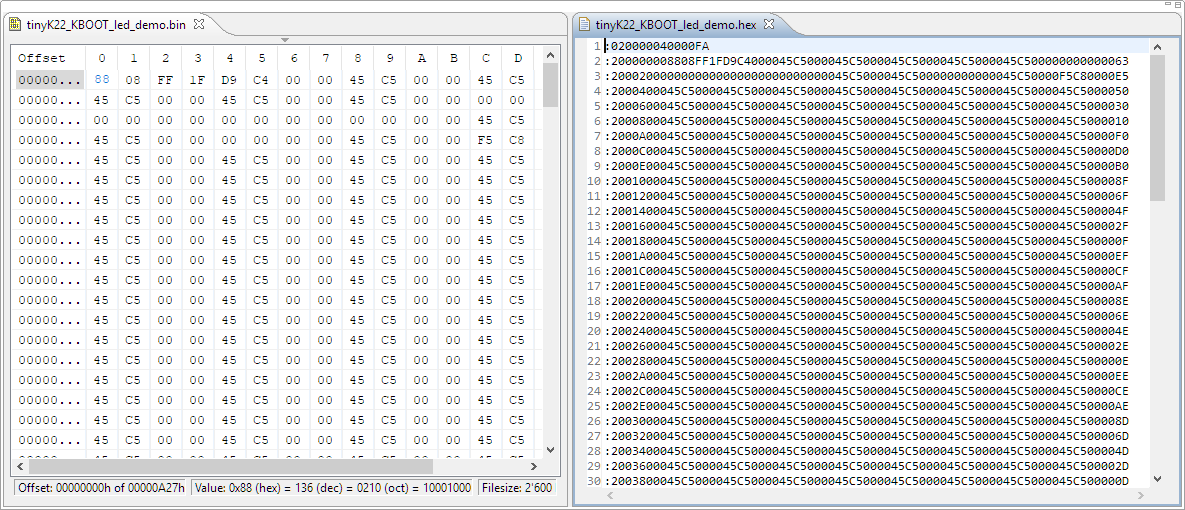
I’m dealing a lot with bootloaders recently (see “Flash-Resident USB-HID Bootloader with the NXP Kinetis K22 Microcontroller“), and bootloaders are sometimes very picky about what file format they are able to consume. So what if I have a binary (see “S-Record, Intel Hex and Binary Files“) file and I need to convert it into the Intel Hex format?
One of the great things with the FreeRTOS operating system is that it comes with free performance analysis: It shows me how much time is spent in each task. Best of all: it shows it in a graphical way inside Eclipse too:
To solve the real hard problem of Embedded Systems development, I usually need all the data I can get from the target. The Percepio Tracealizer is such a tool which can stream application and FreeRTOS trace from the target over a Segger J-Link connection using the Segger RTT protocol. I’m using that combination a lot.
Streaming trace data that way does not need a dedicated hardware like ETM Trace. Using RTT is usually not much intrusive and affects the performance of the target in the 1-2% range (of course depending on the amount of data).
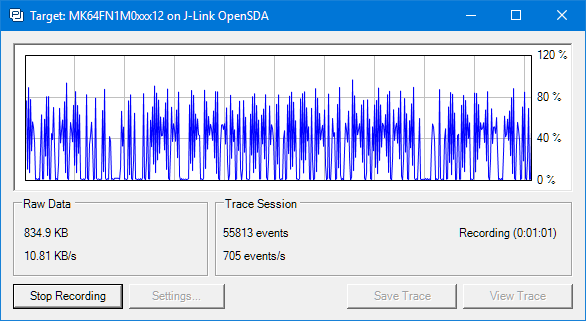
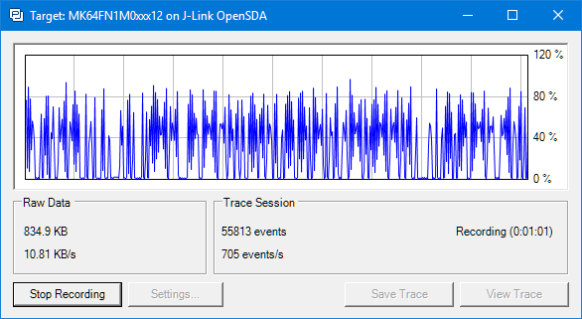
But what worried me for several weeks is that after moving to FreeRTOS V10.0.0 and the same time updating the Segger libraries, the target performance was heavily affected:
Three years ago I published “Debugging Failure: Check List and Hints” and unfortunately this article is one of the most popular ones: obviously debugging problems are very common. Debugging with GDB works usually fine, but if things are failing, then it can be hard to find the cause for it. Recently I have been asked to check some failures, so here are two more hints about what could go wrong…
Binary files are just a binary blob without debug information. Most debug tools and flashers are able to deal (raw) binary (see “S-Record, Intel Hex and Binary Files“). But GDB or the P&E GDB server really needs a ELF/Dwarf file which usually has all the debug information in it. This is a problem if all what I have is a binary file.
This post is about transforming a raw binary (.bin) file into an ELF/Dwarf file with adding a header to it:
I’m making great progress with the firmware for the new Mini Sumo Robot (see “New Concept for 2018 Mini Sumo Roboter“). The goal is a versatile and low-cost Mini Sumo robot, and the robot comes with the feature of magnetic position encoders. In a previous article I have explained how to mold custom tires for robots (see “Making Perfect Sticky DIY Sumo Robot Tires“), this article is about how to make DIY Magnetic disk encoders.
The Teensy boards are great, but as they are they are not really useful for real development, as they lack proper SWD debugging. In “Modifying the Teensy 3.5 and 3.6 for ARM SWD Debugging” I have found a way to get SWD debugging working, at that time with Kinetis Design Studio and the Segger J-Link. This article is about how debug the Teensy with free MCUXpresso IDE and the $20 NXP LPC-Link2 debug probe: