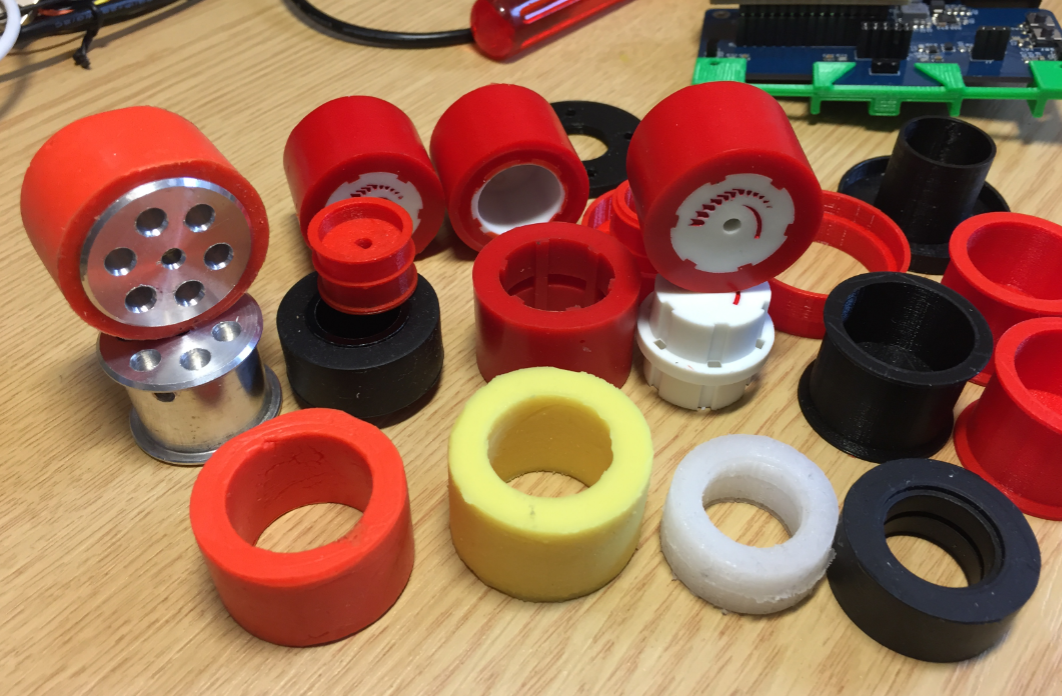
Sumo robot challenges are fun. One important aspect of every Sumo robot are the tires: if they are sticky enough, the robot can push out the opponent. In this article I compare different available robot hubs and tires, and how to make DIY hubs and tires.
Category Archives: Tips & Tricks
MCUXpresso IDE V10.1.0 with i.MX RT1052 Crossover Processor
In “Eclipse MCUXpresso IDE 10.1 with integrated MCUXpresso Configuration Tools” I mentioned that I wanted to try the i.MX RT1050 processor. Well, finally my ordered board from Mouser arrived, right on time for the week-end, so I had a chance to use that ARM Cortex-M7 running at 600 MHz :-).
Using a Custom Debug Perspective in Eclipse
The MCUXpresso IDE comes with a ‘Develop’ perspective which combines the usual C/C++ and the Debug perspective in one:
Simple Trick to Move a Lost Off-Screen Application Back on Windows
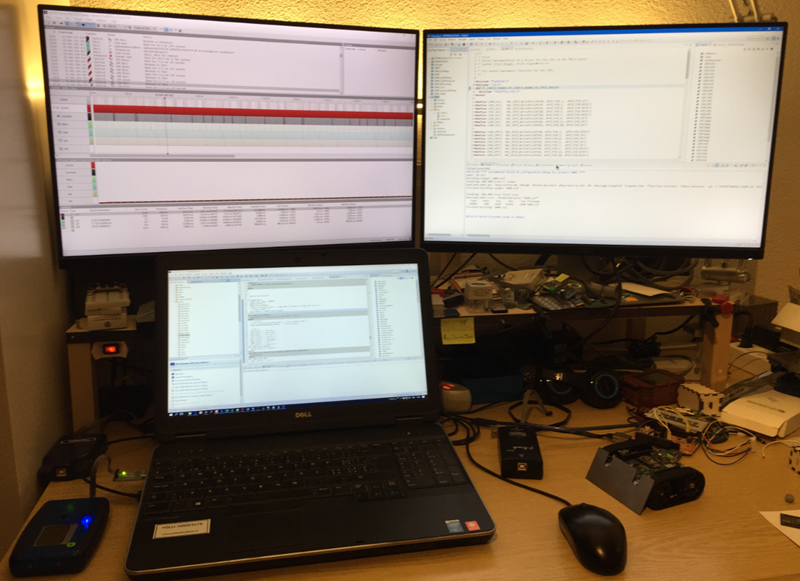
I love working with multi-monitor systems (see “Go, multiply and detach: Multiple Screens with Eclipse“), as this extends my working area. So I decided a while back to install a multi-monitor system on my home desktop too, as this is such a productivity boost.
But with moving the laptop machine between the display configurations, it happens that an application opens ‘off-screen’, and there is no way to ‘grab’ it with the mouse 😦
Adding a Delay to the ARM DAPLink Bootloader
The ARM mbed USB MSD bootloader which is used on many silicon vendor boards has a big problem: it is vulnerable to operating systems like Windows 10 which can brick your board (see “Bricking and Recovering OpenSDA Boards in Windows 8 and 10“). To recover the board, typically a JTAG/SWD programmer has to be used. I have described in articles (see links section) how to recover from that situation, including using an inofficial new bootloader which (mostly) solves the problem. The good news is that ARM (mbed) has released an official and fixed bootloader. The bad news is that this bootloader does not work on every board because of a timing issue: the bootloader mostly enters bootloader mode instated executing the application.
EmbSysRegView 0.2.6 for NXP Kinetis Design Studio V3.2.0
Kinetis Design Studio by default uses an older version of EmbSysRegView. This article explains how to upgrade to the latest and greatest version 0.2.6. And how it is possible to use the latest NXP update for the 0.2.4 version:
SQUIX ESP8266 based E-Paper WiFi Weather Station
I’m a fan of all kind of weather stations. When Daniel Eichhorn twittered about his new version using an E-Paper display module, I immediately preordered one. I decided to build a station with a custom enclosure, so here is my version of a 3D printed version, featuring magnets so it can be attached to the fridge:
Dealing with Eclipse and Very Small Icons on Ultra High Density Displays
More and more these very-very-high-resolution (UHD, Ultra-High-Density) notebook displays show up in my class rooms.These displays have 3100×1800 or even more pixels, making it great for watching high-resolution videos or for playing games (maybe?). But such a high-resolution makes many tools including Eclipse very hard to use, because the toolbar icons get so tiny that they are really hard to hit with a mouse cursor on Windows:
Using Serial Terminal and COM Support in Eclipse Oxygen and Neon
Most of the time I’m using a dedicated terminal program like Termite or PuTTY to connect to a board using virtual or non-virtual COM port. Another way is to use the Eclipse built-in Terminal view: that way no extra program is needed to communicate with a real or virtual COM port to my target device: