In “Debugging the RV32M1-VEGA RISC-V with Eclipse and MCUXpresso IDE” I described how to build and debug applications for the VEGA RISC-V board. In this article I describe how to enable FreeRTOS for RISC-V, based on the latest FreeRTOS V10.2.0 release.
Category Archives: Tutorial
Debugging the RV32M1-VEGA RISC-V with Eclipse and MCUXpresso IDE
The ARM Cortex cores are everywhere. I like (and use) them a lot. Don’t take me wrong: maybe ARM needs some competition? It is very refreshing to see that something new is getting a lot of attention: RISC-V!
Remote Debugging with USB based JTAG/SWD Debug Probes
For some projects it is not possible to have the device under debug available on my desk: the board might be in another room, on another site or in a place where physical access is not possible or even dangerous. In that case an IP-based debug probe (see Debugging ARM Cores with IP based Debug Probes and Eclipse) is very useful: as long as I can access its IP address, that works fine. It is an excellent solution even if the board is moving or rotating: hook it up to a WLAN access point and I still can use it as it would be on my desk.
But what if I have a debug probe only connected to USB? This article shows how to turn a USB debug probe into a IP-based debug solution: that way I can easily debug a board from remote, connected to the network:
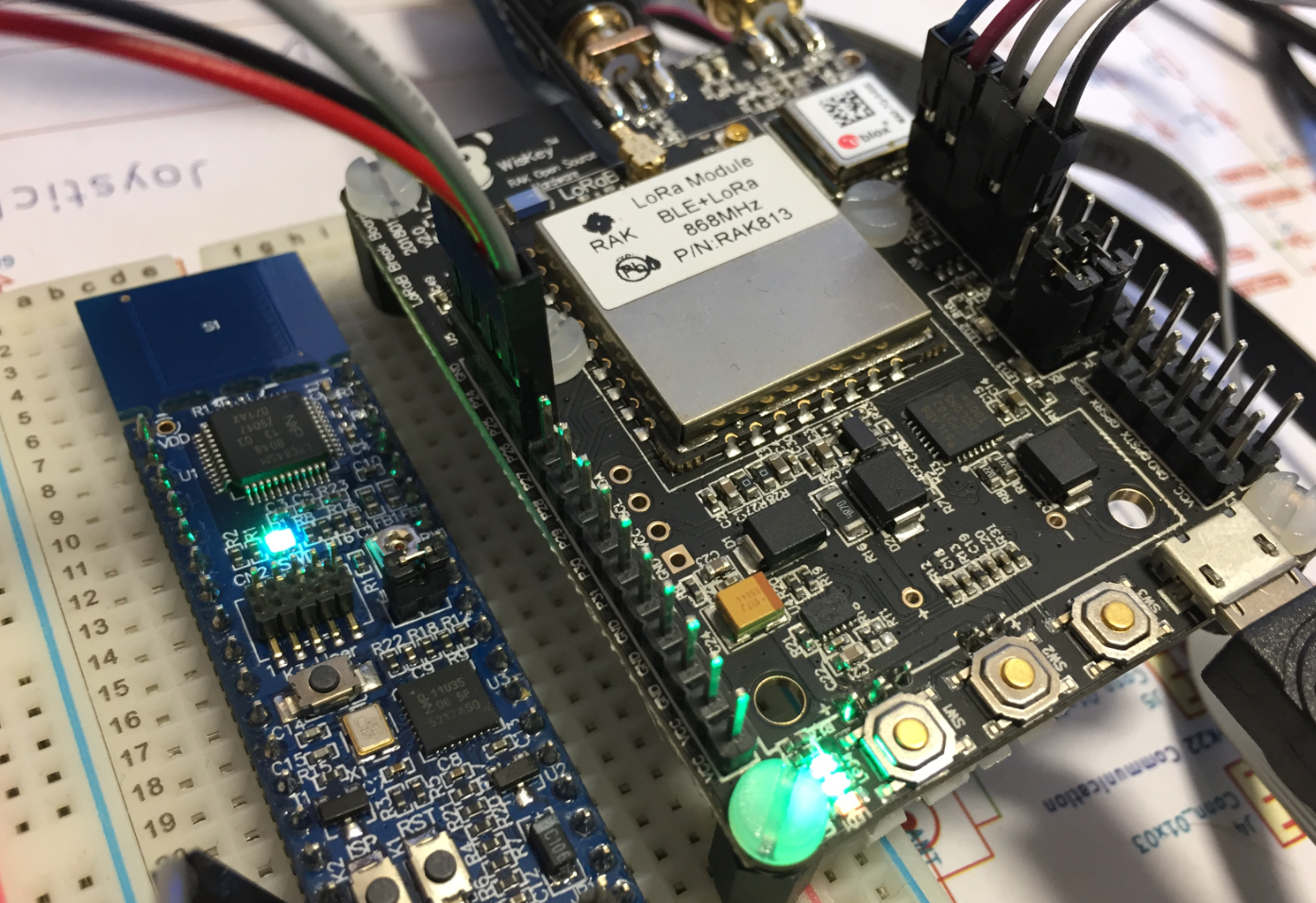
Contributing an IoT LoRaWAN Raspberry Pi RAK831 Gateway to The Things Network
LoRa and LoRaWAN is getting the de-facto wireless IoT network in my area. No surprise that traditional telecom providers like Swisscom trying to monetize the ‘Internet of Things’ area. Luckily there is an open and free alternative: https://www.thethingsnetwork.org/. Volunteers, enthusiasts and members in the different TTN communities build gateways and offer free LoRaWAN network access. I wanted to contribute to that grassroots movement with building my gateway, providing LoRaWAN access to my neighborhood.
Tutorial: Changing ARM Cortex Core or Microcontroller in Eclipse CDT Projects
Sometimes I start a project with an ARM microcontroller, and in the middle of the project I find out that it was a wrong choice at the beginning and I need to switch the microcontroller derivative or even the used ARM core. With little knowledge of the project structure and the files needed, such a switch is not the easiest thing, but definitely possible.
Tutorial: Blinky with the NXP LPC845-BRK Board
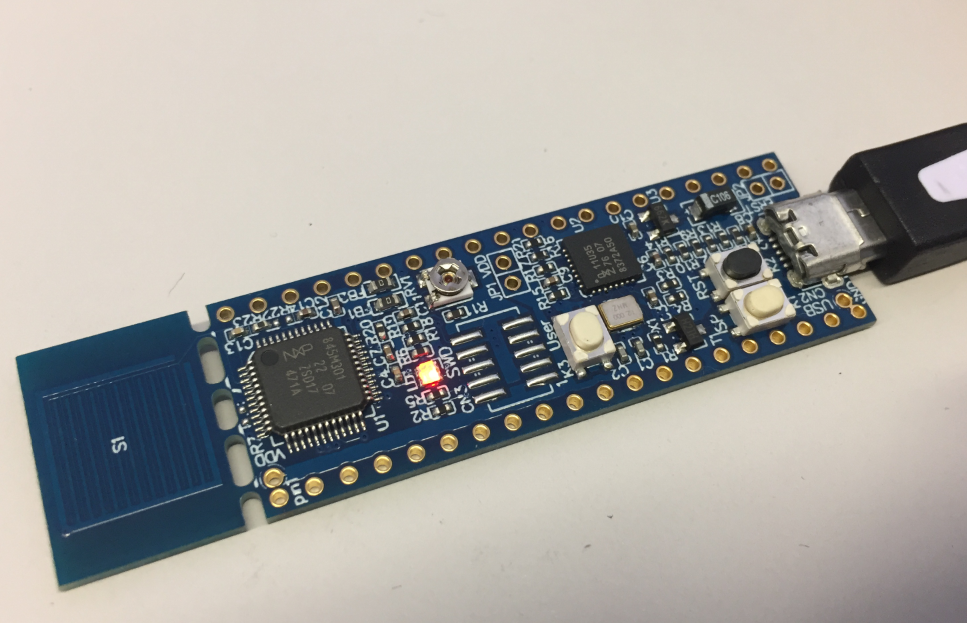
The NXP LPC845-BRK board is a sub-$6 breadboard friendly development board with an ARM Cortex-M0+ on it. This tutorial is about developing a ‘blinky’ on it using MCUXpresso.
Tutorial: Using external Debug Probes with NXP LPC845-BRK Board
One great thing with that new NXP LPC845-BRK board is that it is possible to use it with any standard SWD/JTAG debugger, as it has the 10pin debug header present on the board. It is not populated by default, because the LPC845-BRK includes a CMSIS-DAP debug probe already. But if I want to use a SEGGER J-Link, a P&E Multilink or the NXP LPCLink2, this is certainly something to consider:
Unboxing the NXP LPC845-BRK Board
I really love tiny and bread board friendly boards, especially if they are very affordable and can be use with Eclipse based tools. So I was excited to see the NXP LPC845-BRK board to be available at Mouser, so I ended up ordering multiple boards right away. Why multiple? Because they only cost CHF 5.95 (around $6)!
Tutorial: HD44780 Display Driver with NXP MCUXpresso SDK
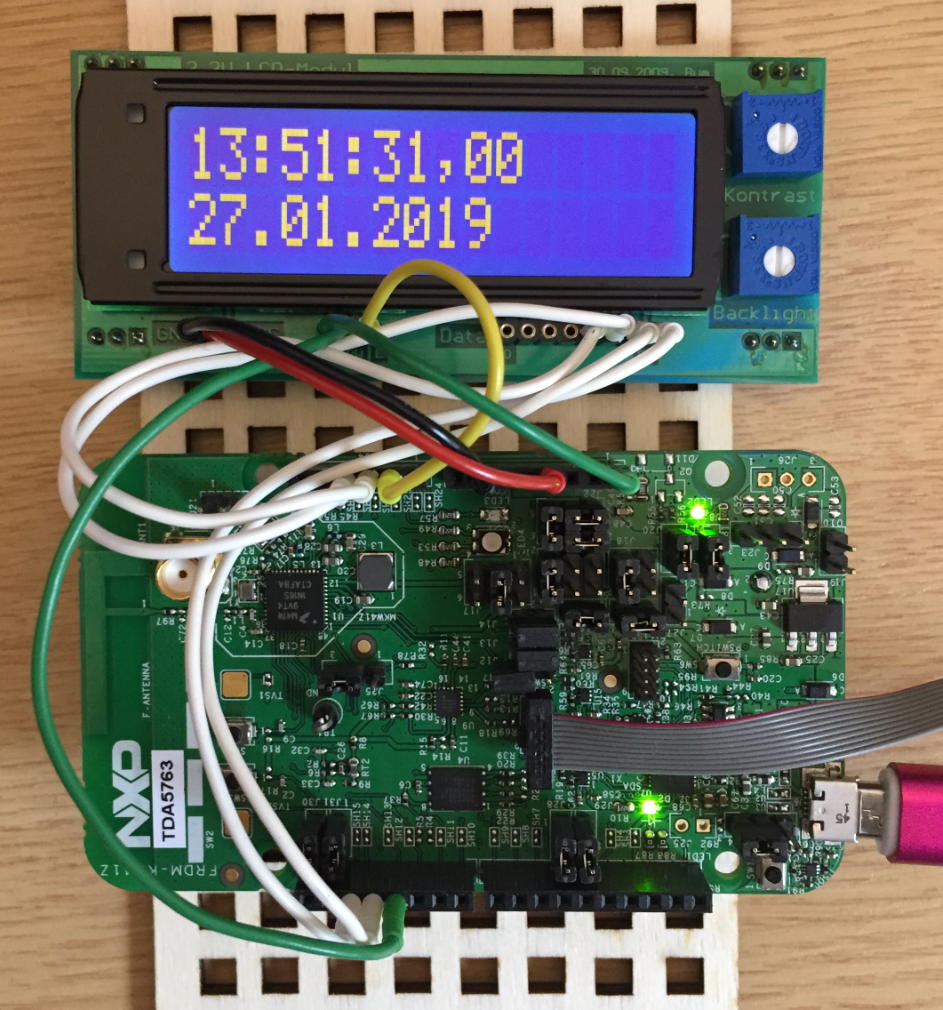
In the age of high-resolution graphical LCDs using a character display might look like a bit anachronistic. But these displays provide a lot of value for me as they are robust, available in different shapes and number of lines. And such a character display can be a better solution for an industrial application.
Tutorial: Booting the NXP i.MX RT from Micro SD Card
It is a common thing to boot a Linux system (see the Raspberry Pi) from a micro SD card. It is not that common for a microcontroller. The NXP i.MX RT ARM Cortex-M7 fills that gap between these two worlds. No surprise that it features a ROM bootloader which can boot from a micro SD card.