In a modern development workflow both command-line and a graphical user interface has its place. On the GUI side, Eclipse is famous that it offers many different ways to accomplish something which is great. But sometimes I continue to use an old habit or way because I have missed that there is a newer and better way, and the MCUXpresso Eclipse IDE is no exception to that. In this article I show a few ways how to use the mouse even more productive.
Tag Archives: software project
Tutorial: MCUXpresso SDK with Linux, Part 3: RAM and XiP Code on i.MX RT1064
In my previous articles I have used the command line on Linux to build and debug NXP MCUXpresso SDK applications. In this article I’m running code on NXP i.MX RT1064 in RAM or FLASH.
Internal and External Debug Options for the NXP LPC55S69-EVK Board
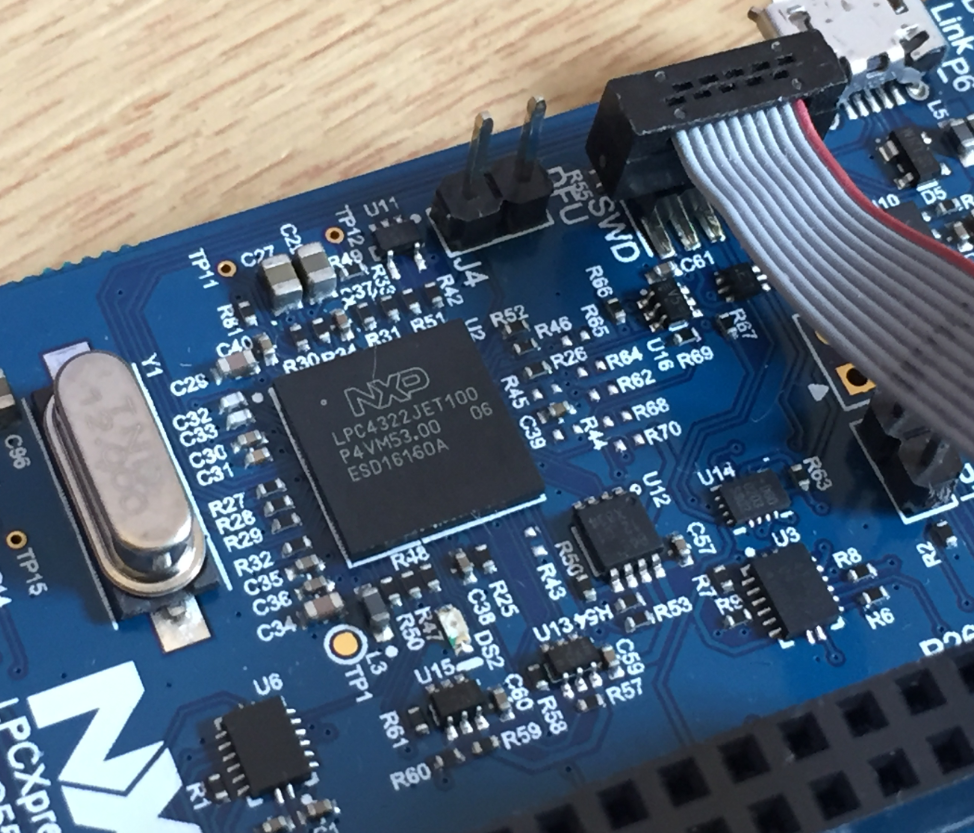
The LPC55S69-EVK board comes on-board debug probe. The board includes the LPC4322JET100 device which acts like NXP LPC-Link2 debug probe:
But it is easily possible to use the board with an external debug probe or re-program the onboard one as a SEGGER J-Link debug probe.
Building a Raspberry Pi UPS and Serial Login Console with tinyK22 (NXP K22FN512)
There are different ways to ruin a Linux system. For the Raspberry Pi which uses a micro SD card as the storage device by default, it comes with two challenges:
- Excessive writes to the SD card can wear it out
- Sudden power failure during a SD card write can corrupt the file system
For problem one I do I have a mitigation strategy (see “Log2Ram: Extending SD Card Lifetime for Raspberry Pi LoRaWAN Gateway“). Problem two can occur by user error (“you shall not turn it off without a sudo poweroff!”) or with the event of a power outage or black out. So for that problem I wanted to build a UPS for the Raspberry Pi.
First Steps with the LPC55S69-EVK (Dual-Core ARM Cortex-M33 with Trustzone)
For the long Easter weekend I have organized a new toy: the NXP LPC55S69-EVK board: a dual ARM Cortex-M33 running at 100 MHz with ARM TrustZone:
Tutorial: MCUXpresso SDK with Linux, Part 2: Commandline Debugging with GDB
In “Tutorial: MCUXpresso SDK with Linux, Part 1: Installation and Build with Maked” I used cmake and make to build the SDK application. In this part I’m going to use the command line gdb to debug the application on the board.
Tutorial: MCUXpresso SDK with Linux, Part 1: Installation and Build with Make
I admit: my work laptop machine is running a Windows 10 OS by default. But this does not prevent me running Linux in a Virtual Machine (VM). Each host platform has its benefits, and I don’t feel biased to one or the other, but I have started using Ubuntu more and more, simply because I have worked more on Embedded Linux projects. While I have used mostly Windows with Eclipse for NXP LPC, Kinetis and i.MX platforms in the past, I started using Ubuntu too from last year with the NXP MCUXpresso SDK. I did not find much documentation about this on the web, so I thought it might be a good idea to write a tutorial about it. So here we go…
Tutorial: RAK813 LoRaWAN+BLE+GPS Sensor Node with Eclipse IDE
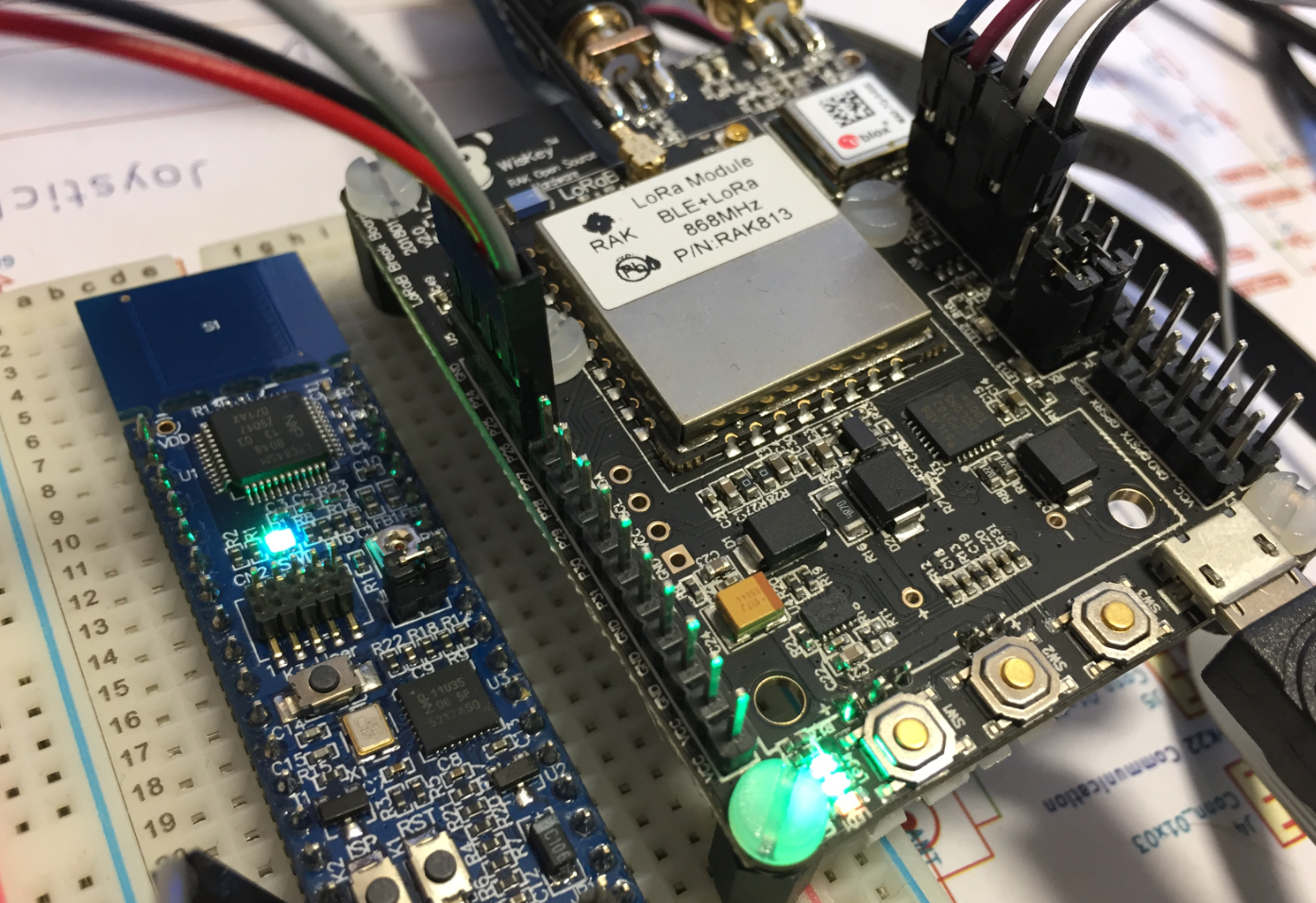
In the IoT world, it is all about security, connectivity and low power. LoRaWAN with the Things Network is able to connect devices over several kilometers, and I’m running my gateway for it already (see “Contributing an IoT LoRaWAN Raspberry Pi RAK831 Gateway to The Things Network“). This tutorial is about building a BLE+LoRaWAN+GPS sensor node with GNU tools and Eclipse:
Contributing an IoT LoRaWAN Raspberry Pi RAK831 Gateway to The Things Network
LoRa and LoRaWAN is getting the de-facto wireless IoT network in my area. No surprise that traditional telecom providers like Swisscom trying to monetize the ‘Internet of Things’ area. Luckily there is an open and free alternative: https://www.thethingsnetwork.org/. Volunteers, enthusiasts and members in the different TTN communities build gateways and offer free LoRaWAN network access. I wanted to contribute to that grassroots movement with building my gateway, providing LoRaWAN access to my neighborhood.
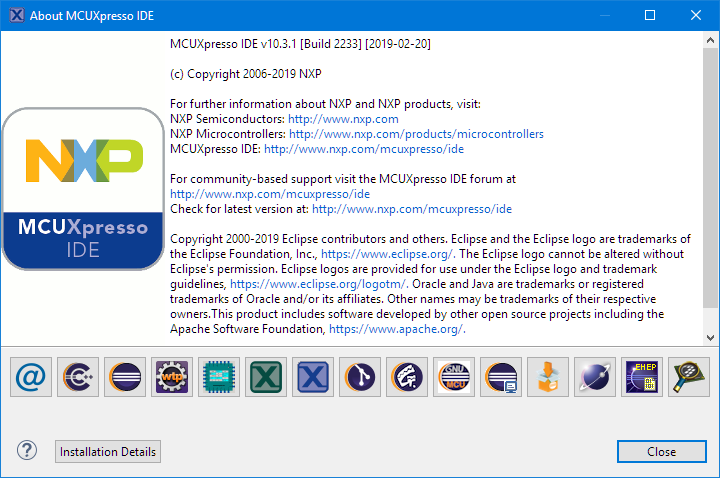
MCUXpresso IDE V10.3.1 available
On Friday a new release of the Eclipse Oxygen based NXP MCUXpresso IDE V10.3.1 has been made available. The IDE supports MacOS, Linux and Windows 32/64-bit and will be 64-bit only going forward.