The map file produced by the GNU linker includes lots of information, however it is very cryptic to read. In “Listing Code and Data Size for each Source File with GNU and Eclipse” I showed how the GNU size utility can be used to report the code and data size for each object file. The Eclipse based MCUXpresso IDE comes with another nice view which shows detailed information about code and data allocation:
Author Archives: Erich Styger
McuOnEclipse Components: 1-Apr-2018 Release
It’s April Fool’s Day, but be assured this is not a joke ;-): I’m pleased to announce that a new release of the McuOnEclipse components is available in SourceForge. This release includes several smaller bug fixes and components have been upgraded for FreeRTOS V10.0.1.
Continue reading
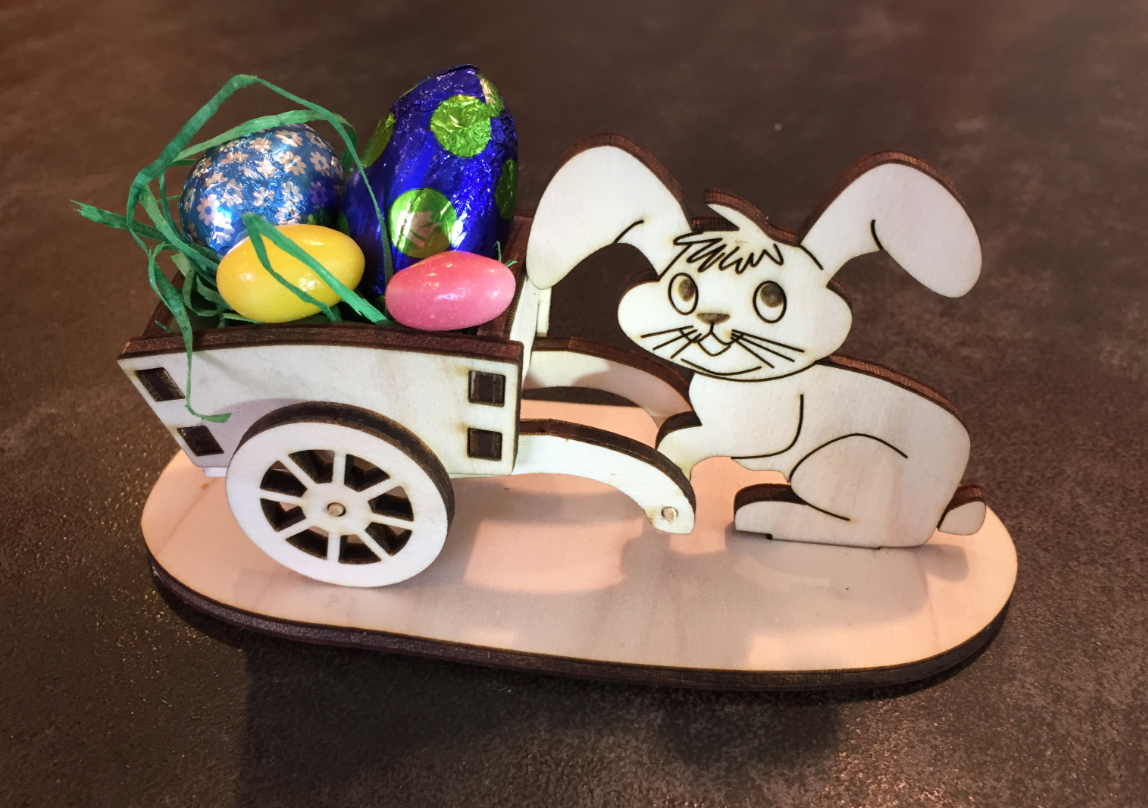
Happy Easter Laser Cutting
After all the 3D printing and laser cutting for a Pick&Place project, my laser cutter had something else to do this Easter weekend:
3D Printed SMT Cut Tape Holder
If you follow me on Twitter, then you are aware that I’m working on a larger project building an SMT pick and place machine :-). The fun with this project is that it includes electronics, mechanics and all kind of 3D printing and laser cutting. That machine picks SMD components and places them on a PCB. One sub-project is to build a SMD cut tape holder:
Shortcut to Switch between Eclipse Perspectives
To switch between perspectives I can use the toolbar in Eclipse:
But there must be another or better way to do this?
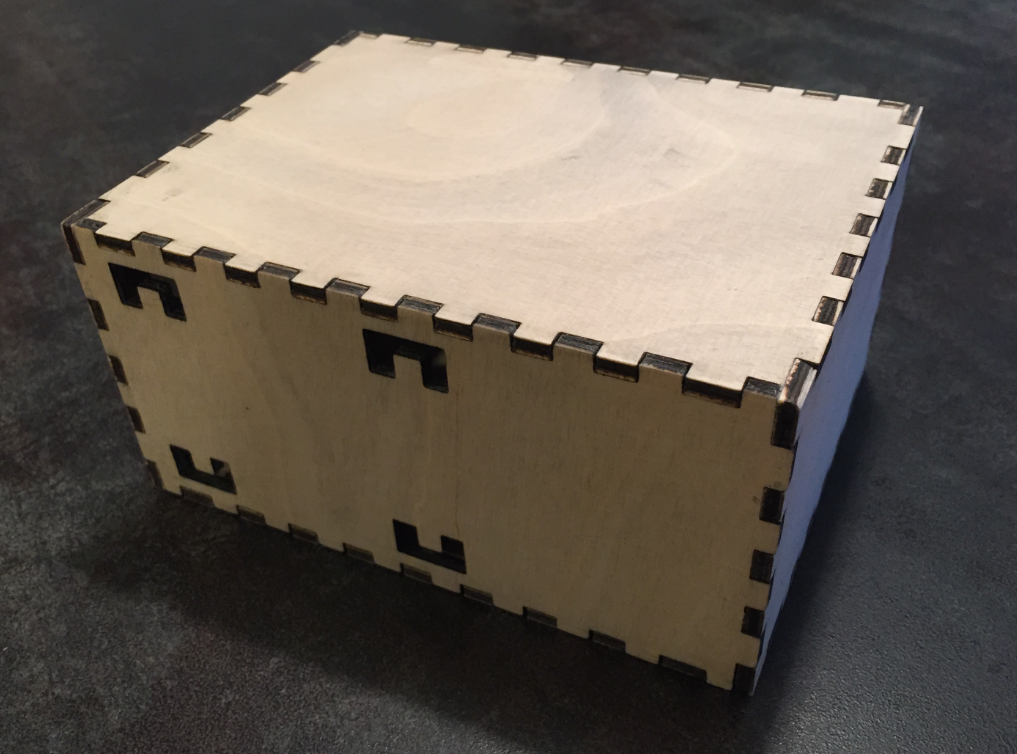
Easy Box Making for Laser Cutters
I love my laser cutter because it makes it easy to create nice wood boxes:
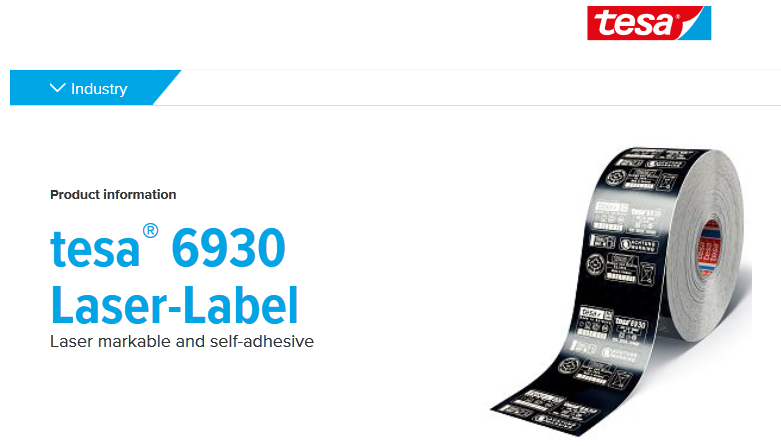
Using a 50 Watt Laser Cutter with tesa Laser-Labels
Laser cutter and engraver are the kind of cool thing after 3D printers which get more and more common. One interesting thing to use a laser engraver (or cutter) is to use it with tesa Laser Labels.

Tesa Laser Label (Source: http://www.tesa.com)
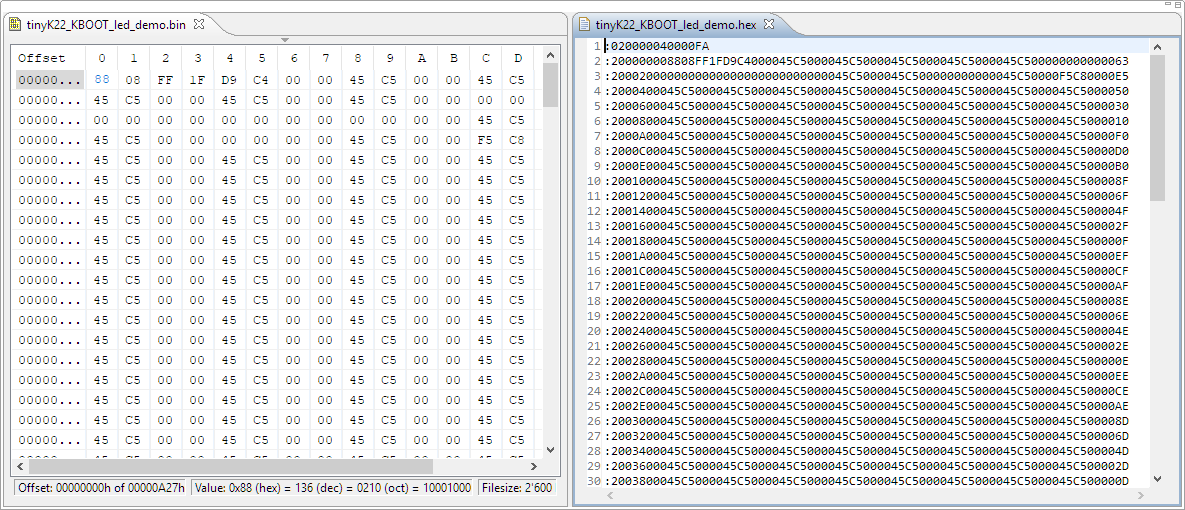
Converting Binary Files to Intel Hex Format with the SRecord Tool
I’m dealing a lot with bootloaders recently (see “Flash-Resident USB-HID Bootloader with the NXP Kinetis K22 Microcontroller“), and bootloaders are sometimes very picky about what file format they are able to consume. So what if I have a binary (see “S-Record, Intel Hex and Binary Files“) file and I need to convert it into the Intel Hex format?
Tutorial: CRC32 Checksum with the KBOOT Bootloader
In “Flash-Resident USB-HID Bootloader with the NXP Kinetis K22 Microcontroller” I presented how I’m using the tinyK22 (or FRDM-K22F) with a flash resident USB HID bootloader. To make sure that the loaded application is not corrupted somehow, it is important to verify it with a Cyclic redundancy Checksum (CRC). The NXP KBOOT Bootloader can verify such a CRC, but how to generate one and how to use it is not really obvious (at least to me), so this article explains how to generate that CRC.
Flash-Resident USB-HID Bootloader with the NXP Kinetis K22 Microcontroller
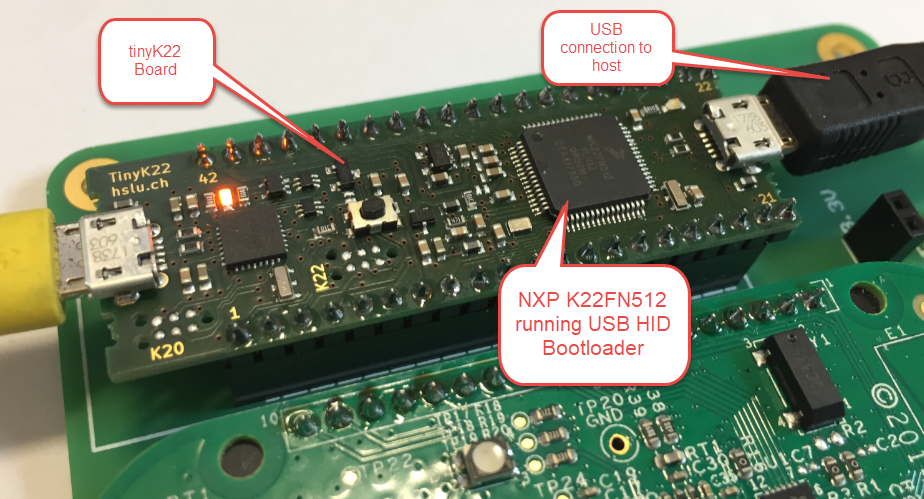
The tinyK22 board (see “tinyK22 Boards arrived“) gets rolled out at the Lucerne University of Applied Sciences and Arts, so I thought I write-up an article this weekend how to use that board with a Flash Resident Bootloader.