This is a new article in my series about using Microsoft Visual Studio Code: After installation, project setup, building, debugging, setting up a kit and IntelliSense. This one is about setting up and using FreeRTOS:


This is a new article in my series about using Microsoft Visual Studio Code: After installation, project setup, building, debugging, setting up a kit and IntelliSense. This one is about setting up and using FreeRTOS:
One major concern of embedded system development is performance. Microcontroller have more MHz than in the past, but embedded applications are all about timing and real-time aspects.

The challenge is: how to get data off the target in realtime? SWO can help with this….
Continue readingThe previous parts were about installation, project setup and building. This one is about debugging an ARM Cortex-M Microcontroller with Visual Studio Code:
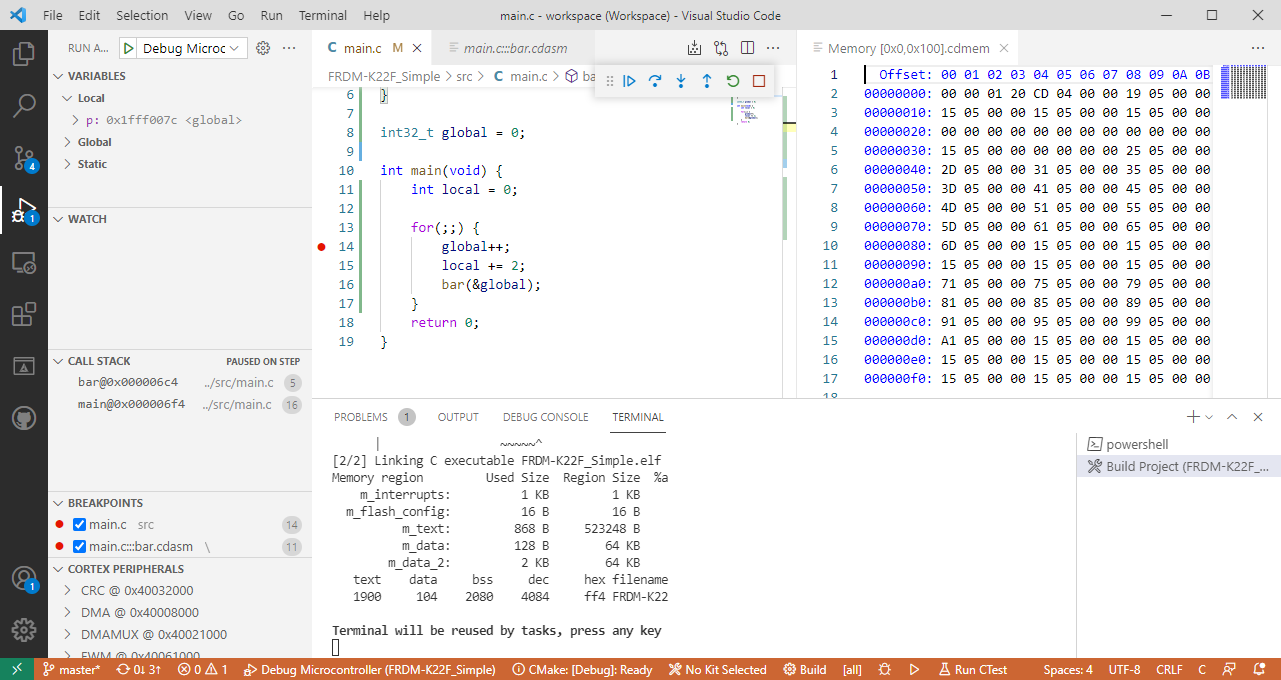
For a few months I’m learning and using Rust. I’m still learning, but I’m very impressed by the powerful and cool programming language, the vibrant ecosystem, the advanced concepts behind it and by the tools. With learning Rust I have been using the Visual Studio Code IDE and it works great for Rust. But I was wondering: could I use it for my ‘usual’ C/C++ development on ARM Cortex-M devices too? The answer is a clear ‘yes’, and this mini series of articles should get you up and running too.

In “Freelink LPC4322JET100 based Debug Circuit on NXP i.MX RT1064-EVK Board” I described how to change the factory firmware from OpenSDA to the LPC-Link2 one.

Now it is possible to use a Segger J-Link firmware too, or to switch back to the factory default one.
Continue readingThe NXP MCU-Link is a powerful $10 debug probe for ARM Cortex-M devices and works with the NXP LinkServer for debugging. The LinkServer does not an implement a gdb server, so it limits its usage e.g. for scripting or command line debugging. But as MCU-Link is also a CMSIS-DAP compatible debug probe, I can use it with OpenOCD which is open source and implements a GDB server. This article shows how I can use it with the MCU-Link.

Debugging FRDM-KL25Z with MCU-Link
The MCU-Link is a $10 CMSIS-DAP capable debug probe which works out-of-the box with the MCUXpresso Eclipse based IDE. This is great for development, but how can I programming with the push of a button or a script? The answer is no: there is an easy way to use the debug probe outside Eclipse from a shell script, and you can use that MCU-Link probe to do the job. This is especially useful as with the example below where I have to program 60 boards this week-end :-).

Batch Programming Boards with MCU-Link
If you are a regular reader of my articles, you probably know that I’m using FreeRTOS in most of my applications, for obvious reasons. But clearly this is not the only RTOS out there. After Microsoft had acquired Express Logic back in April 2019 things kept quite for a while. To me the crown jewel of Express Logic is the ThreadX RTOS. But recently Microsoft is pushing more and more the ‘Azure Sphere’ and trying to monetize the ‘IoT’ (I apologize for mentioning that overused acronym) application space and providing it now free for devices from selected partners which includes NXP now.
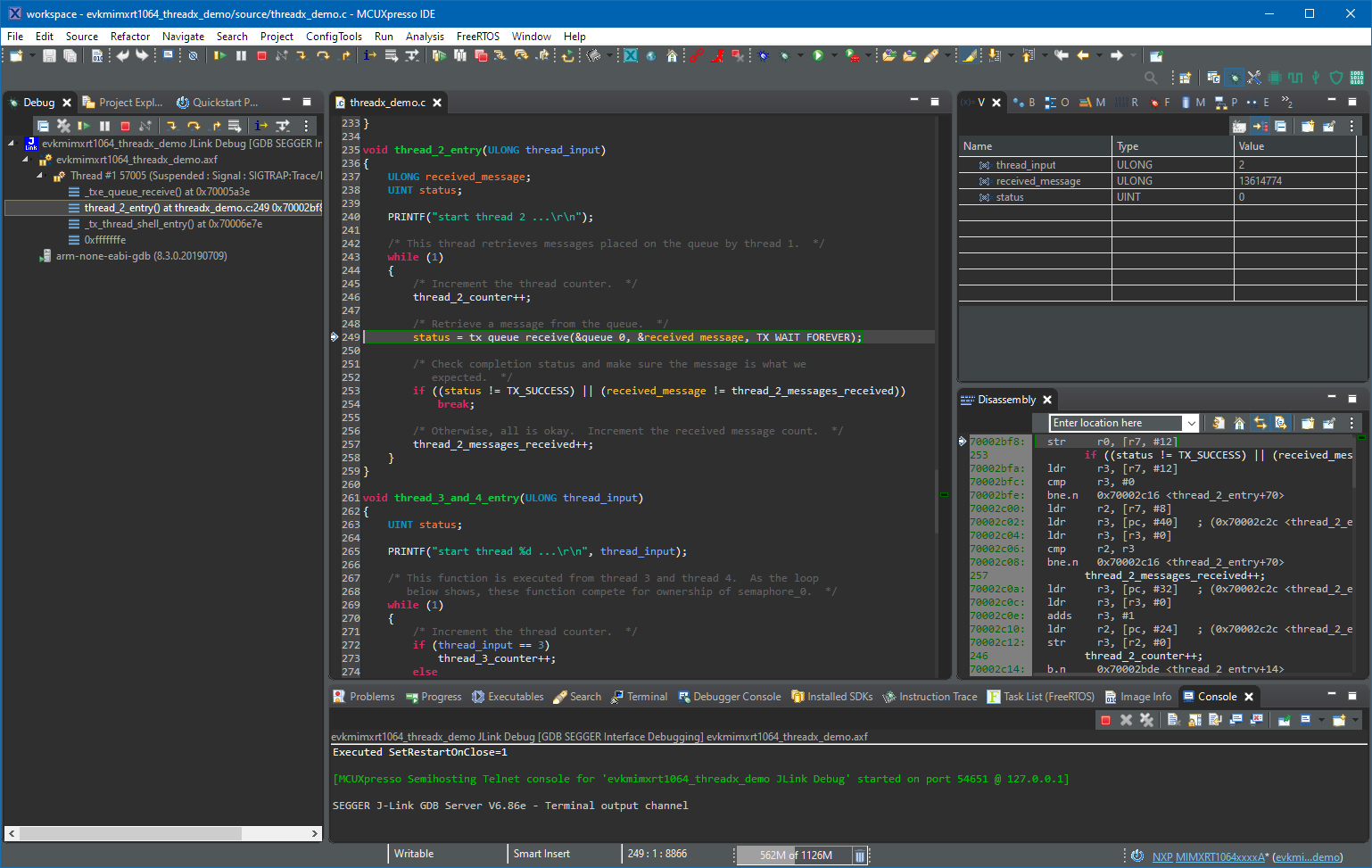
Debugging with ThreadX in MCUXpresso IDE
If having a boot loader running on a micro-controller, it is very useful if both the boot loader and the loaded application can be debugged together:

Bootloader with Application Code
I have started the semester and labs using the MCUXpresso IDE V11.2.0 which has been available from July this year. The past week I received the notification that the update V11.2.1 is available: time to check it out….
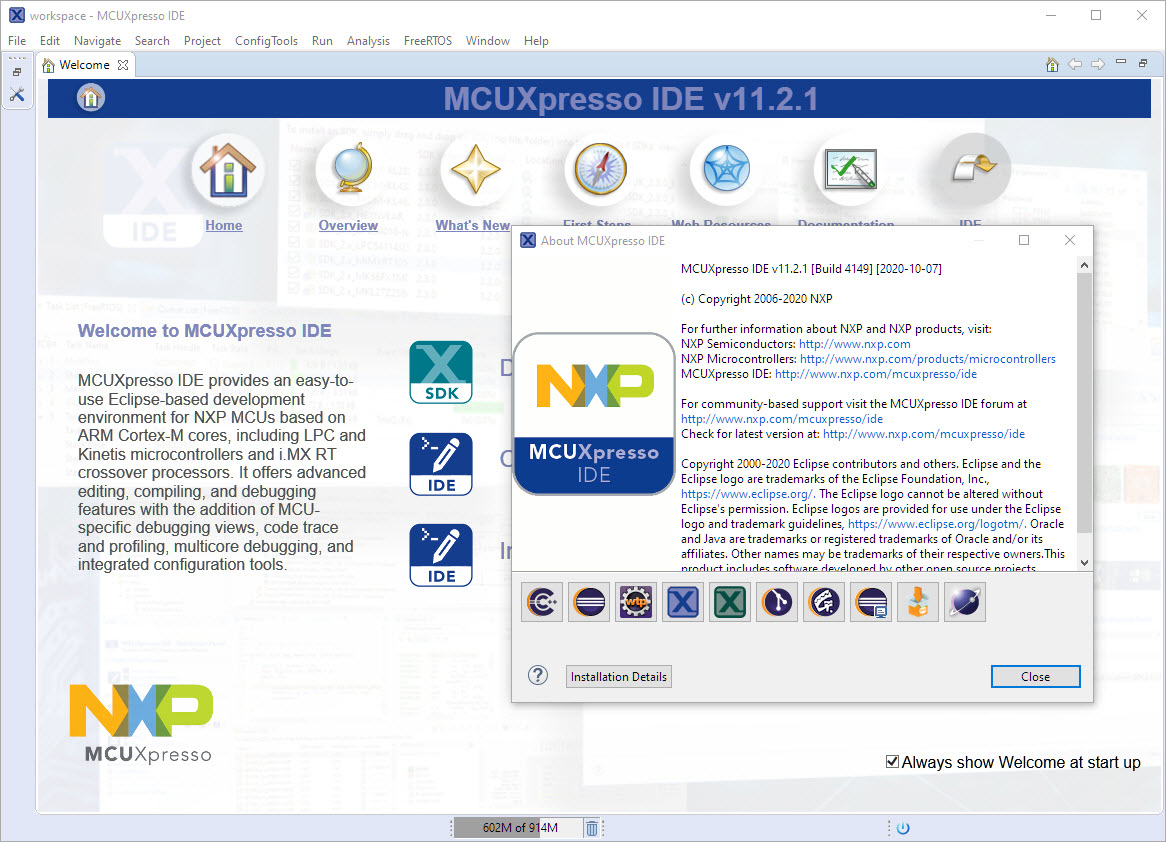
MCUXpresso IDE V11.2.1
 MCU on Eclipse