A very useful feature in Eclipse is Ctrl+Shift+L which lists all the available shortcuts:
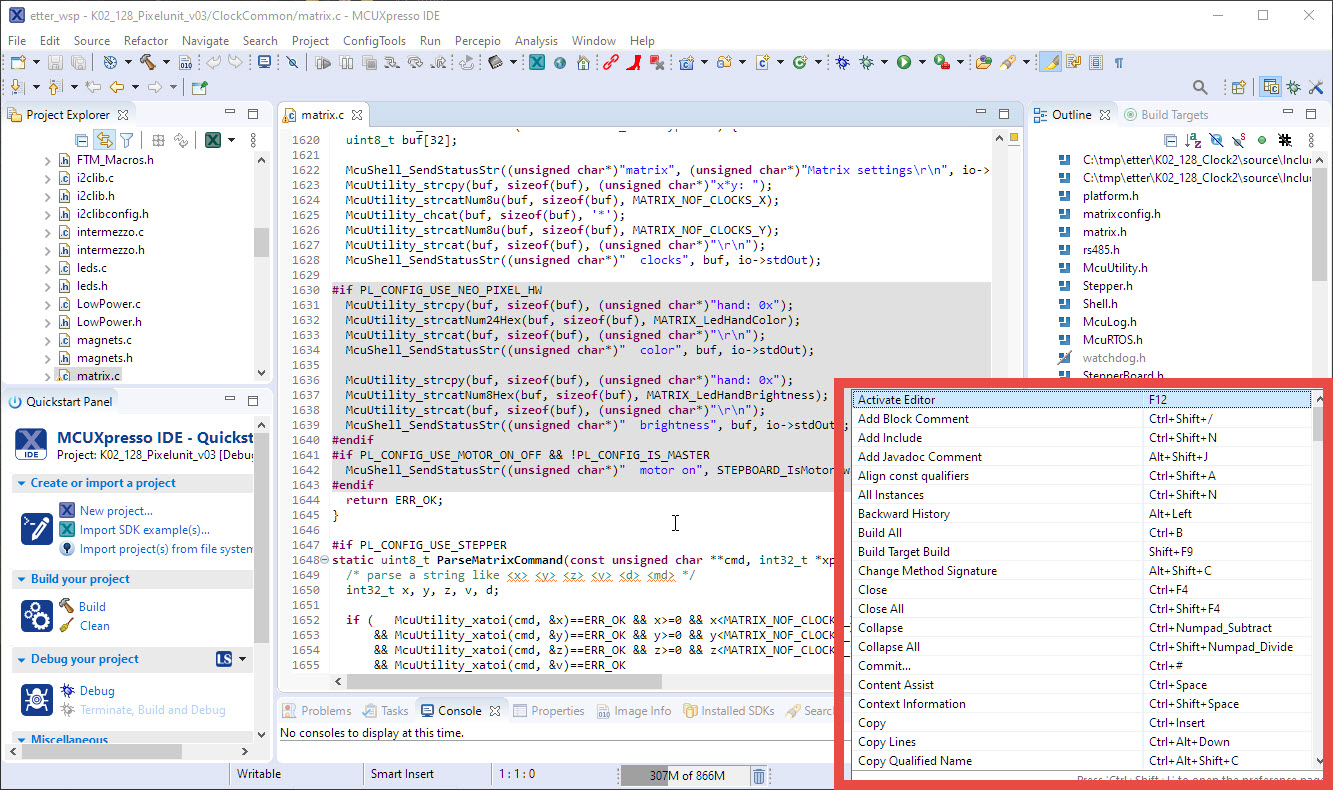
List of Shortcuts
Pressing Ctrl+Shift-L again will open up a dialog where I can configure them. But what if the shortcut or action is not listed there?

A very useful feature in Eclipse is Ctrl+Shift+L which lists all the available shortcuts:
List of Shortcuts
Pressing Ctrl+Shift-L again will open up a dialog where I can configure them. But what if the shortcut or action is not listed there?
The NXP Kinetis devices implement a UID (Unique ID) for each device, using the ‘Unique Identification Register) which is part of the SIM (System Integration Module):

SIM Unique ID (NXP K22P144M120SF5RM.pdf Reference Manual)
While this number should be unique, I was wondering last week why students in the labs reported the same UID for multiple robots in the lab. So maybe this number is not so unique as it should be?
Continue reading
The NXP MCUXpressso IDE Release V11.2.1 gave a hint about a coming new debug probe, the MCU-Link which is available now:

MCU-Link in 3D printed enclosure debugging the LPC845-BRK Board
Reentrancy is an attribute of a piece of code and basically means it can re-entered by another execution flow, for example by an interrupt or by another task or thread. This is an important concept and still a lot of code ‘in the wild’ does violate reentrancy. As a result the application crashes immediately in the best case. Worse it crashes randomly or even worse it behaves incorrectly 😦 .
Reentrancy is always a concern if using standard library functions, including printf() or malloc(). FreeRTOS offers a reentrant wrapper to the standard malloc() and free() (Memory Scheme 3)

Running FreeRTOS with reentrant newlib
If you are a regular reader of my articles, you probably know that I’m using FreeRTOS in most of my applications, for obvious reasons. But clearly this is not the only RTOS out there. After Microsoft had acquired Express Logic back in April 2019 things kept quite for a while. To me the crown jewel of Express Logic is the ThreadX RTOS. But recently Microsoft is pushing more and more the ‘Azure Sphere’ and trying to monetize the ‘IoT’ (I apologize for mentioning that overused acronym) application space and providing it now free for devices from selected partners which includes NXP now.
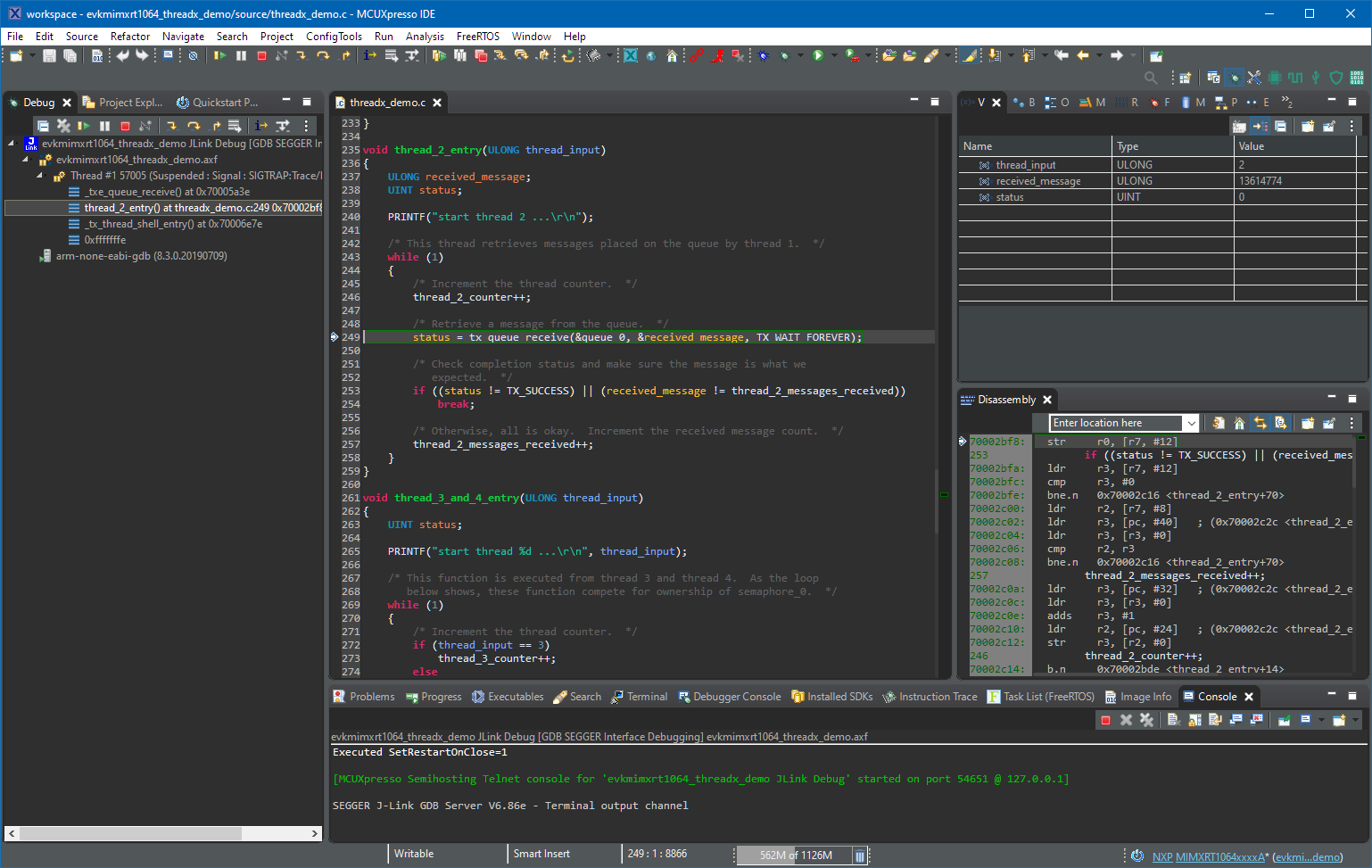
Debugging with ThreadX in MCUXpresso IDE
If having a boot loader running on a micro-controller, it is very useful if both the boot loader and the loaded application can be debugged together:

Bootloader with Application Code
The tinyK22 board is a tiny micro controller board we use at the Lucerne University of Applied Sciences and Arts. It is used in many research project, used in lectures and labs and used in most student projects. Because there was no small and breadboard friendly NXP Kinetis board with a debug interface available, we developed one featuring the NXP K22FN512, named the ‘tinyK22‘. Because of the success and high demand we stated a new large production run and used this to upgrade the board to the new Rev 1.3: you might notice already the color change :-).
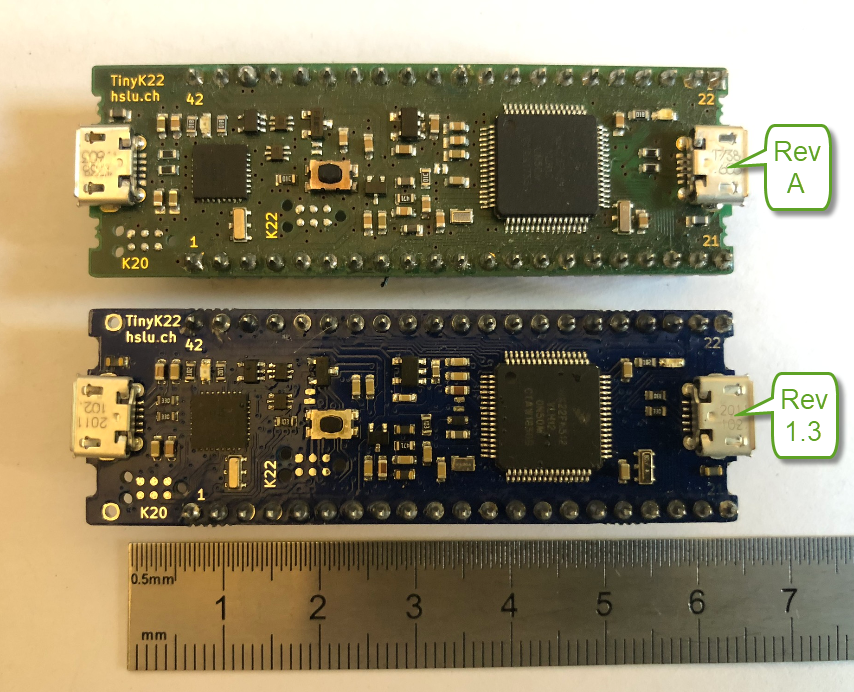
tinyK22
Typically I have many, many projects listed in the Eclipse Project Explorer, usually more than 100 projects: from example projects, projects on git, lecture module projects, research projects or just some hobby projects I’m working on. With the default Eclipse settings, all these projects are listed in a ‘linear’ list. What I found really useful is the ability to group them into ‘Working Sets‘:

Grouped Projects in Eclipse Project Explorer
‘Dark’ or ‘Black’ themes are on vogue: some love it, some do not care. The good thing is that we all have a choice. Things are getting improved on the host OS (Windows/Linux) side, but the challenge is still on the application side, but things are getting better. This is true for the Eclipse based IDEs too, with the NXP MCUXpresso IDE V11.2.1 just recently released: it comes with improved Dark Theme support:

Tweaked MCUXpresso IDE Dark Theme
I have started the semester and labs using the MCUXpresso IDE V11.2.0 which has been available from July this year. The past week I received the notification that the update V11.2.1 is available: time to check it out….
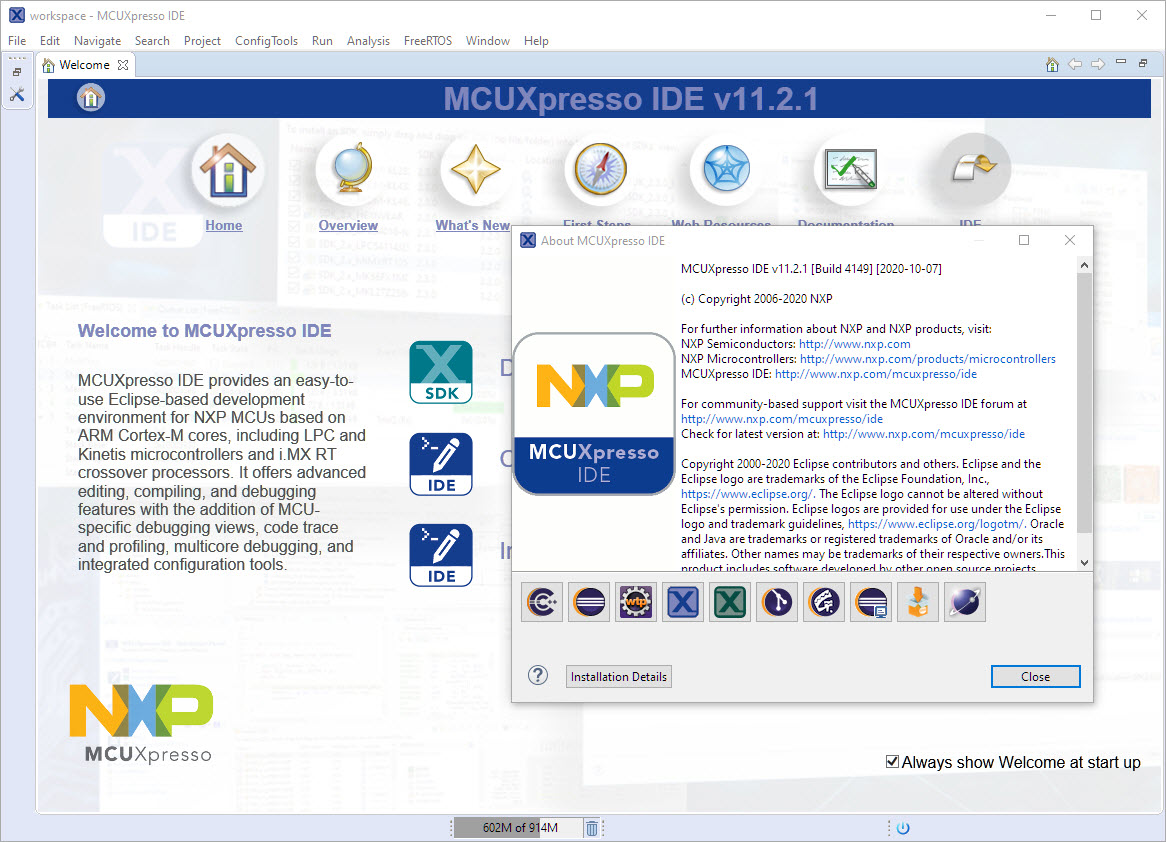
MCUXpresso IDE V11.2.1

