“Amazon FreeRTOS – IoT operating system for microcontrollers”: The announcement of FreeRTOS V10.0.0 was one of the biggest news last week for me. Not only is there now a Version 10, the bigger news is that FreeRTOS is now part of Amazon. Wow! Now this explains why Richard Barry (the founder behind FreeRTOS) was kind of hiding away for about a year: he joined Amazon as a principal engineer about a year ago. I think we all have to wait and see what it means for FreeRTOS.
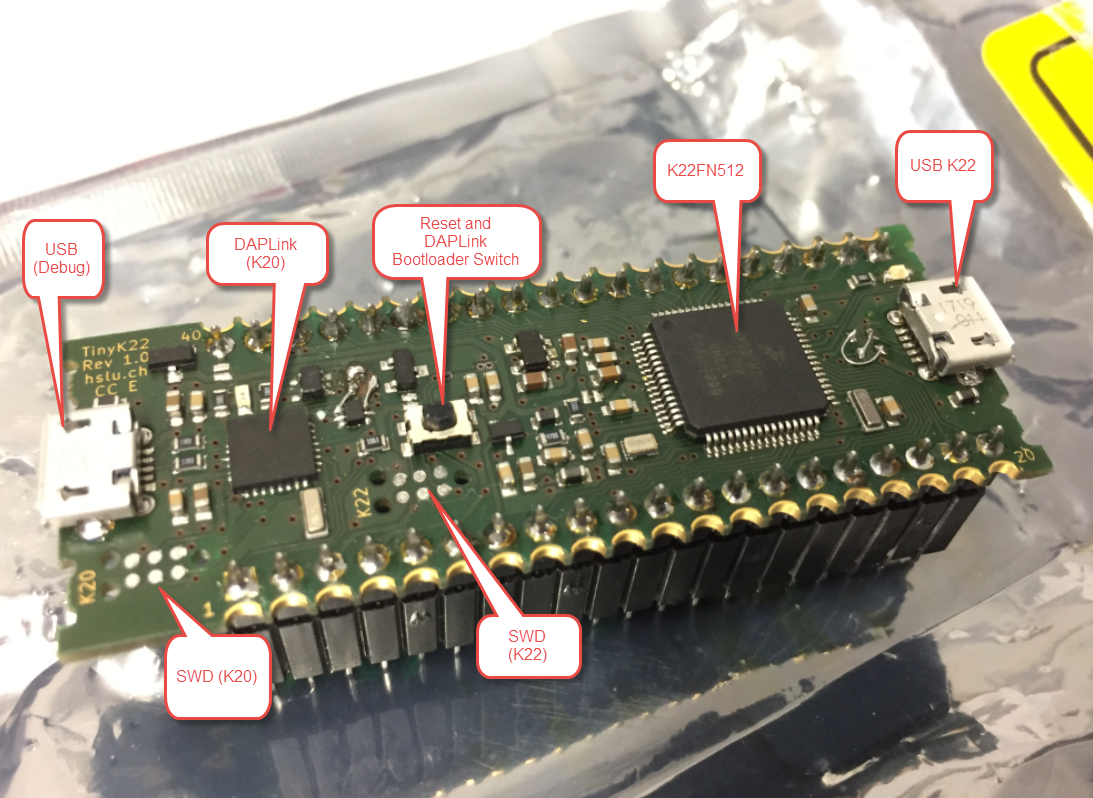
First tinyK22 Board with NXP K22FN512 ARM Cortex-M4F
The NXP Freedom boards are very popular. Many of them are inexpensive (less than $20), include a debug interface and can be easily extended with extra shields or boards. Especially the FRDM-KL25Z is very popular: I’m getting told because of Processor Expert and tutorials available on web sites like this one ;-).
Unfortunately there are no small or breadboard friendly Kinetis boards available. There is the NXP LPC800-DIP but with no onboard debugger and without Processor Expert support. We have the tinyK20, but projects tend to use more CPU power, FLASH and RAM space than what the tinyK20 board (50 MHz, 128 KByte FLASH, 16 KByte RAM) can provide. So we ended up designing the big brother of the first tinyK20: the tinyK22 with 120 MHz, 512 KByte of FLASH and 128 KByte of RAM.
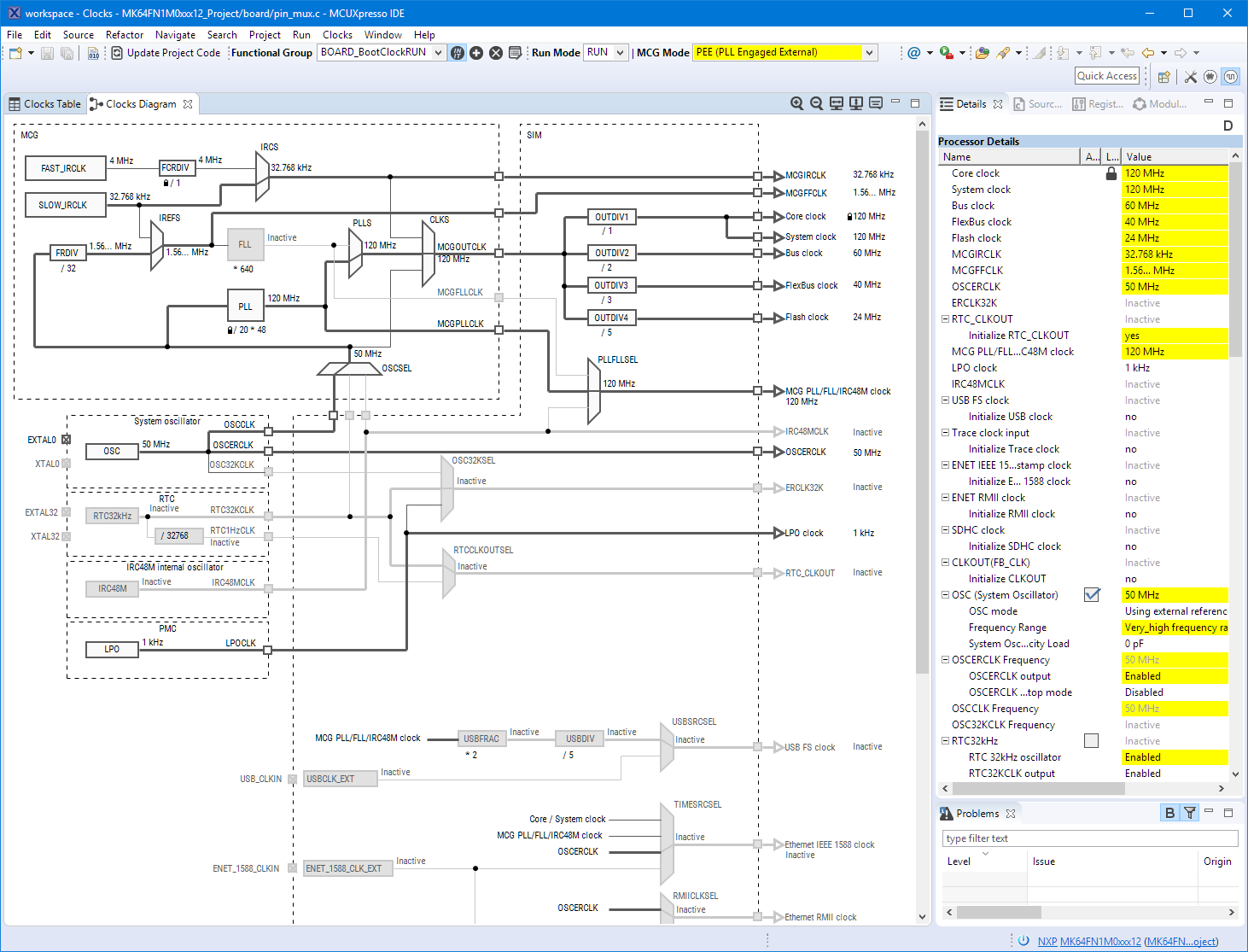
Eclipse MCUXpresso IDE 10.1 with integrated MCUXpresso Configuration Tools
Back in March 2017, NXP had rolled the MCUXpresso IDE starting with Version 10.0.0. With the intent to unify the SDK, LPCXpresso, CodeWarrior, Kinetis Design Studio and Processor Expert into one unified and integrated set of tools. V10.0.0 was a good start. The MCUXpresso IDE V10.0.2 in July was more of a smaller update, and the Pin and Clock configuration tools were not integrated, no added tool for peripheral configuration.
A week ago the MCUXpresso V10.1.0 has been released which shows where the journey is going: an free-of-charge and code size unlimited Eclipse based integrated set of tools to configure, build and debug Cortex-M (Kinetis, LPC and i.MX RT) microcontroller/processor based applications.
I have used it for a week, and although many things are still new, I thought I’m able to give an overview about what is new.
Exploring a Microcontroller and Software and Tools for the next Project
I’m using many microcontroller in my projects. And a lot more are available out there in the ecosystem. Like many others, I tend to select what I am familiar with. But is this the correct approach to select the hardware and tools for a next project?
Using a Custom Debug Perspective in Eclipse
The MCUXpresso IDE comes with a ‘Develop’ perspective which combines the usual C/C++ and the Debug perspective in one:
Simple Trick to Move a Lost Off-Screen Application Back on Windows
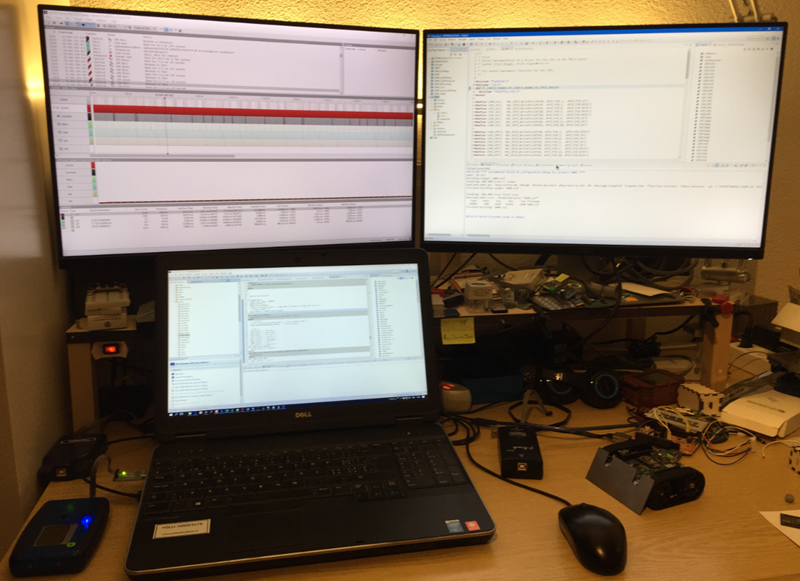
I love working with multi-monitor systems (see “Go, multiply and detach: Multiple Screens with Eclipse“), as this extends my working area. So I decided a while back to install a multi-monitor system on my home desktop too, as this is such a productivity boost.
But with moving the laptop machine between the display configurations, it happens that an application opens ‘off-screen’, and there is no way to ‘grab’ it with the mouse 😦
Fascinating Details of Waveshare E-Paper Displays
I have used E-Ink displays in projects three years ago, but from that time the technology has greatly evolved. That time displays were hard to get, expensive and difficult to use. Now things seem to change with e-ink displays available to the maker market :-). I’m able to get a 128×296 pixel e-paper display for $10! And for little more money I can have displays with black/white/red colors!
All Saints Day with the Stoos Ridge Hike
Image
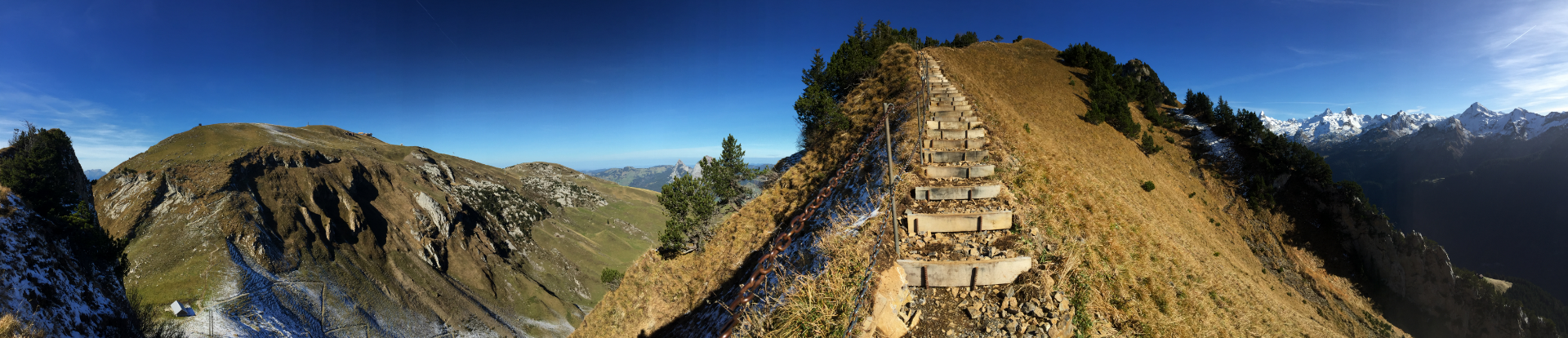
The ‘All Saints Day’ (Nov 1st) is a public holiday for some parts of Switzerland. And because I’m lucky to live in that part and because it could have been one of the last days with excellent hiking conditions, I wanted to hike a trail which has been on my bucket list for a very long time: the ‘Gratwanderweg’ (ridge hike) on the Stoos.
Adding a Delay to the ARM DAPLink Bootloader
The ARM mbed USB MSD bootloader which is used on many silicon vendor boards has a big problem: it is vulnerable to operating systems like Windows 10 which can brick your board (see “Bricking and Recovering OpenSDA Boards in Windows 8 and 10“). To recover the board, typically a JTAG/SWD programmer has to be used. I have described in articles (see links section) how to recover from that situation, including using an inofficial new bootloader which (mostly) solves the problem. The good news is that ARM (mbed) has released an official and fixed bootloader. The bad news is that this bootloader does not work on every board because of a timing issue: the bootloader mostly enters bootloader mode instated executing the application.