In “Tutorial: MCUXpresso SDK with Linux, Part 1: Installation and Build with Maked” I used cmake and make to build the SDK application. In this part I’m going to use the command line gdb to debug the application on the board.
Category Archives: i.Mx
Be aware: Floating Point Operations on ARM Cortex-M4F
My mantra is *not* to use any floating point data types in embedded applications, or at least to avoid them whenever possible: for most applications they are not necessary and can be replaced by fixed point operations. Not only floating point operations have numerical problems, they can lead to performance problems as in the following (simplified) example:
#define NOF 64Continue reading
static uint32_t samples[NOF];
static float Fsamples[NOF];
float fZeroCurrent = 8.0;
static void ProcessSamples(void) {
int i;
for (i=0; i < NOF; i++) {
Fsamples[i] = samples[i]*3.3/4096.0 - fZeroCurrent;
}
}
MCUXpresso IDE V10.3.1 available
On Friday a new release of the Eclipse Oxygen based NXP MCUXpresso IDE V10.3.1 has been made available. The IDE supports MacOS, Linux and Windows 32/64-bit and will be 64-bit only going forward.
Debugging the Startup Code with Eclipse and GDB
By default, when debugging an embedded application, the target usually stops at main():
That’s usually fine, but what if I want to debug the code out of reset?
Tutorial: Transforming the NXP LPC845-BRK into a CMSIS-DAP Debug Probe
The NXP LPC845-BRK board is a tiny an inexpensive (sub $6) breakout board. The board includes a CMSIS-DAP (LPC11U35) on-board debug probe which can be used as a debug probe to debug any NXP LPC, Kinetis or i.MX RT device 🙂
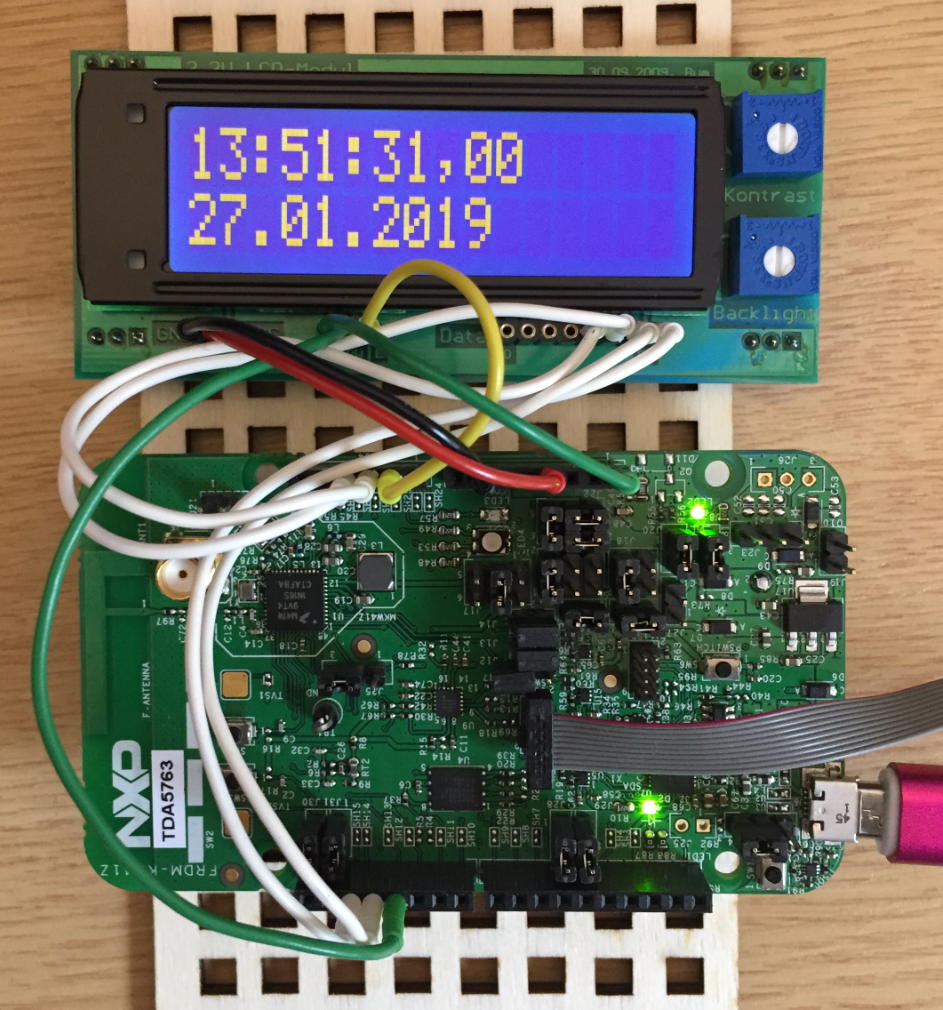
Tutorial: HD44780 Display Driver with NXP MCUXpresso SDK
In the age of high-resolution graphical LCDs using a character display might look like a bit anachronistic. But these displays provide a lot of value for me as they are robust, available in different shapes and number of lines. And such a character display can be a better solution for an industrial application.
Tutorial: Booting the NXP i.MX RT from Micro SD Card
It is a common thing to boot a Linux system (see the Raspberry Pi) from a micro SD card. It is not that common for a microcontroller. The NXP i.MX RT ARM Cortex-M7 fills that gap between these two worlds. No surprise that it features a ROM bootloader which can boot from a micro SD card.
FreeRTOS: how to End and Restart the Scheduler
Most host or desktop systems (say Linux, Mac or Windows) have a normal use case where you start the operating system say in the morning and shut it down in the evening, and then you leave the machine. Embedded Systems are different: they are not attended, and they are supposed to run ‘forever’. Not every embedded system needs to run an OS (or in that world: Real-Time Operating System or RTOS), but the same applies here: after the RTOS is started, it is not intended that it will shutdown and restart. To the extend that you won’t they support the ‘shutdown’ and ‘restart’ functionality at all. In case of gathering coverage information this would be really useful:
In the case of FreeRTOS: what if I really need to shutdown the RTOS and restart it again, as by default this is not supported. This is what this article is about …
GDB All-Stop and Non-Stop Mode with LinkServer
GDB supports a mode which allows the GDB debug client to read memory while the target is running. This allows features like ‘live variables’: that way I can see the variables refreshed and changing over time without halting the target. Another functionality which comes with that feature is to check stopped threads or to see all threads in the system.
Regaining Debug Access to NXP i.MX RT1064-EVK executing WFI
Working with low power modes can be challenging. It can severely affect debugging capabilities of a microprocessor or microcontroller. I ported a FreeRTOS application using the Tickless Idle Mode to the NXP i.MX RT1064 board, and all of a sudden, the board was unresponsive to any debugger connection. Luckily the board was not really bricked, but it took me while to find a way to recover it. So for when you end up in a situation with a ‘bricked’ i.MX RT1064 board, this article might be helpful for you to recover it.