For a next-gen course I’m evaluating different platforms, and one of it are modules based on the NXP i.MX ARM architectures. In this article I have a look a the Variscite DART-6UL development kit which includes the NXP i.MX6Ultralite ARM Cortex-A7 plus a 7″ capacitive touch LCD:
Category Archives: Boards
GNU Code Coverage on Embedded Target with Eclipse Neon and ARM gcc 5
For a research project, we are going to send a satellite with an embedded ARM Cortex microcontroller into space early next year. Naturally, it has to work the first time. As part of all the ESA paperwork, we have to prove that we tested the hardware and software thoroughly. One piece of the that is to collect and give test coverage evidence. And there is no need for expensive tools: Free-of-charge Eclipse and GNU tools can do the job for a space mission 🙂
Using Python to Store Data from many BLE Devices
BLE (Bluetooth Low Energy) sensor devices like the Hexiwear are great, but they cannot store a large amount of data. For a research project I have to collect data from many BLE devices for later processing. What I’m using is a Python script running on the Raspberry Pi which collects the data and stores it on a file:
DIY USB HID Joystick Device and Game Controller
For many projects it would be cool to build a custom USB Joystick device, either as custom game controller for Windows or any USB host which can be used with a USB Joystick. Instead buying one, why not build my version? All what I need is a USB capable board, some kind of input (potentiometer, push buttons) and some software, and I have my USB Joystick:
ARM SWO Performance Counters
In “Cycle Counting on ARM Cortex-M with DWT” I have used the ARM DWT register to count the executed cycles. With the MCUXpresso IDE comes with a very useful feature: it can capture the ARM SWO (Single Wire Output) trace data. One special kind of trace data is the ‘cycle counter’ information which is sent through SWO.
2017 Spring Semester Sumo Challenge
Video
The spring university semester is coming to an end, and the Infotronic course closed with a Sumo robot challenge. Great challenge, new technologies, innovative approaches and funny designs 🙂
MCUXpresso IDE: Blinky the NXP LPC800-DIP Board
During Embedded World 2017 in Nürnberg I was lucky to get a handful LPC800-DIP boards. To get all students who were lucky to get one, here is a tutorial to make that very exciting ‘blinky’ application on that board:
Using the LPCXpresso V2/V3 Boards to Debug an external Board
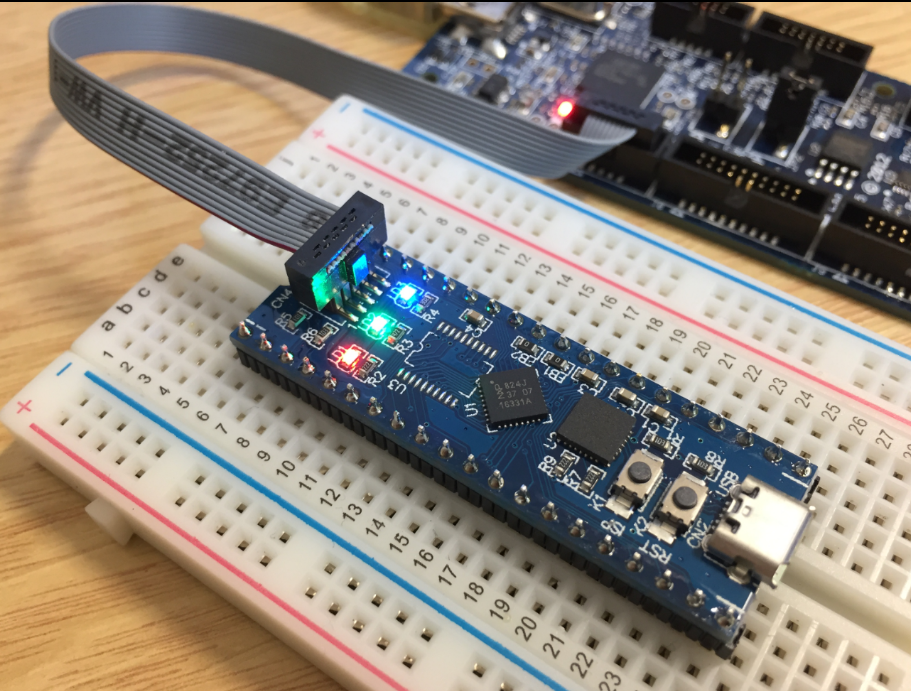
The MCUXpresso IDE (see “MCUXpresso IDE: Unified Eclipse IDE for NXPs ARM Cortex-M Microcontrollers“) has one great feature: it includes debug support for the popular LPC-Link2 debug probes. That way I have yet another powerful debug probe with extra features for ARM based boards. That LPC-Link2 circuit is present on many LPCXpresso boards from NXP. So why not using it to debug it my custom hardware?
Is Developing for ARM more difficult than for other Architectures?
I believe in ‘life-long-learning’. With this I continue to learn and discover new things every day. I’m writing tutorials to give something back to the community from which I have learned so much.
On top of this, I receive emails on a nearly daily basis, asking for help. Many articles have the origin in such requests or questions. I prefer questions or comments in a public forum, because that way I feel all others can benefit from it. Last week Alessandro contacted me with this:
“Hi Erich,
I hope this find you well! I’m starting to using ARM processors, but I find them quite complicated on the configuration side. I started in the past with PIC micro (PIC16) with asm, and I found them quite straightforward to be configured (clock, IO, peripherals, …). Then I moved myself on C language, and on PIC18 without any big issues.
Now I would really like join the ARM community, I see that these processors are what I’ve always looking for, on energy, calc power, peripherals, and FINALLY on IDE (editor, toolchain and utilities)… AMAZING!!!”
The topic is about how to start learning developing for ARM. Alessandro agreed to make this public, so I thought this might be a good topic for an article?
Modifying the Teensy 3.5 and 3.6 for ARM SWD Debugging
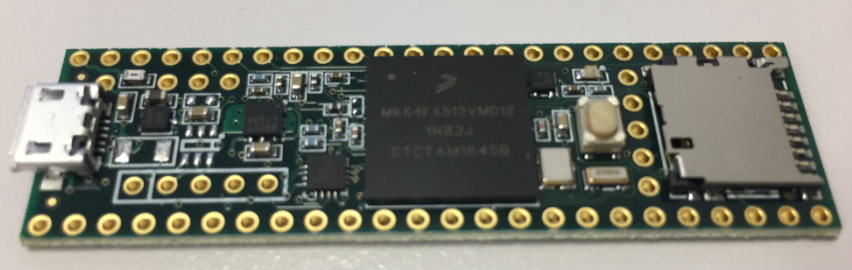
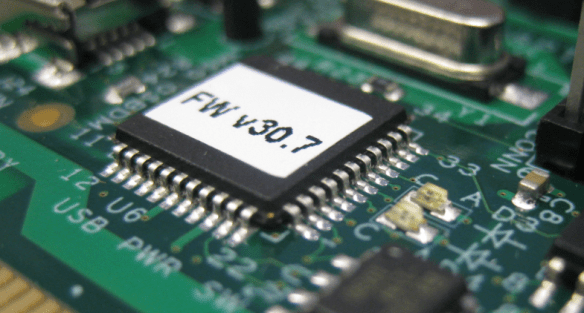
Looking for a small, inexpensive ($25-30) ARM development board (say 120-180 MHz ARM Cortex-M4 with FPU, 512kB-1MB of FLASH and 256 KByte of RAM? Then have a look at the Teensy 3.5 and Teensy 3.6 by PJRC/Paul Stoffregen:
The only problem? it is not possible to debug it :-(. At least not in the traditional sense. This article is about how to change the board to use it with any normal SWD debugging tool e.g. Eclipse and the Segger J-Link :-).