Recovering the FRDM-K64F Bootloader, or: Cloning the Program of a Microcontroller

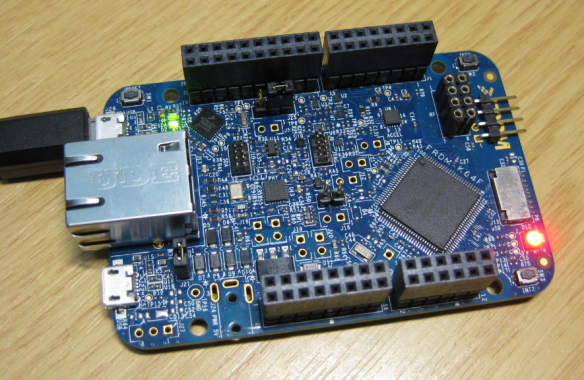
The Freescale FRDM-K64F and FRDM-K22F have a different OpenSDA (v2) firmware on it: unlike the earlier (v1), that firmware is open and not protected which is a great thing. However, it has the disadvantage if you use the wrong SWD/JTAG header on your board, the bootloader on the K20 OpenSDA microcontroller is gone 😦

Two SWD Headers on FRDM-K64F Board

Two SWD Headers on FRDM-K64F Board

Continue reading →

NeoShield: WS2812 RGB LED Shield with DMA and nRF24L01+

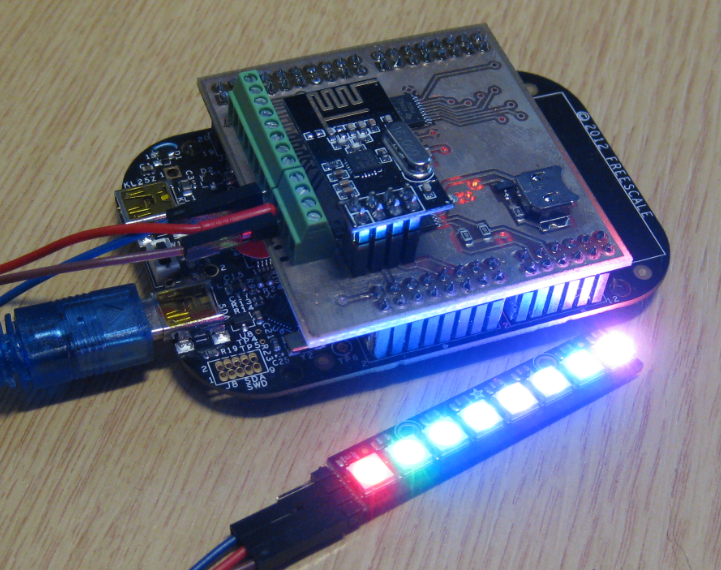
In my earlier post I used a hacked together shield for building a clock based on Adafruit’s NeoPixel/WS2812 (“LED Clock with Kitchen Hot Pan Protector“). The new design supports now 8 parallel data streams, integrated realtime clock and wireless connectivity with the nRF24L01+ module.

NeoPixel Shield for FRDM Boards

NeoPixel Shield for FRDM Boards

Continue reading →

Tutorial: FreeRTOS with the Kinetis SDK and Processor Expert

Freescale had announced at FTF back in April this year that they will use Kinetis Design StudioĀ  and the Kinetis SDK for all new Kinetis devices. The switch from CodeWarrior to Kinetis Design Studio (see “Comparing CodeWarrior with Kinetis Design Studio“) was not much of big deal for my projects (although CodeWarrior still has better features), and projects are rather easily portable. However, the move to the Kinetis SDK has been massively disruptive: Before it was easy to move projects from one device to another with Processor Expert, even from S08 to ColdFire to Kinetis. Now with the Kinetis SDK everything is very different. At least Freescale now officially supports FreeRTOS, and for myself as a big fan of that open source RTOS, that was some good news.
Blinking Red LED with FreeRTOS Task using Kinetis SDK, FreeRTOS and Processor Expert

Blinking Red LED with FreeRTOS Task using Kinetis SDK, FreeRTOS and Processor Expert

So in this tutorial I’m showing how FreeRTOS can be used with the Kinetis Design Studio. That makes at least using the Kinetis SDK bit more familiar to me :-).

Continue reading →

Debugging Failure: Check List and Hints

I think the biggest frustration point for any new or even seasoned engineer is the debugging phase: my application finally builds fine, but I’m not able to connect and download it to the target board :-(. In my view the debugging part is the most fragile part of the development process. I’m always very relieved if I can connect to a brand new board, because I know if it does not work, then the problem could be a very bad one, costing my several hours or even days to overcome it.

Remote Communication Error

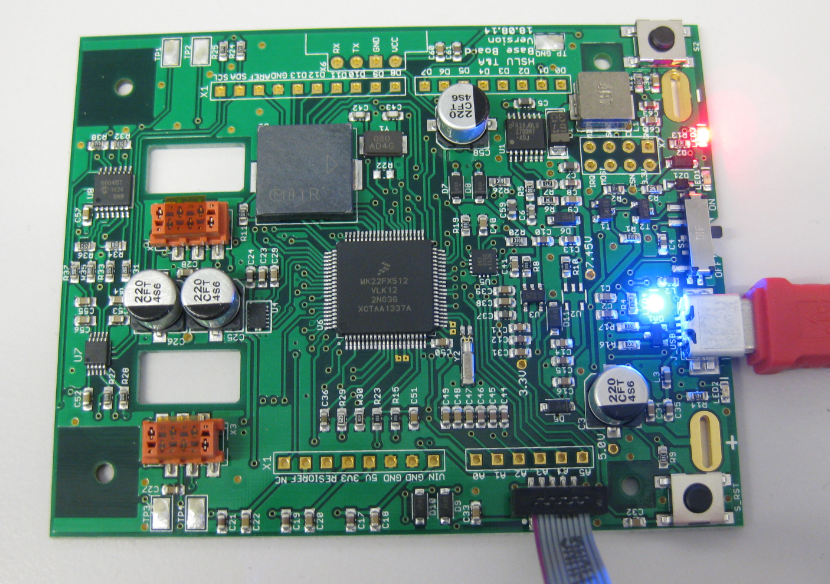
Remote Communication Error, what now?

Continue reading →

Export and Import Processor Expert Component Settings

When I create a new Processor Expert project for a board I already have the components configured, then an easy way to transfer components from one project to another is to copy-paste the components. In the ‘source’ project I select the components I want to use, choose Copy (or CTRL+C shortcut on Windows):

Copy of Processor Expert Components

Copy of Processor Expert Components

Continue reading →

Cheap and Simple WiFi with ESP8266 for the FRDM Board

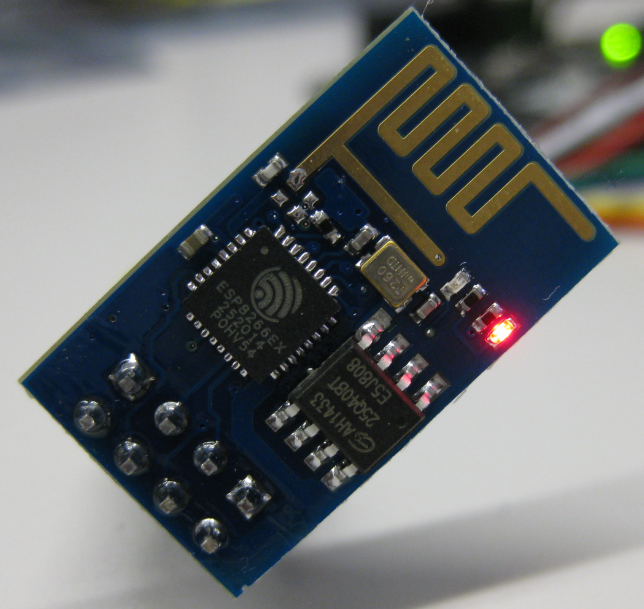
How cool would it be to add WiFi support to any projects or IoT? Why not using WiFi with a microcontroller which has only few KBytes of RAM and FLASH. For less than US$5? Dreams came true, and intrigued by an article at Hack-A-Day, I searched a supplier for that ESP8266 module. And this evening I have found the four ESP8266 modules I have ordered for $4.50 each from ElectroDragon in my mailbox. Of course I did not want to wait for the week-end, so I hooked it up to my FRDM-KL25Z board.

ESP8266 Module

ESP8266 Module for US$ 4.50

Continue reading →

Putting Code of Files into Special Section with the GNU Linker

The GNU Linker (ld) is very, very powerful. This time I wanted to put all my Processor Expert generated code into its own dedicated section. This is useful for example to have a bootloader or a library inside a special area in FLASH. It was not obvious to me how to do this with the linker, with some search on the internet and some trial and errors, I finally managed that. And as always with exploring things, I have learnt something :-). So here is how I’m able to put the code of arbitrary files into its own dedicated section.

Code Section for Generated Code

Code Section for Generated Code

Continue reading →