With Eclipse as IDE it is very easy to debug an application on a board. Still sometimes it is useful to get one level down and control the GDB server directly.

Monitor Flash Download

With Eclipse as IDE it is very easy to debug an application on a board. Still sometimes it is useful to get one level down and control the GDB server directly.
Monitor Flash Download
What is the life span of a cheap Chinese CO2 laser tube? I mean: how long can I use one these (aka K40) laser engraver/cutter tubes as used in that 50W machine I have? I have used my machine for over a year for now, and I don’t have hour meter, but I estimate it have used it for about 500 hours. I don’t have a data sheet of the tube used inside my machine. Discussions on the internet estimate the live span from DOA (Dead On Arrival) to ‘a few months with moderate usage’ up to 3000-5000h’. Well, whatever it would be: my laser cutter stopped working two weeks ago. Here is how I got it back operating again….

New Laser Tube on the Bench
There are things which are game changer in the world of software development: one such event was when I started using a VCS (Version Control System): it changed for me how I keep and store my projects and settings. It even changed the way how I deal with non-software related items like documents or other valuable things: I started storing them in to a VCS too.

I’m pleased to announce a new release of the McuOnEclipse components, available on SourceForge. This release includes several bug fixes, extra support for the NXP S32 Design Studio and SDK and includes FreeRTOS V10.1.1.

SourceForge
Unit testing is a common practice for host development. But for embedded development this still seems mostly a ‘blank’ area. Mostly because embedded engineers are not used to unit testing, or because the usual framework for unit testing requires too many resources on an embedded target?
What I have used is the μCUnit framework which is a small and easy to use framework, targeting small microcontroller applications.
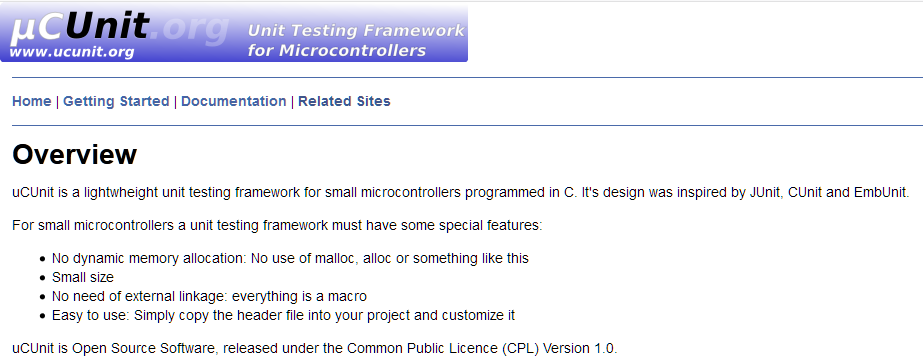
uCUnit
Not ready for the complexity of a full blown Embedded Linux, but need that extra compute performance? Need an ARM Cortex-M7 running at 600 MHz module on a half-sized business card, ready to be integrated? Here we go: the Embedded Artists i.MX RT1052 OEM module:

Embedded Artists NXP i.MX RT1052 OEM Module
Compute modules are very common in the Embedded Linux space, for example see this Toradex module. The reason is simple: these high-performance boards simplify the design, as I don’t have to care about the BGA packages and the external SDRAM and FLASH devices: everything is on a module I can easily integrate into my base board.
Open Source software has been around for decades. But open source on hardware especially microcontroller is not much a reality these days. But there is something which might change this: RISC-V is a free and open RISC instruction set architecture and for me it has the potential to replace some of the proprietary architectures currently used. RISC-V is not new, but it gets more and more traction in Academia (no surprise).
I wanted to play with RISC-V for over a year, but finally a week ago I did one of these “hey, let’s buy that board” thing again. Sometimes these boards get on a pile to wait a few weeks or longer to get used, but that one I had to try out immediately :-).

SiFive HiFive1 Board
Most embedded projects need an user input device. For the NXP i.MX RT1050-EVK board I have recently added a 480×272 full color touch LCD (see “Adding a Rocktech Capacitive Touch LCD to the NXP i.MX RT1052 EVK“). I have looked at different commercially available GUI libraries, but none of them really were matching my expectations: either very expensive or closed source, or an overkill for small LCDs and projects. But then I have found LittlevGL: free-of-charge, open source, easy to use, well documented and has everything I need. And it really looks gorgeous 🙂

Hello from LittlevGL
In my “Tutorial: Catching Rogue Memory Accesses with Eclipse and GDB Watchpoints” I have used Eclipse/CDT and GDB watchpoints. I used a conditional watchpoint, but this comes with a performance hit. In this article I show how to use the ARM Cortex trace hardware to catch specific writes to a memory location. Without severe performance degradation. But for this I need a little helper: the DEADBEEF catcher!

0xdeadbeef catcher
Eclipse is great: it gives me the tools and capabilities to solve the really hard bugs to find. An example of that ‘hard’ category are ‘rogue’ memory accesses: something in the application is accessing an unwanted memory location and corrupts the data. This might be very sporadic, or takes a long while until it happens. With normal ‘stop-mode’ debugging (setting a normal breakpoint) and stepping usually won’t let me find that bug, as it might be coming from a pointer somewhere. Maybe from an interrupt routine. Or maybe an unitialized or corrupted pointer corrupts to my memory. Usually all what I know is the memory adddress of the data, maybe what is written, but not what or who is writing to that location.
In this article I’m using one of the ‘less-known’ debugging techniques available in Eclipse and CDT and how it works: watchpoints!

Watchpoint with Condition
In this article I’m using one of the ‘less-known’ debugging techniques available in Eclipse and CDT and how it works: watchpoints!
 MCU on Eclipse