In a modern development workflow both command-line and a graphical user interface has its place. On the GUI side, Eclipse is famous that it offers many different ways to accomplish something which is great. But sometimes I continue to use an old habit or way because I have missed that there is a newer and better way, and the MCUXpresso Eclipse IDE is no exception to that. In this article I show a few ways how to use the mouse even more productive.
Category Archives: Tips & Tricks
Internal and External Debug Options for the NXP LPC55S69-EVK Board
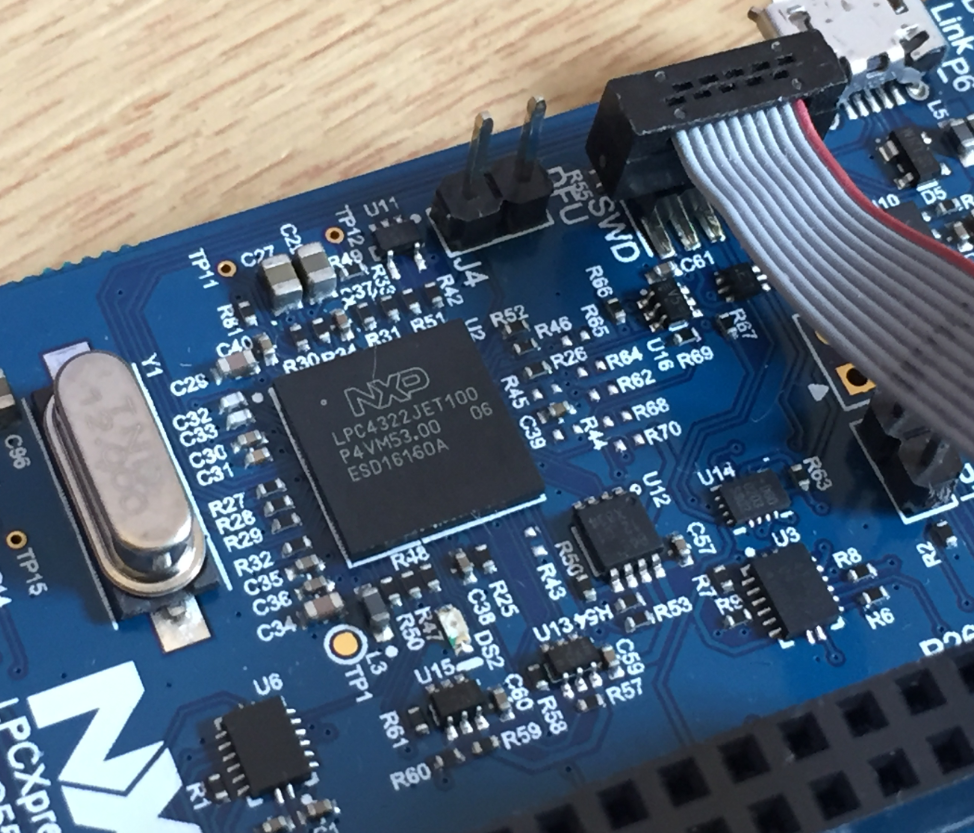
The LPC55S69-EVK board comes on-board debug probe. The board includes the LPC4322JET100 device which acts like NXP LPC-Link2 debug probe:
But it is easily possible to use the board with an external debug probe or re-program the onboard one as a SEGGER J-Link debug probe.
Building a Raspberry Pi UPS and Serial Login Console with tinyK22 (NXP K22FN512)
There are different ways to ruin a Linux system. For the Raspberry Pi which uses a micro SD card as the storage device by default, it comes with two challenges:
- Excessive writes to the SD card can wear it out
- Sudden power failure during a SD card write can corrupt the file system
For problem one I do I have a mitigation strategy (see “Log2Ram: Extending SD Card Lifetime for Raspberry Pi LoRaWAN Gateway“). Problem two can occur by user error (“you shall not turn it off without a sudo poweroff!”) or with the event of a power outage or black out. So for that problem I wanted to build a UPS for the Raspberry Pi.
Tutorial: MCUXpresso SDK with Linux, Part 1: Installation and Build with Make
I admit: my work laptop machine is running a Windows 10 OS by default. But this does not prevent me running Linux in a Virtual Machine (VM). Each host platform has its benefits, and I don’t feel biased to one or the other, but I have started using Ubuntu more and more, simply because I have worked more on Embedded Linux projects. While I have used mostly Windows with Eclipse for NXP LPC, Kinetis and i.MX platforms in the past, I started using Ubuntu too from last year with the NXP MCUXpresso SDK. I did not find much documentation about this on the web, so I thought it might be a good idea to write a tutorial about it. So here we go…
Log2Ram: Extending SD Card Lifetime for Raspberry Pi LoRaWAN Gateway
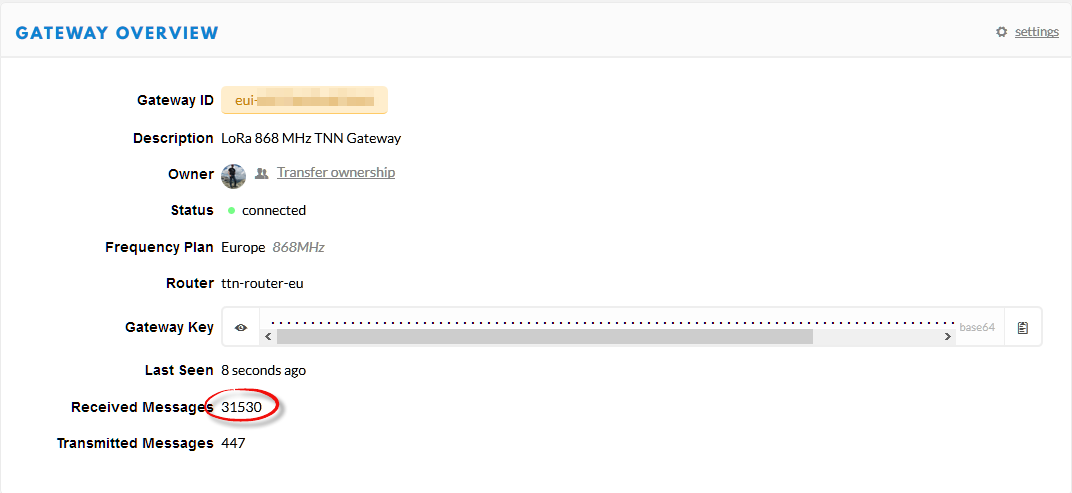
My LoRaWAN gateway (“Contributing an IoT LoRaWAN Raspberry Pi RAK831 Gateway to The Things Network” is running and working great now for more than a month and it already has transmitted more than 30k messages:
This creates a lot of log entries on the micro SD card of the Raspberry Pi. To avoid writing too many times log data, I have installed Log2Ram.
Be aware: Floating Point Operations on ARM Cortex-M4F
My mantra is *not* to use any floating point data types in embedded applications, or at least to avoid them whenever possible: for most applications they are not necessary and can be replaced by fixed point operations. Not only floating point operations have numerical problems, they can lead to performance problems as in the following (simplified) example:
#define NOF 64Continue reading
static uint32_t samples[NOF];
static float Fsamples[NOF];
float fZeroCurrent = 8.0;
static void ProcessSamples(void) {
int i;
for (i=0; i < NOF; i++) {
Fsamples[i] = samples[i]*3.3/4096.0 - fZeroCurrent;
}
}
Remote Debugging with USB based JTAG/SWD Debug Probes
For some projects it is not possible to have the device under debug available on my desk: the board might be in another room, on another site or in a place where physical access is not possible or even dangerous. In that case an IP-based debug probe (see Debugging ARM Cores with IP based Debug Probes and Eclipse) is very useful: as long as I can access its IP address, that works fine. It is an excellent solution even if the board is moving or rotating: hook it up to a WLAN access point and I still can use it as it would be on my desk.
But what if I have a debug probe only connected to USB? This article shows how to turn a USB debug probe into a IP-based debug solution: that way I can easily debug a board from remote, connected to the network:
Contributing an IoT LoRaWAN Raspberry Pi RAK831 Gateway to The Things Network
LoRa and LoRaWAN is getting the de-facto wireless IoT network in my area. No surprise that traditional telecom providers like Swisscom trying to monetize the ‘Internet of Things’ area. Luckily there is an open and free alternative: https://www.thethingsnetwork.org/. Volunteers, enthusiasts and members in the different TTN communities build gateways and offer free LoRaWAN network access. I wanted to contribute to that grassroots movement with building my gateway, providing LoRaWAN access to my neighborhood.
Different Ways of Software Configuration
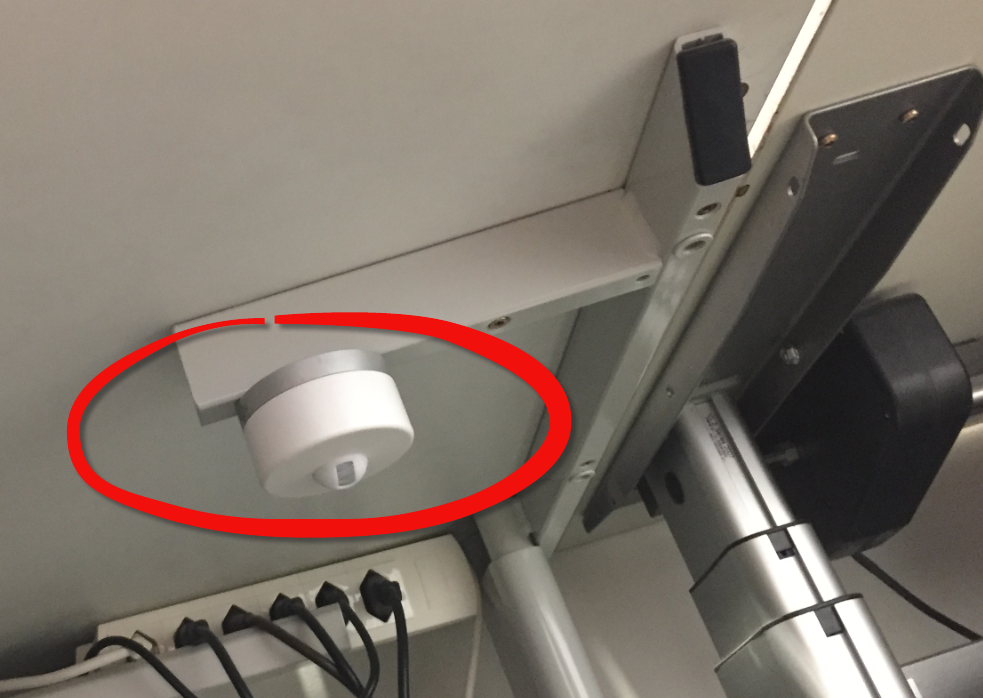
Most of the time software needs some way to configure things: depending on the settings, the software will do different things. For example the software running on the microcontroller on top of the Raspberry might have the OLED LCD available or not:
How can I deal with this in my application code? Continue reading
Debugging the Startup Code with Eclipse and GDB
By default, when debugging an embedded application, the target usually stops at main():
That’s usually fine, but what if I want to debug the code out of reset?