I’m pleased to announce a new release of the McuOnEclipse components, available on SourceForge. This release includes several bug fixes, support for more devices, and updated components like FreeRTOS, MinINI, Percepio Tracealyzer and SEGGER SystemView.
Category Archives: Embedded
Doubling the performance of NXP LPC845 with improved Flash Access Time
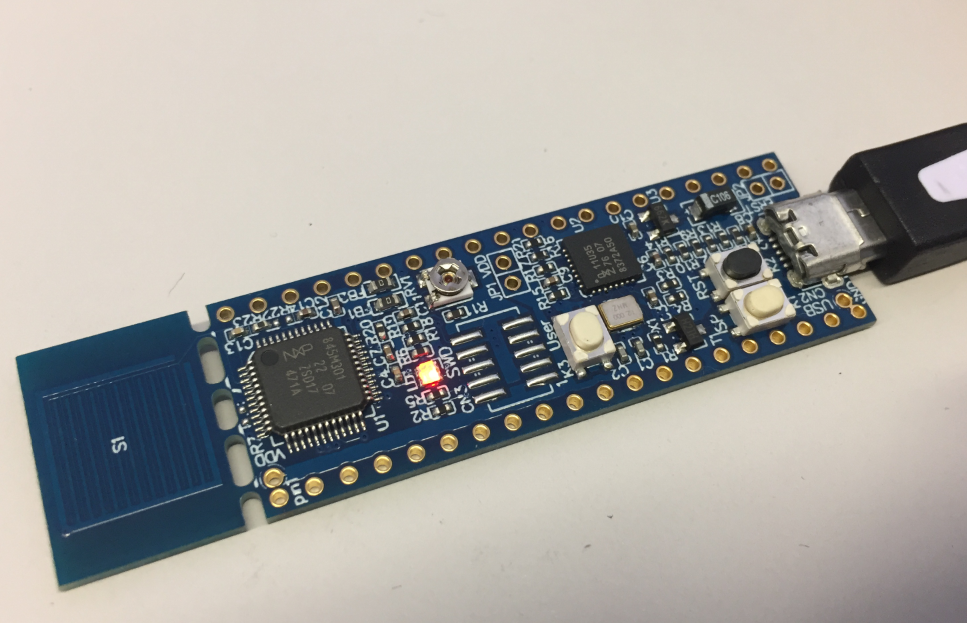
For more than two years I’m using the NXP LPC845 in my university courses. Beside of that it is used in many projects. First, because the LPC845-BRK board is small, breadboard friendly and inexpensive. Second, for many small projects that Cortex-M0+ provides just the right amount of processing power and memory.

If you search for ‘LPC845’ on my blog, you will find many articles about it. We are using the LPC845 in a research project, and one developer asked me why the LPC845 seems to run slower than expected. And I was sure that I wrote already an article about this, but to my disappointment: even Google did not find it? So complete this unfortunate gap, here is it: how to optimize the LPC845 and running it at full speed, with the hand-brake released.
Continue readingKey-Value pairs in FLASH Memory: file-system-less minINI
Many embedded systems application need to store some kind of data in a persistent way: calibration values, settings or log information. For a smaller amount of data, using an external memory or file system is an overkill. In many system I’m using minINI to store key-value pars in in a ‘ini-file’ way, but it requires the use of a file system of some kind. minINI is great and efficient, and makes getting and storing data really easy. But for simple cases, a single FLASH memory page or sector is just all what I need. Instead managing that page directly, why not using minINI without a file system?

Spilling the Beans: C/C++ Header Files
Header files in C/C++ are defining the interface between different modules. In this article I share some tips and tricks how create such interface files.

Adding RGBW Wings and Enclosure to a Debug Probe
I’m using debug probes on a daily base. They have to be functional, and I value functionality over aesthetics. For cost reasons many debug probe vendors either only provide a bare PCB without enclosure, or the enclosure is made of simple plastic enclosure.
That’s OK. But when I received my NXP MCU-Link Pro debug probe, I wanted to add an enclosure for it: Not only to add protection,but to have it look cool too :-).

Visual Studio Code for C/C++ with ARM Cortex-M: Part 10 – Assembly Stepping
The Microsoft Visual Studio Code is a great IDE, but does not (yet?) implement features for true embedded usage. Or things are there to some level, but hard to use. One of these things is how to step in the assembly code. This article shows how to do this.

New “MCU-Link Pro”: Debug Probe with Energy Measurement
After the release of the NXP MCU-Link debug probe, there have been hints in the Eclipse based MCUXpresso IDE that there must be another one coming. And indeed: another and more powerful debug probe is now available: the MCU-Link Pro. It is not only a debug probe but a power/energy measurement tool too, including an extra LPC804 mikrocontroller which can be used for all kind of things, like automation or scripting.

Spilling the Beans: volatile Qualifier
It is interesting to see that some aspects (mostly unintended) can stimulate lots of good and fruitful discussions. So this happened with “Spilling the Beans: Endless Loops” (recommended to read 🙂 where using (or not using) volatile for inline assembly created thoughts which warrant an article on that subject.
The volatile qualifier in C/C++ is misunderstood by many programmers, or wrongly used.

Still, ‘volatile’ is very useful if you know what it means for the compiler and what is good use of it.
Continue readingSpilling the Beans: Breaking Loops
In “Spilling the Beans: Endless Loops” several ways of creating and using endless loops were discussed. In this ‘bean’ it is about how to exit or break a loop.

Visual Studio Code for C/C++ with ARM Cortex-M: Part 9 – RTT
For me the Cortex-Debug Visual Studio extension by marus25 is the standard way to use VSC for embedded development. Another ‘standard’ piece I’m using in many of my projects is the SEGGER RTT.