I admit: my work laptop machine is running a Windows 10 OS by default. But this does not prevent me running Linux in a Virtual Machine (VM). Each host platform has its benefits, and I don’t feel biased to one or the other, but I have started using Ubuntu more and more, simply because I have worked more on Embedded Linux projects. While I have used mostly Windows with Eclipse for NXP LPC, Kinetis and i.MX platforms in the past, I started using Ubuntu too from last year with the NXP MCUXpresso SDK. I did not find much documentation about this on the web, so I thought it might be a good idea to write a tutorial about it. So here we go…
Tag Archives: tool chains
Running FreeRTOS on the VEGA RISC-V Board
In “Debugging the RV32M1-VEGA RISC-V with Eclipse and MCUXpresso IDE” I described how to build and debug applications for the VEGA RISC-V board. In this article I describe how to enable FreeRTOS for RISC-V, based on the latest FreeRTOS V10.2.0 release.
MCUXpresso IDE V10.3.1 available
On Friday a new release of the Eclipse Oxygen based NXP MCUXpresso IDE V10.3.1 has been made available. The IDE supports MacOS, Linux and Windows 32/64-bit and will be 64-bit only going forward.
Different Ways of Software Configuration
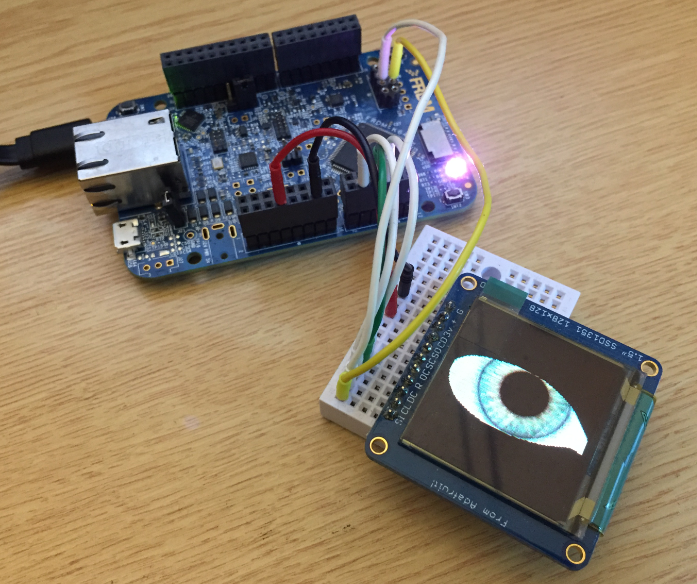
Most of the time software needs some way to configure things: depending on the settings, the software will do different things. For example the software running on the microcontroller on top of the Raspberry might have the OLED LCD available or not:
How can I deal with this in my application code? Continue reading
Tutorial: Changing ARM Cortex Core or Microcontroller in Eclipse CDT Projects
Sometimes I start a project with an ARM microcontroller, and in the middle of the project I find out that it was a wrong choice at the beginning and I need to switch the microcontroller derivative or even the used ARM core. With little knowledge of the project structure and the files needed, such a switch is not the easiest thing, but definitely possible.
First Steps with the NXP i.MX RT1064-EVK Board
I always reserve time between Christmas and New Year to get my hands on technology pieces which I might not have any time otherwise. Among different things I ordered the NXP i.MX RT1064-EVK board from Mouser.com, and it arrived right before Christmas. Time to have it unboxed and started….
New NXP MCUXpresso IDE V10.3.0 Release
Friday this week NXP has released a new version of their flagship IDE: the MCUXpresso IDE V10.3.0. The version number indicates an incremental update from the earlier V10.2.1, but there are many exciting features and new features which make me switch my lecture material to this new IDE for the next semester.
Open Source RISC – Eclipse with RISC-V on the SiFive HiFive1 Board
Open Source software has been around for decades. But open source on hardware especially microcontroller is not much a reality these days. But there is something which might change this: RISC-V is a free and open RISC instruction set architecture and for me it has the potential to replace some of the proprietary architectures currently used. RISC-V is not new, but it gets more and more traction in Academia (no surprise).
I wanted to play with RISC-V for over a year, but finally a week ago I did one of these “hey, let’s buy that board” thing again. Sometimes these boards get on a pile to wait a few weeks or longer to get used, but that one I had to try out immediately :-).
Porting Processor Expert Projects to MCUXpresso IDE
The McuOnEclipse GitHub repository hosts many Processor Expert projects and is very popular (cloned more than 1000 times, thank you!). Processor Expert is a powerful framework which generates driver and configuration code, simplifying application development for a wide range of microcontroller and families. But Processor Expert won’t be developed further by NXP and is not part of MCUXpresso IDE. While it is possible to install Processor Expert into MCUXpresso IDE 10.2, how can these projects used ini an IDE *without* Processor Expert? This article describes how to port an existing Processor Expert project into the NXP MCUXpresso IDE.
Show Eclipse Project Location in System Explorer
How can I open a project folder location in the system explorer?
Starting with Eclipse Oxygen, the project properties have a button for this in the Resource settings: