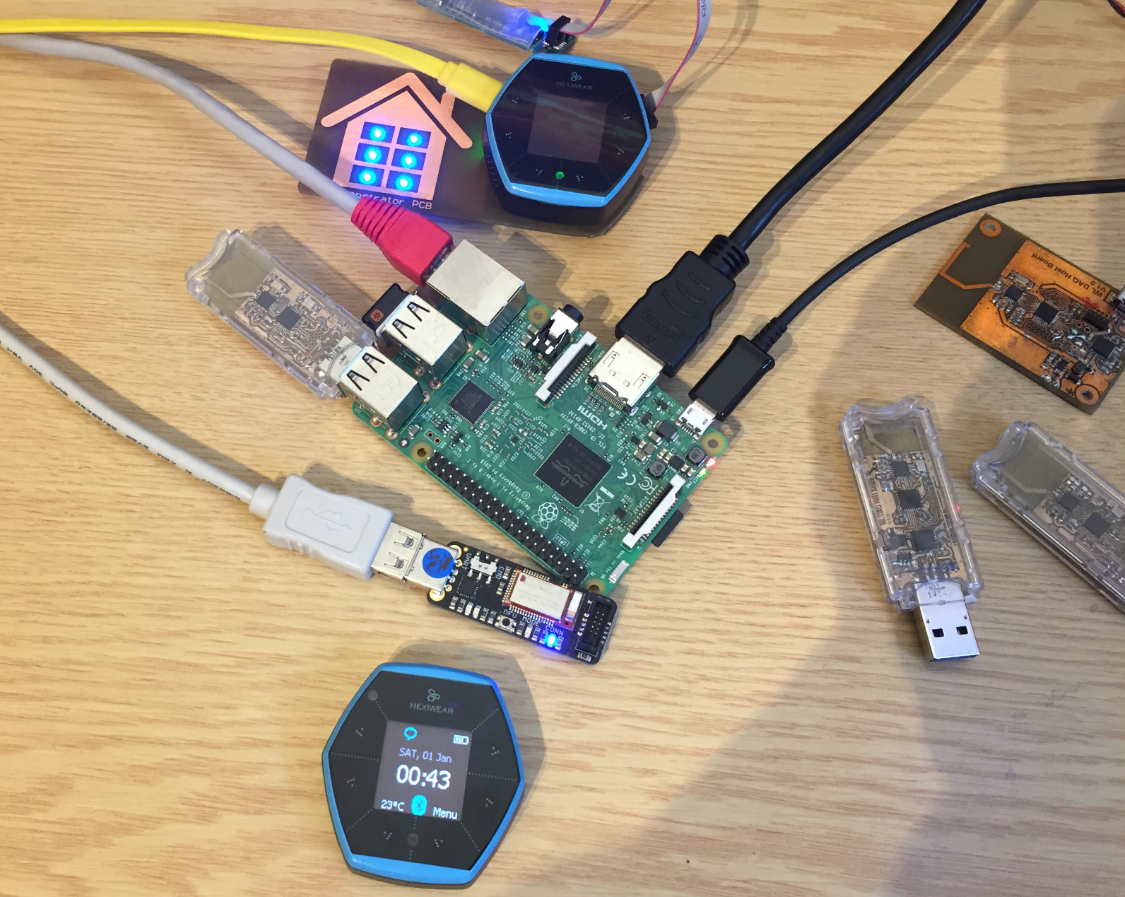
The Raspberry Pi is a versatile mini computer: as such I can use it with USB keyboard, mouse and HDMI LCD monitor. But having multiple keyboards and mouse on my desktop is not my thing: somehow I always grab the wrong one. So what I prefer is to run the Raspberry with VNC (Virtual Network Computing). That way I have the Linux GUI as a window on my normal desktop, and no messing up with keyboards and mouse π :
Tag Archives: technology
Tutorial: Hexiwear Bluetooth Low Energy Packet Sniffing with Wireshark
For a university reasearch project I try to pair the Raspberry Pi 3 with a Mikroelektronika Hexiwear using BLE (Bluetooth Low Energy). Most of things worked after a lot of trial and error, but at a certain point I was stuck trying to write to send data from the Raspy to the BLE device.The Hexiwear BLE protocol description is very thin, so I ended up using a BLE sniffer to reverse engineer the protocol with Wireshark.
Disabling EzPort on NXP Kinetis to Solve Power-On Issues
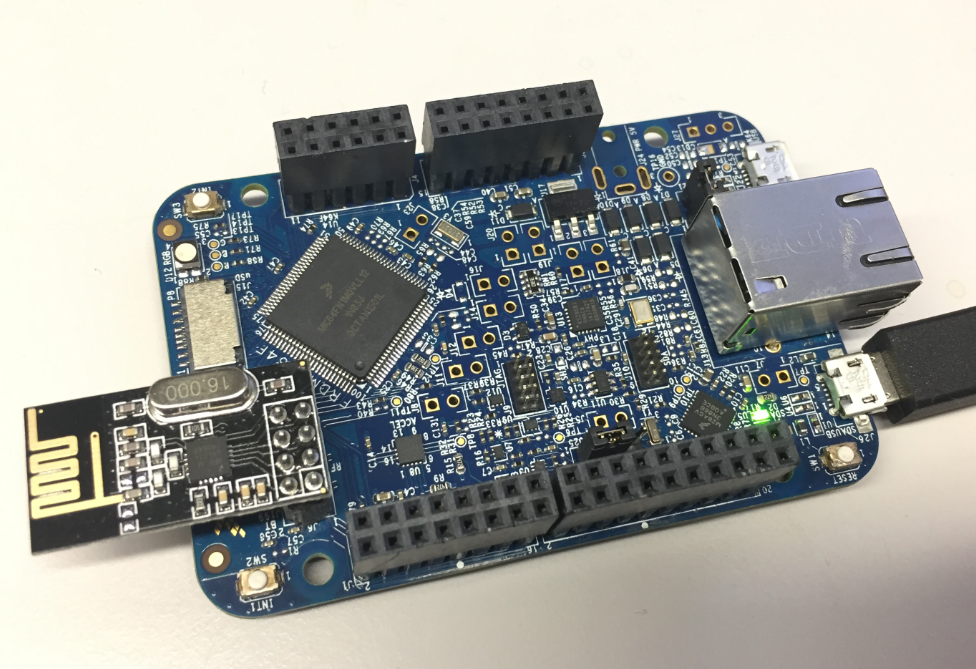
I’m using the NXP FRDM-K64F board in several projects: it is reasonably prices, has USB, Ethernet, micro SD card socket and connectors for Bluetooth classic and Nordic Semiconductor nRF24L01+ 2.4 GHz transceiver:
But one issue I have faced several times is that the board works fine while debugging and connected and powered by a host machine, but does not startup sometimes if powered by a battery or started without a debugger attached. I have found that the EzPort on the microcontroller is causing startup issues.
Tutorial: BLE Pairing the Raspberry Pi 3 Model B with Hexiwear
The Hexiwear (see “Hexiwear: Teardown of the Hackable βDo-Anythingβ Device“) is a small and portable sensor node with built-in BLE (Bluetooth Low Energy) transceiver. In a research project we try to use multiple Hexiwear in a classroom environment and to collect sensor data on a Raspberry Pi. The Raspberry Pi 3 Model B running Linux has an on-board BLE transceiver too, so why not binding them (wirelessly) together?
Well, things seemed easy at the beginning, and as always, there are many things to learn on a journey like this…
Low Power LCD: Adafruit Breakout Board with Sharp Memory Display
Many projects benefit from a small display as a user interface. For very low power applications this is usually a no-go as the display needs too much energy. I have used e-paper displays from Kent: while these e-paper displays do not need any power to keep the image, changing the display content is not for free, plus is very slow (around 1 second needed to update the display). So I was looking for something low power and fast for a long time, until Christian (thanks!) pointed me to a display from Sharp: both very low power and fast:
McuOnEclipse Components: 12-Dec-2016 Release
Time is passing by so fast, and the year end is approache fast! I’m pleased to announce that a new release of the McuOnEclipse components is available in SourceForge:
- Percepio Trace V3.1 for FreeRTOS which includes both Segger RTT continuous streaming and snapshot tracing in a single API
- Generation of sources and drivers so they can be used without Processor Expert using McuLibConfig, removal of dependency to NXP Kinetis SDK: components use a generic API approach to have them working with other SDKs.
- New contributed ExceptionsHandler component
- Callback Setter and Getter in USB CDC stack for simpler option handling
- GenericTimeDate with flexible RTC support and added Unix Timestamp functions
- LongKey events in Key component
- FreeRTOS with optimized task selection on Cortex-M4/M7
- Many smaller bug fixes and enhancements
Qi Wireless Charging Transmitter with 3D Printed Enclosure
For my Hexiwear university research project I’m exploring wireless charing options. I have built a DIY Qi charging station and created a 3D printed enclosure for it:
Flashing and Restoring the Hexiwear Firmware
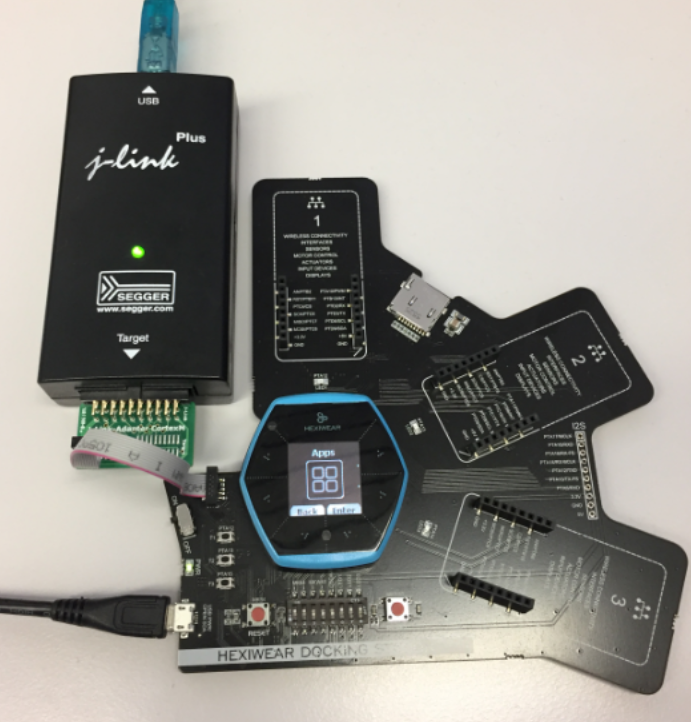
The Hexiwear device is a great and versatile device with two microcontrollers on it. Developing firmware on a Hexiwear means changing what was originally on it. And sometimes it happens that I’m not sure if the changes are for good. Or that I accidentally destroyed the firmware on the NXP Kinetis KW40 BLE microcontroller :-(. So I had to find a way to restore the original firmware, and this is what this post is about.
Prototype of tiny Hexiwear Docking Station
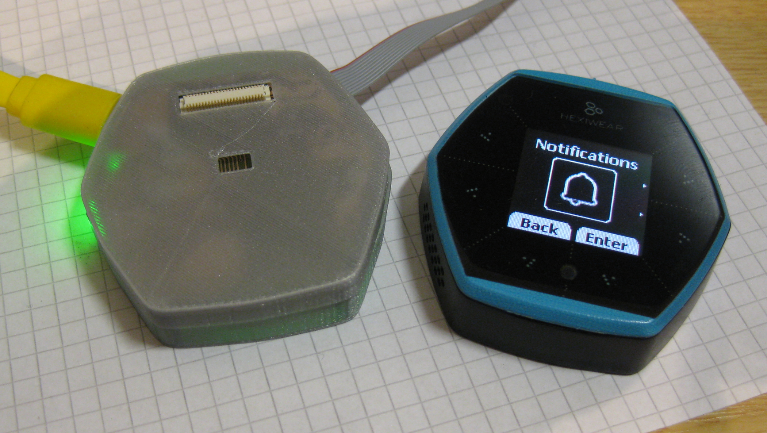
For a research project we are using Hexiwear to measure the effectiveness of teaching and learning. The Hexiwear is used as a networking sensor device in that project. For that project we needed a docking station with wireless capabilities:
NXP MCUXpresso Software and Tools with Clocks Tool
About a year ago, on December 7th 2015, Freescale and NXP have announced the completion of their merger.Β Now it is Qualcomm which wants to acquire NXP? It looks like these mergers are happening faster and faster. The reality is that merging products take more time than anticipated, and nearly one year later I can see the outcome of what comes out of the marriage between Freescale and NXP or between Kinetis and LPC: NXP has announced the MCUXpresso software and tools for Kinetis and LPC microcontroller: