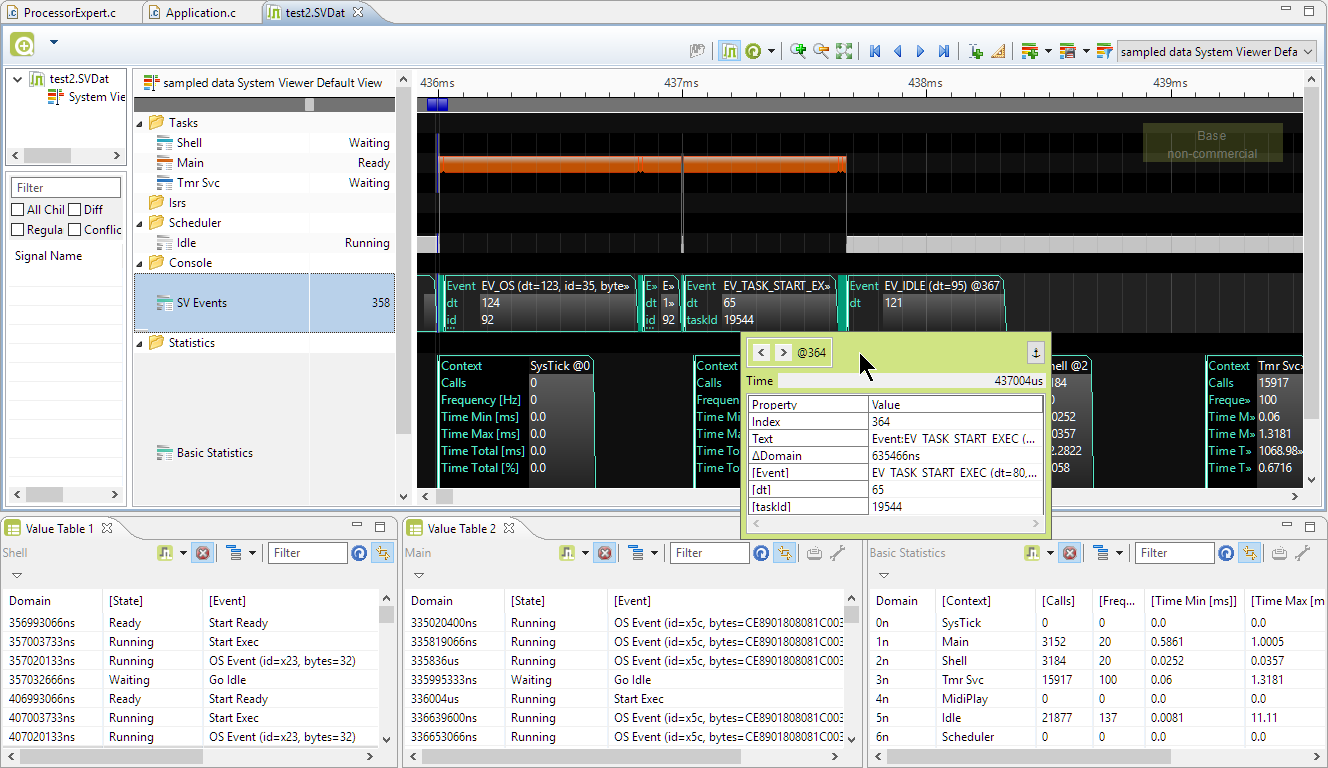
NXP has released their Kernel Awareness for FreeRTOS in Eclipse (Kinetis Design Studio):

NXP has released their Kernel Awareness for FreeRTOS in Eclipse (Kinetis Design Studio):

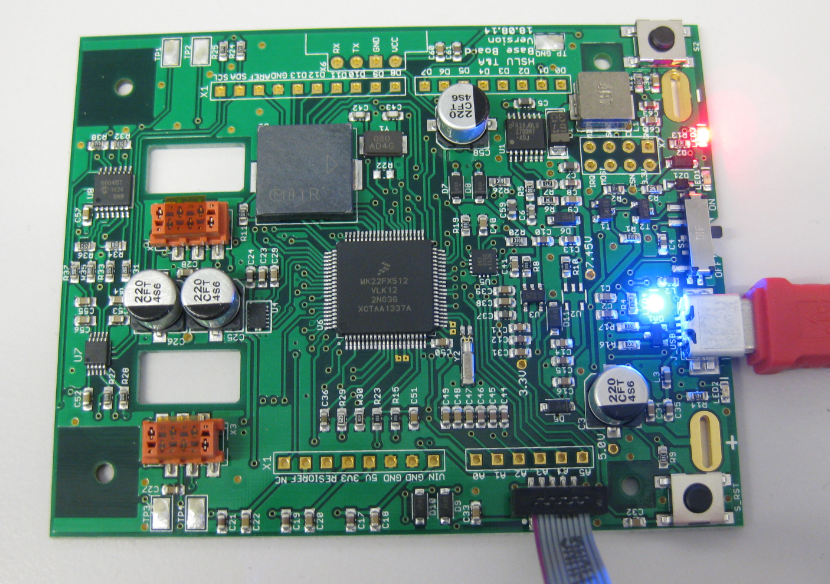
Sometimes things don’t go well, especially with bringing up a new board design. I always sweat blood that first minute when I try to connect with the debugger to a new design: Will it work? After the optical inspection, performing electrical tests (no shortcuts? voltage levels ok?) the inflection point is when I’m connecting the first time with the debugger to the new board: either it will properly connect and program the device (hurrah!) or it will fail and potentially difficult hours of investigations have to follow.
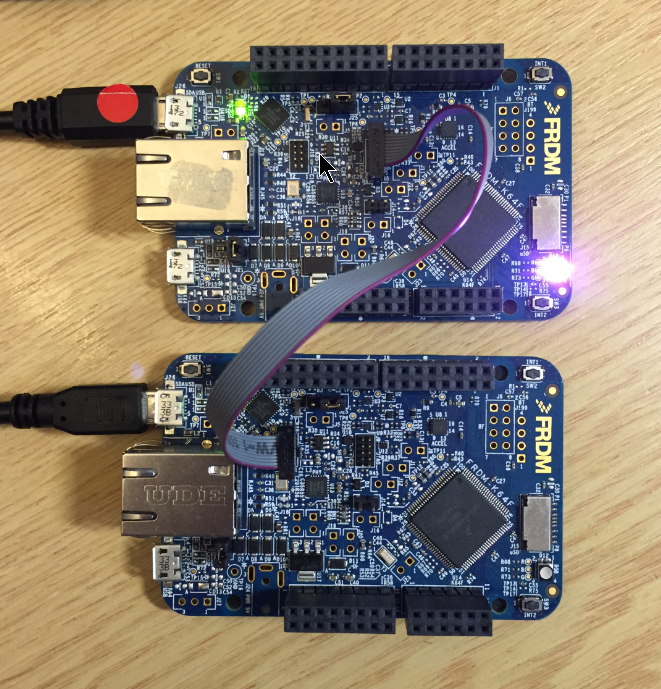
More and more of my students are using Microsoft Windows 10 machines, and my computer has been upgraded to Windows 10 a couple of week ago too. From my work and experience, a new operating system causes always some challenges, and Windows 10 is no difference. And no, this is not about Microsoft vs. Apple vs. Linux, this post is about addressing a potential and painful problem which I have observed with Windows 10 machines, and to my understanding it could happen with any other operating system too. The problem is that somehow on several student machines the bootloader and OpenSDA application on their FRDM boards did not work any more.
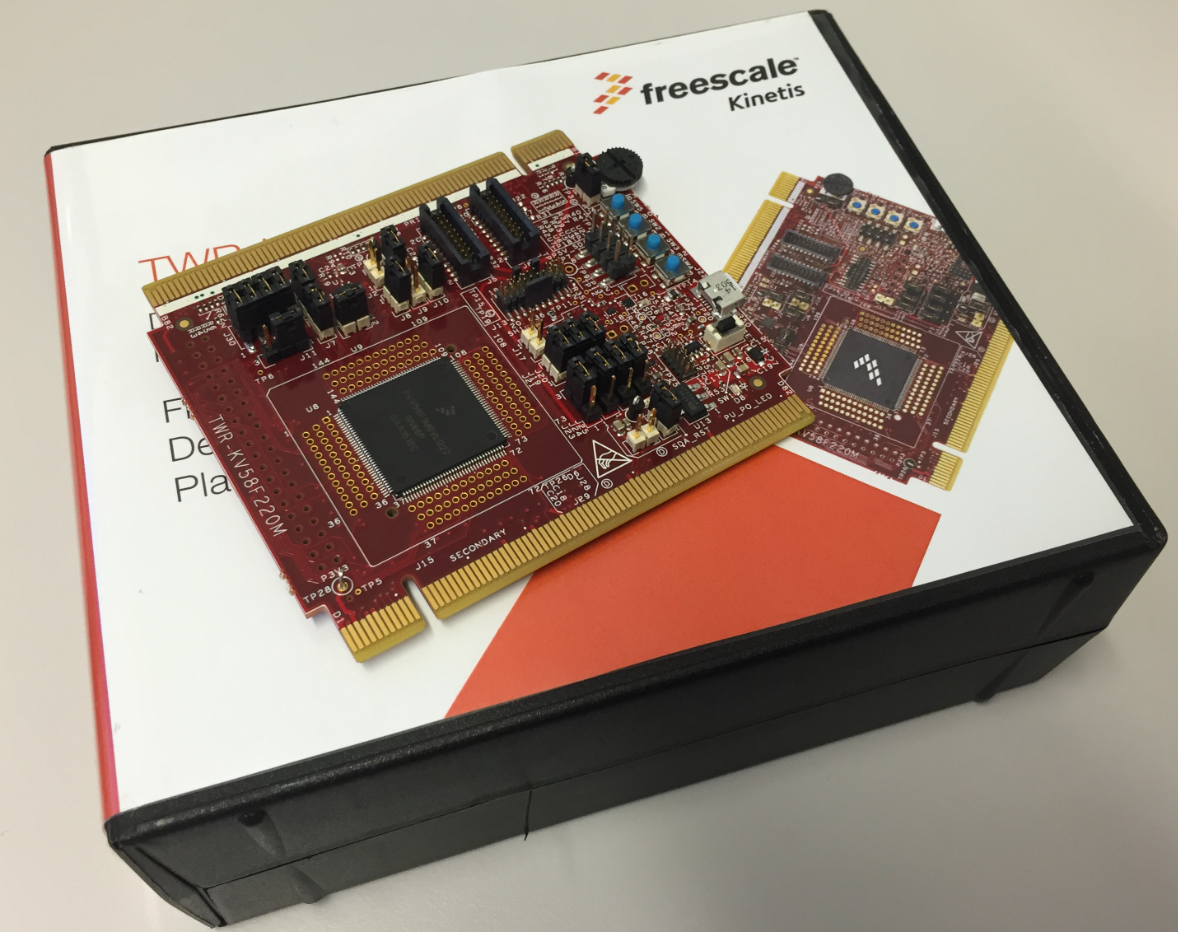
For a university research project I need a fast microcontroller with lots of RAM and FLASH memory. I have ordered a TWR-KV58F220M board from NXP which arrived yesterday. The special thing is that it has on of these new ARM Cortex-M7F on it:
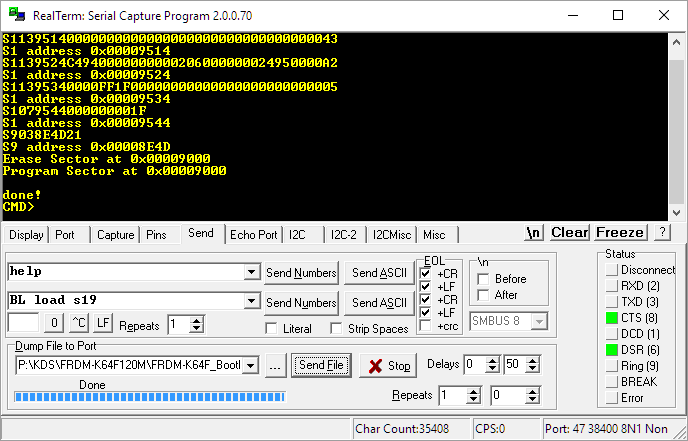
A bootloader shall be small and concise. I very much like bootloaders which do not need a ‘special’ program on the host, so I prefer a simple terminal for this. While porting my serial bootloader to the NXP FRDM-K64F board, I have found RealTerm which offers a lot of cool features:
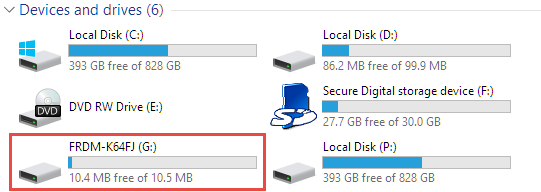
Sometimes it is very convenient to load a new firmware to a board without the need for a hardware debugger. This is usually done with a bootloader. The NXP Freedom and Tower evaluation boards have on-board debug device/microcontroller (OpenSDA) which can load different firmware implementations like CMSIS-DAP/mbed, P&E Multilink or a Segger J-Link OpenSDA applications. Both mbed and P&E implemenations support to program the board with drag&drop: simply send a file to a virtual MSD (Mass Storage Device) to get it programmed. The latest Segger OpenSDA firmware has this ability added now too: Programming the board with a virtual MSD device:
I mentioned the hands-on sessions on FreeRTOS I do this week at NXP FTF Tech Forum in Austin in my previous post. What we are using in the session is an Eclipse plugin in Kinetis Design Studio showing all kinds of FreeRTOS information:
NXP FTF Tech Forum in Austin has been a blast! I’m running another FreeRTOS hands-on session (FTF-DES-N2048) this afternoon which yet again is fully booked. But we will squeeze in as many as possible from the waiting list.
One very exciting thing we are going to use is FreeRTOS thread awareness in Eclipse/Kinetis Design Studio: to see and debug the FreeRTOS threads in Eclipse using the Segger GDB and it will show the list of threads in the Debug view:
By default I’m programming the Elf/Dwarf (.elf) file present in the GNU ARM Eclipse debug configuration:
But how to program the board with something different from the .elf file?