Tutorial: Catching Rogue Memory Accesses with ARM Watchpoint Comparators and Instruction Trace

In my “Tutorial: Catching Rogue Memory Accesses with Eclipse and GDB Watchpoints” I have used Eclipse/CDT and GDB watchpoints.  I used a conditional watchpoint, but this comes with a performance hit. In this article I show how to use the ARM Cortex trace hardware to catch specific writes to a memory location. Without severe performance degradation. But for this I need a little helper: the DEADBEEF catcher!

0xdeadbeef catcher

0xdeadbeef catcher

Continue reading

First Steps with the NXP i.MX RT1020 EVK Board

Powerful ARM Cortex-M7 microcontroller are on the rise, bridging the gap between traditional microcontroller and Embedded Linux systems. I already published articles for the NXP i.MX RT1052 which is an ARM Cortex-M7 running at 600 MHz. Because the RT105x is available in BGA196 package only, I have as oredered the i.MX RT 1050 EVK which has a similar device on it, but in LQFP package:

i.MX RT1021

i.MX RT1021

Continue reading

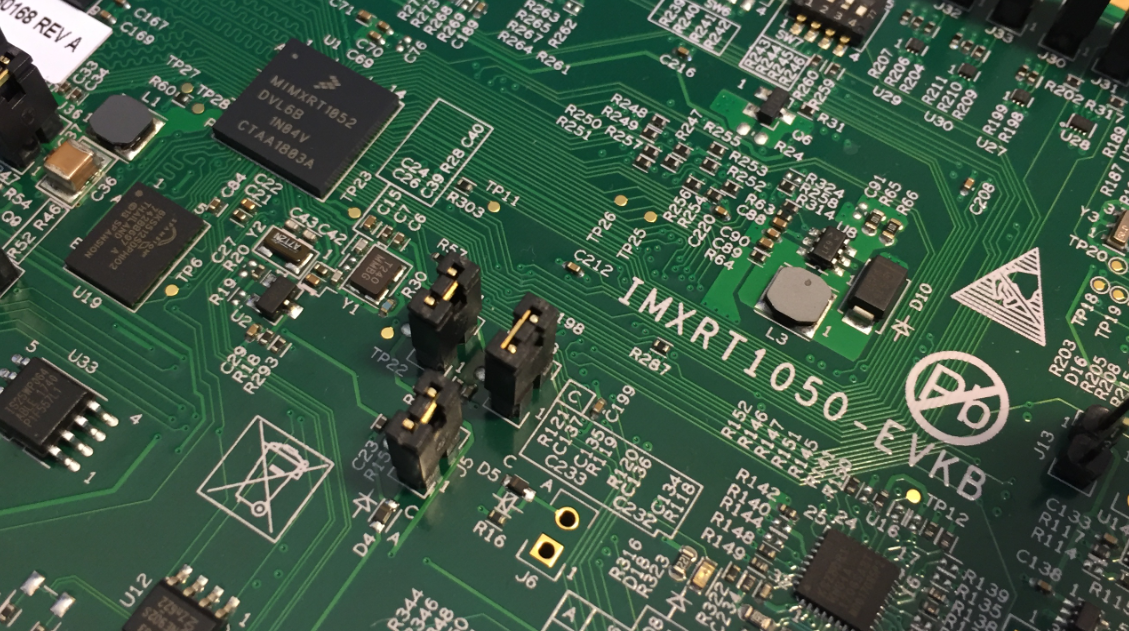
i.MX RT1050 EVK vs. EVKB

I noticed on Mouser.com that there is a new i.MX RT1050 board: the EVKB one. I have used the EVK (the one without the ‘B’) for several weeks (see “MCUXpresso IDE V10.1.0 with i.MX RT1052 Crossover Processor” and “Adding a Rocktech Capacitive Touch LCD to the NXP i.MX RT1052 EVK“). I needed anyway a second board, so I ordered that EVKB from Mouser, and after some delay and waiting it arrived on my desk. So far this boards seems to be a better one:

i.MX RT1050 EVKB Board

i.MX RT1050 EVKB Board

Continue reading

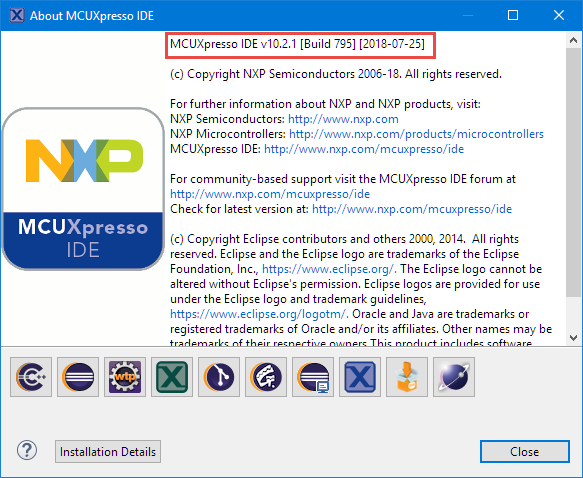
MCUXpresso IDE 10.2.1

NXP has just released the 10.2.1 update of their flagship Eclipse based IDE. While the number increase from 10.2.0 to 10.2.1 indicates a minor release, there are a several things which make me move over to that new release.

MCUXpresso IDE 10.2.1 build 795

MCUXpresso IDE 10.2.1 build 795

Continue reading

Adding a Rocktech Capacitive Touch LCD to the NXP i.MX RT1052 EVK

It is never too early to start thinking about Halloween projects :-).

rended Eyes with i.MX RT

rendered Eyes with i.MX RT

When I ordered originally the MIMXRT1050-EVK from Mouser, it was without the LCD display (see “MCUXpresso IDE V10.1.0 with i.MX RT1052 Crossover Processor“. I ordered the LCD for the board soon after writing that article, but I was too busy with the university lectures and exams to get a hand on it. Finally I have spent a few hours at night and I proudly can say: the display is working 🙂

Continue reading

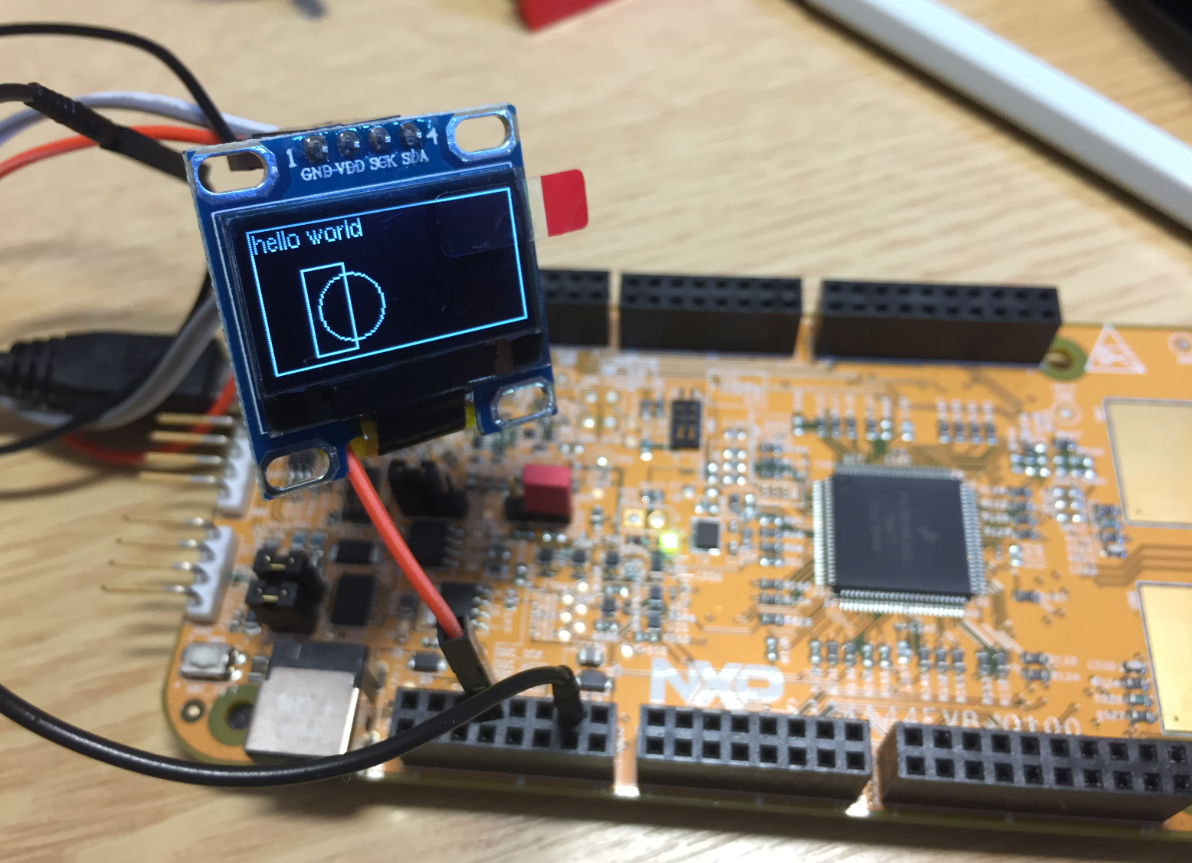
Updating the S32K144EVB to Switch between 5V and 3.3V Logic Levels

By default, the NXP S32K144EVB and microcontroller is using a 5V supply voltage and logic levels which is great for noisy environment or any 5V devices. Many of my displays and sensors use 3.3V logic levels, so I would have to use a level shifter from 5V to 3.3V. There is another way: to change the board for 3.3V logic levels so I can use directly things like a SSD1306 display.

S32K144EVB with OLED SSD1306 using 3.3V Logic Levels

S32K144EVB with OLED SSD1306 using 3.3V Logic Levels

Continue reading

Using custom FreeRTOS with S32K SDK and OSIF for ARM

In “Tutorial: FreeRTOS 10.0.1 with NXP S32 Design Studio 2018.R1” I showed how to use a custom FreeRTOS with the S32 Design Studio (ARM). The OSIF (OS Interface) provides an operating system and services abstraction for the application which is used by other S32K SDK components:

OSIF in S32K for ARM Eclipse Project

OSIF in S32K for ARM Eclipse Project

Continue reading

Execute-Only Code with GNU and gcc

“There is no ‘S’ for Security in IoT” has indeed some truth. With all the connected devices around us, security of code should be a concern for every developer. “Preventing Reverse Engineering: Enabling Flash Security” shows how to prevent external read-out of critical code from device. What some microcontroller have built in is yet another feature: ‘Execute-Only-Sections‘ or ‘Execute-Only-Memory‘. What it means is that only instruction fetches are allowed in this area. No read access at all. Similar like ‘read-only’ ‘execute-only’ it means that code can be executed there, but no other access from that memory is allowed.

Locked Code

Locked Code

In this article I describe the challenges for a toolchain like the GNU gcc, and how to compile and link code for such an execute-only memory.

Continue reading

Tutorial: FreeRTOS 10.0.1 with NXP S32 Design Studio 2018.R1

NXP not only sells general purpose microcontroller, but as well a portfolio of automotive devices which includes the S32K which is ARM Cortex based. For this device family, they offer the S32 Design Studio (or S32DS) with its own Eclipse distribution and SDK. The interesting part is that the S32DS includes Processor Expert (which is a bit different from the ‘mainstream’ Processor Expert). It comes with its own components for the S32K SDK which includes a component for FreeRTOS. But that component in S32DS 2018.R1 comes with an old V8.2.1 FreeRTOS component:

FreeRTOS 8.2.1 in S32DS 2018.R1

FreeRTOS 8.2.1 in S32DS 2018.R1

So what to do if I want to use the latest FreeRTOS (currently 10.0.1) with all the bells and whistles?

Continue reading

Show FreeRTOS Threads in Eclipse Debug View with SEGGER J-Link and NXP S32 Design Studio

By default, the FreeRTOS threads do not show up with the SEGGER J-Link debug connection in the Eclipse based NXP S32 Design Studio IDE. But don’t worry: Here is how to get it working with SEGGER J-Link debug connection:

FreeRTOS Threads in Eclipse Debug View

FreeRTOS Threads in Eclipse Debug View

Continue reading