I’m pleased to announce a new release of the McuOnEclipse Processor Expert components, available on SourceForge.

I’m pleased to announce a new release of the McuOnEclipse Processor Expert components, available on SourceForge.

Sometimes it can be a challenge to update or add plugins to older software or Eclipse versions. The ‘CodeWarrior for MCU’ from NXP is legacy and replaced by the newer MCUXpresso IDE and tools, but I continue to use CodeWarrior for our older projects, and it still works fine after all the years and Windows host updates. However, trying to install from the standard eGit Update site fails:

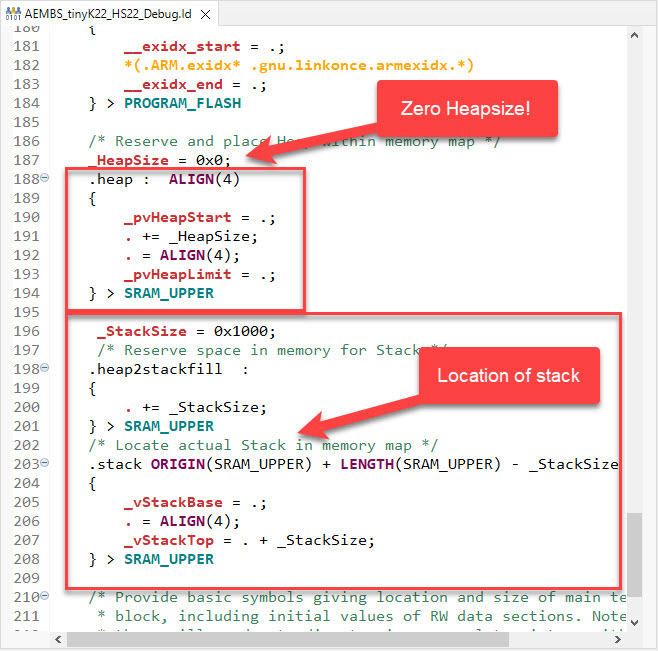
In many embedded applications, it is mandatory that memory allocation is static and not dynamic. Means that no calls to things like malloc() or free() shall be used in the application, because they might fail at runtime (out of memory, heap fragmentation).

But when linking with 3rd party libraries or even with the C/C++ standard libraries, how to ensure no dynamic memory is used? The problem can occur as well for C++ objects, or a simple call to printf() which internally requires some dynamic memory allocated.
Continue readingA typical debugging session involves just one ELF/Dwarf binary or executable. But what if I need to program multiple binary files with gdb? Things like loading both the bootloader and the application binary? Or I have a an on-chip file system or data section I need to program?

In this article I show how I can use gdb to load and program extra data, like a binary (.bin) file, both using command line interface and using an IDE.
Continue readingIf using C++ on an embedded target, you depend on the constructors for global objects being called by the startup code. While in many cases an embedded system won’t stop, so you don’t need to call the global C++ destructors, this is still something to consider for a proper shutdown.

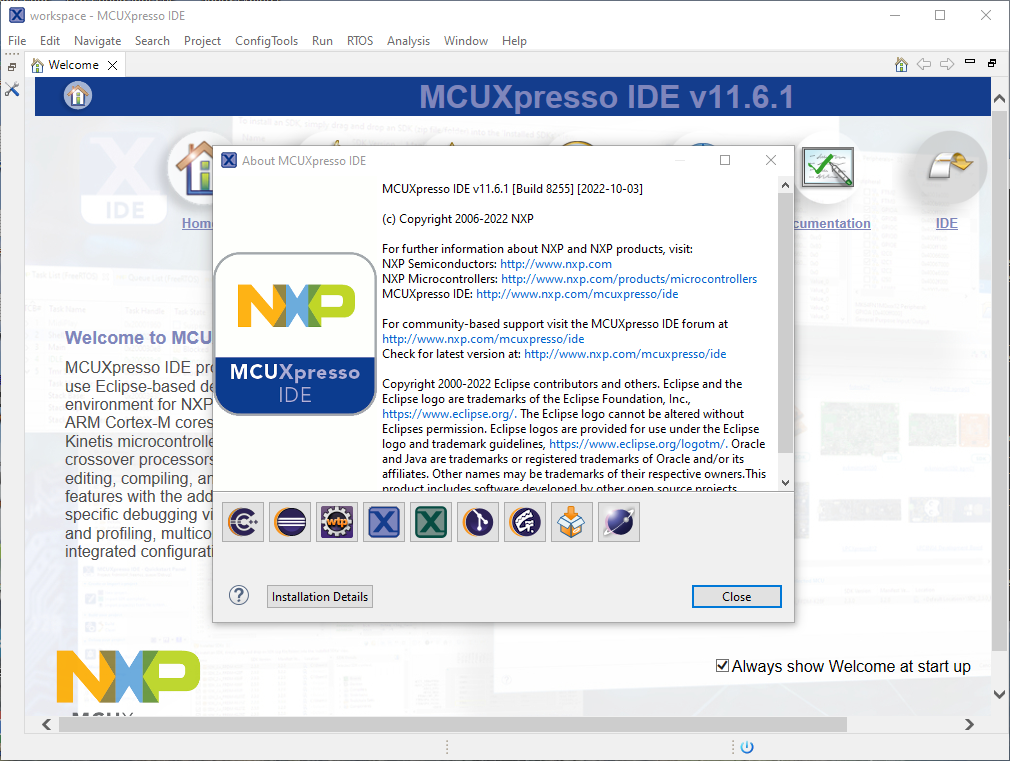
Last week I received the email notification, that NXP has released an update of the MCUXpresso IDE: the version 11.6.1. So I quickly checked it out:

MCU vendors offer SDKs and configuration tools: that’s a good thing, because that way I can get started quickly and get something up and running ideally in a few minutes. But this gets you into a dependency on tools, SDK and configuration tools too: changing later from one MCU to another can be difficult and time consuming. So why not get started with a ‘bare’ project, using general available tools, just with a basic initialization (clocking, startup code, CMSIS), even with the silicon vendor provided IDE and basic support files?
In this case, I show how you easily can do this with CMake, make and Eclipse, without the (direct) need of an SDK.

With a steady release train, NXP has released last week a new and updated version of their flagship IDE: the version 11.6.0 of the MCUXpresso IDE.

And there are several new and cool features with that release, including a power & energy profiler and CMake support.
Continue readingIf you are in the electronics or microcontroller business: you very well know the problems with chip and silicon availability. What was supposed to last maybe for a few months starting with COVID-19 is still a problem in 2022: chips are not available or the price has skyrocket.

We at the Lucerne University are using NXP Kinetis micro controllers which seem to be affected by the silicon shortage somewhat more than any other devices? When looking that the usual sources, it was clear some are still available, but in a rather exotic WLCSP package. So the question is: can it be useful?
Continue readingThe Eclipse Editor has a very cool feature named ‘Code Templates’: With such templates files are created with specific pre-filled content. For the templates, variables like ${user} for the user name can be used, see Custom C/C++ Headers with Eclipse: