FreeRTOS includes a nice feature to give me information about how much time every task is spending running on the system:
This tutorial explains that FreeRTOS Runtime Statistics feature and how it can be turned on and used.
FreeRTOS includes a nice feature to give me information about how much time every task is spending running on the system:
This tutorial explains that FreeRTOS Runtime Statistics feature and how it can be turned on and used.
The McuOnEclipse GitHub repository hosts many Processor Expert projects and is very popular (cloned more than 1000 times, thank you!). Processor Expert is a powerful framework which generates driver and configuration code, simplifying application development for a wide range of microcontroller and families. But Processor Expert won’t be developed further by NXP and is not part of MCUXpresso IDE. While it is possible to install Processor Expert into MCUXpresso IDE 10.2, how can these projects used ini an IDE *without* Processor Expert? This article describes how to port an existing Processor Expert project into the NXP MCUXpresso IDE.
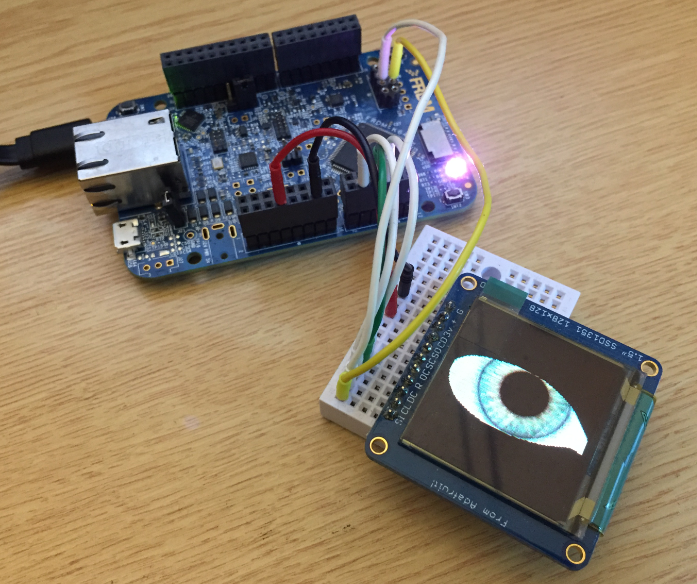
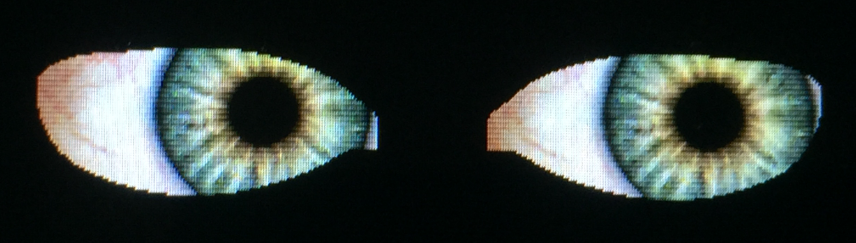
It is never too early to start thinking about Halloween projects :-).
When I ordered originally the MIMXRT1050-EVK from Mouser, it was without the LCD display (see “MCUXpresso IDE V10.1.0 with i.MX RT1052 Crossover Processor“. I ordered the LCD for the board soon after writing that article, but I was too busy with the university lectures and exams to get a hand on it. Finally I have spent a few hours at night and I proudly can say: the display is working 🙂
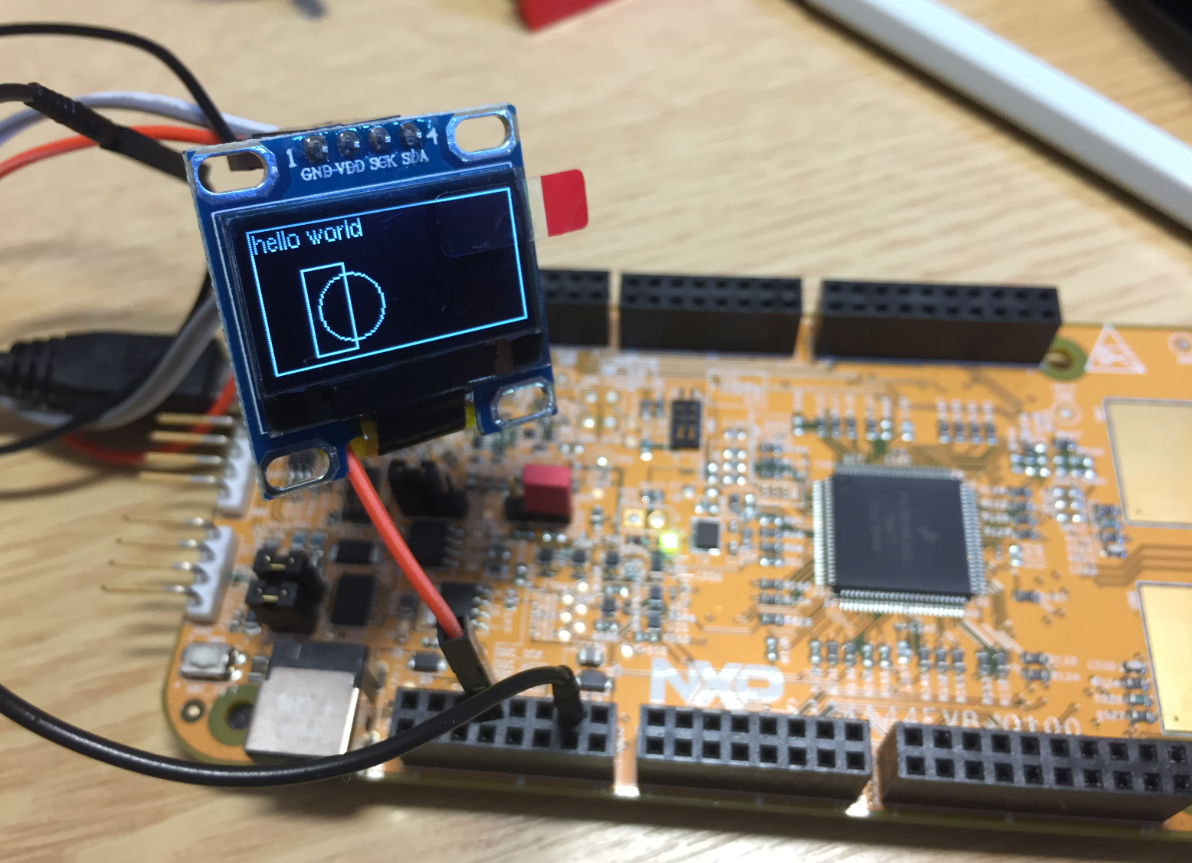
By default, the NXP S32K144EVB and microcontroller is using a 5V supply voltage and logic levels which is great for noisy environment or any 5V devices. Many of my displays and sensors use 3.3V logic levels, so I would have to use a level shifter from 5V to 3.3V. There is another way: to change the board for 3.3V logic levels so I can use directly things like a SSD1306 display.
In “Tutorial: FreeRTOS 10.0.1 with NXP S32 Design Studio 2018.R1” I showed how to use a custom FreeRTOS with the S32 Design Studio (ARM). The OSIF (OS Interface) provides an operating system and services abstraction for the application which is used by other S32K SDK components:
NXP not only sells general purpose microcontroller, but as well a portfolio of automotive devices which includes the S32K which is ARM Cortex based. For this device family, they offer the S32 Design Studio (or S32DS) with its own Eclipse distribution and SDK. The interesting part is that the S32DS includes Processor Expert (which is a bit different from the ‘mainstream’ Processor Expert). It comes with its own components for the S32K SDK which includes a component for FreeRTOS. But that component in S32DS 2018.R1 comes with an old V8.2.1 FreeRTOS component:
So what to do if I want to use the latest FreeRTOS (currently 10.0.1) with all the bells and whistles?
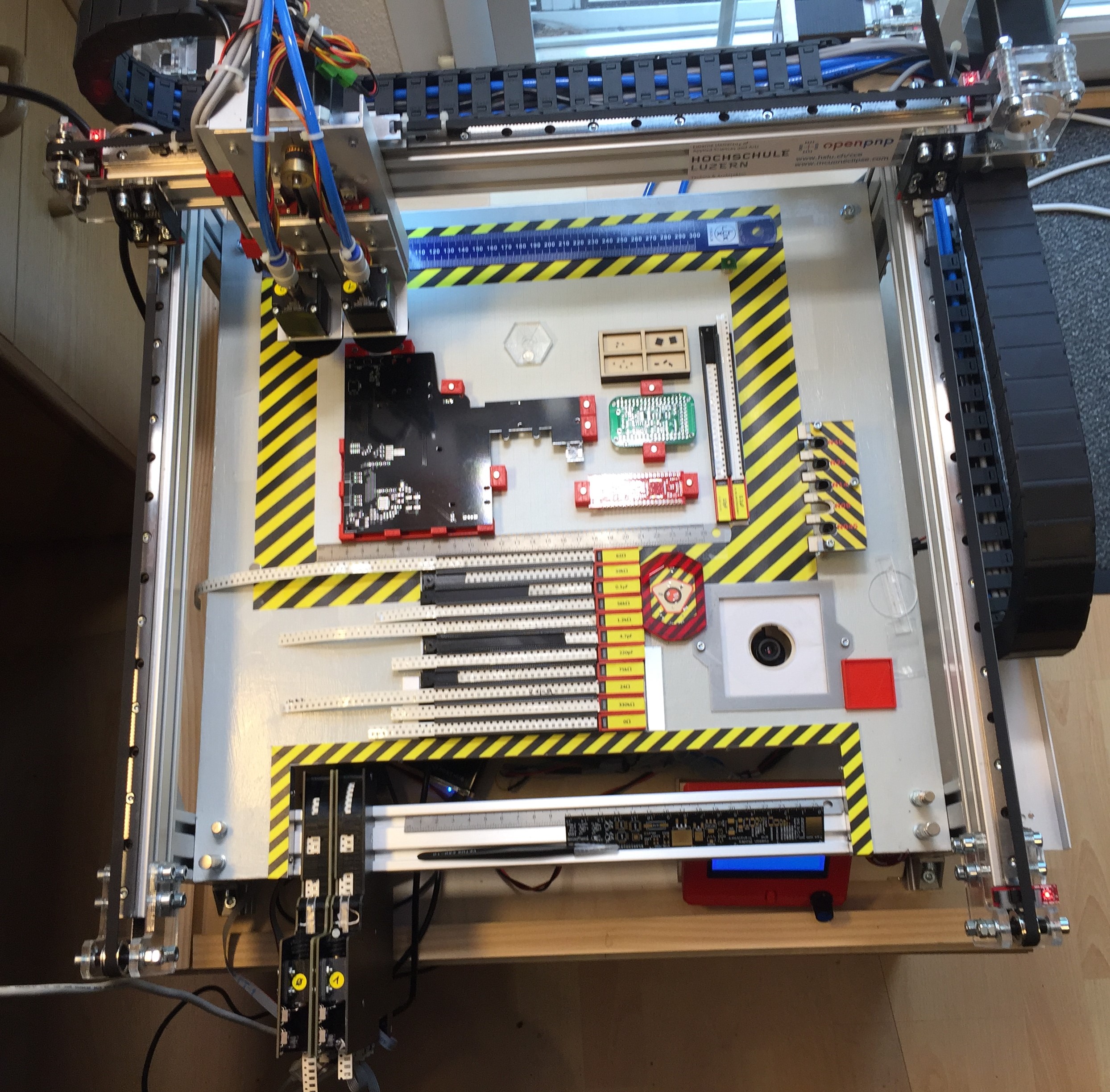
This article is about a project I have started back in January 2018. As for many of my projects, it took longer than anticipated.But now it is working, and the result is looking very good: a DIY automated pick and place machine to place parts on circuit boards. In the age of cheap PCBs, that machine closes the gap for small series of boards which have to be populated in a time consuming way otherwise.
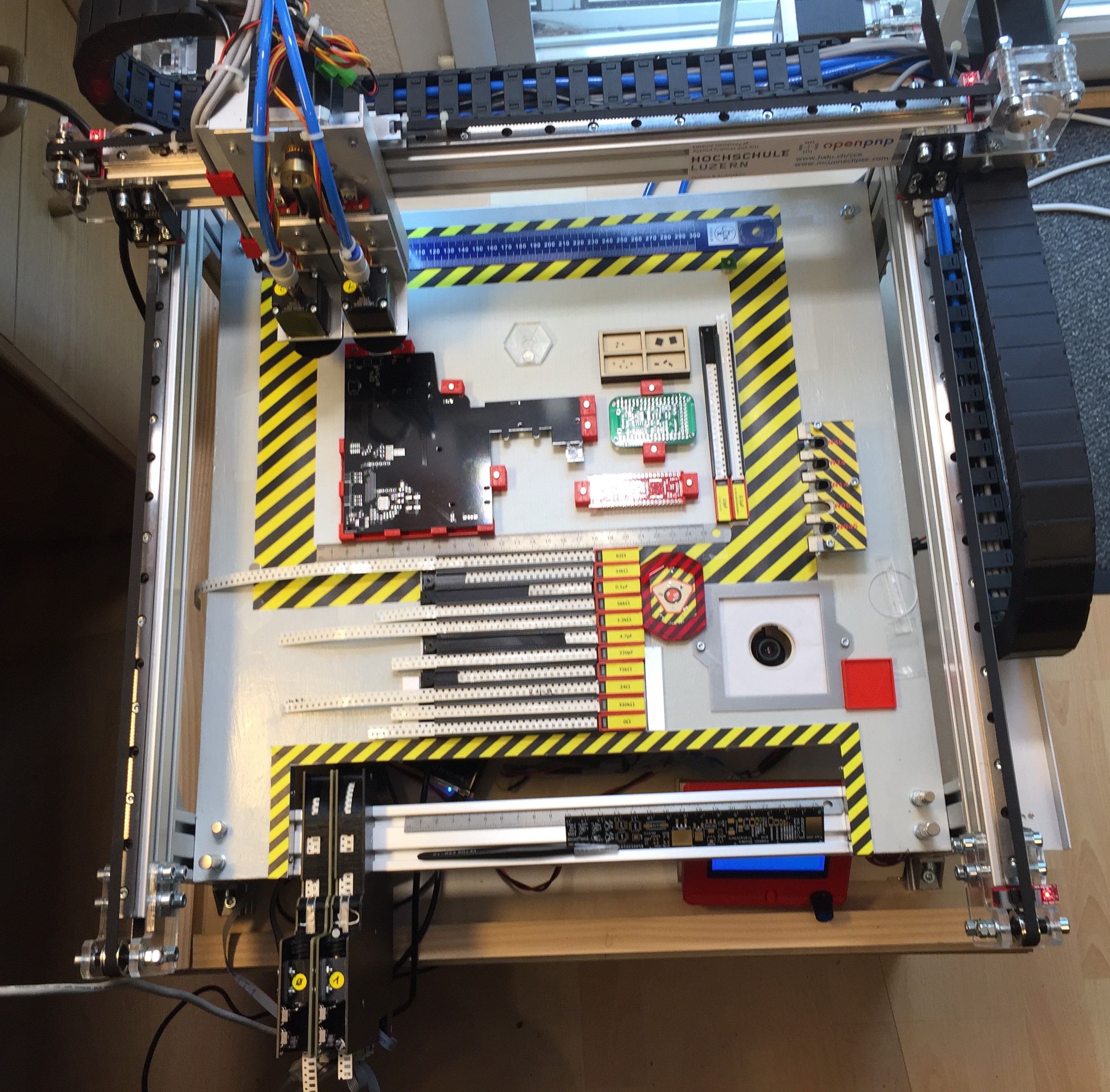
To support my talk next week at the Embedded Computing Conference 2018, I have put together a video with the hardware features of that Pick&Place based on OpenPnP machine based on NXP LPC1769 and NXP Kinetis K22. Below is a picture of the current machine:
Decisions, decisions! Such long weekends like Pentecost are a real challenge for a family with engineers:
Well, my family vote was kind of clear: they have chosen that second option. Not to mention that hidden technology piece in it, but that was part of the deal ;-).
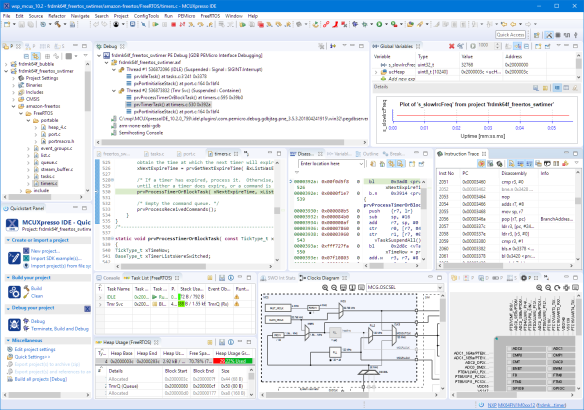
And I’m sorry: this article is not about BBQ (for this see “Smoking BBQ Baby Back Ribs – Swiss Style“), it is about technology: I’m using the NXP MCUXpresso IDE and tools for many of my projects (see “Eclipse MCUXpresso IDE 10.1 with integrated MCUXpresso Configuration Tools“). Right before the this extended weekend, NXP has released the new v10.2.0 version, so here is where that technology exploration piece comes into play. Checking the release notes, this version number change includes so many cool stuff I decided to have a look and to check it out. Of course always having an electronic eye on the baby back ribs!
I apologize: I have not been blogging much in the past weeks :-(. One reason is that I’m working on a DIY SMT/SMD Pick&Place machine which keeps me busy most of my spare time :-). I admit that this project is not finished yet, but now is the time I can give a sneak preview: a SMD/SMT pick and place machine: