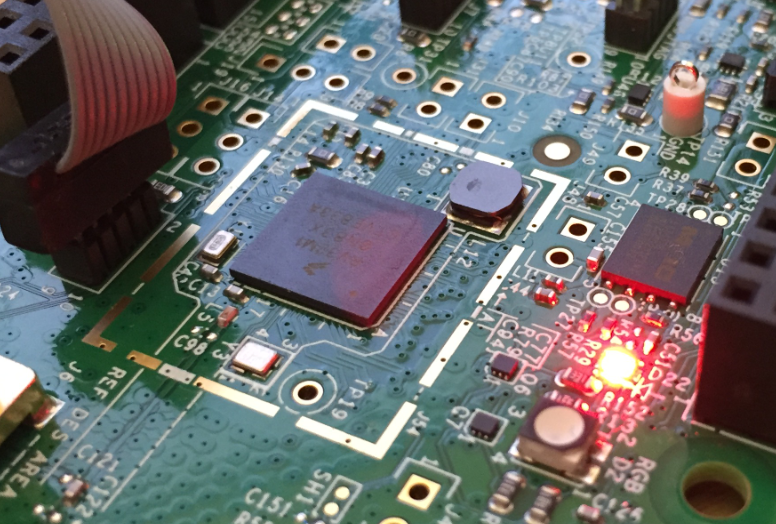
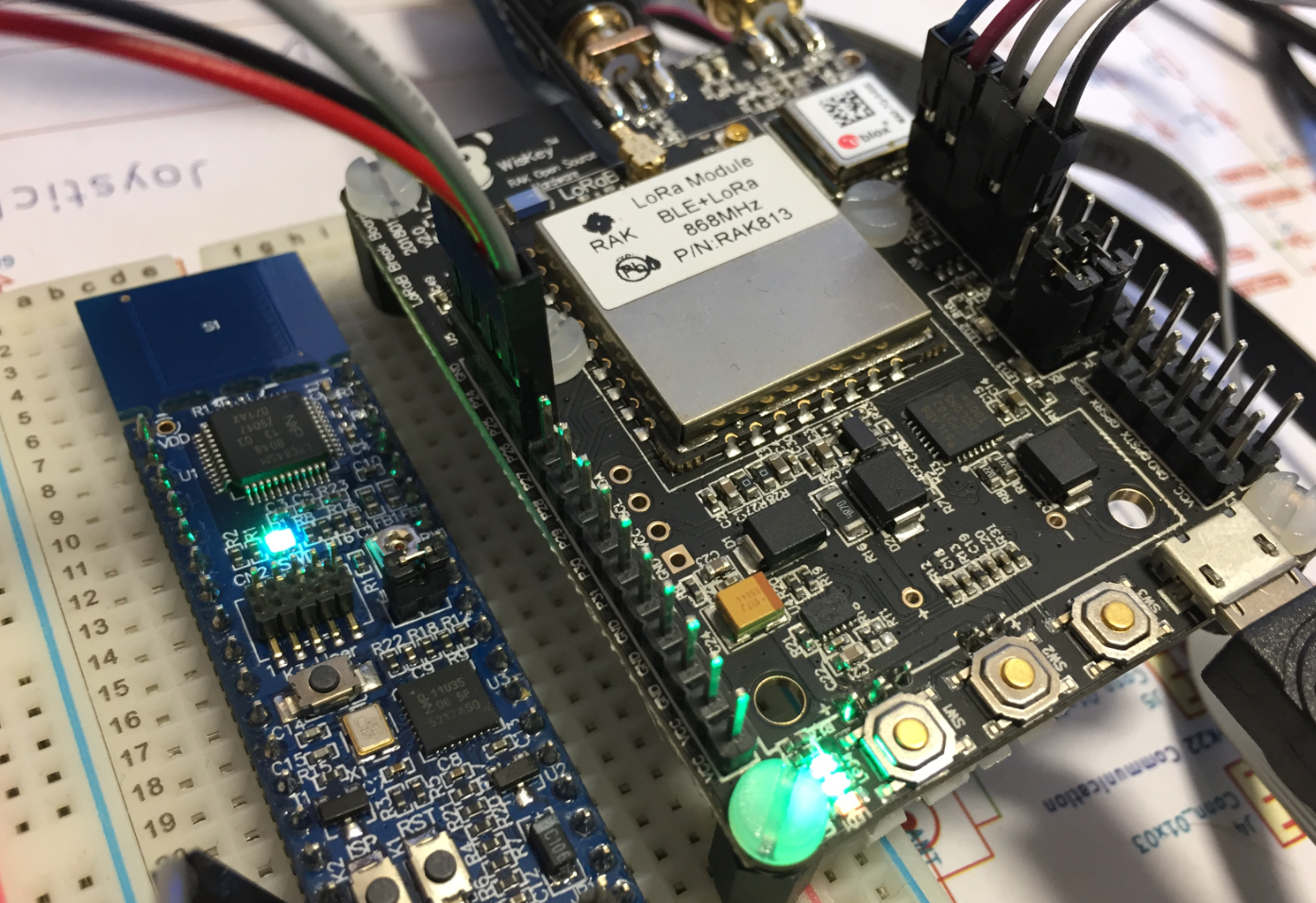
In the IoT world, it is all about security, connectivity and low power. LoRaWAN with the Things Network is able to connect devices over several kilometers, and I’m running my gateway for it already (see “Contributing an IoT LoRaWAN Raspberry Pi RAK831 Gateway to The Things Network“). This tutorial is about building a BLE+LoRaWAN+GPS sensor node with GNU tools and Eclipse:
Tag Archives: Eclipse
Running FreeRTOS on the VEGA RISC-V Board
In “Debugging the RV32M1-VEGA RISC-V with Eclipse and MCUXpresso IDE” I described how to build and debug applications for the VEGA RISC-V board. In this article I describe how to enable FreeRTOS for RISC-V, based on the latest FreeRTOS V10.2.0 release.
Debugging the RV32M1-VEGA RISC-V with Eclipse and MCUXpresso IDE
The ARM Cortex cores are everywhere. I like (and use) them a lot. Don’t take me wrong: maybe ARM needs some competition? It is very refreshing to see that something new is getting a lot of attention: RISC-V!
Remote Debugging with USB based JTAG/SWD Debug Probes
For some projects it is not possible to have the device under debug available on my desk: the board might be in another room, on another site or in a place where physical access is not possible or even dangerous. In that case an IP-based debug probe (see Debugging ARM Cores with IP based Debug Probes and Eclipse) is very useful: as long as I can access its IP address, that works fine. It is an excellent solution even if the board is moving or rotating: hook it up to a WLAN access point and I still can use it as it would be on my desk.
But what if I have a debug probe only connected to USB? This article shows how to turn a USB debug probe into a IP-based debug solution: that way I can easily debug a board from remote, connected to the network:
MCUXpresso IDE V10.3.1 available
On Friday a new release of the Eclipse Oxygen based NXP MCUXpresso IDE V10.3.1 has been made available. The IDE supports MacOS, Linux and Windows 32/64-bit and will be 64-bit only going forward.
Different Ways of Software Configuration
Most of the time software needs some way to configure things: depending on the settings, the software will do different things. For example the software running on the microcontroller on top of the Raspberry might have the OLED LCD available or not:
How can I deal with this in my application code? Continue reading
Debugging the Startup Code with Eclipse and GDB
By default, when debugging an embedded application, the target usually stops at main():
That’s usually fine, but what if I want to debug the code out of reset?
Tutorial: Changing ARM Cortex Core or Microcontroller in Eclipse CDT Projects
Sometimes I start a project with an ARM microcontroller, and in the middle of the project I find out that it was a wrong choice at the beginning and I need to switch the microcontroller derivative or even the used ARM core. With little knowledge of the project structure and the files needed, such a switch is not the easiest thing, but definitely possible.
Tutorial: Blinky with the NXP LPC845-BRK Board
The NXP LPC845-BRK board is a sub-$6 breadboard friendly development board with an ARM Cortex-M0+ on it. This tutorial is about developing a ‘blinky’ on it using MCUXpresso.
Tutorial: Transforming the NXP LPC845-BRK into a CMSIS-DAP Debug Probe
The NXP LPC845-BRK board is a tiny an inexpensive (sub $6) breakout board. The board includes a CMSIS-DAP (LPC11U35) on-board debug probe which can be used as a debug probe to debug any NXP LPC, Kinetis or i.MX RT device 🙂