The Microsoft Visual Studio Code is a great IDE, but does not (yet?) implement features for true embedded usage. Or things are there to some level, but hard to use. One of these things is how to step in the assembly code. This article shows how to do this.
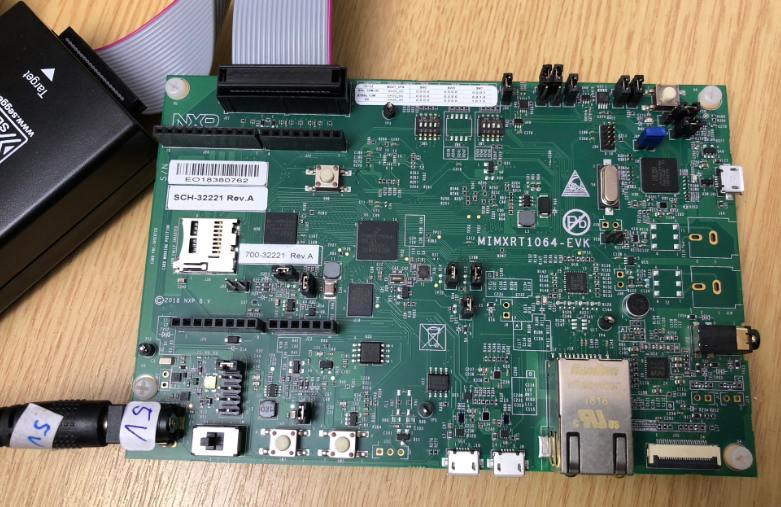
After the release of the NXP MCU-Link debug probe, there have been hints in the Eclipse based MCUXpresso IDE that there must be another one coming. And indeed: another and more powerful debug probe is now available: the MCU-Link Pro. It is not only a debug probe but a power/energy measurement tool too, including an extra LPC804 mikrocontroller which can be used for all kind of things, like automation or scripting.
For me the Cortex-Debug Visual Studio extension by marus25 is the standard way to use VSC for embedded development. Another ‘standard’ piece I’m using in many of my projects is the SEGGER RTT.
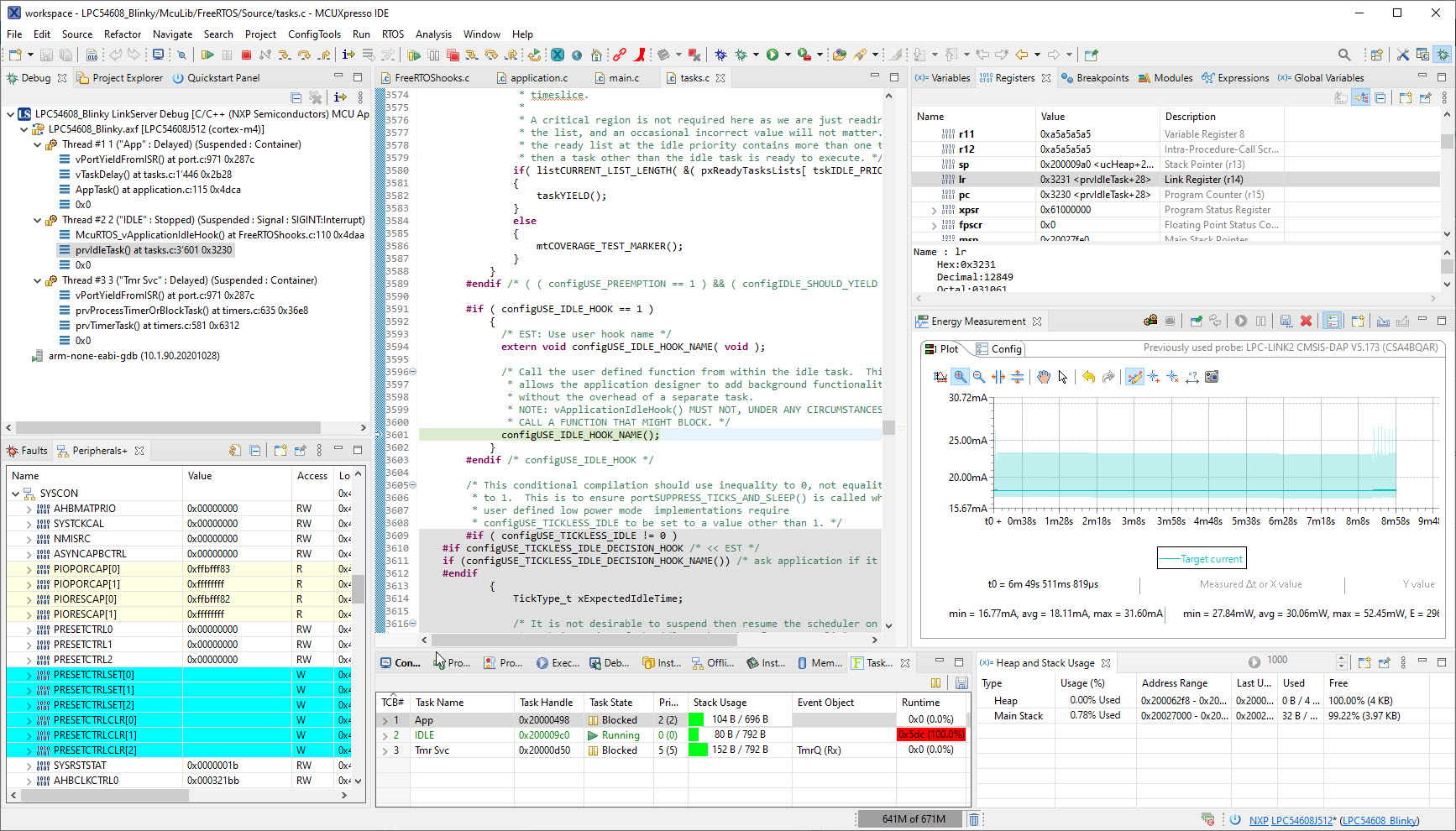
University exam grading are all done now and results are in the system, and it is already time to prepare for the fall semester. I always try to use the latest and greatest tools in my courses, and the NXP MCUXpresso IDE 11.4.0 just came out. So time to have a look and explore the changes and features.
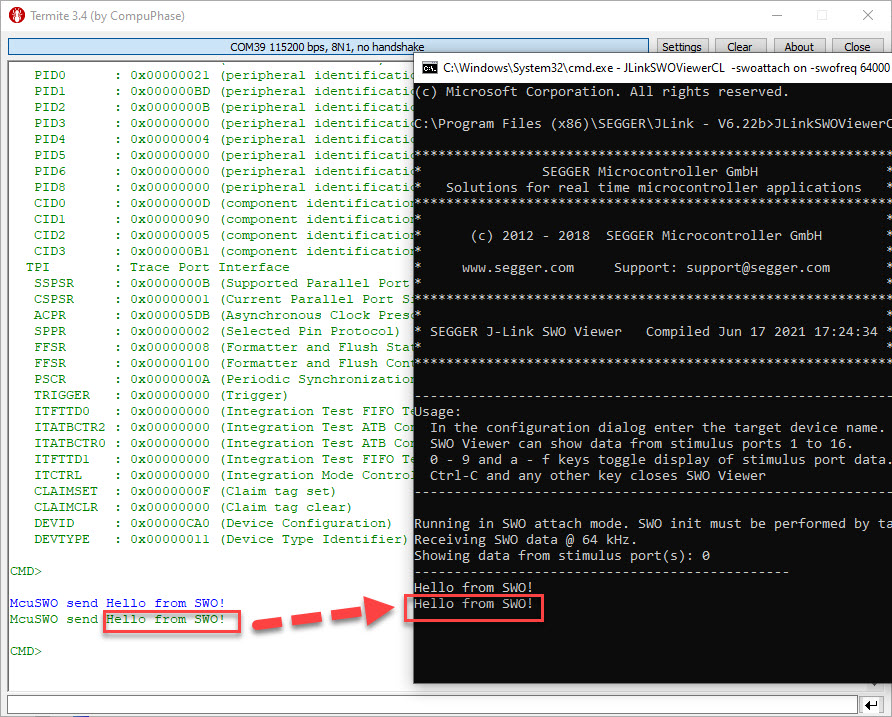
SWO (Single Wire Output) in ARM cores is probably one of the most under-used features. Which is surprising, because SWO can be very useful. In a nut shell: SWO is a single wire output pin/signal channel which can provide lots of different data, like PC sampling for coverage information, interrupt tracing data or ‘uart-like’ text packets.
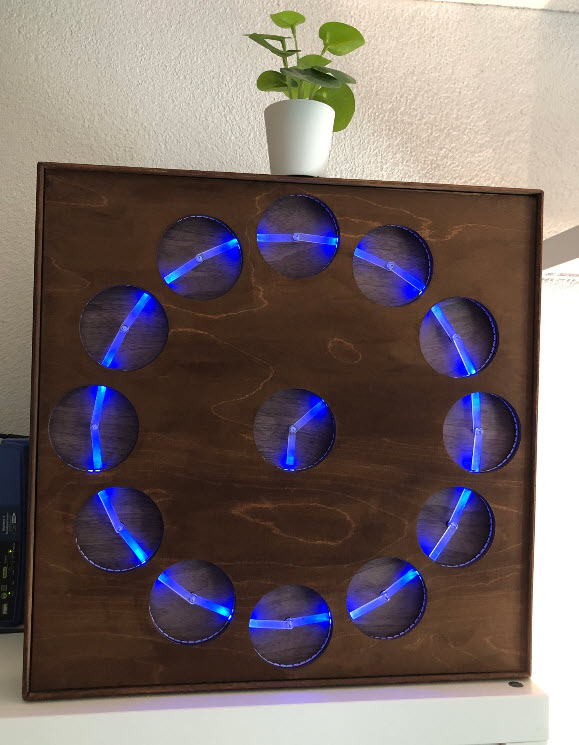
It has been a while since my last MetaClockClock, and with the continued shortage of electronics on the market I had no chance to order new parts. But I still had some remaining parts, and with the modular design of the ’round’ clocks I was able to build up another one, but this time with even less than the usual minimum of 24 clocks:
So if you are up to build a MetaClockClock with less clocks, this might be the way for you.
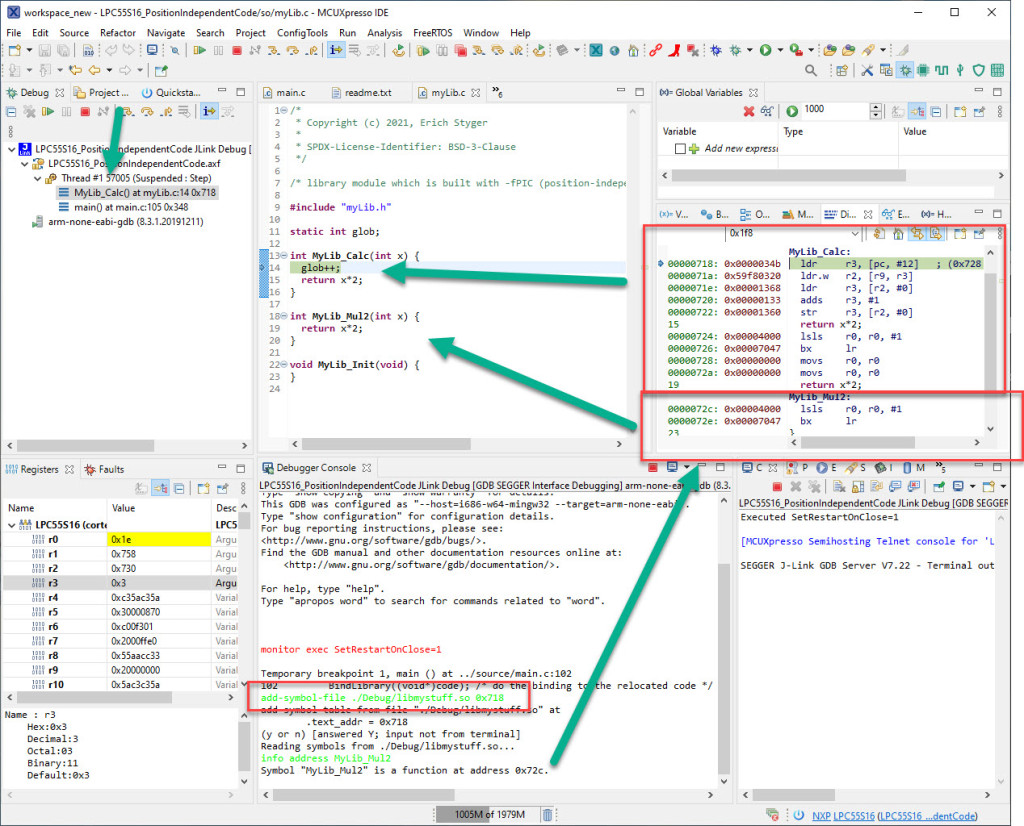
Welcome to ‘Alice in Wonderland‘! For a university research project using an ARM Cortex-M33 we are evaluating position-independent code as way to load applications or part of it with a bootloader. It sounds simple: just add -fPIC to the compiler settings and you are done.
Unfortunately, it is not that simple. That option opened up a ‘rabbit hole’ with lots of wonderful, powerful and strange things. Something you might not have been aware of what could be possible with the tools you have at hand today. Leading to the central question: how is position-independent code going to work with an embedded application on an ARM Cortex-M?
Let’s find out! Let’s start a journey through the wonderland…





 MCU on Eclipse