I really love clocks. I think this is I am living here in Switzerland. Beside of that: clock projects are just fun :-). After I have completed a single clock using stepper motors (see “DIY Stepper Motor Clock with NXP LPC845-BRK“), I wanted to build a special one which is able to show up to four different time zones: Below an example with London (UK), New York (USA), Beijing (China) and Lucerne (Switzerland):
Category Archives: SDK
Open Source LittlevGL GUI Library on Adafruit Touch LCDs with NXP LPC55S69-EVK
The NXP LPC55S69-EVK is a versatile board. In this article I show how it can be used with Adafruit TFT LCD boards, both with resistive and capacitive touch. For the software I’m using the open source LittlevGL GUI.
Tutorial: How to Optimize Code and RAM Size
It is great if vendors provide a starting point for my own projects. A working ‘blinky’ is always a great starter. Convenience always has a price, and with a ‘blinky’ it is that the code size for just ‘toggling a GPIO pin’ is exaggerated. For a device with a tiny amount of RAM and FLASH this can be concerning: will my application ever fit to that device if a ‘blinky’ takes that much? Don’t worry: a blinky (or any other project) can be easily trimmed down.
I use a ‘blinky’ project here just as an example: the trimming tips can apply to any other kind of projects too.
New NXP MCUXpresso Eclipse IDE v11.0
A few days ago NXP has released a new version of their Eclipse IDE flagship: the MCUXpresso IDE v11.0.
The previous v10.3.1 was released back in Feb 2019, and the 11.0 now in June this year matches up with the Fall university semester. I appreciate that the releases are about every 6 months, so this gives me time to use it in my university lecture material and lab work. I had the weekend for trying it out, and I’m very pleased.
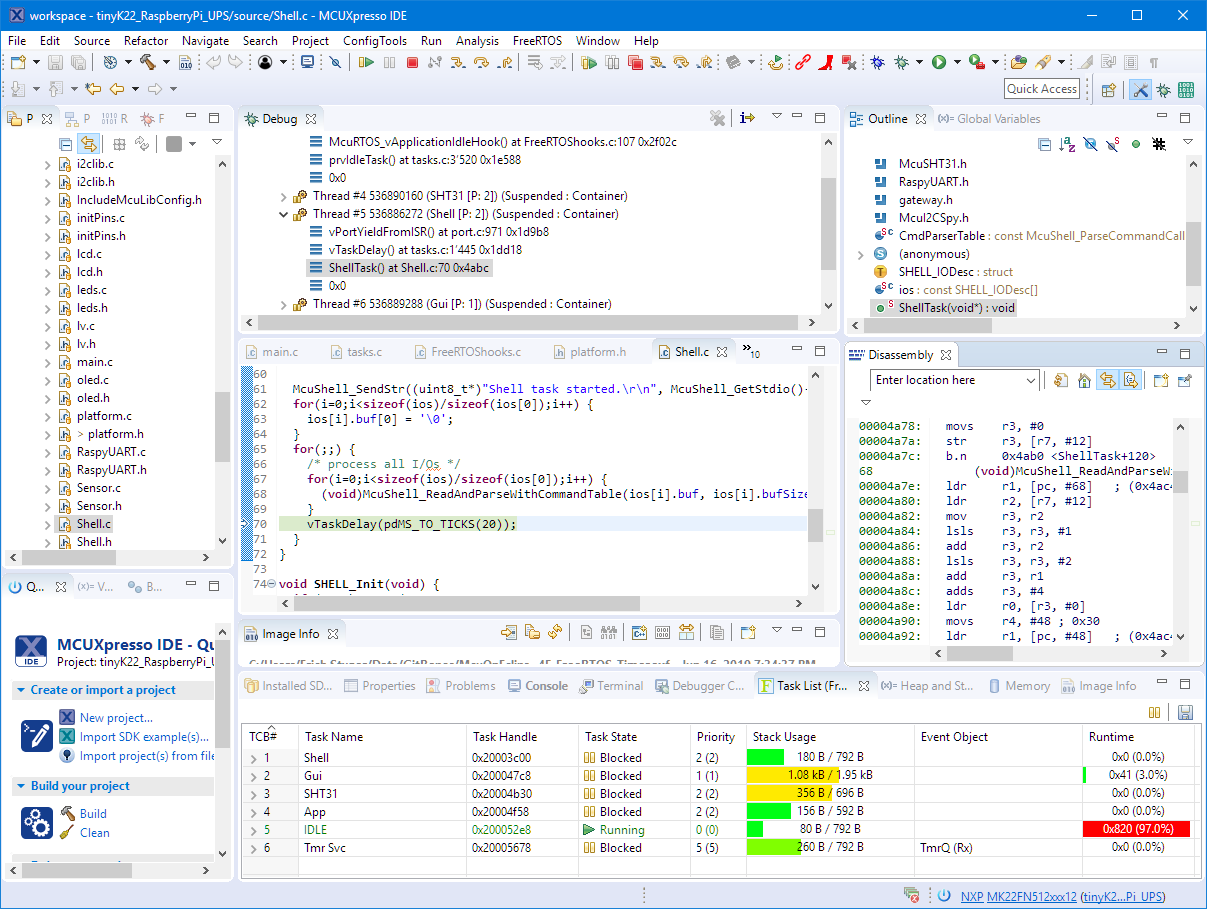
Building a Raspberry Pi UPS and Serial Login Console with tinyK22 (NXP K22FN512)
There are different ways to ruin a Linux system. For the Raspberry Pi which uses a micro SD card as the storage device by default, it comes with two challenges:
- Excessive writes to the SD card can wear it out
- Sudden power failure during a SD card write can corrupt the file system
For problem one I do I have a mitigation strategy (see “Log2Ram: Extending SD Card Lifetime for Raspberry Pi LoRaWAN Gateway“). Problem two can occur by user error (“you shall not turn it off without a sudo poweroff!”) or with the event of a power outage or black out. So for that problem I wanted to build a UPS for the Raspberry Pi.
TrustZone with ARMv8-M and the NXP LPC55S69-EVK
The ARM TrustZone is an optional security feature for Cortex-M33 which shall improve the security for embedded applications running on microcontroller as the NXP LPC55S69 (dual-core M33) on the LPC55S69-EVK.
First Steps with the LPC55S69-EVK (Dual-Core ARM Cortex-M33 with Trustzone)
For the long Easter weekend I have organized a new toy: the NXP LPC55S69-EVK board: a dual ARM Cortex-M33 running at 100 MHz with ARM TrustZone:
Tutorial: MCUXpresso SDK with Linux, Part 2: Commandline Debugging with GDB
In “Tutorial: MCUXpresso SDK with Linux, Part 1: Installation and Build with Maked” I used cmake and make to build the SDK application. In this part I’m going to use the command line gdb to debug the application on the board.
Tutorial: MCUXpresso SDK with Linux, Part 1: Installation and Build with Make
I admit: my work laptop machine is running a Windows 10 OS by default. But this does not prevent me running Linux in a Virtual Machine (VM). Each host platform has its benefits, and I don’t feel biased to one or the other, but I have started using Ubuntu more and more, simply because I have worked more on Embedded Linux projects. While I have used mostly Windows with Eclipse for NXP LPC, Kinetis and i.MX platforms in the past, I started using Ubuntu too from last year with the NXP MCUXpresso SDK. I did not find much documentation about this on the web, so I thought it might be a good idea to write a tutorial about it. So here we go…
Tutorial: Changing ARM Cortex Core or Microcontroller in Eclipse CDT Projects
Sometimes I start a project with an ARM microcontroller, and in the middle of the project I find out that it was a wrong choice at the beginning and I need to switch the microcontroller derivative or even the used ARM core. With little knowledge of the project structure and the files needed, such a switch is not the easiest thing, but definitely possible.