This is the second part of series or articles how to use the Microsoft Visual Studio Code for embedded development on ARM Cortex-M. In this part I’m going to show how to create and build a project using CMake running Make or Ninja as build system.


This is the second part of series or articles how to use the Microsoft Visual Studio Code for embedded development on ARM Cortex-M. In this part I’m going to show how to create and build a project using CMake running Make or Ninja as build system.
As time flies by, my projects are evolving. My lab projects get used over multiple semesters, and the MCUXpresso projects by default use the SDK version used at that time.

This is great because I do want to have control over what SDK is used. But from time to time it makes sense to upgrade a project to a newer version. In this post I’ll show how an existing project can be upgraded to use a new SDK.
Continue readingSometime I’m pretty sure I wrote about a topic I can find or refer to, and I was pretty sure I did write about ‘attaching to a running target’ using MCUXpresso IDE in an article, but Google does not find it? The only rational outcome is that I can blame Google and I have to come up with a potential duplicate ;-).
Anyway: attaching to a running target is such an essential life saver it deserves a dedicated article.

NXP has released an updated version of the Eclipse based MCUXpresso IDE: the V11.3.1 is an update of the v11.3.0 I wrote about it back in January this year.

The release includes new device support, and beside of bug fixes includes a few new things.
Continue readingThe NXP MCUXpresso IDE has a nice context menu for executing different actions on a binary in the Eclipse Project Explorer View:

What it makes it even nicer: I can configure and use it to do anything I like. For example I can convert files and copy it in one action.
Continue readingIn “Freelink LPC4322JET100 based Debug Circuit on NXP i.MX RT1064-EVK Board” I described how to change the factory firmware from OpenSDA to the LPC-Link2 one.

Now it is possible to use a Segger J-Link firmware too, or to switch back to the factory default one.
Continue readingIn “Touch & Build: Auto-Update of Firmware Date and Time” I’m using commands as ‘touch’ in a pre-build script with the NXP Eclipse based MCUXpresso IDE. That ‘touch’ command is not a Windows shell command, but common on Linux: it updates the time/date of a file.

Build Step Dialog in MCUXpresso IDE
As a Windows user you might wonder what is about this ‘Linux compatible shell’?
It is very valuable to have a date and time information in the binary. That way for example using a shell I can check the version of the firmware running on a device, or it can be printed on a console or UART as needed.

Firmware Date and Time
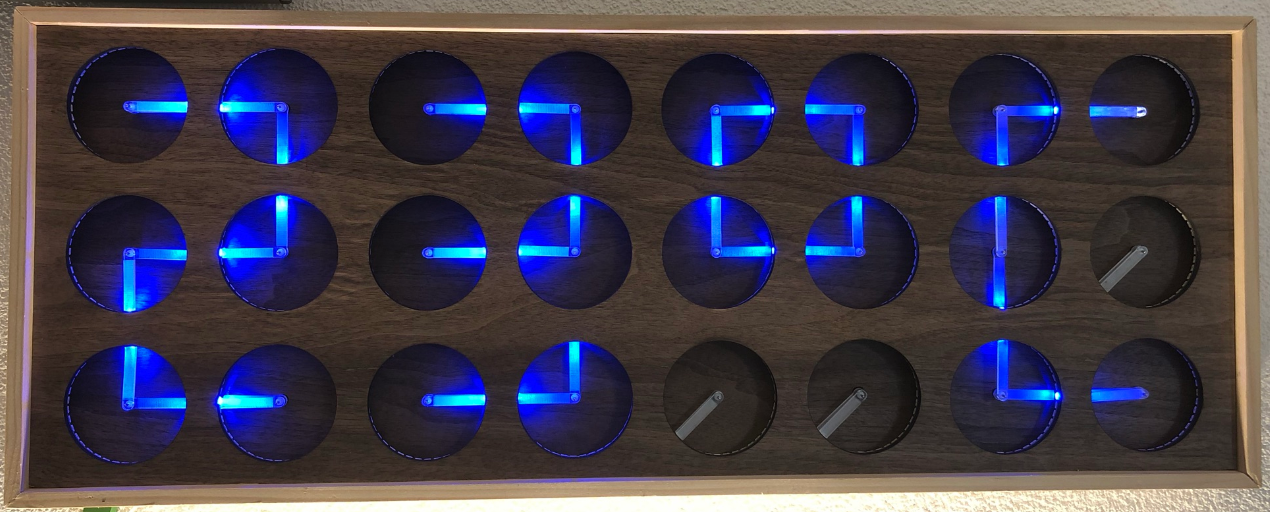
If you are not aware (yet?): it looks like the COVID pandemic caused a global silicon and microcontroller shortage with lead times >50 weeks in some cases. The microcontroller I have used for the MetaClockClock build (see “New MetaClockClock V3 finished with 60 Clocks” and “MetaClockClock V4 for the Year 2021“) is affected by this too, but I had luck and still enough microcontrollers to build a few more boards.
So I still have enough for building a new variant with it (not finished yet). While everyone else is waiting for the devices to arrive, here are more details and instructions for your own build.
One of the most frustrating part developing embedded applications is if the debug connection fails somehow: with all the different factors like operating system, virtual machines, USB ports and hubs, debug probe and firmware a ‘connection failed’ is my nightmare. And this is probably the most frustrating parts for my students (and myself!)
I do have a growing list of tips & tricks in “Debugging Failure: Check List and Hints“, so check this list. What I just have added is an entry for
java.net.SocketException: Connection reset
It occurred for a few students when they wanted to use the on-board CMSIS-DAP LinkServer debug connection on the NXP LPC845-BRK.
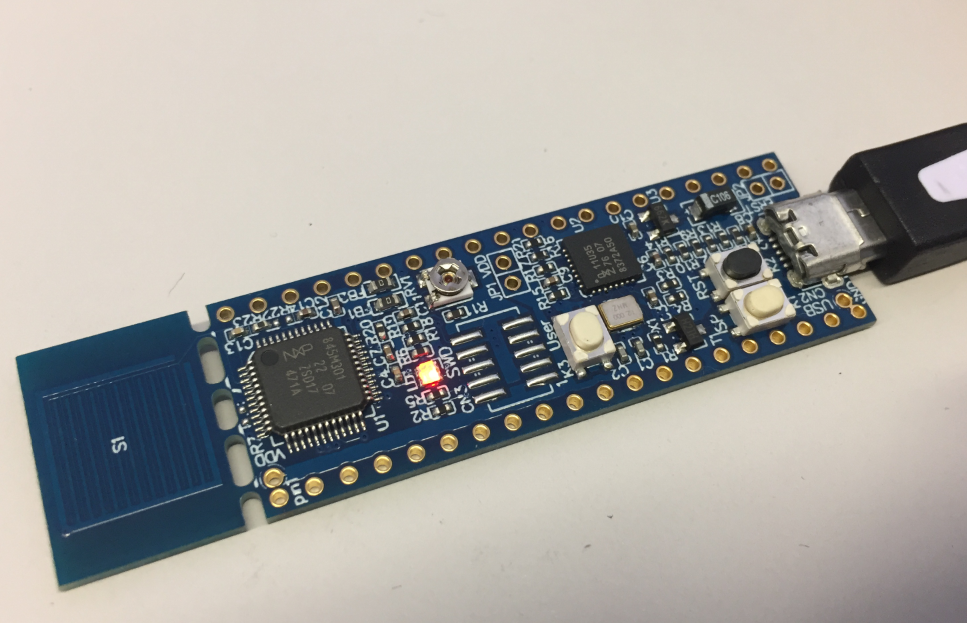
NXP LPC845-BRK Board
 MCU on Eclipse