It is already December 1st, and time for a new Advent Calendar. This year the design includes birch plywood with PMMA, SK6812 RGBW LEDs running with a Raspberry Pi Pico board, building a small village.


It is already December 1st, and time for a new Advent Calendar. This year the design includes birch plywood with PMMA, SK6812 RGBW LEDs running with a Raspberry Pi Pico board, building a small village.
In many embedded applications, it is mandatory that memory allocation is static and not dynamic. Means that no calls to things like malloc() or free() shall be used in the application, because they might fail at runtime (out of memory, heap fragmentation).
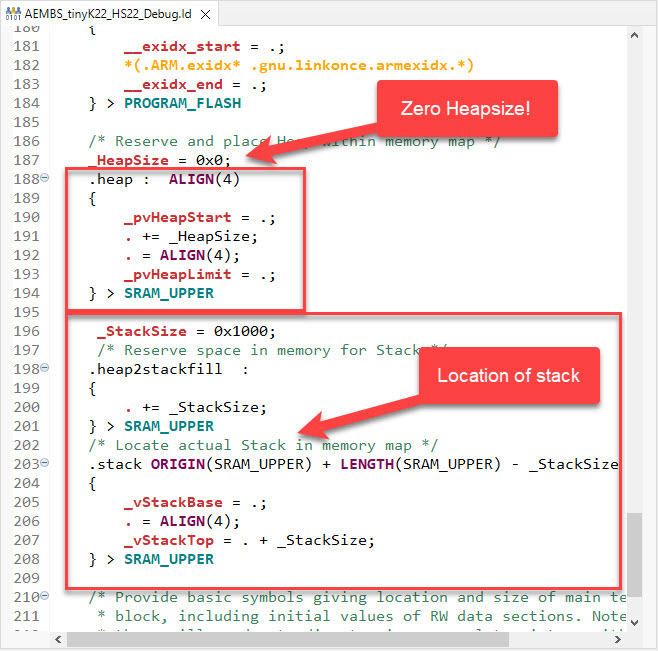
But when linking with 3rd party libraries or even with the C/C++ standard libraries, how to ensure no dynamic memory is used? The problem can occur as well for C++ objects, or a simple call to printf() which internally requires some dynamic memory allocated.
Continue readingA typical debugging session involves just one ELF/Dwarf binary or executable. But what if I need to program multiple binary files with gdb? Things like loading both the bootloader and the application binary? Or I have a an on-chip file system or data section I need to program?

In this article I show how I can use gdb to load and program extra data, like a binary (.bin) file, both using command line interface and using an IDE.
Continue readingIf using C++ on an embedded target, you depend on the constructors for global objects being called by the startup code. While in many cases an embedded system won’t stop, so you don’t need to call the global C++ destructors, this is still something to consider for a proper shutdown.

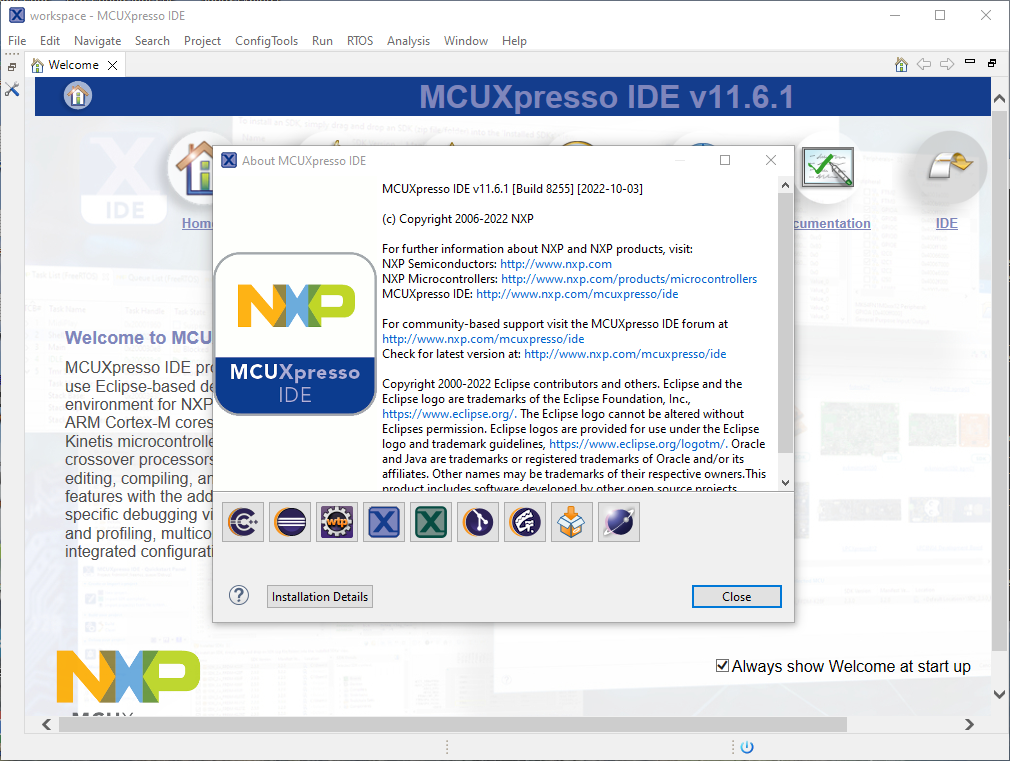
Last week I received the email notification, that NXP has released an update of the MCUXpresso IDE: the version 11.6.1. So I quickly checked it out:
In Getting Started: Raspberry Pi Pico RP2040 with Eclipse and J-Link I used a SEGGER J-Link EDU for debugging: unfortunately, probably because of silicon shortage, these EDU probes are out of stock everywhere. Luckily, there is a solution: just use another Raspberry Pi Pico!

This turns a $5 Raspberry Pi Pico board in to a very usable and versatile debug probe.
Continue readingMCU vendors offer SDKs and configuration tools: that’s a good thing, because that way I can get started quickly and get something up and running ideally in a few minutes. But this gets you into a dependency on tools, SDK and configuration tools too: changing later from one MCU to another can be difficult and time consuming. So why not get started with a ‘bare’ project, using general available tools, just with a basic initialization (clocking, startup code, CMSIS), even with the silicon vendor provided IDE and basic support files?
In this case, I show how you easily can do this with CMake, make and Eclipse, without the (direct) need of an SDK.

With a steady release train, NXP has released last week a new and updated version of their flagship IDE: the version 11.6.0 of the MCUXpresso IDE.

And there are several new and cool features with that release, including a power & energy profiler and CMake support.
Continue readingIn this time where many micro-controllers have 100+ weeks estimated delivery time, it makes sense to look at alternatives. So it is not a surprise that the Raspberry Pi RP2040 gets used more and more in projects. It is not only inexpensive, it is (at least for now) available which makes all the difference. The RP2040 is the first microcontroller from Raspberry Pi: a dual-core ARM Cortex-M0+ running up to 133 MHz, 264 KByte on-Chip RAM and up to 16 MByte external FLASH.

It is a very versatile microcontroller, with a rich eco-system and set of tools. It can be easily used with C/C++ or MicroPython, and the Raspberry Pi Pico board only costs around $5. There are plenty of tutorials out there, for example how to use the Pico board as debug probe to debug another Pico board. While this is great, there is an easy way to use any existing J-Link and Eclipse IDE too, so this is what this article is about.
Continue readingIf you are in the electronics or microcontroller business: you very well know the problems with chip and silicon availability. What was supposed to last maybe for a few months starting with COVID-19 is still a problem in 2022: chips are not available or the price has skyrocket.

We at the Lucerne University are using NXP Kinetis micro controllers which seem to be affected by the silicon shortage somewhat more than any other devices? When looking that the usual sources, it was clear some are still available, but in a rather exotic WLCSP package. So the question is: can it be useful?
Continue reading MCU on Eclipse