Investigating ARM Cortex® M33 core with TrustZone® – Using the Clocks Config Tool

Clocks. I’ve always found the clock setting of a microcontroller one of the hardest things to get right during my embedded career. If I re-use the clocks setup from the development board it is easy. But if the development board runs from a crystal and I want to use the free-running internal clock, or if I change to a different frequency crystal (and keep the same PLL output frequency) it always gets difficult. To be honest I’ve developed some projects early in my career and never been 100% certain at what frequency the core, flash and peripherals are running.

That’s not good.

The Config Tools within the MCUXpresso brand have greatly simplified setting up the pins, clocks, peripherals (and next week – Trusted Execution Environment 🙂 ) on NXP microcontrollers. So I’m going to quickly show you how to set up 3 different clock arrangements, and output the main clock to an output pin named CLK_OUT.
Continue reading

Investigating ARM Cortex® M33 core with TrustZone® – Setting up your environment and creating your first project with MCUXpresso IDE

This is the second of my 17-part video tutorial series investigating the ARM Cortex® M33 core with TrustZone® security extension. My preferred platform for this investigation is the LPC55S69 from NXP, and of course it is necessary to have a development board and IDE. So I’m using the LPC55S69-EVK with NXP’s MCUXpresso IDE and the MCUXpresso Software Development Kit (SDK).

This week the video is really low on theory, but high on practical, step-by-step information to get started with these tools. Maybe you are similar to me, and make the same mistake every time?? I get the self-assembly furniture home from the store, or open the box containing the new development board and just get started. At some point it doesn’t work properly and that’s the time I must read the supporting information.

Well, with this video I show you beginning-to-end in just over 10 minutes, and you won’t need to refer to any other material.

During the video I show you the following steps:

Continue reading

NXP MCUXpresso IDE 11.0.1 available

NXP has released an update of the Eclipse based V11 IDE. This is right on time for the new semester starting mid of September where this IDE will be used in several labs.

MCUXpresso IDE V11.0.1

MCUXpresso IDE V11.0.1

Continue reading

Investigating ARM Cortex® M33 core with TrustZone® – Unboxing and Getting Started

Hi, I’m Mark from embeddedpro® in the United Kingdom and Erich’s allowed me to be a guest blogger here on mcuoneclipse. At many industry events, trade shows and conferences I’ve seen and given presentations about TrustZone®, but have not found tutorials or practical information online.

So I’m creating a 17 part video tutorial series (it will be published weekly here) investigating the ARM Cortex® M33 core with the TrustZone® security extension. Each week from now until the end-of-year holidays I will let you know what I’ve found out with a blog here, and a video blog on youtube. My friends at NXP have given me a LPC55S69-EVK board as the basis for my experiments:

LPC55S69-EVK (linked from nxp.com)

This is my first quick post showing the unboxing of the LPC55S69-EVK and the out-of-box experience.

Continue reading

DIY Stepper Motor Clock with NXP LPC845-BRK

This project is about building a stepper motor clock around the NXP LPC845-BRK board. The design is using a combination of 3D printed and laser cut parts and costs below $15.

Stepper Clock Acrylic Face White Hands

Stepper Clock Acrylic Face White Hands

Continue reading

Tutorial: How to Optimize Code and RAM Size

It is great if vendors provide a starting point for my own projects. A working ‘blinky’ is always a great starter. Convenience always has a price, and with a ‘blinky’ it is that the code size for just ‘toggling a GPIO pin’ is exaggerated. For a device with a tiny amount of RAM and FLASH this can be concerning: will my application ever fit to that device if a ‘blinky’ takes that much? Don’t worry: a blinky (or any other project) can be easily trimmed down.

Binky on NXP LPC845-BRK Board

Binky on NXP LPC845-BRK Board

I use a ‘blinky’ project here just as an example: the trimming tips can apply to any other kind of projects too.

Continue reading

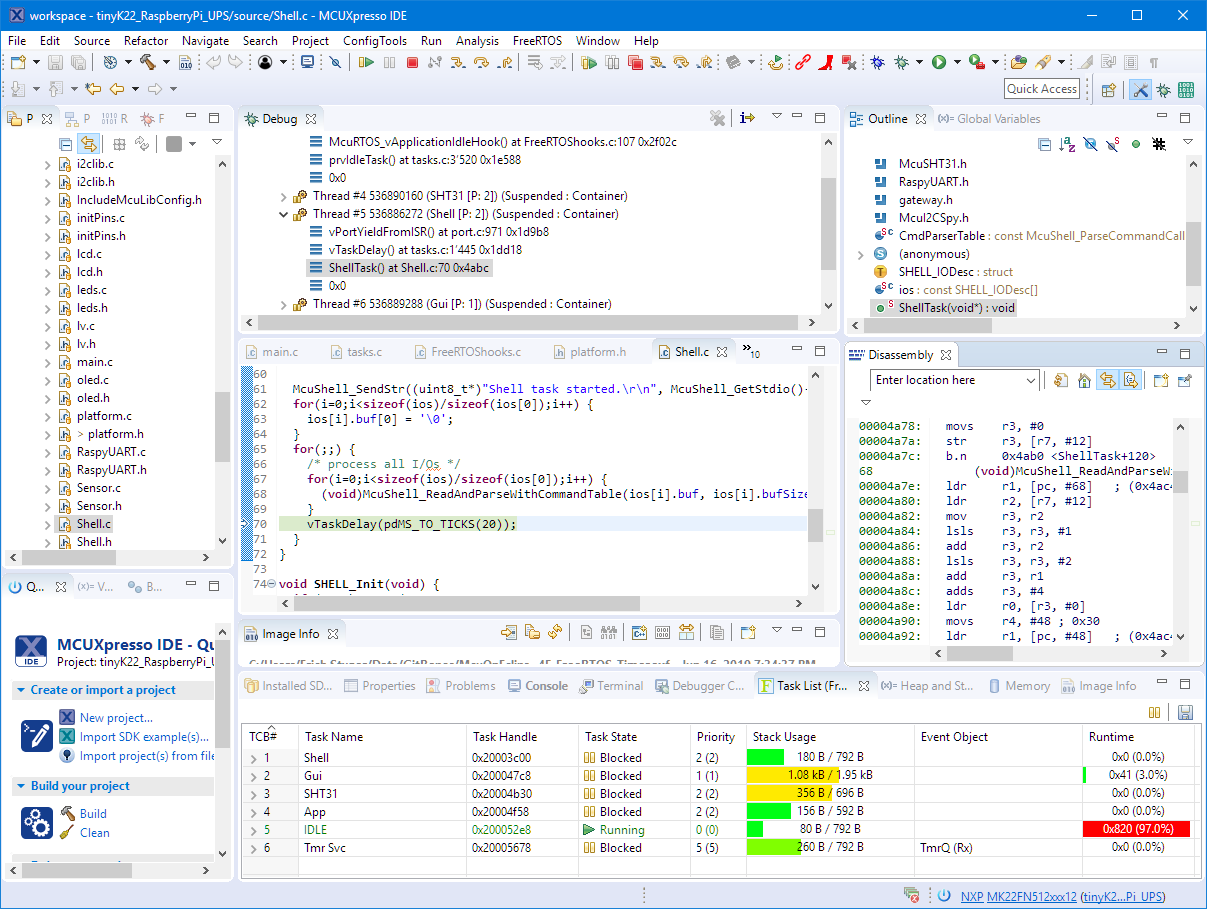
Visualizing Global Variables while Target is Running with Eclipse and MCUXpresso IDE

By default, Eclipse provides ‘stop-mode-debugging’: in order to inspect the target code and data, I have to stop the target. But with the right extensions as present in the Eclipse based MCUXpresso IDE, it is possible to inspect the target even while it is running.

Graphing Variables

Graphing Variables

Continue reading

Black Magic Open Source Debug Probe for ARM with Eclipse and GDB

The ‘Black Magic Probe’ (or in short: BMP) is a very small and open source JTAG/SWD debug probe with a build-in GDB Server. I saw that probe referenced in different places, so I thought I try it out with a few of my NXP LPC and Kinetis boards:

BMP with LPC and Kinetis Boards

BMP with LPC and Kinetis Boards

Continue reading

New NXP MCUXpresso Eclipse IDE v11.0

A few days ago NXP has released a new version of their Eclipse IDE flagship: the MCUXpresso IDE v11.0.

NXP MCUXpresso IDE V11.0.0

NXP MCUXpresso IDE V11.0.0

The previous v10.3.1 was released back in Feb 2019, and the 11.0 now in June this year matches up with the Fall university semester. I appreciate that the releases are about every 6 months, so this gives me time to use it in my university lecture material and lab work. I had the weekend for trying it out, and I’m very pleased.

Continue reading