This is a new article in my series about using Microsoft Visual Studio Code: After installation, project setup, building, debugging, setting up a kit and IntelliSense. This one is about setting up and using FreeRTOS:


This is a new article in my series about using Microsoft Visual Studio Code: After installation, project setup, building, debugging, setting up a kit and IntelliSense. This one is about setting up and using FreeRTOS:
The previous parts were about installation, project setup, building, debugging and setting up a kit. This one is about setting up IntelliSense for Cross Development in Visual Studio Code which allows for browsing symbols or code completion:

If a Cortex microcontroller is unresponsive to a debug connection for various reasons, then this trick might help to recover that device for you. All you need is a debug probe from PEMICRO and a utility.

The previous parts were about installation, project setup, building and debugging. This one is about defining the ‘tool kit’ so I can make use more of the CMake infrastructure in Visual Studio Code:

The previous parts were about installation, project setup and building. This one is about debugging an ARM Cortex-M Microcontroller with Visual Studio Code:
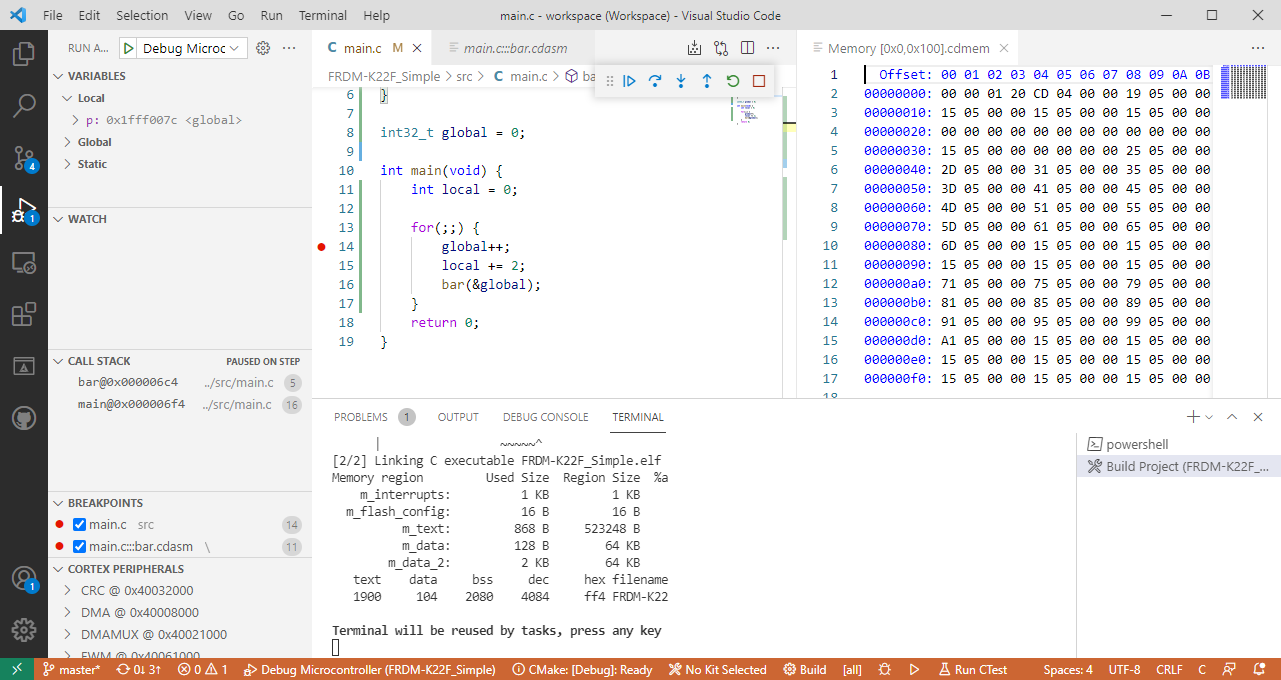
This is the second part of series or articles how to use the Microsoft Visual Studio Code for embedded development on ARM Cortex-M. In this part I’m going to show how to create and build a project using CMake running Make or Ninja as build system.

NXP has released an updated version of the Eclipse based MCUXpresso IDE: the V11.3.1 is an update of the v11.3.0 I wrote about it back in January this year.

The release includes new device support, and beside of bug fixes includes a few new things.
Continue readingIf you are developing Linux or desktop applications with GNU tools, you very likely are familiar with gcov: the GNU coverage tool. It collects data what parts of the code gets executed and represents that in different formats, great to check what is really used in the application code or what has been covered during multiple test runs.
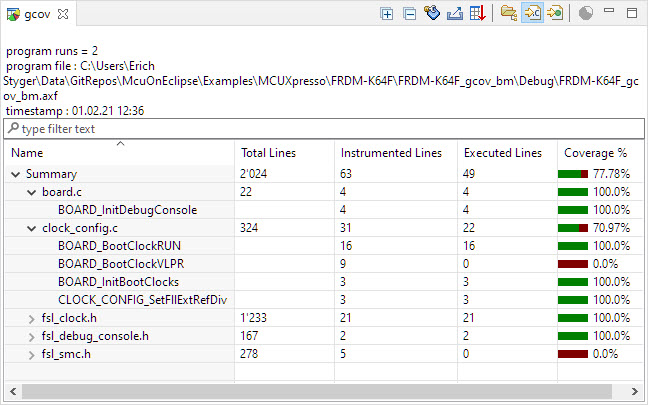
Coverage Information with gcov
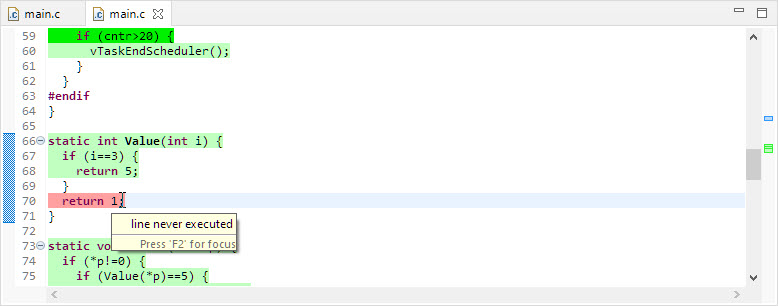
line never executed
GNU coverage is possible for resource constraint embedded systems too: it still needs some extra RAM and code space, but very well spent for gathering metrics and improves the firmware quality. As I wrote in “MCUXpresso IDE V11.3.0 for 2021” things are now easier to use, so here is a short tutorial how to use it.
There are many different aspects of Open Source projects: It is not only about the fact if the sources are available (‘open’). It is about the licensing terms (how permissible is it, what can I do with it), maintenance and continuous development (what has changed between releases), how and where is it delivered (Sourceforge, dedicated distribution, packaging) up to collaboration (how can I contribute or submit issues).
NXP has now published the MCUXpresso SDK on Github:
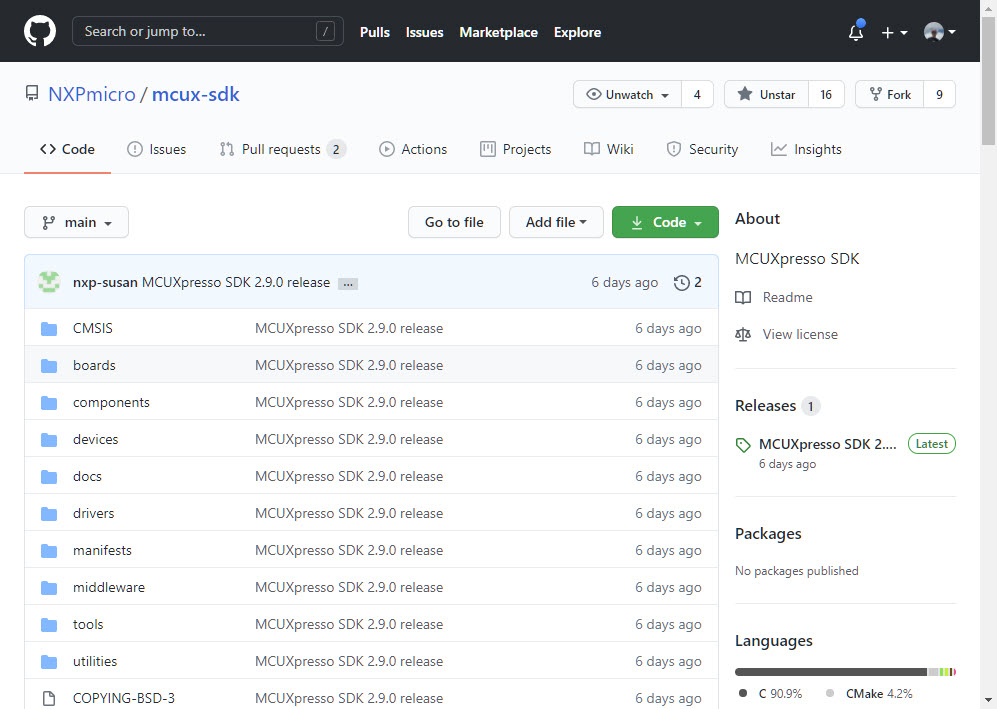
MCUXpresso SDK on GitHub
Something I was waiting for a long time.
I’m in the middle of the university exam season: means writing exams and do grading. The same time the new semester is approaching too and I need to prepare the new course material. For the classes using NXP parts I’m using the Eclipse based MCUXpresso IDE, and I just received the announcement that a new version V11.3.0 is available: time to check out what is new.
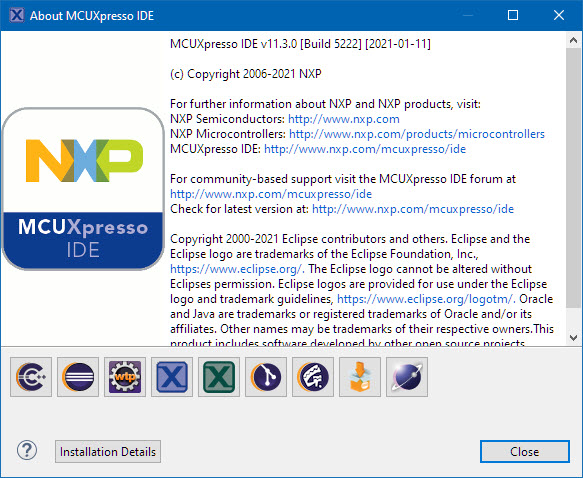
MCUXpresso IDE v11.3.0 (Build 5222)
 MCU on Eclipse