In “Unboxing the Freescale FRDM-KL43Z Board” I was using the FRDM-KL43Z board the first time. The FRDM-KL43Z board has an on-board debug interface (Kinetis K20, OpenSDA). In this post I show how to use the FRDM-KL43Z board to debug another ARM board.
Tag Archives: technology
Overview: From Snippets to Code Generation
To build an application for a modern microcontroller today is not a simple thing. Well, it depends what ‘simple’ means. But compared to the ‘old days of 8bit micro controllers’ (which are still in use!) developing for a complex 32bit device is definitely a different thing. Not only the complexity has changed, but as well the breath of tools and helpers. In my view, the only constant is ‘change’, and I have changed the way how to develop several times in my career. In this post I present several different techniques I’m using in my development.
Translating for the world …
English is not my first language, but I use it in this blog because that way I can reach a broader audience. If I would use Swiss German, only a few would be able to understand what I write about: “Wänn I würd schwiizerdütsch bruuche, dänn chönt wohl chuum öpper das hie läse” ;-).
Google Translate is not prefect, but still it does a fair job of translating web pages. I have added now a Google translate button to this blog side bar. Click on it and have the web page translated to the language of your choice. Try it out:
💡 If you are speaking Portuguese and want to learn about the Freescale FRDM-KL25Z board, then check out https://hardwarizando.wordpress.com/2015/08/11/introducao-a-kl25z-codewarrior-processor-expert-e-interrupcoes-periodicas/
Happy Translating 🙂
PS: some of the translations by Google are sooooo funny 🙂
Sneak Preview: Profiling Bare Metal Microcontroller Applications with GNU gprof
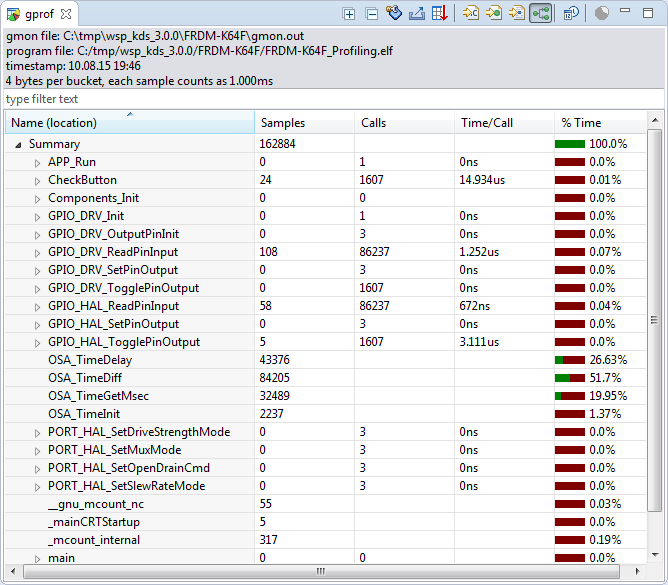
I’m working on a conference paper and presentation, and tonight I had a break-through :-). So how cool is this: Profiling with GNU gprof a bare-metal embedded Cortex-M application (Freescale Kinetis K64F running the Freescale Kinetis SDK) in Eclipse:
Tutorial: Adafruit WS2812B NeoPixels with the Freescale FRDM-K64F Board – Part 5: DMA
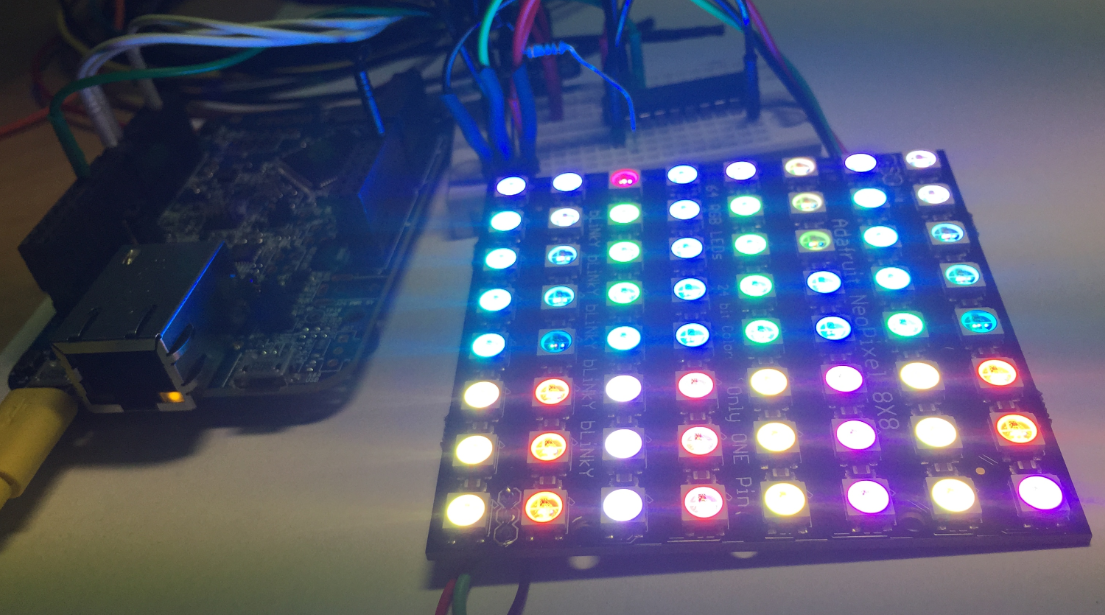
This is Part 5 of a Mini Series. In Part 4, I described how to set up the FTM (Kinetis Flex Timer Module) to generate the required waveforms used for DMA operations (see “Tutorial: Adafruit WS2812B NeoPixels with the Freescale FRDM-K64F Board – Part 4: Timer“). In this post I describe how to use to trigger DMA (Direct To Memory) events. The goal is to drive Adafruit’s NeoPixel (WS2812B) with the Freescale FRDM-K64F board:
Tutorial: Adafruit WS2812B NeoPixels with the Freescale FRDM-K64F Board – Part 4: Timer
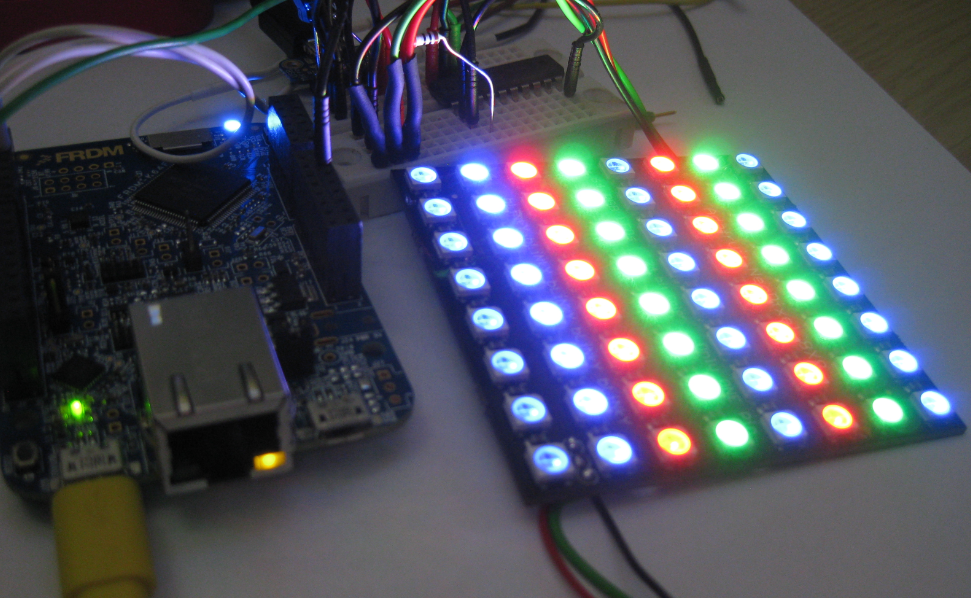
This is Part 4 of a Mini Series. In Part 3, I described the software concepts (see “Tutorial: Adafruit WS2812B NeoPixels with the Freescale FRDM-K64F Board – Part 3: Concepts“). In this post I describe how to set-up the timer to trigger later DMA operations. The goal is to drive Adafruit’s NeoPixel (WS2812B) with the Freescale FRDM-K64F board:
Tutorial: Adafruit WS2812B NeoPixels with the Freescale FRDM-K64F Board – Part 3: Concepts
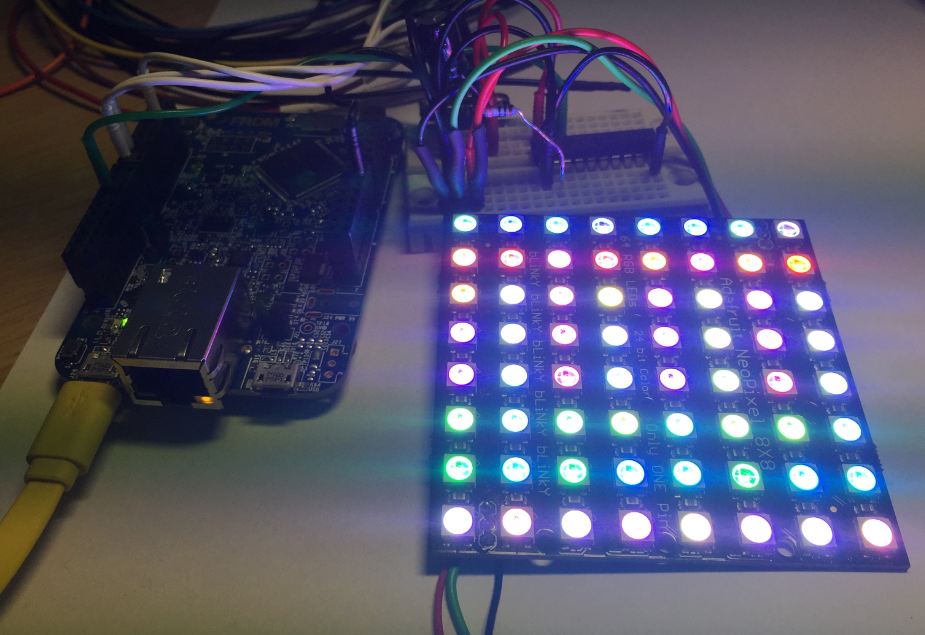
This is Part 3 of a Mini Series. In Part 2, I described how to set up the development tools and to debug the first project (see “Tutorial: Adafruit WS2812B NeoPixels with the Freescale FRDM-K64F Board – Part 2: Software Tools“). Now it is time to look into the software concepts. The goal is to drive Adafruit’s NeoPixel (WS2812B) with the Freescale FRDM-K64F board:
Tutorial: Adafruit WS2812B NeoPixels with the Freescale FRDM-K64F Board – Part 2: Software Tools
This is Part 2 of a Mini Series. In Part 1, I described how to set up the hardware (see “Tutorial: Adafruit WS2812B NeoPixels with the Freescale FRDM-K64F Board – Part 1: Hardware“). Now it is time to have the software tools ready. In this post I describe to have the IDE (Freescale Kinetis Design Studio) with the Freescale SDK installed, along with the correct firmware on the FRDM-K64F Board. The goal is to drive Adafruit’s NeoPixel (WS2812B) with the Freescale FRDM-K64F board:
Tutorial: Adafruit WS2812B NeoPixels with the Freescale FRDM-K64F Board – Part 1: Hardware
This is Part 1 of a Mini Series. Manya has challenged herself to use the Adafruit NeoPixels (WS2812B RBG LEDs) with the Freescale FRDM-K64F board and the Kinetis SDK (see “Let’s play with Freescale FRDM-K64F“). I did a while back that with the FRDM-KL25Z board (see “NeoShield: WS2812 RGB LED Shield with DMA and nRF24L01+“). I used Processor Expert in my project (without the Kinetis SDK), and with this setup it is very easy. However, Manya wanted to do this with the Kinetis SDK and without Processor Expert. No surprise to me, she has found out that this setup with the Kinetis SDK and without the usage of Processor Expert is much more challenging (see “Not done yet!!“). I promised to Manya to give her a helping hand, so here we go! 🙂
Improve Eclipse Performance with Increased Heap Size
I noticed that especially working with several projects in my workspace, Eclipse got sluggish and slowly responding. I have in Eclipse the Heap Monitor/Status enabled (see “Show Heap Status in Eclipse“):
So the used heap of the Java VM is hitting a limit of about 500 MByte, and seems to be trashing around? How to increase that heap size?