I’m getting my head more and more around CMake and its features. After having so many issues with VS Code dealing with CMake Kits, I have found feature in CMake which really is a game changer for me: CMake Presets.
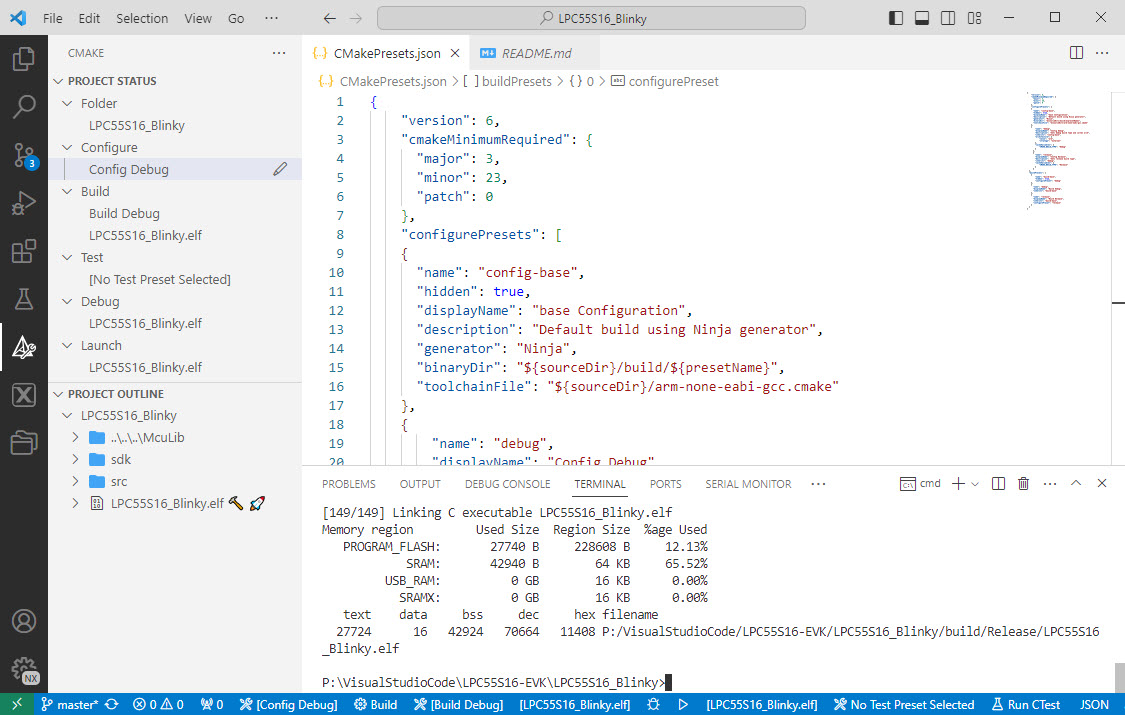

I’m getting my head more and more around CMake and its features. After having so many issues with VS Code dealing with CMake Kits, I have found feature in CMake which really is a game changer for me: CMake Presets.
Sometimes I have a wish. Not every time it gets fulfilled. But this time I’m lucky and happy developer. A few days ago I wrote about the LPC4322-based SEGGER OB (on-board) J-Link firmware. It works great, but the board requires another USB cable to power the target board.
Rolf Segger contacted me, and a few days later I had a J-Link firmware with a ‘power-on’ feature:

That way, only one USB cable is needed. All what you need to do is to update the firmware.
Continue readingOne major concern of embedded system development is performance. Microcontroller have more MHz than in the past, but embedded applications are all about timing and real-time aspects.

The challenge is: how to get data off the target in realtime? SWO can help with this….
Continue readingIf a Cortex microcontroller is unresponsive to a debug connection for various reasons, then this trick might help to recover that device for you. All you need is a debug probe from PEMICRO and a utility.

The NXP MCU-Link is a powerful $10 debug probe for ARM Cortex-M devices and works with the NXP LinkServer for debugging. The LinkServer does not an implement a gdb server, so it limits its usage e.g. for scripting or command line debugging. But as MCU-Link is also a CMSIS-DAP compatible debug probe, I can use it with OpenOCD which is open source and implements a GDB server. This article shows how I can use it with the MCU-Link.

Debugging FRDM-KL25Z with MCU-Link
If having a boot loader running on a micro-controller, it is very useful if both the boot loader and the loaded application can be debugged together:

Bootloader with Application Code
I love Eclipse because as an IDE it can do pretty much everything. Up to the point that some call it an ‘Eierlegende Wollmilchsau‘: something which can do anything. But with all the tools, menus and features, it can be daunting for a someone new to Eclipse. But the good news is: Eclipse is very versatile and can be customized to make it easier and simpler to use too. In this article I show how I’m tweaking it the way I want it, with just the menus and buttons I need:

Eclipse Optimized Menus and Toolbars
It is great if vendors provide a starting point for my own projects. A working ‘blinky’ is always a great starter. Convenience always has a price, and with a ‘blinky’ it is that the code size for just ‘toggling a GPIO pin’ is exaggerated. For a device with a tiny amount of RAM and FLASH this can be concerning: will my application ever fit to that device if a ‘blinky’ takes that much? Don’t worry: a blinky (or any other project) can be easily trimmed down.

Binky on NXP LPC845-BRK Board
I use a ‘blinky’ project here just as an example: the trimming tips can apply to any other kind of projects too.
The MCUXpresso IDE comes with a ‘Develop’ perspective which combines the usual C/C++ and the Debug perspective in one:

MCUXpresso Develop Perspective
Sometimes it happens that arm-none-eabi-gdb complains about “no source file named” in the GDB console view in Eclipse when I debug a project with GDB:

No Source File Named in GDB Console
 MCU on Eclipse