One thing to create with a desktop CNC are boxes: wooden boxes with inlays:


One thing to create with a desktop CNC are boxes: wooden boxes with inlays:
The Microsoft Visual Studio Code is a great IDE, but does not (yet?) implement features for true embedded usage. Or things are there to some level, but hard to use. One of these things is how to step in the assembly code. This article shows how to do this.

One of the great things in Eclipse is that it can be customized down to the bits. The downside (pun intended) is that it might not be obvious how to do this. So here is how you can create your own custom file header when creating a new C/C++ file in Eclipse:

It is interesting to see that some aspects (mostly unintended) can stimulate lots of good and fruitful discussions. So this happened with “Spilling the Beans: Endless Loops” (recommended to read 🙂 where using (or not using) volatile for inline assembly created thoughts which warrant an article on that subject.
The volatile qualifier in C/C++ is misunderstood by many programmers, or wrongly used.

Still, ‘volatile’ is very useful if you know what it means for the compiler and what is good use of it.
Continue readingIn “Spilling the Beans: Endless Loops” several ways of creating and using endless loops were discussed. In this ‘bean’ it is about how to exit or break a loop.

The university lectures are kind of ‘back to normal’: with the COVID certificates mandatory, many former limitations (social distance, masks, …) have been relaxed. So this means there are now many more questions and discussions with students.
One of the thing I realized is that I am doing things in a certain way, and I don’t need to think about it, because I have used certain techniques for a long time. So I had several discussions last week with students which I would characterize as “aus dem Nähkästchen plaudern”. No real ‘secrets’, but just things which might be a something new to think about. Well, I think this is worth a potential new blog article series if this continues, so here we go with a first one: how to write ‘endless’ loops in C?

For me the Cortex-Debug Visual Studio extension by marus25 is the standard way to use VSC for embedded development. Another ‘standard’ piece I’m using in many of my projects is the SEGGER RTT.

This tutorial shows how to use and collect coverage data using the GNU gcov tool. As board and hardaware I’m using the NXP i.MX RT1064 EVK:
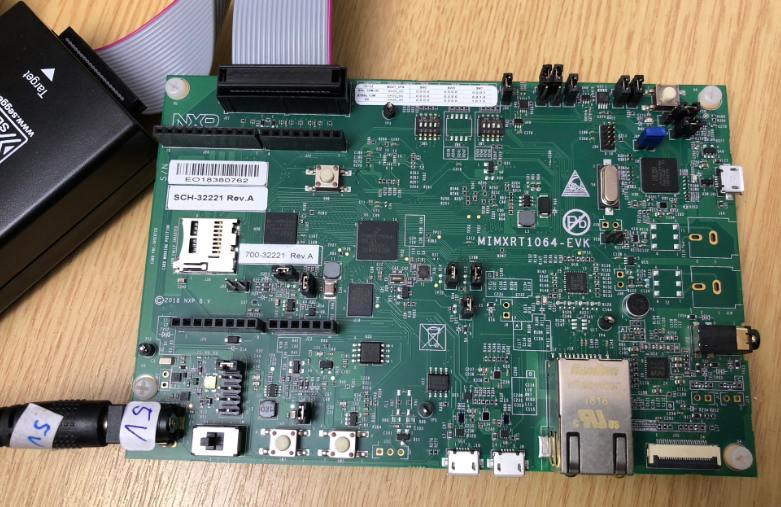
While this tutorial uses this specific board, things are pretty generic and should be applicable for any other board or MCU.
Continue readingThis is a new article in my series about using Microsoft Visual Studio Code: After installation, project setup, building, debugging, setting up a kit, IntelliSense and FreeRTOS. This one is about setting up and using the xPack Extension to build cross-platform-multi-tool project with a project manager.

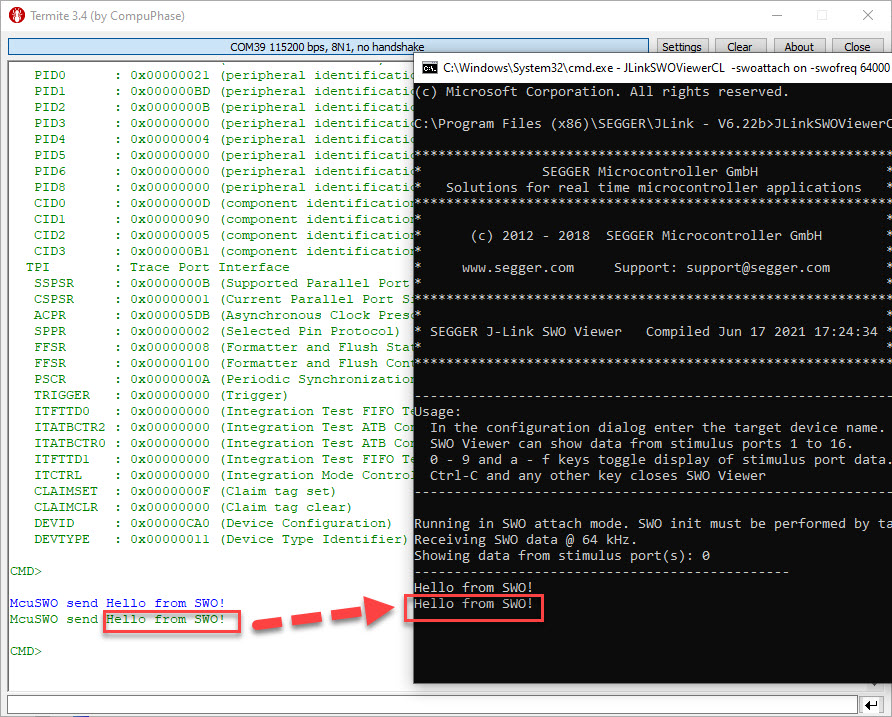
SWO (Single Wire Output) in ARM cores is probably one of the most under-used features. Which is surprising, because SWO can be very useful. In a nut shell: SWO is a single wire output pin/signal channel which can provide lots of different data, like PC sampling for coverage information, interrupt tracing data or ‘uart-like’ text packets.