As promised I’m going to share more details about the “60 Billion Lights” project. It is about a project to build a piece of electronics behind a 100×50 cm canvas to show animations or to display information like temperature, humidity, weather, time or just any arbitrary text.
Category Archives: NXP
McuLog: Logging Framework for small Embedded Microcontroller Systems
An essential tool especially developing larger applications or distributed firmware is to use logging. This article presents an open source logging framework I’m using. It is small and easy to use and can log to a console, to a file on the host or even to a file on an embedded file system as FatFS.
MCUXpresso tutorial: I2C using the Pins/Clocks/Peripherals Config tools and lpcxpresso55s69 SDK
I selected the Bosch BME280 environmental sensor as the heart of my OKdo E1-based weather station. It is convenient to use, and I can prototype with the Mikroe Weather Click board MIKROE-1978. But the sensor is accessed over I2C, and that is my least favourite of the communication interfaces. In this short tutorial, I show you how the MCUXpresso Config tools (Pins, Clocks, Peripherals) are used to set up the I2C driver from the MCUXpresso lpcxpresso55S69 SDK. And very quickly, I am able to communicate with the BME280 sensor.

Tutorial: Adding FreeRTOS to where there is no FreeRTOS
FreeRTOS is pretty much everywhere because it is so simple and universal, and it runs from the smallest to the biggest systems. But it still might be that for the microcontroller device you have selected there is no example or SDK support for it from your vendor of choice. In that case: no problem: I show how you could easily add FreeRTOS plus many more goodies to it.
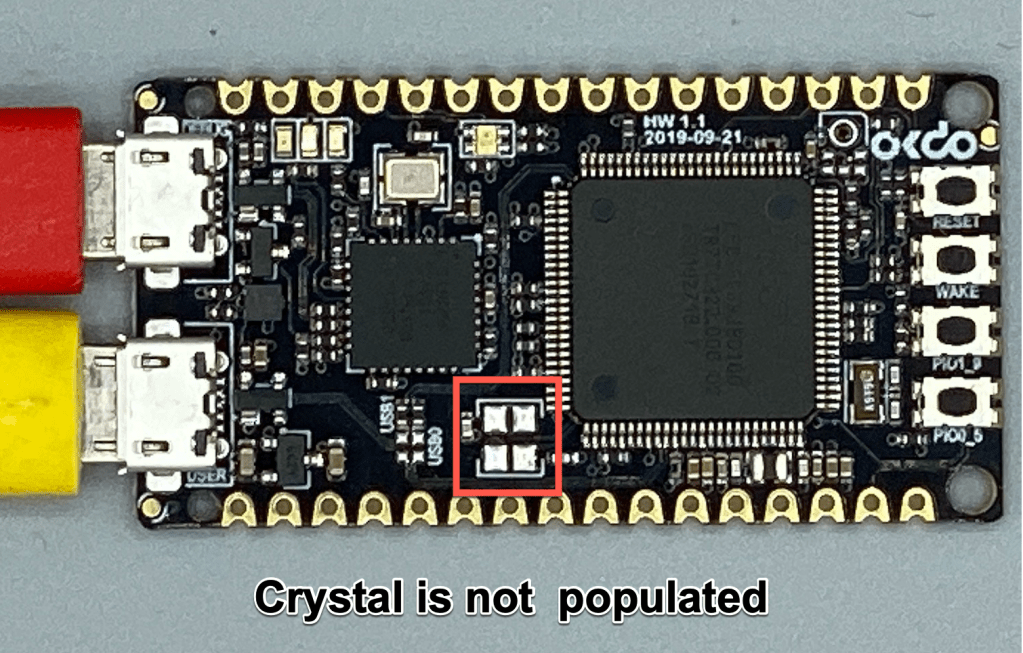
Help! My OKdo E1 board hangs up [solved]
Or… MCUXpresso Clocks Configuration tutorial using OKdo E1 board.

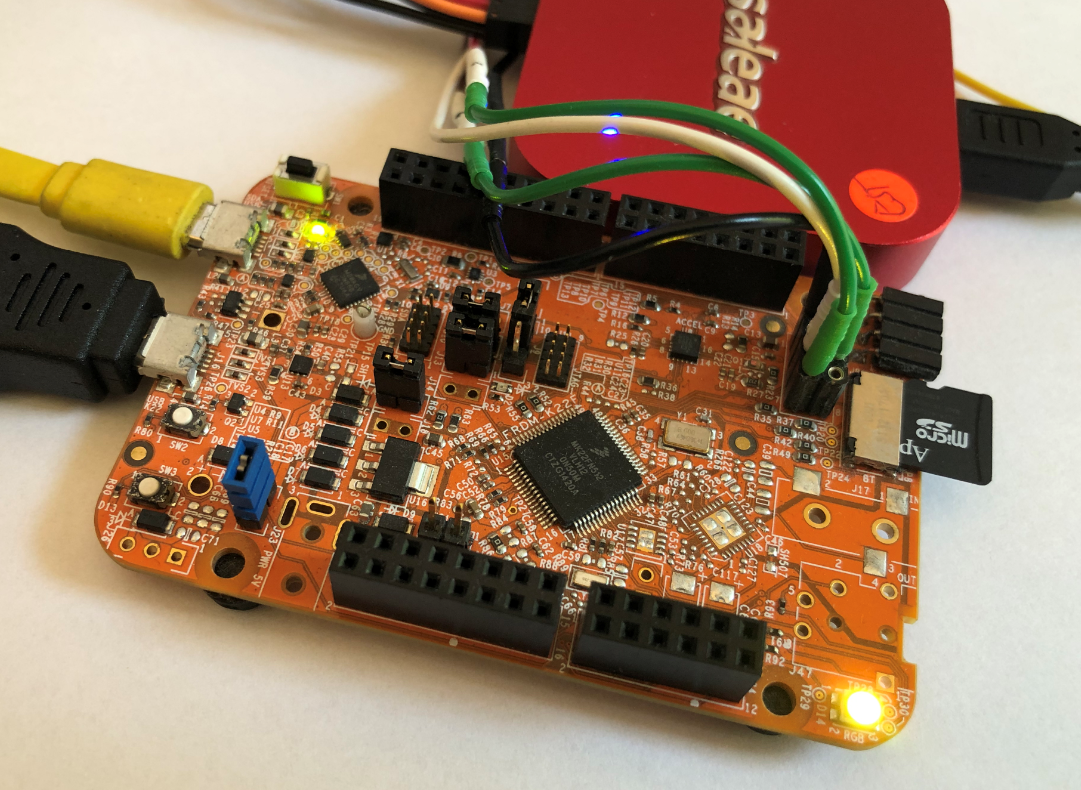
FatFS, MinIni, Shell and FreeRTOS for the NXP K22FN512
I’m using the NXP Kinetis K22FN512 in many projects, either with the FRDM-K22F or on the tinyK22: with 120 MHz, 512 KByte FLASH and 128 KByte it has plenty of horsepower for many projects. The other positive thing is that it is supported by the NXP MCUXpresso IDE and SDK. I have now created an example which can be used as base for your own project, featuring FreeRTOS, FatFS, MinIni and a command line shell.
First experience with OKdo E1 board
This week I’m sharing my experience “getting started” with the OKdo E1 board. This board, featuring the NXP LPC55S69 150 MHz, dual Cortex M33 core microcontroller was a joy to use. OKdo have provided an online Getting Started guide, and I’ve field-tested this for you. My video tutorial recorded as I follow the guide is less than 7 minutes long… it may take you a little longer if you need to download MCUXpresso IDE or the lpcxpresso55s69 Software Development Kit (SDK) but I am confident that you will quickly have the board up-and-running.
Continue readingLPC55S16-EVK: how fast does it go? How much current does it take?
I will always take the same approach when I receive a new embedded board: firstly I want to see how quickly I can get it up-and-running, then I want to see what it does “out-of-the-box” and finally I want to find out if the board is “useful”. Does it have some features that will inspire me for new projects??
The NXP LPC55S16-EVK has some great features – CAN-FD, dual USB and a high performance Cortex M33 microcontroller, running at 150 MHz. I have an idea to use the LPC55xx series as the basis for a Weather Station. But this is only feasible if the chip has a low power consumption and can run for weeks on a small battery.
Time to run some test code and get my digital multimeter out…
Continue readingFreeRTOS Task Runtime Statistics for NXP i.MX RT1064
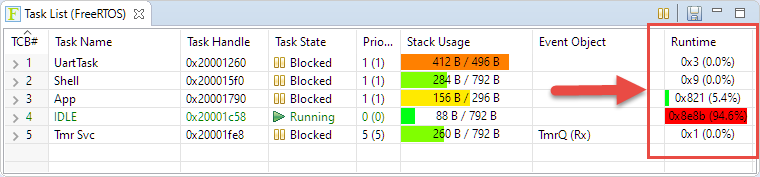
FreeRTOS has many cool features, and one is that it can report the CPU percentage spent in each task. The downside is that to get this kind of information some extra work is needed. In this article I show how to do this for the NXP i.MX1064.
Dumping Variables and Arrays with GDB in Eclipse
Using the debugger to inspect the application data is a very convenient thing. But if the data grows and if the data set is large, it makes more sense to dump the data to the host and process it offline. GDB is the de-facto debugger engine and includes a powerful command line and scripting engine which can be used in Eclipse too.