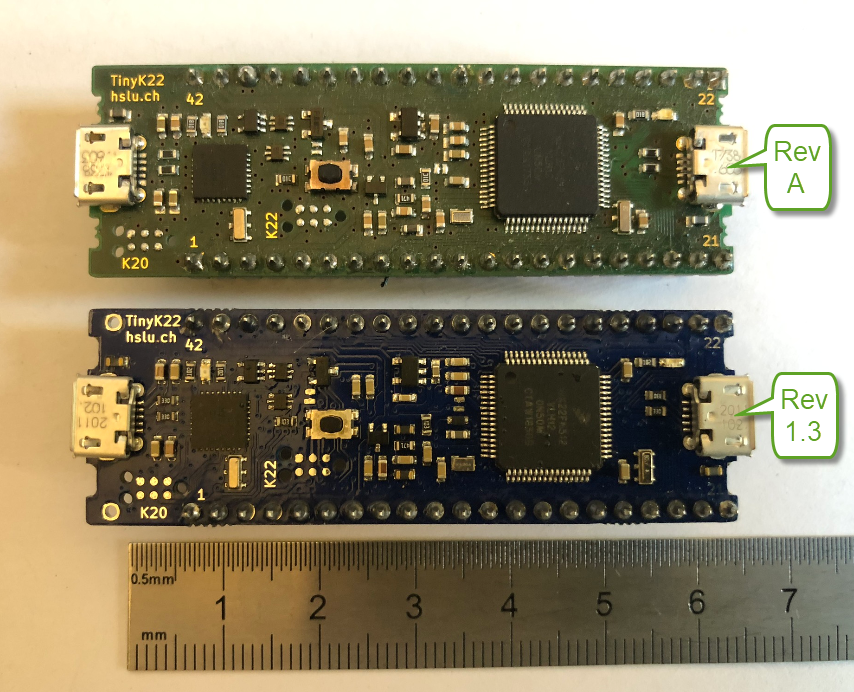
The tinyK22 board is a tiny micro controller board we use at the Lucerne University of Applied Sciences and Arts. It is used in many research project, used in lectures and labs and used in most student projects. Because there was no small and breadboard friendly NXP Kinetis board with a debug interface available, we developed one featuring the NXP K22FN512, named the ‘tinyK22‘. Because of the success and high demand we stated a new large production run and used this to upgrade the board to the new Rev 1.3: you might notice already the color change :-).
Category Archives: MCUXpresso
Grouping Eclipse Projects with Working Sets
Typically I have many, many projects listed in the Eclipse Project Explorer, usually more than 100 projects: from example projects, projects on git, lecture module projects, research projects or just some hobby projects I’m working on. With the default Eclipse settings, all these projects are listed in a ‘linear’ list. What I found really useful is the ability to group them into ‘Working Sets‘:
Tweaking MCUXpresso IDE Black Theme
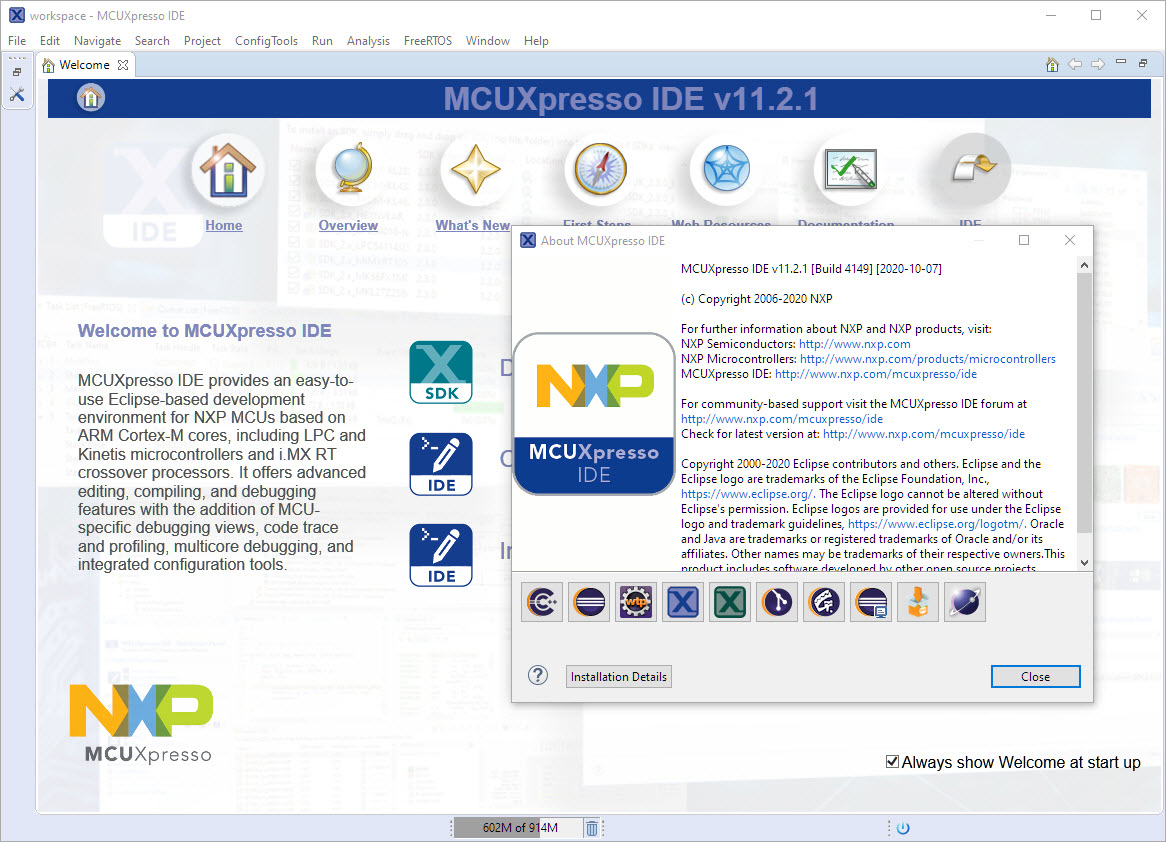
‘Dark’ or ‘Black’ themes are on vogue: some love it, some do not care. The good thing is that we all have a choice. Things are getting improved on the host OS (Windows/Linux) side, but the challenge is still on the application side, but things are getting better. This is true for the Eclipse based IDEs too, with the NXP MCUXpresso IDE V11.2.1 just recently released: it comes with improved Dark Theme support:
MCUXpresso IDE V11.2.1
I have started the semester and labs using the MCUXpresso IDE V11.2.0 which has been available from July this year. The past week I received the notification that the update V11.2.1 is available: time to check it out….
FreeRTOS V10.4.1 with SEGGER SystemView V3.12
Amazon has released in the past week the FreeRTOS version V10.4.0. Time to upgrade, actually the most recent version 10.4.1! The same time the SEGGER SystemView V3.12 was released back in April this year. No surprise: with the FreeRTOS changes they don’t work out of the box: but no worries, I have you covered and applied all the needed patches and changes to have them working again together: the latest FreeRTOS v10.4.x with Segger SystemView v3.12:
Import Projects from git into Eclipse
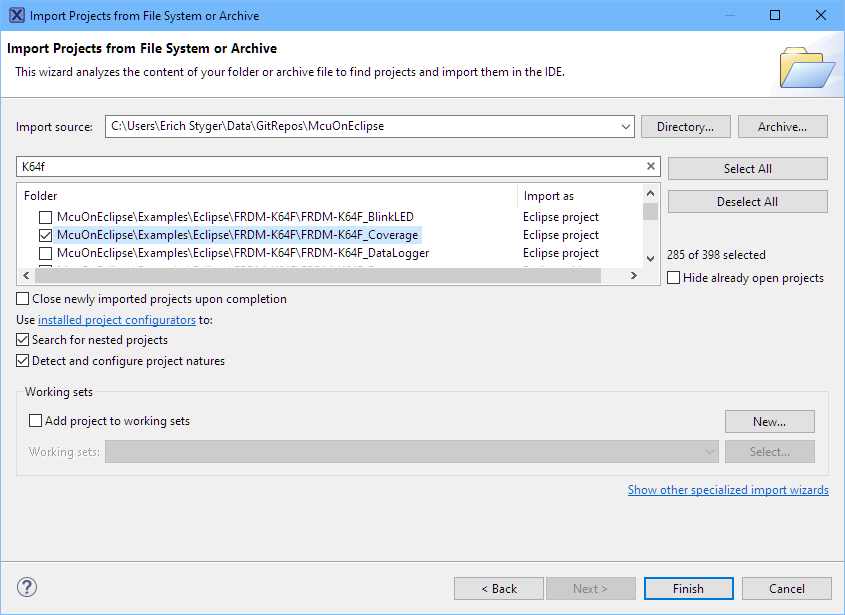
As a VCS (Version Control System) I’m using git in all my projects. And not only for software or firmware projects: I’m using it for hardware design (KiCAD, FreeCAD, …) or for documentation (LaTeX, …) too.
The nice thing with the Eclipse IDE is that it supports nice git integration, making importing projects from git repositories easy.
MCUXpresso IDE V11.2.0
At the university the end of a semester means that you have to get ready for the next semester. I always tend to use the latest and greatest tools for the labs. This week I received the notification that a new version of the Eclipse based MCUXpresso IDE is available, time to check it out for the next semester.
Eclipse Gems, Tips & Tricks: Faster Debugger Start
This article is part of a ‘mini series’ about hidden gems, tips and tricks around Eclipse.
The topic of this one is how to accelerate the start of the debugger.
From C to C++: Converting Eclipse C Projects
Creating a new project with Eclipse for a microcontroller these days is fairly easy, and I have the choice if I want to start the project with C or C++:
Still the embedded microcontroller world is dominated by C and not C++. So while it is easy to start with a C++ project, most vendor provided example or tutorial project are C projects. So how can I transform such project to C++?
How to get Data off an Embedded System: FatFS with USB MSD Host and FreeRTOS Direct Task Notification
This is a follow-up article of my earlier project presented in “FatFS, MinIni, Shell and FreeRTOS for the NXP K22FN512“. I wanted to extend it with a USB MSD (memory stick) device: The USB storage device gets automatically mounted, and depending on a configuration (.ini) file on the memory device I can perform various actions, for example automatically copy data from the SD card to the USB device. For example the system logs data, and to get the data I insert the memory stick, it copies the data on it and automatically unmounts it, and I can remove the memory stick.