Different Ways of Software Configuration

Most of the time software needs some way to configure things: depending on the settings, the software will do different things. For example the software running on the microcontroller on top of the Raspberry might have the OLED LCD available or not:

Raspberry Pi and tinK22 with OLED LCD

Raspberry Pi and tinyK22 (NXP Kinetis K22FN512) with OLED LCD

How can I deal with this in my application code? Continue reading

Debugging the Startup Code with Eclipse and GDB

By default, when debugging an embedded application, the target usually stops at main():

stopped in main

stopped in main

That’s usually fine, but what if I want to debug the code out of reset?

Continue reading

Tutorial: Changing ARM Cortex Core or Microcontroller in Eclipse CDT Projects

Sometimes I start a project with an ARM microcontroller, and in the middle of the project I find out that it was a wrong choice at the beginning and I need to switch the microcontroller derivative or even the used ARM core. With little knowledge of the project structure and the files needed, such a switch is not the easiest thing, but definitely possible.

switching cores

switching cores

Continue reading

Tutorial: Blinky with the NXP LPC845-BRK Board

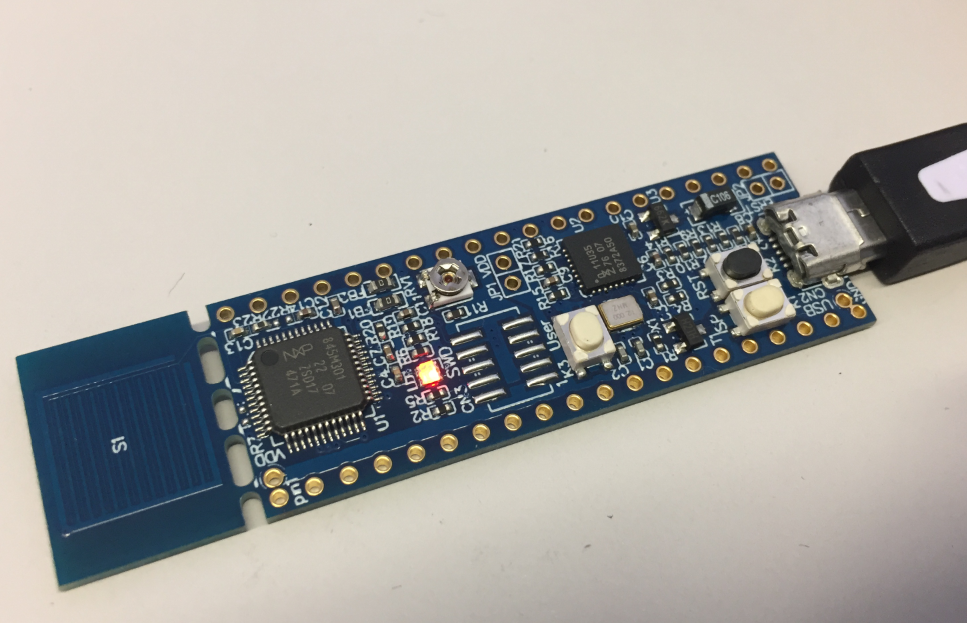
The NXP LPC845-BRK board is a sub-$6 breadboard friendly development board with an ARM Cortex-M0+ on it. This tutorial is about developing a ‘blinky’ on it using MCUXpresso.

Binky on NXP LPC845-BRK Board

Binky on NXP LPC845-BRK Board

Continue reading

Tutorial: Transforming the NXP LPC845-BRK into a CMSIS-DAP Debug Probe

The NXP LPC845-BRK board is a tiny an inexpensive (sub $6) breakout board. The board includes a CMSIS-DAP (LPC11U35) on-board debug probe which can be used as a debug probe to debug any NXP LPC, Kinetis or i.MX RT device 🙂

LPC845-BRK used to debug robot

LPC845-BRK used to debug a Sumo Battle Robot

Continue reading

Tutorial: Using external Debug Probes with NXP LPC845-BRK Board

One great thing with that new NXP LPC845-BRK board is that it is possible to use it with any standard SWD/JTAG debugger, as it has the 10pin debug header present on the board. It is not populated by default, because the LPC845-BRK includes a CMSIS-DAP debug probe already. But if I want to use a SEGGER J-Link, a P&E Multilink or the NXP LPCLink2, this is certainly something to consider:

Debugging LPC845-BRK with LPC-Link2

Debugging LPC845-BRK with LPC-Link2

Continue reading

Unboxing the NXP LPC845-BRK Board

I really love tiny and bread board friendly boards, especially if they are very affordable and can be use with Eclipse based tools. So I was excited to see the NXP LPC845-BRK board to be available at Mouser, so I ended up ordering multiple boards right away. Why multiple? Because they only cost CHF 5.95 (around $6)!

NXP LPC845-BRK Board

NXP LPC845-BRK Board

Continue reading

Tutorial: HD44780 Display Driver with NXP MCUXpresso SDK

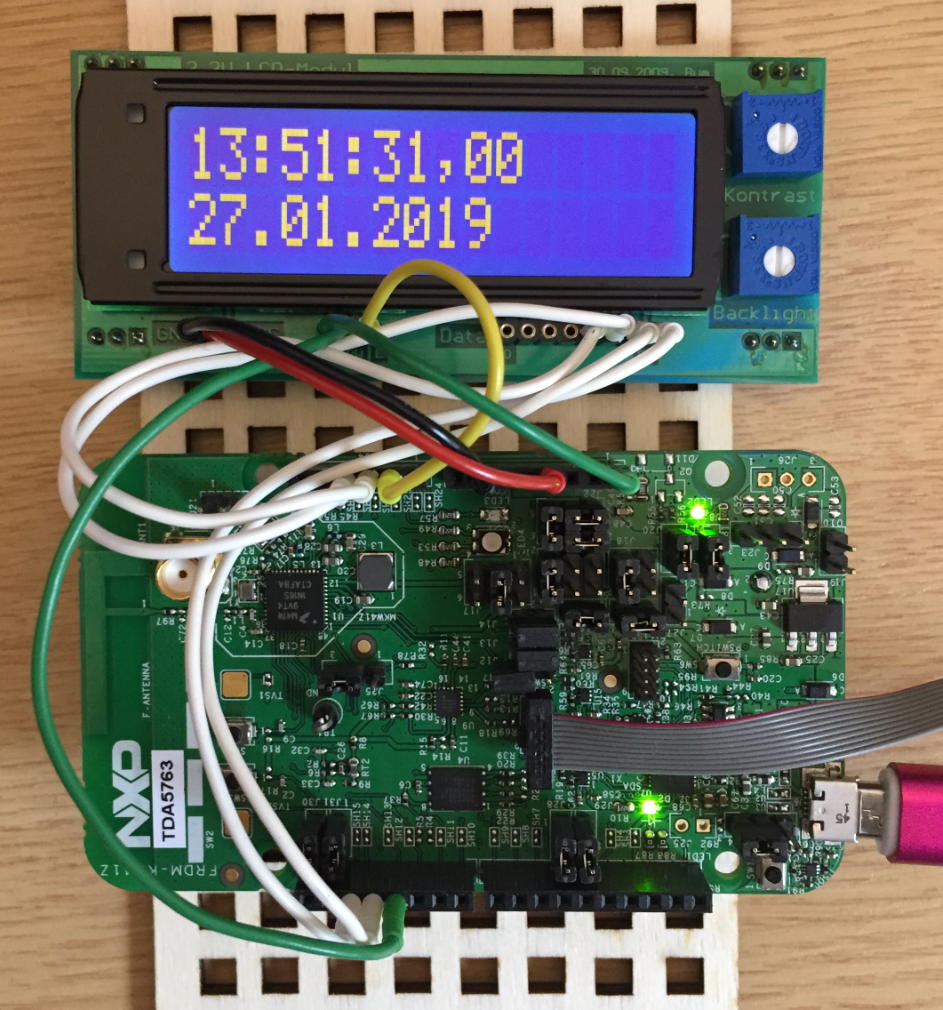
In the age of high-resolution graphical LCDs using a character display might look like a bit anachronistic. But these displays provide a lot of value for me as they are robust, available in different shapes and number of lines. And such a character display can be a better solution for an industrial application.

hd44780 display with NXP FRDM-KW41Z Board

hd44780 display with NXP FRDM-KW41Z Board

Continue reading

Tutorial: Booting the NXP i.MX RT from Micro SD Card

It is a common thing to boot a Linux system (see the Raspberry Pi) from a micro SD card. It is not that common for a microcontroller. The NXP i.MX RT ARM Cortex-M7 fills that gap between these two worlds. No surprise that it features a ROM bootloader which can boot from a micro SD card.

SD Card with i.MX RT1052

SD Card with i.MX RT1052

Continue reading

FreeRTOS: how to End and Restart the Scheduler

Most host or desktop systems (say Linux, Mac or Windows) have a normal use case where you start the operating system say in the morning and shut it down in the evening, and then you leave the machine. Embedded Systems are different: they are not attended, and they are supposed to run ‘forever’. Not every embedded system needs to run an OS (or in that world: Real-Time Operating System or RTOS), but the same applies here: after the RTOS is started, it is not intended that it will shutdown and restart. To the extend that you won’t they support the ‘shutdown’ and ‘restart’ functionality at all. In case of gathering coverage information this would be really useful:

coverage information from freertos application

coverage information from FreeRTOS application

In the case of FreeRTOS: what if I really need to shutdown the RTOS and restart it again, as by default this is not supported. This is what this article is about …

Continue reading