Disabling NMI (Non Maskable Interrupt) Pin

The NMI is a special interrupt on ARM Cortex-M architecture: as the name indicates, it cannot be ‘masked’ by the usual ‘disable interrupts’ flags (PRIMASK, BASEPRI), similar to the Reset signal.

cortex-m-vector-table

cortex-m-vector-table (Source: adapted from arm.com)

Dealing with the reset signal is kind of obvious, and most designs and boards have it routed to a reset button or similar. The NMI is less obvious if you don’t pay attention to it: most ARM-Cortex implementations and boards have the NMI signal routed to a pin and are ‘hiding’ it in the schematics behind a normal GPIO pin or port: if you don’t pay attention to the NMI functionality, the board might not work as intended.

Continue reading

Behind the Canvas: Making of “60 Billion Lights”

As promised I’m going to share more details about the “60 Billion Lights” project. It is about a project to build a piece of electronics behind a 100×50 cm canvas to show animations or to display information like temperature, humidity, weather, time or just any arbitrary text.

Make it

Writing text

Continue reading

Tutorial: Adding FreeRTOS to where there is no FreeRTOS

FreeRTOS is pretty much everywhere because it is so simple and universal, and it runs from the smallest to the biggest systems. But it still might be that for the microcontroller device you have selected there is no example or SDK support for it from your vendor of choice. In that case: no problem: I show how you could easily add FreeRTOS plus many more goodies to it.

Binky on NXP LPC845-BRK Board

Binky on NXP LPC845-BRK Board

Continue reading

“60 Billion Lights”: 2400 RGB LEDs and 120 Stepper Motors hiding behind Canvas Art

It is one thing to create something ‘cool’ or technically interesting. But it is a completely different story to convince your girlfriend, partner, wife, family (or whatever you can name it) to hang something on a wall in our house or office. Then it is not about technology: it is more about design and art. So here is my attempt to solve that challenge:

Displaying current temperature

Displaying temperature with a painted canvas, stepper motors and 2400 RGB LEDs

Continue reading

Implementing FreeRTOS Performance Counters on ARM Cortex-M

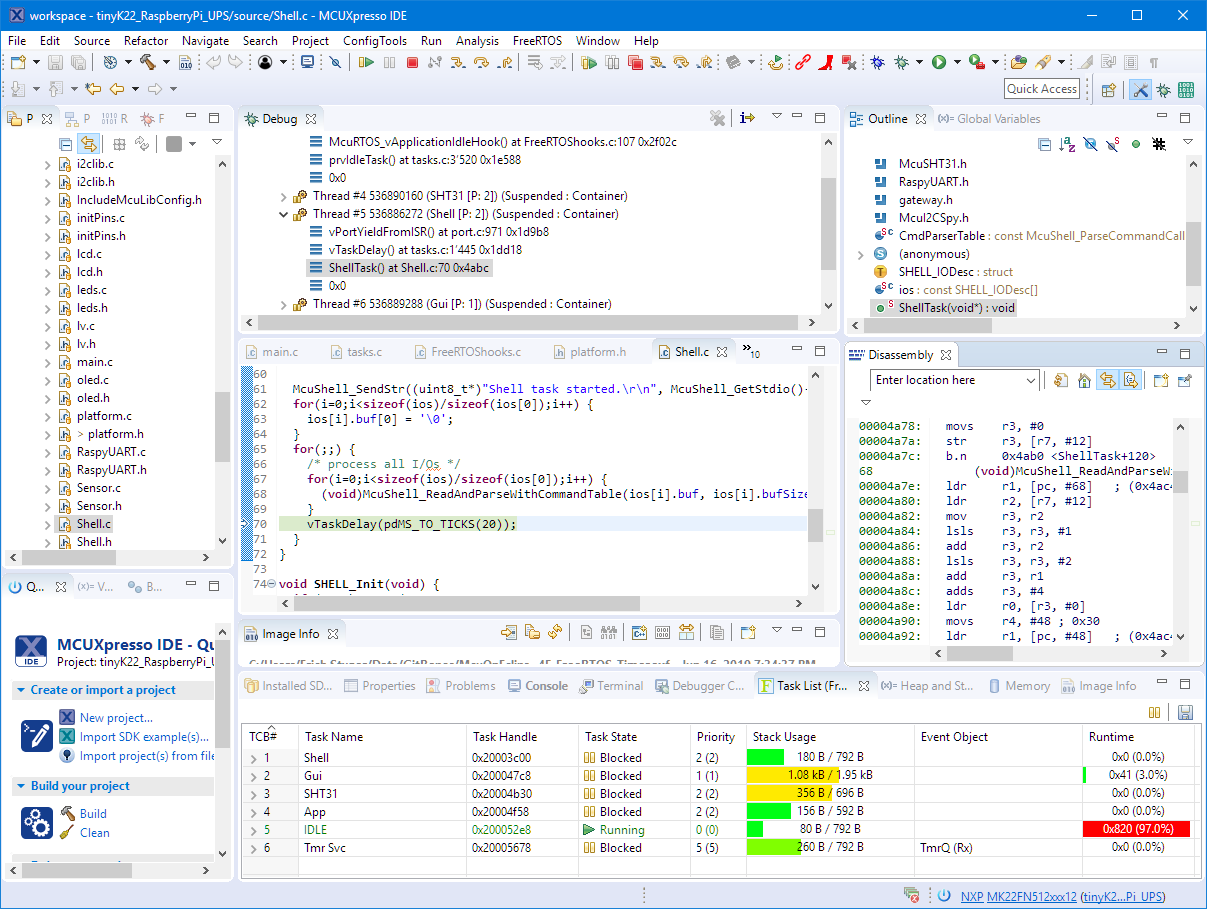
When using an RTOS like FreeRTOS, sooner or later you have to ask the question: how much time is spent in each task? The Eclipse based MCUXpresso IDE has a nice view showing exactly this kind of information:

FreeRTOS Runtime Information

FreeRTOS Runtime Information

For FreeRTOS (or that Task List view) to show that very useful information, the developer has to provide a helping hand so the RTOS can collect this information. This article shows how this can be done on an ARM Cortex-M.

Continue reading

DIY ‘Meta Clock’ with 24 Analog Clocks

Human since 1982 claims

“Human since 1982 have the copyright to works displaying digital time using a grid arrangement of analog clocks…”

I’m not a lawyer, but without obligations (imho) I have removed the content.

You can read more of the details here: Copyright Law for Makers and Educators

Thanks for understanding,

Erich

World Stepper Clock with NXP LPC845

I really love clocks. I think this is I am living here in Switzerland. Beside of that: clock projects are just fun :-). After I have completed a single clock using stepper motors (see “DIY Stepper Motor Clock with NXP LPC845-BRK“), I wanted to build a special one which is able to show up to four different time zones: Below an example with London (UK), New York (USA), Beijing (China) and Lucerne (Switzerland):

Stepper Clock

Stepper Clock

Continue reading

Open Source LittlevGL GUI Library on Adafruit Touch LCDs with NXP LPC55S69-EVK

The NXP LPC55S69-EVK is a versatile board. In this article I show how it can be used with Adafruit TFT LCD boards, both with resistive and capacitive touch. For the software I’m using the open source LittlevGL GUI.

LPC55S69-EVK with Adafruit Touch LCD

LPC55S69-EVK with Adafruit Touch LCD

Continue reading

Tutorial: How to Optimize Code and RAM Size

It is great if vendors provide a starting point for my own projects. A working ‘blinky’ is always a great starter. Convenience always has a price, and with a ‘blinky’ it is that the code size for just ‘toggling a GPIO pin’ is exaggerated. For a device with a tiny amount of RAM and FLASH this can be concerning: will my application ever fit to that device if a ‘blinky’ takes that much? Don’t worry: a blinky (or any other project) can be easily trimmed down.

Binky on NXP LPC845-BRK Board

Binky on NXP LPC845-BRK Board

I use a ‘blinky’ project here just as an example: the trimming tips can apply to any other kind of projects too.

Continue reading

New NXP MCUXpresso Eclipse IDE v11.0

A few days ago NXP has released a new version of their Eclipse IDE flagship: the MCUXpresso IDE v11.0.

NXP MCUXpresso IDE V11.0.0

NXP MCUXpresso IDE V11.0.0

The previous v10.3.1 was released back in Feb 2019, and the 11.0 now in June this year matches up with the Fall university semester. I appreciate that the releases are about every 6 months, so this gives me time to use it in my university lecture material and lab work. I had the weekend for trying it out, and I’m very pleased.

Continue reading