Finding Memory Bugs with Google Address Sanitizer (ASAN) on Microcontrollers

Dangling pointers and memory corruption problems are nasty issues for any developer, and usually hard to find and locate in the code. Luckily Google has developed an open source tool to solve such issues: the Address Sanitizer (ASAN). The tool is available for x86 and other desktop style architectures, including Android and Linux. This article describes how ASAN can be used for an embedded target, e.g. ARM Cortex-M4 or similar.
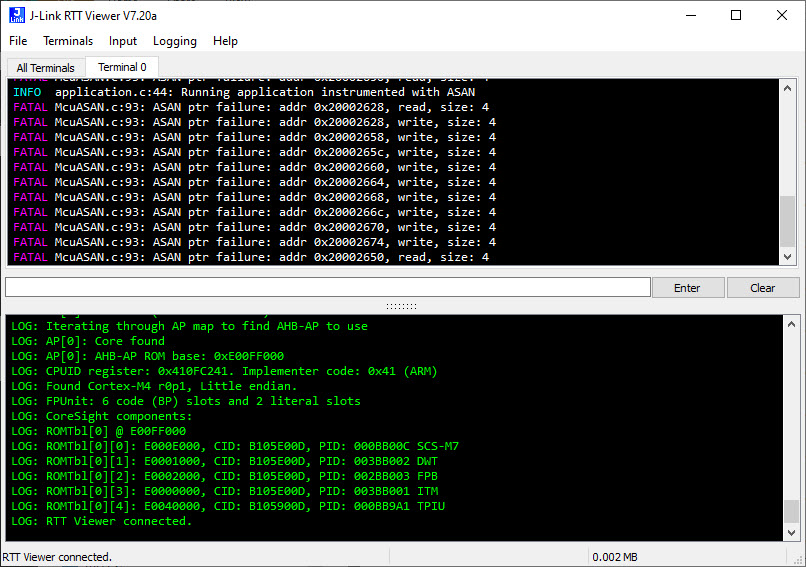
Catching memory errors on ARM Cortex-M4F with ASAN
Continue reading

Placing Code in Sections with managed GNU Linker Scripts

Managed linker scripts are great on one side: the simplify the otherwise complex GNU linker script handling. On the other side it requires knowledge how to tweak them in case ‘non-standard’ behavior is needed.

Continue reading

SWO with ARM Cortex-M33

One major concern of embedded system development is performance. Microcontroller have more MHz than in the past, but embedded applications are all about timing and real-time aspects.

The challenge is: how to get data off the target in realtime? SWO can help with this….

Continue reading

Recovering Cortex-M Microcontroller with a Power Glitch

If a Cortex microcontroller is unresponsive to a debug connection for various reasons, then this trick might help to recover that device for you. All you need is a debug probe from PEMICRO and a utility.

Continue reading

Full Bathroom Remodeling (with the Help of a 3D Printer)

This is about one of my ‘long running projects’: I happily can report that the missing last piece has been installed after 16 months from the start of the project: the ‘3D-Printed-Supported-Driftwood-Bath-Tub-Shower-Gel-Holder’ 🙂 :

This is the ‘official finish’ of a complete bathroom renovation and remodeling. It has been a joint project with the help of friends, contractors, my family and my brother in law (who is an outstanding carpenter and cabinetmaker), plus the Ultimaker2 3D printer which contributed many ‘background and hidden’ features.

I invite you to a virtual time travel. I hope you enjoy it and get inspired….

Continue reading

Using FatFS and MinINI with the NXP LPC55S16 EVK

For a research project we selected the NXP LPC55S16 but because it has due the silicon shortage it is not available probably for the next 52 weeks (yikes!) we can use the EVK Board.

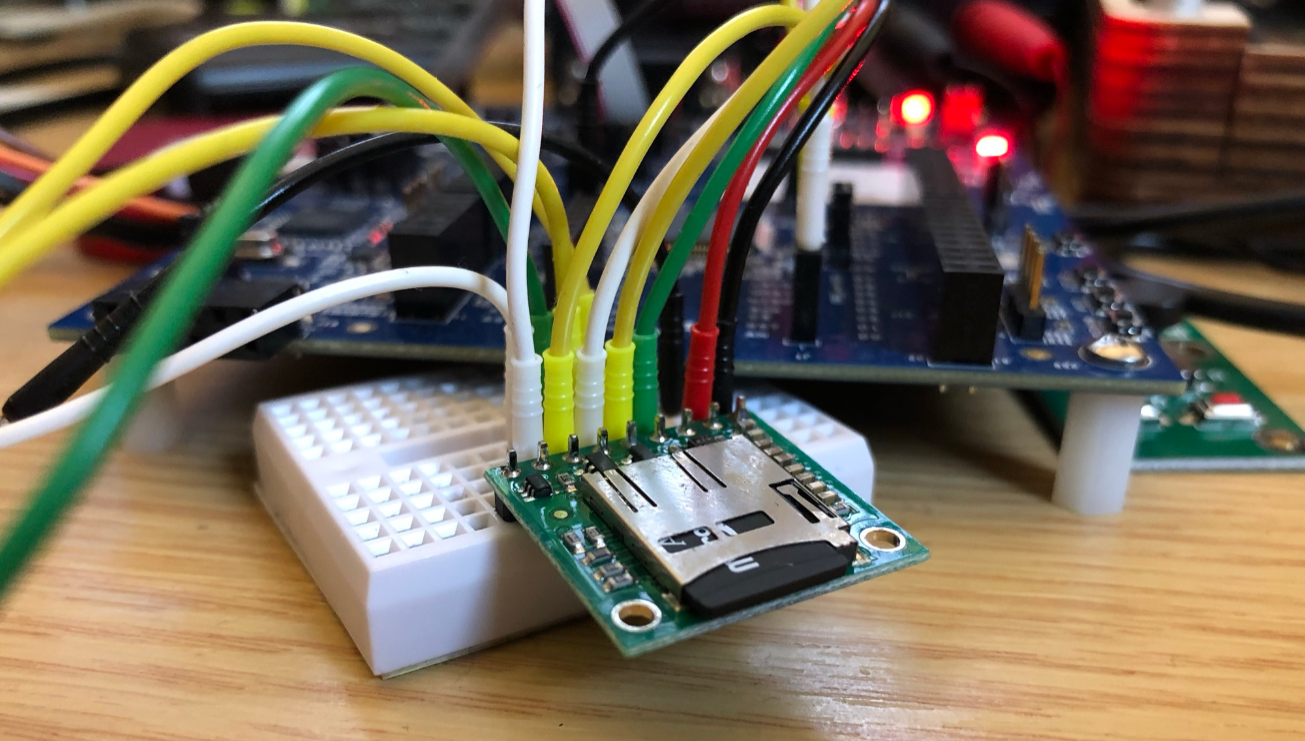
The FatFS file system from Elm Chan is the de-facto file system for many embedded systems. As such it comes integrated with silicon vendor SDKs like the NXP MCUXpresso SDK. The problem is that the SDK only has examples for things on the board, and because that board does not have a SD card socket, no example for using FatFS with an SDK card is provided :-(. So I had to create one, and you can get it from GitHub.

Continue reading

Visual Studio Code for C/C++ with ARM Cortex-M: Part 4 – Debug

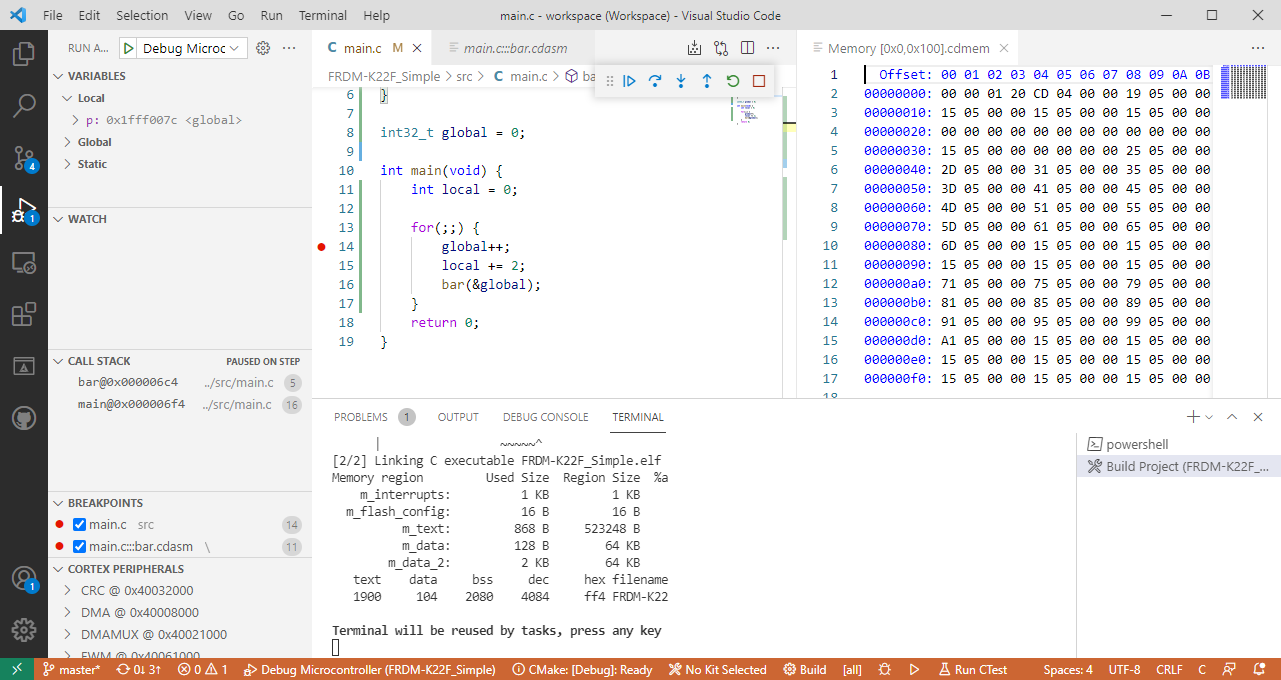
The previous parts were about installation, project setup and building. This one is about debugging an ARM Cortex-M Microcontroller with Visual Studio Code:

Cortex-M4 (NXP K22FN512) Debugging with Visual Studio Code
Continue reading

Visual Studio Code for C/C++ with ARM Cortex-M: Part 2 – Project

This is the second part of series or articles how to use the Microsoft Visual Studio Code for embedded development on ARM Cortex-M. In this part I’m going to show how to create and build a project using CMake running Make or Ninja as build system.

Building with Visual Studio a simple ARM Cortex-M Project (NXP K22FN512)
Continue reading

Visual Studio Code for C/C++ with ARM Cortex-M: Part 1 – Installation

For a few months I’m learning and using Rust. I’m still learning, but I’m very impressed by the powerful and cool programming language, the vibrant ecosystem, the advanced concepts behind it and by the tools. With learning Rust I have been using the Visual Studio Code IDE and it works great for Rust. But I was wondering: could I use it for my ‘usual’ C/C++ development on ARM Cortex-M devices too? The answer is a clear ‘yes’, and this mini series of articles should get you up and running too.

Continue reading

Debug Firmware Switching for the LPC4322

In “Freelink LPC4322JET100 based Debug Circuit on NXP i.MX RT1064-EVK Board” I described how to change the factory firmware from OpenSDA to the LPC-Link2 one.

Debug Circuit on i.MX RT1064

Now it is possible to use a Segger J-Link firmware too, or to switch back to the factory default one.

Continue reading