OpenPnP is a great open source framework for building a DIY SMT Pick&Place machine. But it does not stop there: It is possible to use OpenPnP with a commercial pick & place machine, for example the Charmhigh CHM-T36VA. This Chinese machine comes with its own controller software which works but is not that great. The good news is that it is possible to hack and retrofit the machine so it can run the much more powerful OpenPnP.
Tag Archives: technology
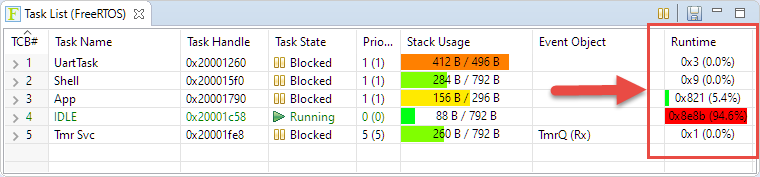
FreeRTOS Task Runtime Statistics for NXP i.MX RT1064
FreeRTOS has many cool features, and one is that it can report the CPU percentage spent in each task. The downside is that to get this kind of information some extra work is needed. In this article I show how to do this for the NXP i.MX1064.
Dumping Variables and Arrays with GDB in Eclipse
Using the debugger to inspect the application data is a very convenient thing. But if the data grows and if the data set is large, it makes more sense to dump the data to the host and process it offline. GDB is the de-facto debugger engine and includes a powerful command line and scripting engine which can be used in Eclipse too.
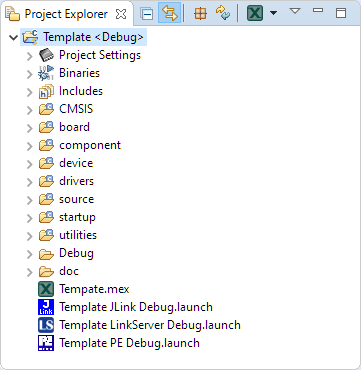
Tutorial: Rename, Copy or Clone Eclipse Projects with MCUXpresso
Especially in a lab or classroom environment it is convenient to start with a template project, and then explore different ways to shape the project for different needs. As for any IDE of this world, this requires an understanding of the inner workings to get it right. So in this article I show how to copy, clone or rename properly an Eclipse ‘template’ project in the MCUXpresso IDE.
Optimized and Easy-to-Use Eclipse Toolbars and Menus
I love Eclipse because as an IDE it can do pretty much everything. Up to the point that some call it an ‘Eierlegende Wollmilchsau‘: something which can do anything. But with all the tools, menus and features, it can be daunting for a someone new to Eclipse. But the good news is: Eclipse is very versatile and can be customized to make it easier and simpler to use too. In this article I show how I’m tweaking it the way I want it, with just the menus and buttons I need:
Copyright Law for Makers and Educators
Maker spaces and ‘FabLabs’ are popular and accessible in many areas. 3D printers are on the cheap, and powerful laser cutters are in the range of the fearless hobbyist. You can get dirty-cheap PCBs from China in less than a week (ok, probably not right now because of Corona virus) and it is easy to SMD solder parts these days with a DIY SMD PnP machine and OpenPnP. With the right equipment and skill set it is possible to build many cool projects. It is very rewarding and a great learning thing. Blog about it so other can learn too. And it even could get featured on Hackaday.
But: The risk is that someone might send you letter about a ‘Copyright Infringement’. Sadly, this is what happened to me for one of my recent projects. I don’t think that ‘take down’ letter was justified, but I learned a great deal what I should have done differently to avoid that situation. So in the end, it was a learning opportunity, which I believe is worth to share. In essence: what can a maker or educator do?
Tutorial: Maximum Clock Frequency for Kinetis using MCUXpresso Clock Tools
The tinyK22 board with the NXP K22FN512 is a bread-board-friendly small board with a 8 MHz external oscillator:
This tutorial is about how to use the NXP MCUXpresso Clock configuration and configure the board to the maximum clock frequency of 120 MHz. The same steps apply to many other boards, including the FRDM-K22F one.
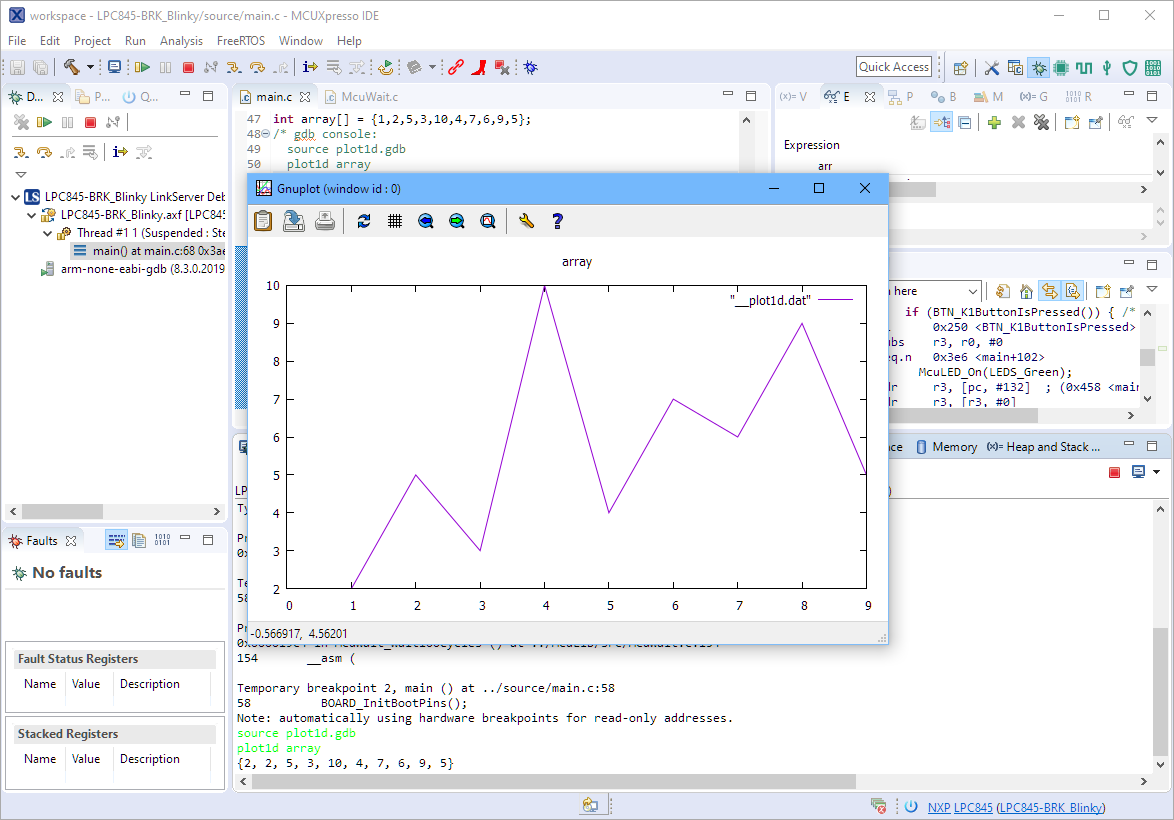
Visualizing Data with Eclipse, gdb and gnuplot
The gnuplot is a versatile and powerful tool to plot and visualize all kind of data. I wish there would be a plugin for it in Eclipse. But as this is not (yet?) the case, here is how I’m using it with gdb and Eclipse, using the MCUXpresso IDE as example.
Enable Default FreeRTOS Debugging for LinkServer Debug Connections
Most of my projects are using FreeRTOS, and I’m using different Debug Probes (SEGGER, P&E and LinkServer) to debug NXP devices.
The NXP LinkServer debug connection is able to show the RTOS threads in Eclipse/MCUXpresso IDE which is incredibly helpful:
However, by default this is turned off. In this article I show how to turn this on by default.
Ways to apply Eclipse CDT C/C++ Project Settings
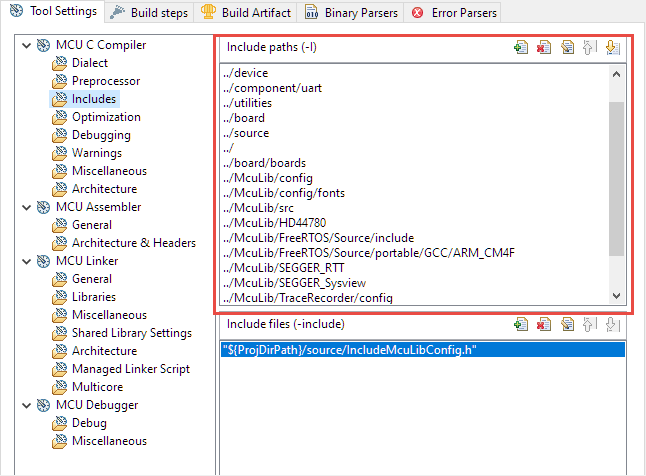
Eclipse with its CDT managed Make system makes it easy to build projects, because it can handle a lot of the background tasks and settings between the project and the build setting. It can get a bit difficult if I want to include a library or other sub-source project for which I have to add extra compiler #define or add extra includes path settings.
This article show the different ways I have found to make such imports (and exports) easier.