By default, the FreeRTOS threads do not show up with the SEGGER J-Link debug connection in the Eclipse based NXP S32 Design Studio IDE. But don’t worry: Here is how to get it working with SEGGER J-Link debug connection:
Tag Archives: NXP
Building a DIY SMT Pick&Place Machine with OpenPnP and Smoothieboard (NXP LPC1769)
This article is about a project I have started back in January 2018. As for many of my projects, it took longer than anticipated.But now it is working, and the result is looking very good: a DIY automated pick and place machine to place parts on circuit boards. In the age of cheap PCBs, that machine closes the gap for small series of boards which have to be populated in a time consuming way otherwise.
Eclipse CDT: Showing the Return Value of a Function with Step-Return
I recently discovered a nice feature in Eclipse CDT: the ability to show the return value of a function:
Embedded Computing Conference 2018: Pick&Place Overview Video
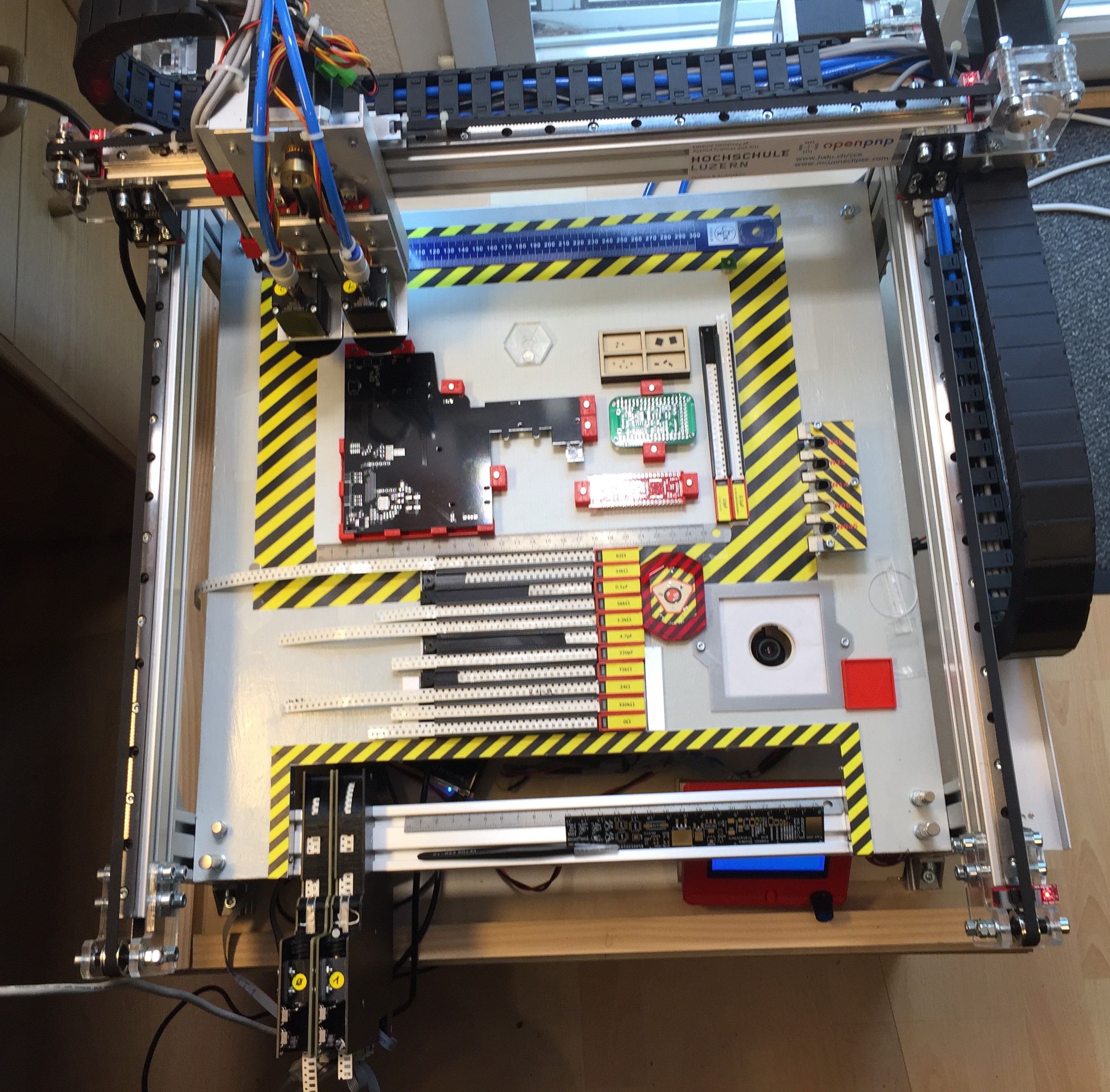
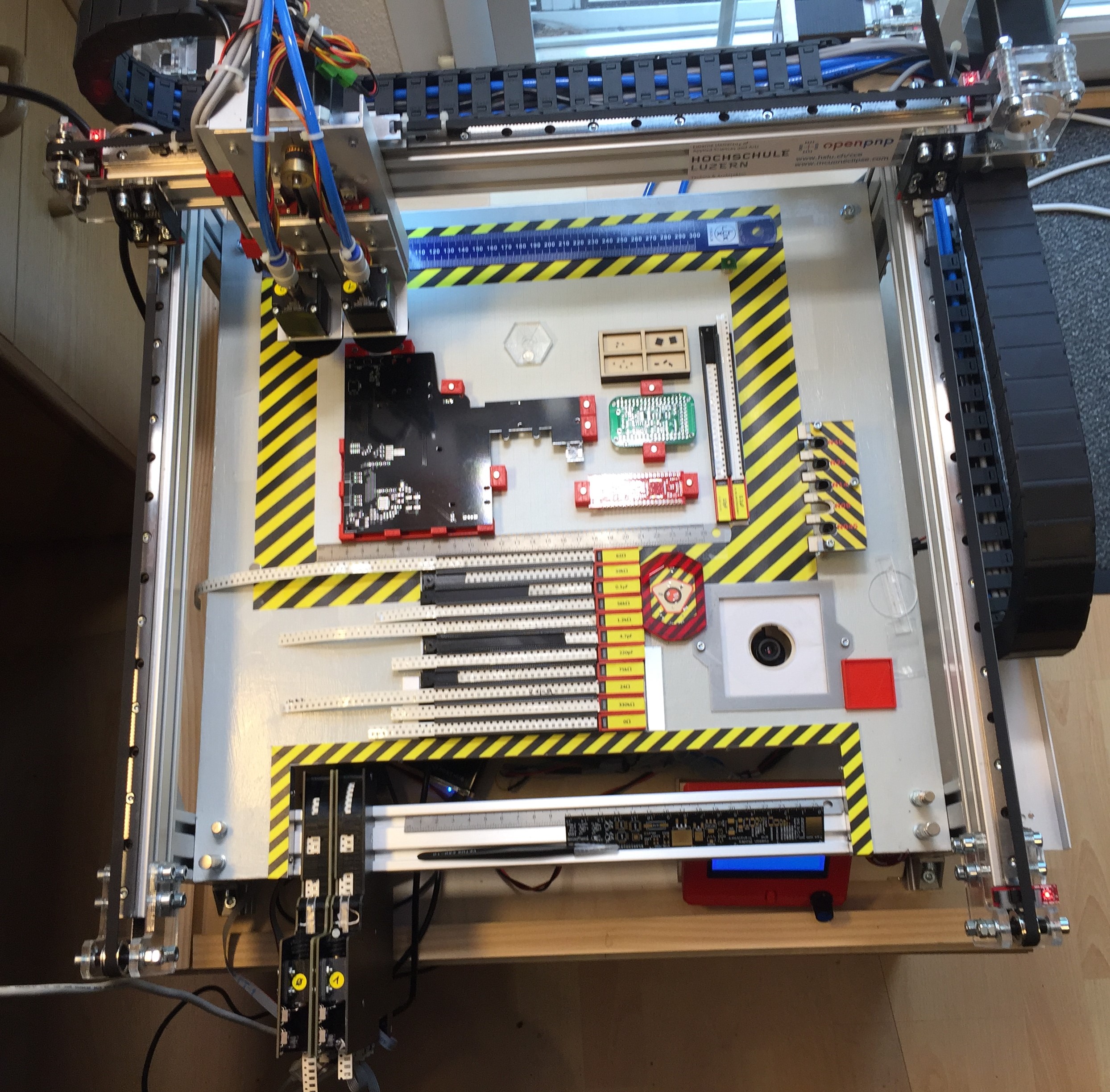
To support my talk next week at the Embedded Computing Conference 2018, I have put together a video with the hardware features of that Pick&Place based on OpenPnP machine based on NXP LPC1769 and NXP Kinetis K22. Below is a picture of the current machine:
Installing Darkest Theme with MCUXpresso IDE 10.2
Is BLACK the color of the season? My students really seem to love these ‘dark’ Eclipse themes. Well, I tried ‘dark’ themes in the past, but I have not been vey excited about it. Somehow I preferred more the ‘black on white background’ thing. But: I have now managed to install the ‘Darkest Dark’ Eclipse theme into the NXP MCUXpresso 10.2 IDE for my daily work, and I feel it hurts my eyes less? Maybe I’m getting older? Or could it really be that ‘dark’ look and feel?
Find out for yourself in the following article….
Tutorial: Understanding and Using FreeRTOS Software Timers
Hardware Timers are essential to most embedded applications: I use them mostly for triggering actions at a given frequency, such as acquiring data from a sensor. With using an RTOS I can do a similar thing using a task: the task will run with a given frequency and I can periodic work in it. However, using a task might be too much overhead doing this. The good news is that there is a much more efficient way to do this in FreeRTOS with Software Timers. And this is what this tutorial is about: how to use Software Timers with FreeRTOS.
Understanding FreeRTOS Task Stack Usage and Kernel Awareness Information
When using the FreeRTOS Task List in the Eclipse based MCUXpresso IDE, it shows the list of tasks with their stack size used. But with the default FreeRTOS settings it is not able to determine the correct stack size and shows a warning icon:
Overview of MCUXpresso IDE v10.2.0
Decisions, decisions! Such long weekends like Pentecost are a real challenge for a family with engineers:
- Should we join that record long traffic jam to Italy and be stuck for more than 4 hours and analyze it?
- Or: should we stay home, turn the BBQ smoker engine on fire, load it with baby back pork rib racks for a slow-and-low smoke treatment, while doing some on-the-side IDE and technology exploration?
Well, my family vote was kind of clear: they have chosen that second option. Not to mention that hidden technology piece in it, but that was part of the deal ;-).
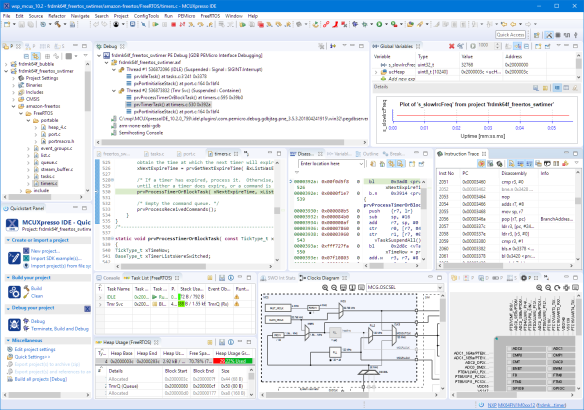
And I’m sorry: this article is not about BBQ (for this see “Smoking BBQ Baby Back Ribs – Swiss Style“), it is about technology: I’m using the NXP MCUXpresso IDE and tools for many of my projects (see “Eclipse MCUXpresso IDE 10.1 with integrated MCUXpresso Configuration Tools“). Right before the this extended weekend, NXP has released the new v10.2.0 version, so here is where that technology exploration piece comes into play. Checking the release notes, this version number change includes so many cool stuff I decided to have a look and to check it out. Of course always having an electronic eye on the baby back ribs!
Sneak Preview: DIY SMT Pick & Place Machine with OpenPnP
I apologize: I have not been blogging much in the past weeks :-(. One reason is that I’m working on a DIY SMT/SMD Pick&Place machine which keeps me busy most of my spare time :-). I admit that this project is not finished yet, but now is the time I can give a sneak preview: a SMD/SMT pick and place machine:
Debugging ARM Cores with IP based Debug Probes and Eclipse
Using IP (Ethernet) based debug probes is a very handy thing: I don’t have to be directly connected to the debug probe (e.g. with the USB cable). This article explains how to use an IP-based Segger or P&E probe with the Eclipse based MCUXpresso IDE.